









Content ITV PRO
This is Itvedant Content department
Learning Outcome
5
Handle redirects and wildcard routes
4
Perform template & programmatic navigation
3
Create and manage multiple routes
2
Configure RouterModule
1
Understand SPA and routing in Angular
Why Routing is Important
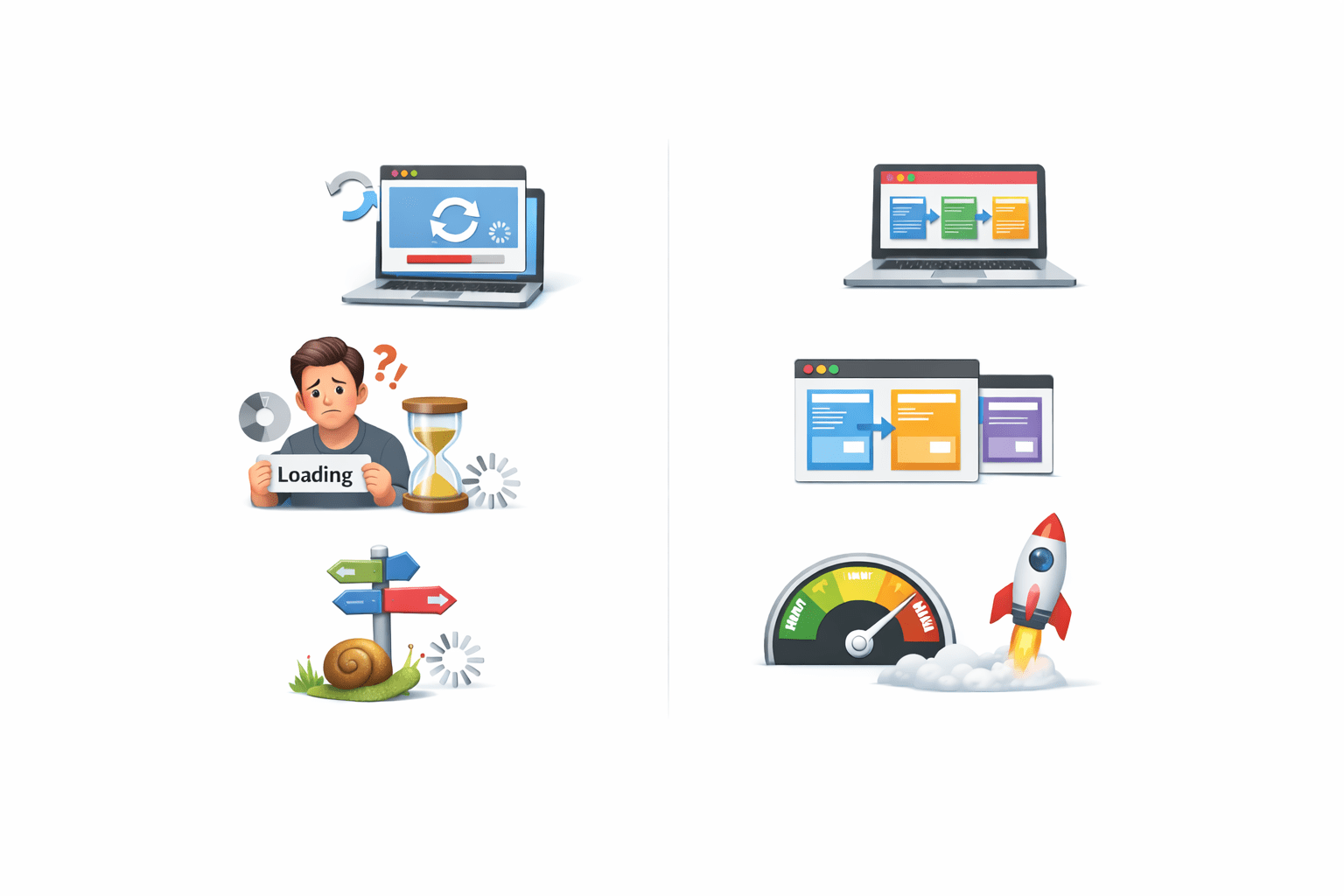
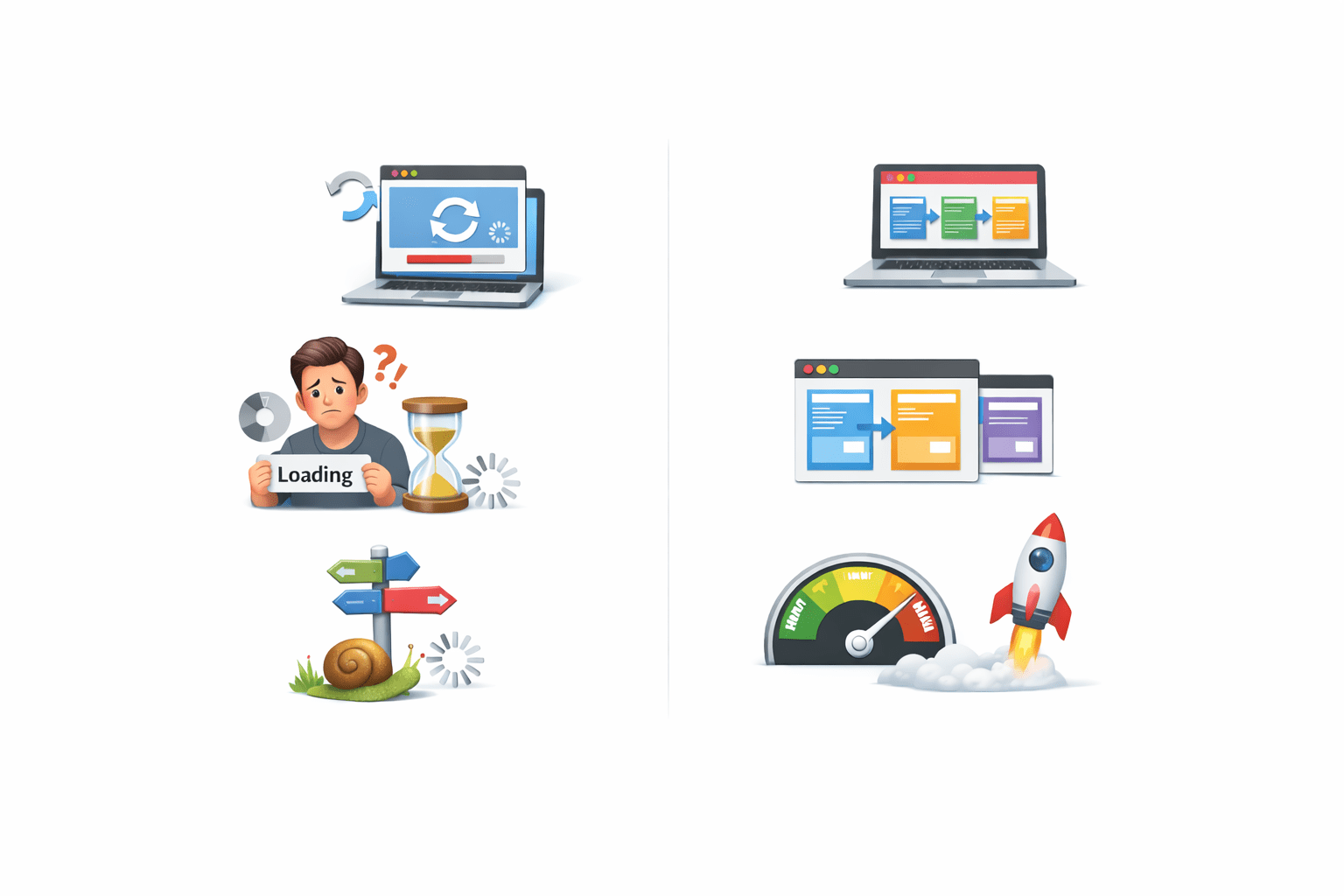
Without routing :
Entire page reloads
Poor user experience
Slow navigation
Modern applications are Single Page Applications (SPA).
Smooth navigation
No page reload
Better performance
Routing helps manage views inside a single page.
With Angular Routing :
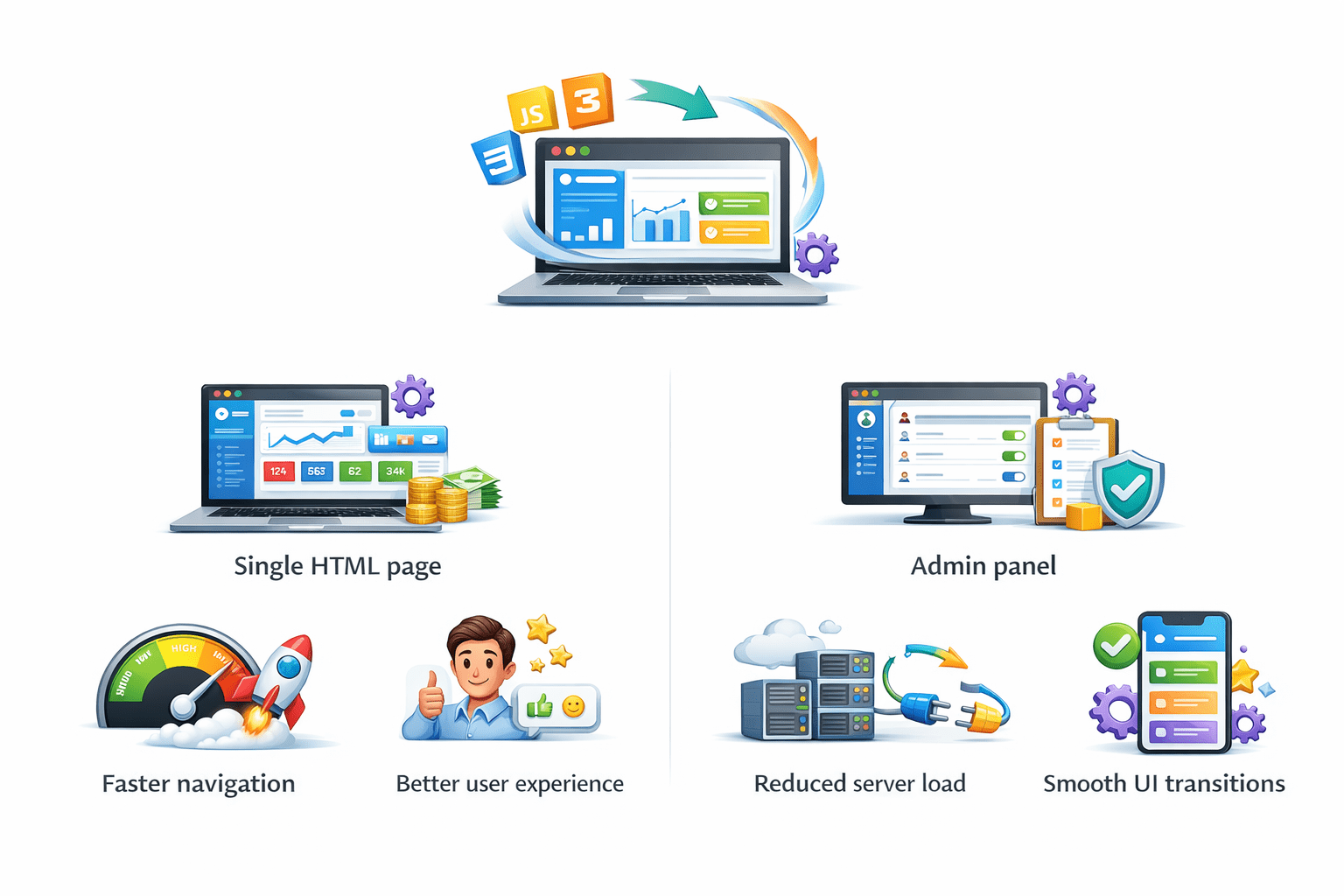
What is SPA?
Examples :
Dashboard apps
Admin panels
Benefits of SPA
Faster navigation
Better user experience
Reduced server load
Smooth UI transitions
Angular uses routing to implement SPA behavior.
Loads a single HTML page
Dynamically updates content
SPA (Single Page Application) :
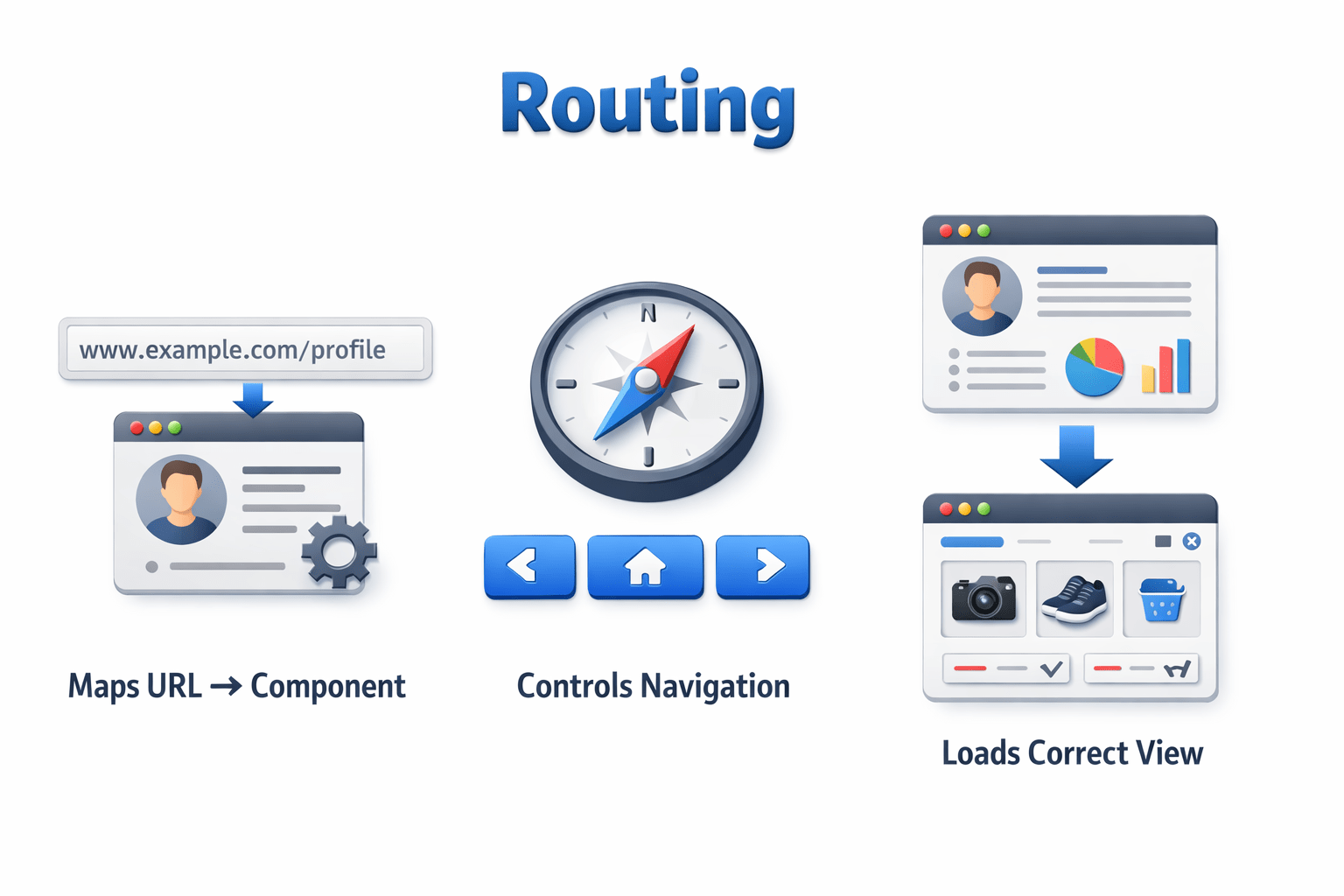
Role of Routing in SPA
Controls navigation
Maps URL → Component
Loads correct view
Routing :
'/home' → HomeComponent
'/about' → AboutComponent
Example :
Add Routing
Define routes
imports: [RouterModule.forRoot(routes)]Add Routes
const routes: Routes = [
  { path: 'home', component: HomeComponent },
  { path: 'about', component: AboutComponent }
];
import { RouterModule, Routes } from '@angular/router';Import RouterModule
Each route maps a path to a component.
Router-outlet
<router-outlet></router-outlet>Angular loads component here based on route.
Used to display routed components.
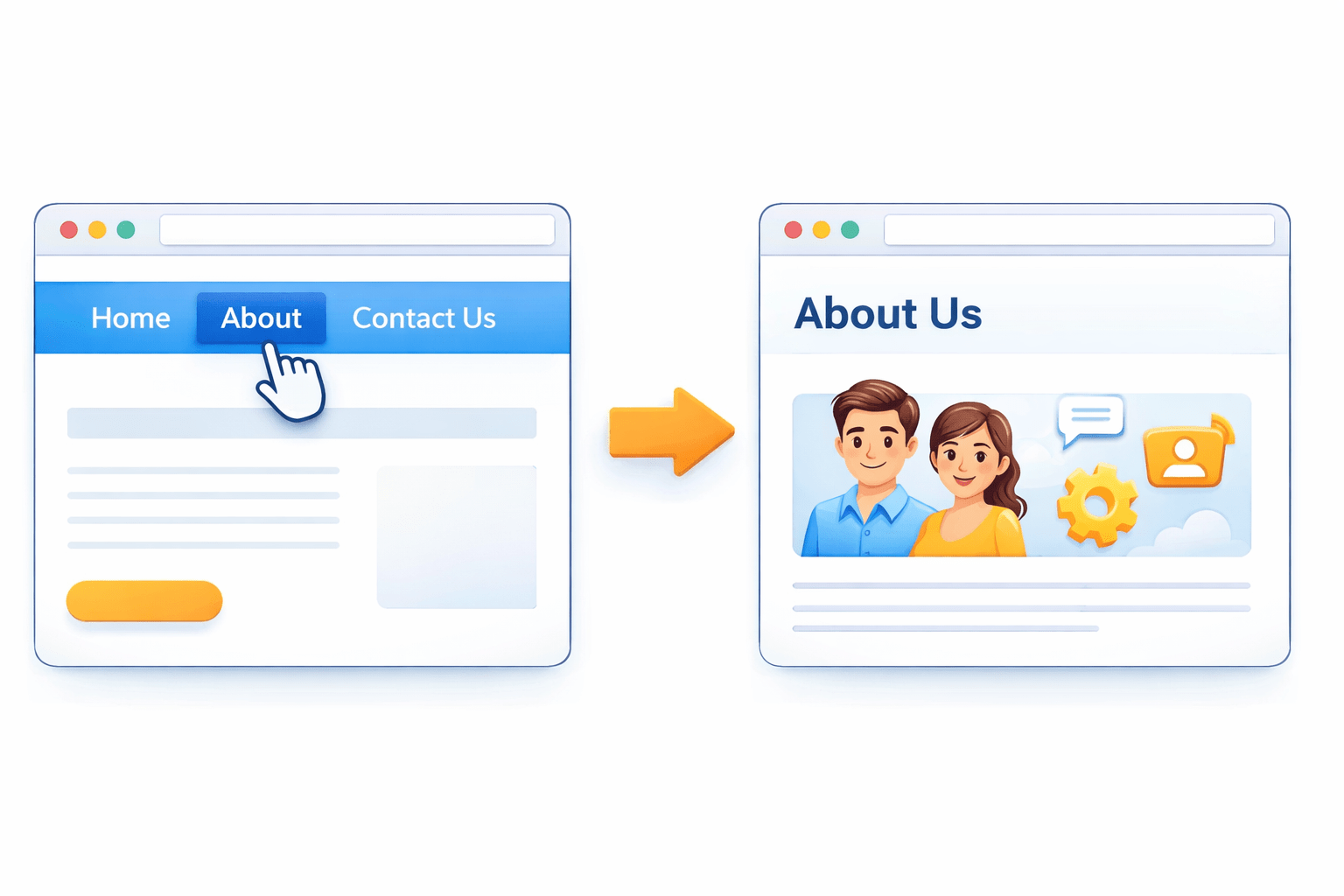
Navigation using routerLink
Used to Template navigation
<a routerLink="/home">Home</a>
<a routerLink="/about">About</a>
No page reload happens.
routerLinkActive
Custom class example
<a routerLink="/home" routerLinkActive="active-link">Home</a>Used to apply active class
<a routerLink="/home" routerLinkActive="active">Home</a>Programmatic Navigation
import { Router } from '@angular/router';

constructor(private router: Router) {}

goToHome() {
  this.router.navigate(['/home']);
}Useful for :
Used inside component
Redirect & WildCard Routes
Redirect Route
WildCard Route
{ path: '', redirectTo: 'home', pathMatch: 'full' }Used when app loads.
Redirect default route
Handles invalid routes
{ path: '**', component: PageNotFoundComponent }Used for:
404 pages
Fallback routes
Summary
5
Redirect and wildcard routes improve navigation flow
4
router-outlet displays components
3
routerLink is used for navigation
2
Routes map URL to components
1
Angular routing enables SPA architecture
Quiz
Which component displays routed views?
A. router-view
B. router-display
C. router-outlet
D. route-container
Quiz-Answer
Which component displays routed views?
A. router-view
B. router-display
C. router-outlet
D. route-container
By Content ITV