
Content ITV PRO
This is Itvedant Content department
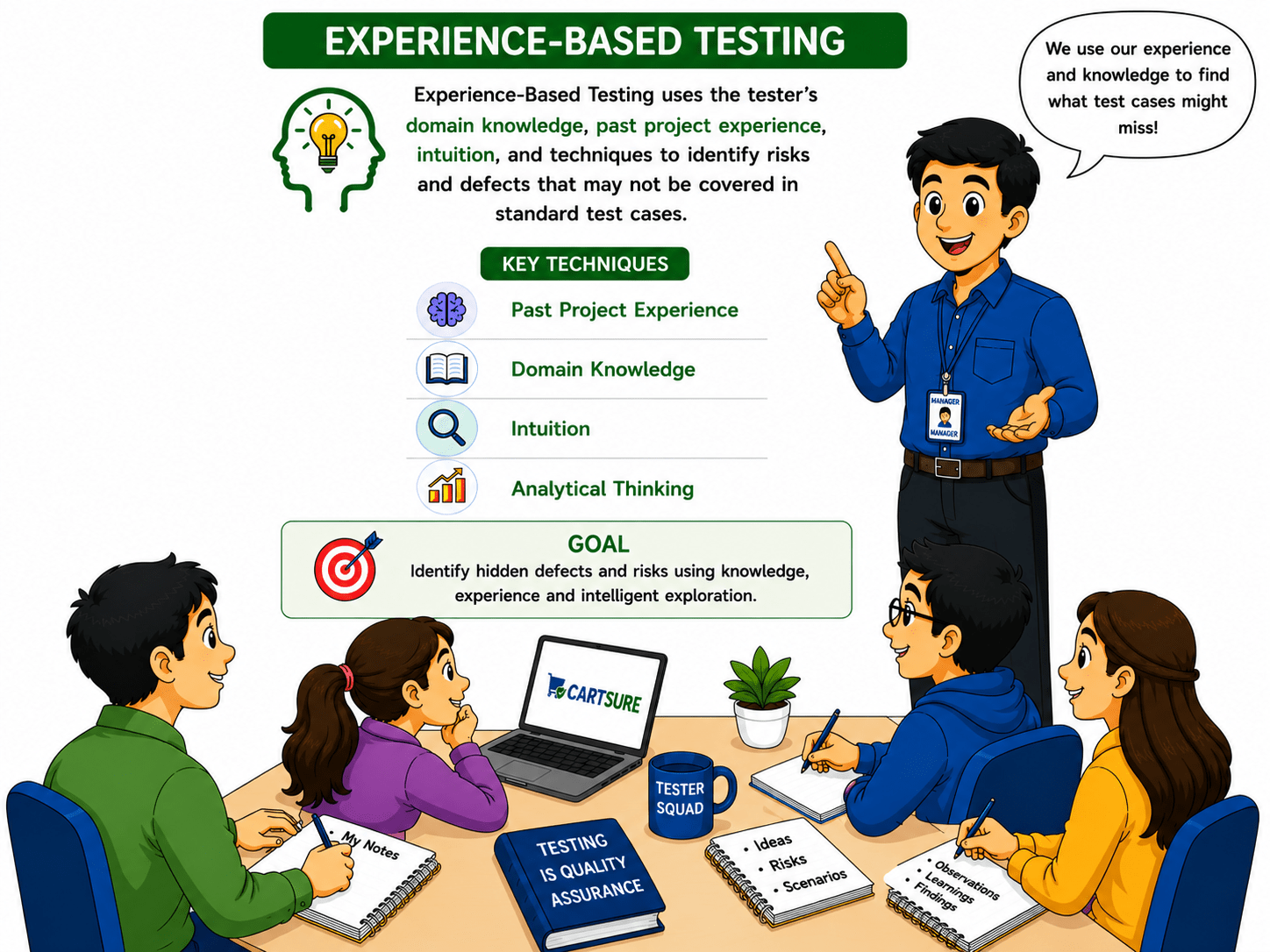
CartSure Exploratory & Experience-Based Testing
Business Scenario
Welcome!
You are now learning advanced testing techniques in the CartSure project as a Software Tester.
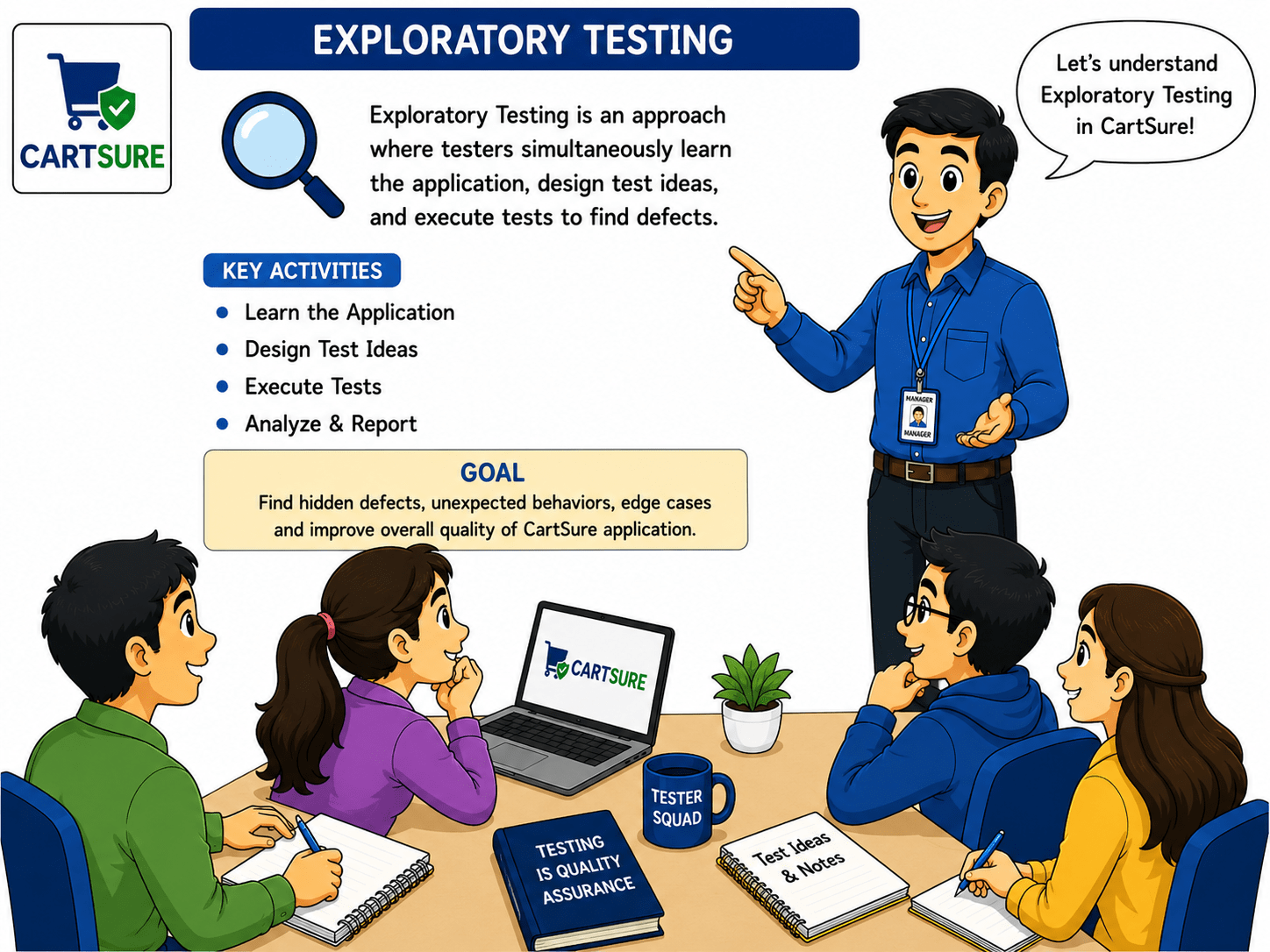
Before testing real-world applications, it is important to understand that some defects cannot be identified through predefined test cases alone, as users may perform unexpected actions or workflows.
In CartSure, you will explore different modules such as user registration, payment processing, and order management to identify edge cases and unexpected system behaviour.
Based on your testing observations and experience-based techniques, you will then validate how the application behaves under unusual conditions, invalid workflows, and unpredictable user actions.
These activities help ensure that CartSure’s application behaviour remains stable
So, today you will learn how to perform Exploratory Testing, identify edge cases, apply Experience-Based Testing techniques.
Pre-Lab Preparation
Topic: Testing Techniques
1)Black Box vs White Box And Equivalence Partitioning
2)Boundary Value Analysis And Decision Table & State Transition
Task 1: Perform exploratory testing
git pull origin branchNameGit Pull
Prepare for Testing
1
1
Explore the Application
1
2
Perform random, unscripted actions to find unexpected behaviour:
Remove or change product quantities
b
Add different products to the cart
a
Apply valid, invalid, and expired coupon codes
c
Proceed to checkout with empty or full cart
d
Try different payment methods
e
Navigate using back/forward buttons and multiple tabs
f
Enter special characters or invalid inputs in forms
g
Observe and Note
1
3
Identify unexpected behaviour (e.g., discount not applied, payment failure not handled)
Record any usability issues
| Area | Action | Observation | Severity | Suggestion |
|---|---|---|---|---|
| Cart | Add max quantity | Scroll issue | Medium | Auto-scroll or pagination |
| Coupon | Expired code | Error unclear | High | Show “Coupon expired” |
| Payment | Invalid card | No retry guidance | High | Add retry instructions |
| Checkout | Empty cart | Checkout allowed | Critical | Disable checkout |
| UI/UX | Multiple tabs | Cart not synced | Medium | Sync in real-time |
Records Finding
1
4
Outcome
1
5
Hidden issues discovered
Edge cases identified
Ready for documentation in Exploratory Testing Report
Create Decision Table
1
3
| CONDITION | DESCRIPTION |
|---|---|
| C1 | Stock Available(Yes/No) |
| C2 | Payment Successful(Yes/No) |
| C3 | Coupon Valid(Yes/No) |
Identify Actions
1
2
| ACTION | DESCRIPTION |
|---|---|
| A1 | Place Order |
| A2 | Apply Discount |
| A3 | Show Payment Error |
| A4 | Show Out Of Stock Error |
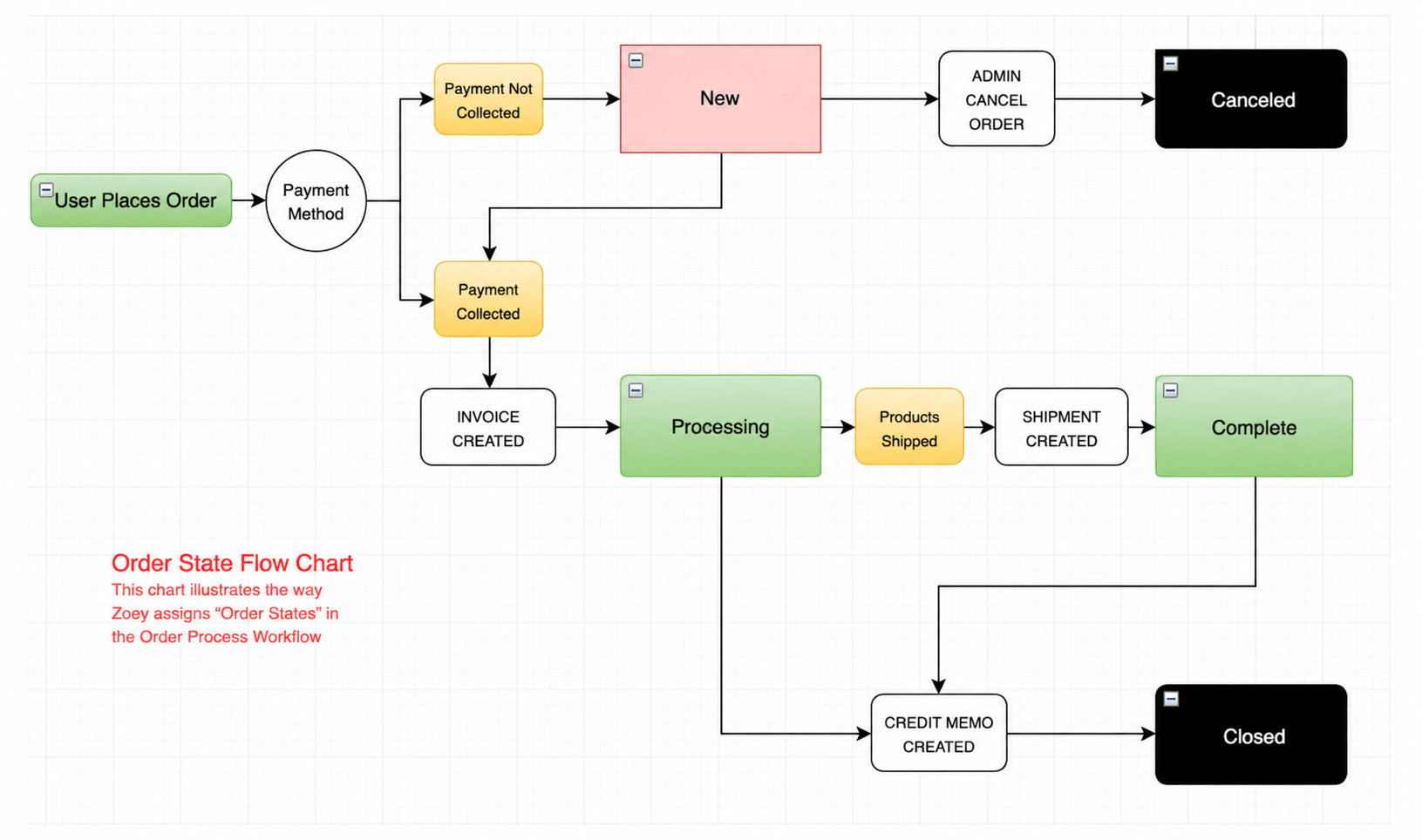
Identify System States (Example: Order Placement Workflow)
1
1
| RULE | C1:Stock | C2:Payment | C3:Coupon | Actions |
|---|---|---|---|---|
| R1 | YES | YES | YES | Place Order + Apply Discount |
| R2 | YES | YES | NO | Place Order(No Discount) |
| R3 | YES | NO | - | Show Payment Error |
| R4 | NO | - | - | Show Out Of Stock Error |
Task 2: Create Decision Table
| STATE | DESCRIPTION |
|---|---|
| BROWSING | User is Viewing Products |
| CART | User has Added Product to Cart |
| CHECKOUT | User Proceeds to Checkout |
| PAYMENT | User Enters Payment Details |
| ORDER CONFIRMED | Payment Successful, Order placed |
| PAYMENT RETRY | Payment Failed, User Retries |
| FROM STATE | ACTION/EVENT | TO STATE |
|---|---|---|
| BROWSING | Add Product | CART |
| CART | Proceed to Checkout | CHECKOUT |
| CHECKOUT | Make Payment | PAYMENT |
| PAYMENT | Payment Successful | ORDER CONFIRMED |
| PAYMENT | Payment Failed | PAYMENT RETRY |
| PAYMENT RETRY | Retry Success | ORDER CONFIRMED |
| CART | Remove Product | BROWSING |
Identify Transitions
1
2
Based On Decision Table
1
1
Task 3: Design Test Cases
| TC ID | CONDITION | INPUT | EXPECTED ACTION |
|---|---|---|---|
| TC01 | STOCK+PAYMENT+COUPON | STOCK = YES PAYMENT = YES COUPON = VALID | PLACE ORDER + APPLY COUPON |
| TC02 | STOCK+PAYMENT+INVALID COUPON | STOCK = YES PAYMENT = YES COUPON = INVALID | PLACE ORDER(NO DISCOUNT) |
| TC03 | STOCK+PAYMENT FAILED | STOCK = YES PAYMENT = NO | SHOW PAYMENT ERROR |
| TC04 | OUT OF STOCK | STOCK = NO | SHOW OUT OF STOCK ERROR |
Based on State Transitions
1
2
| TC ID | INITIAL STATE | ACTION/EVENT | NEXT STATE | EXPECTED RESULT |
|---|---|---|---|---|
| TC05 | Browsing | Add Product | Cart | Product added to cart |
| TC06 | Cart | Proceed to Checkout | Checkout | User enters checkout page |
| TC07 | Checkout | Make Payment (Success) | Order Confirmed | Order placed successfully |
| TC08 | Checkout | Make Payment (Fail) | Payment Retry | Payment retry option shown |
| TC09 | Cart | Remove Product | Browsing | Cart updated / empty |
Task 3: Design Test Cases
Add Product -> Cart -> Checkout -> Payment
1
1
Payment Success -> Order Confirmed
1
1
1
2
Payment Fail -> Payment Retry
1
3
Remove Product -> Cart Updates/Back to Browsing
1
4
Verify Error Messages for OUT OF STOCKS or INVALID COUPON
1
5
| TC ID | SCENARIO | EXPECTED RESULT | STATUS |
|---|---|---|---|
| TC01 | STOCK+PAYMENT+VALID COUPON | ORDER + DISCOUNT | PASS |
| TC02 | STOCK+PAYMENT+INVALID COUPON | ORDER(NO DISCOUNT) | PASS |
| TC03 | PAYMENT FAILED | RETRY PAYMENT | PASS |
| TC04 | OUT OF STOCK | SHOW ERROR | PASS |
| TC05 | REMOVE ITEM FROM CART | BACK TO BROWSING | PASS |
Validation Table
| TC ID | SCENARIO | CONDITION/STATE | EXPECTED RESULT |
|---|---|---|---|
| TC01 | Place order with valid coupon | Stock=Yes, Payment=Success, Coupon=Valid | Order placed + Discount applied |
| TC02 | Place order with invalid coupon | Stock=Yes, Payment=Success, Coupon=Invalid | Order placed without discount |
| TC03 | Payment fails | Stock=Yes, Payment=Fail | Show payment retry option |
| TC04 | Product out of stock | Stock=No | Show "Out of Stock" error |
| TC05 | Retry payment success | Payment Retry, Success | Order confirmed |
| TC06 | Add product to cart | Browsing → Add Product | Product added to cart |
| TC07 | Proceed to checkout | Cart → Checkout | Checkout page opens |
| TC08 | Remove item from cart | Cart → Remove Product | Cart updated / Back to browsing |
OUTPUT: Logic-Based Test Cases
Great job!
You have successfully completed your CartSure Business Logic Testing using Decision & State Models session.
You now understand how testers validate business rules and workflow behavior using Decision Table and State Transition Testing techniques.
Checkpoint
Git Push
git push origin branchNameNext-Lab Preparation
Topic: Testing Techniques
1)Black Box vs White Box
2)Equivalence Partitioning
3)Boundary Value Analysis
4)Decision Table & State Transition
By Content ITV