









Content ITV PRO
This is Itvedant Content department
Learning Outcome
4
How to use Environment
3
How to create Environment
2
Why do we need Environments
1
Chaining API RequestsWhat is Environment
Recall
What are Variables?
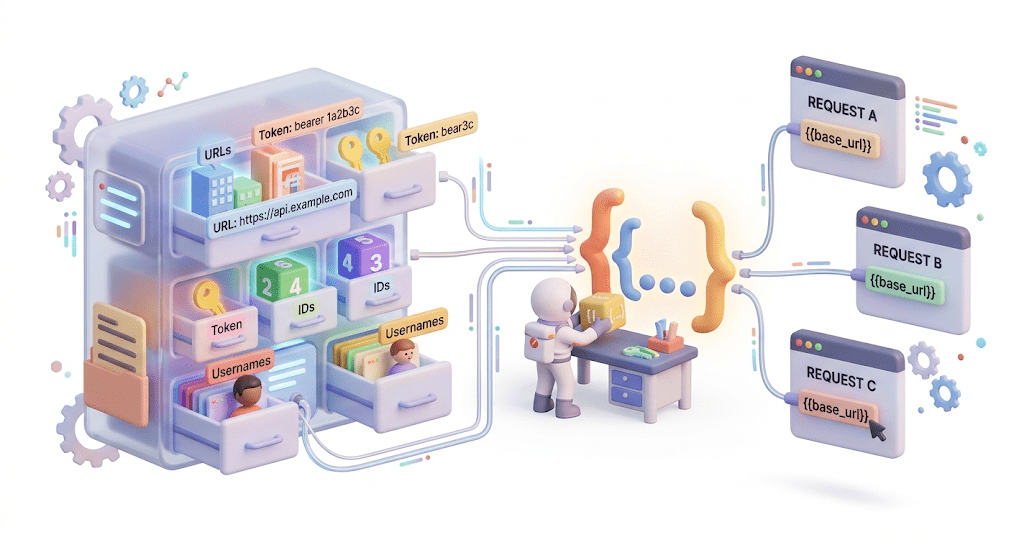
Variables in Postman are used to store values that can be reused across requests, collections, or environments.
Instead of hardcoding values such as URLs, tokens, IDs, or usernames inside requests, variables allow testers to store these values in one place and reference them dynamically.
Environments in Postman
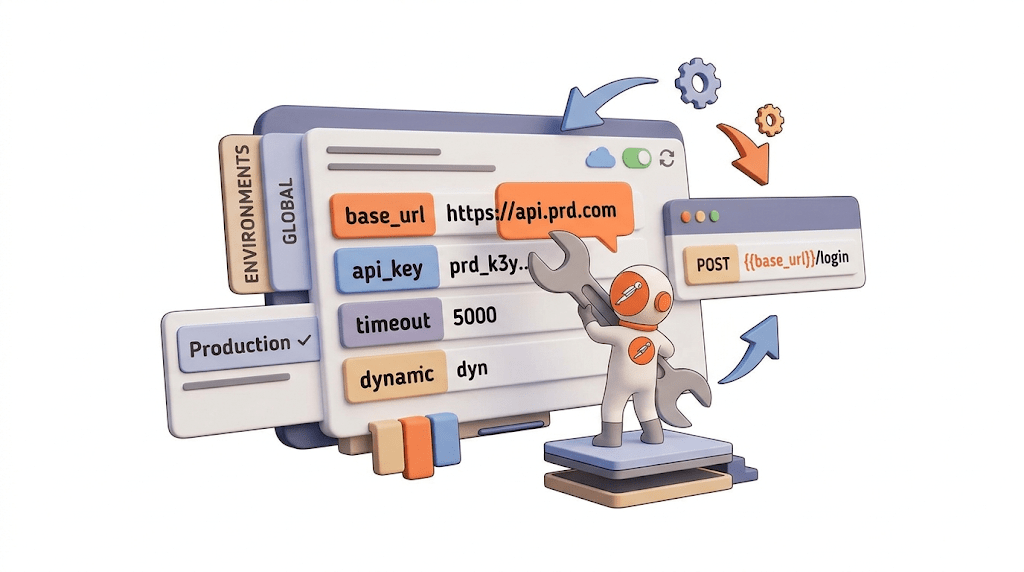
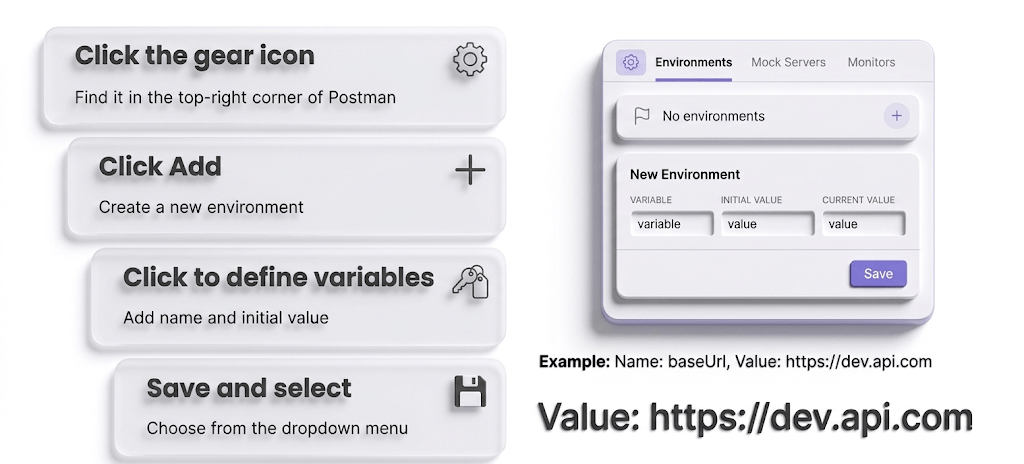
Environments in Postman are used to store variables that can change depending on where the API is being tested
Environment is a set of key-value pairs
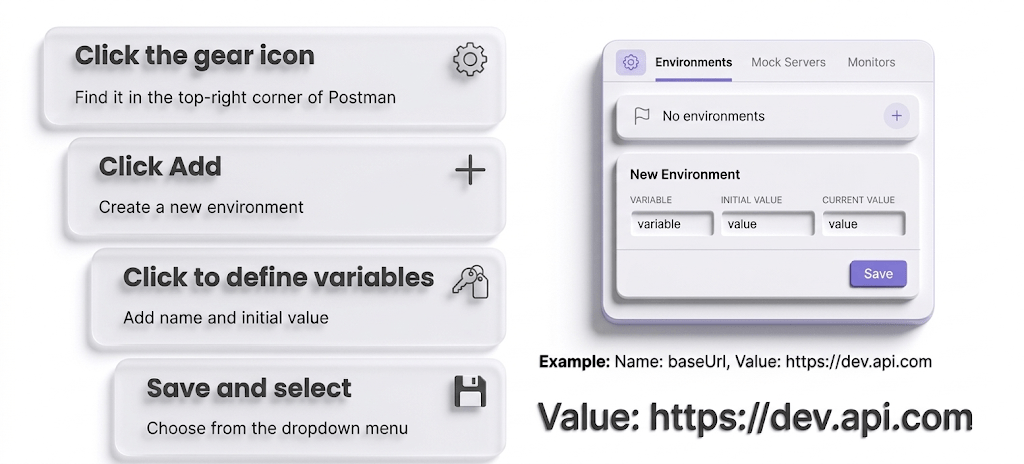
How to Create an Environment
Switching between Environments
Once multiple environments are created:
Select the active environment using the dropdown
menu
Postman automatically uses values from that
environment
No need to update each request manually
Development
https://dev.api.com
QA
Production
https://prod.api.com
https://qa.api.com
Chaining API Requests in Postman
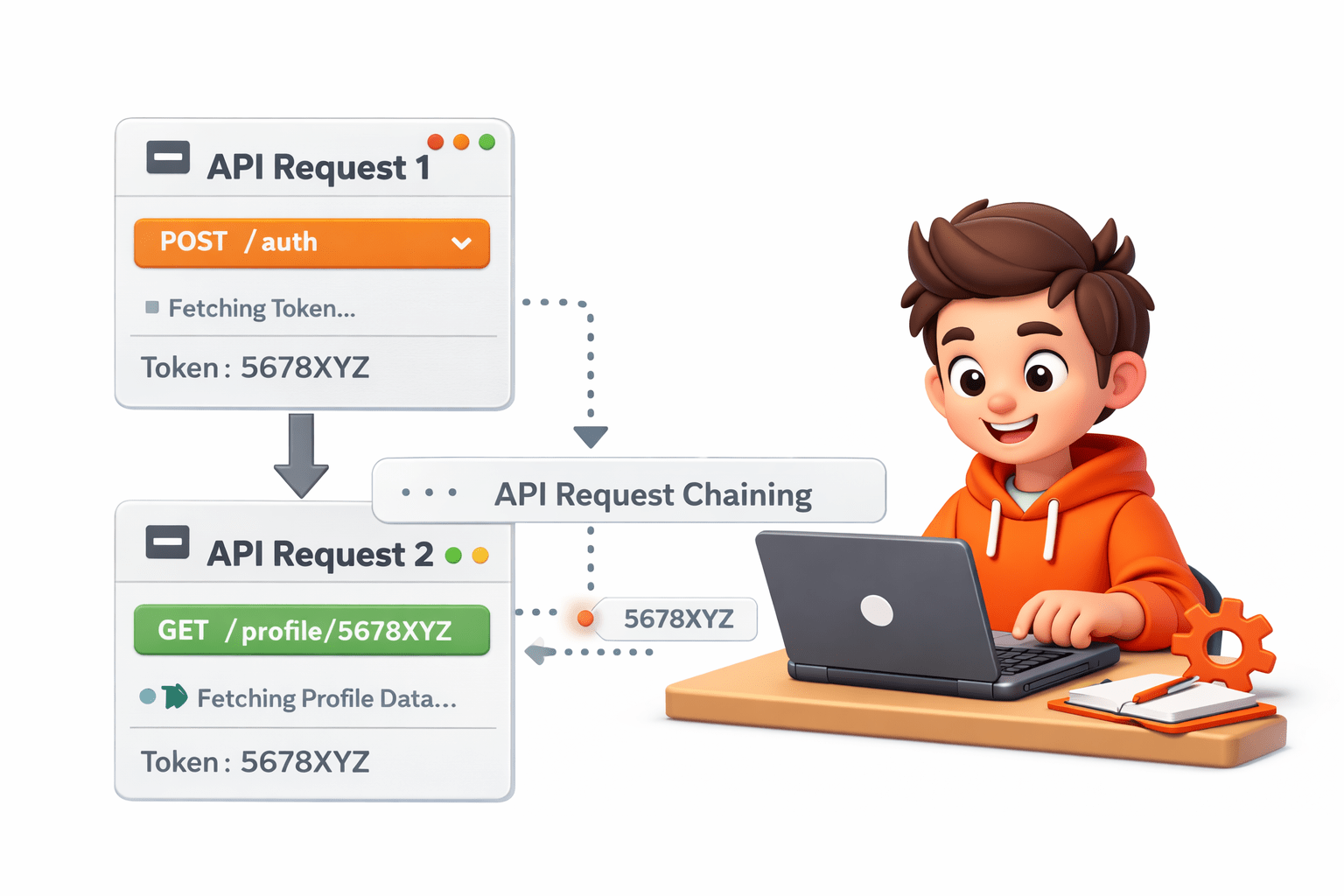
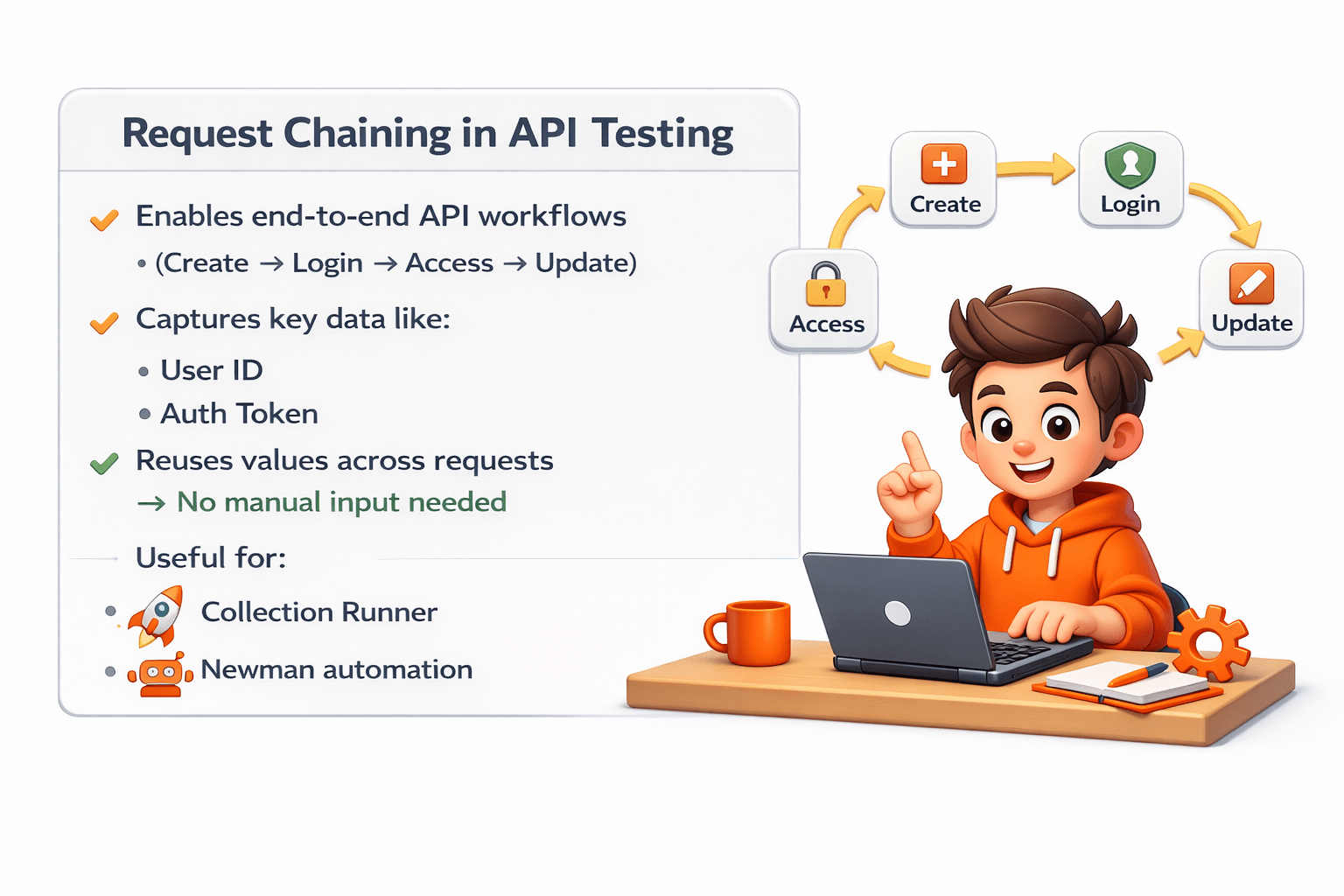
API request chaining is a technique where the output of one API request is used as an input for another request and storing them in variables.
These variables can then be used in headers, parameters, or request bodies of other API calls.
This approach makes testing smoother and helps simulate real application flows.
For example :
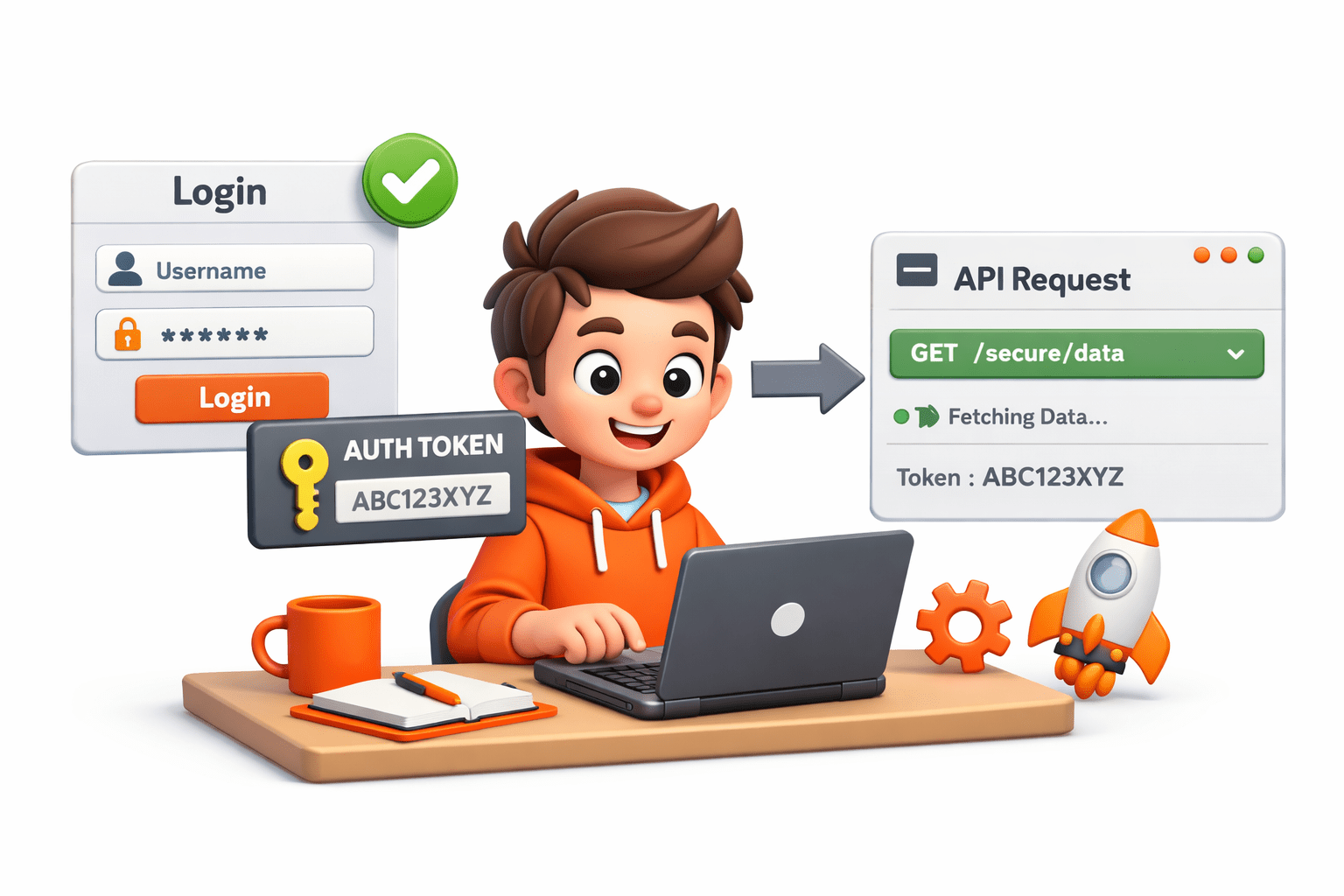
when a user logs in, the system returns an authentication token
This token is then used in other API requests to access protected resources.
Instead of referring this value manually, Postman allows you to capture it automatically and use it in the next requests
One of the common ways to implement chaining is through test scripts in Postman.
After a request is executed, a script can capture a value from the response using JavaScript and store it as a variable.
let responseData = pm.response.json();
pm.environment.set("userId", responseData.id);
The id returned in the response is stored in an environment variable called userId.
This variable can then be used in the next API request like this:
{{userId}}
Identify required values
Extract using scripts
Store as variables
Use in next requests
How it works:
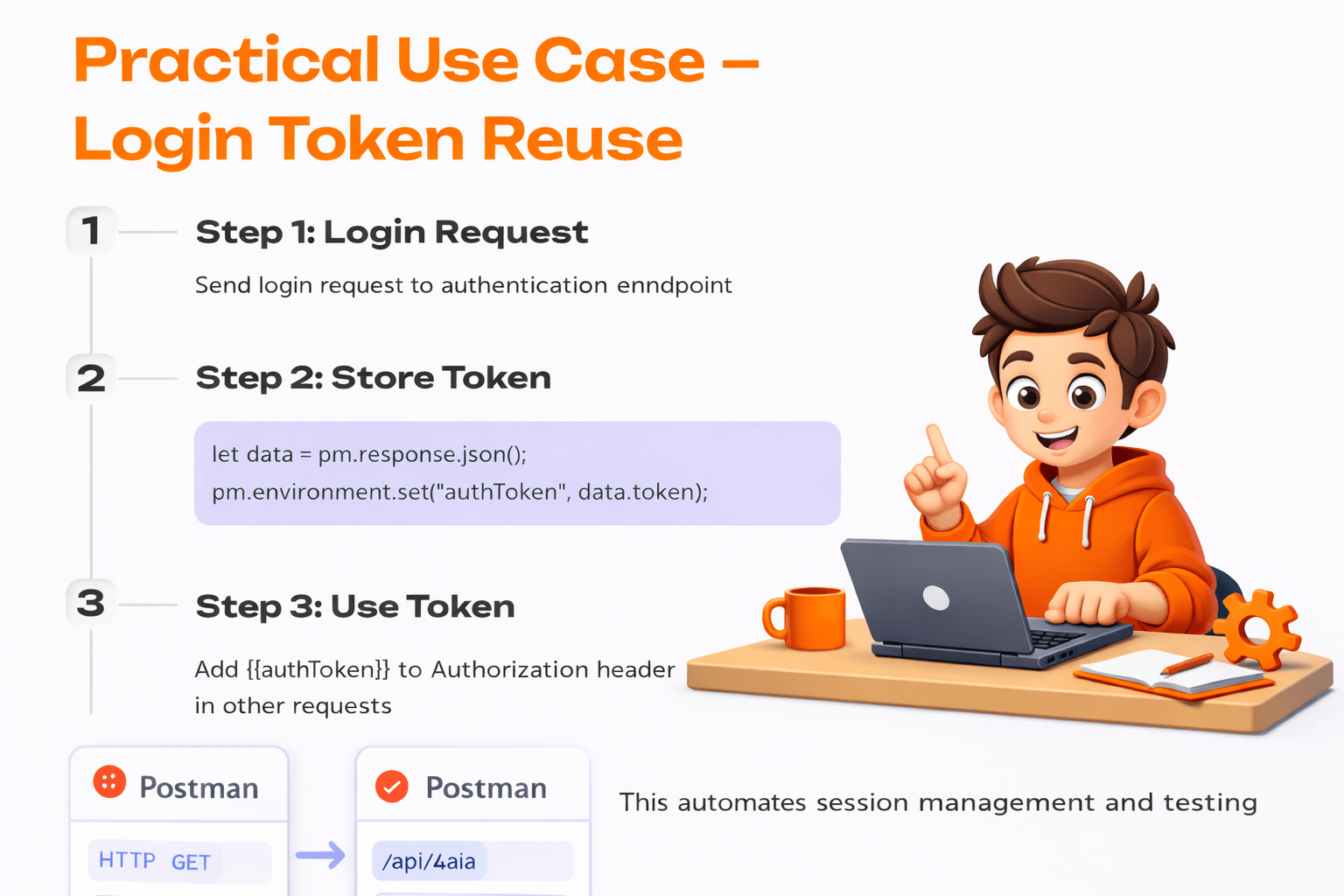
Practical use case - Login token reuse
endpoint
Summary
4
Reduces effort and improves testing efficiency & reliability
3
Request chaining links API calls into a workflow
2
Easily switch between Dev, QA, and Production
1
In Postman, environments store variables (URLs, tokens, credentials)
Quiz
What is the main purpose of using Environments in Postman?
A.Create API request
B.Store variable values that may change across setups
C.Run automated UI tests
D.Design API documentation
What is the main purpose of using Environments in Postman?
A.Create API request
B.Store variable values that may change across setups
C.Run automated UI tests
D.Design API documentation
Quiz-Answer
By Content ITV