



















Content ITV PRO
This is Itvedant Content department
Learning Outcome
6
Combine different targeting types for better result
5
Understand remarketing and how to re-target users
4
Improve ad performance by targeting the right users
3
Decide which audience to use based on business goals
2
Identify different audience types
1
Understand what Audience Targeting is and why it is important
Right People, Right Moment
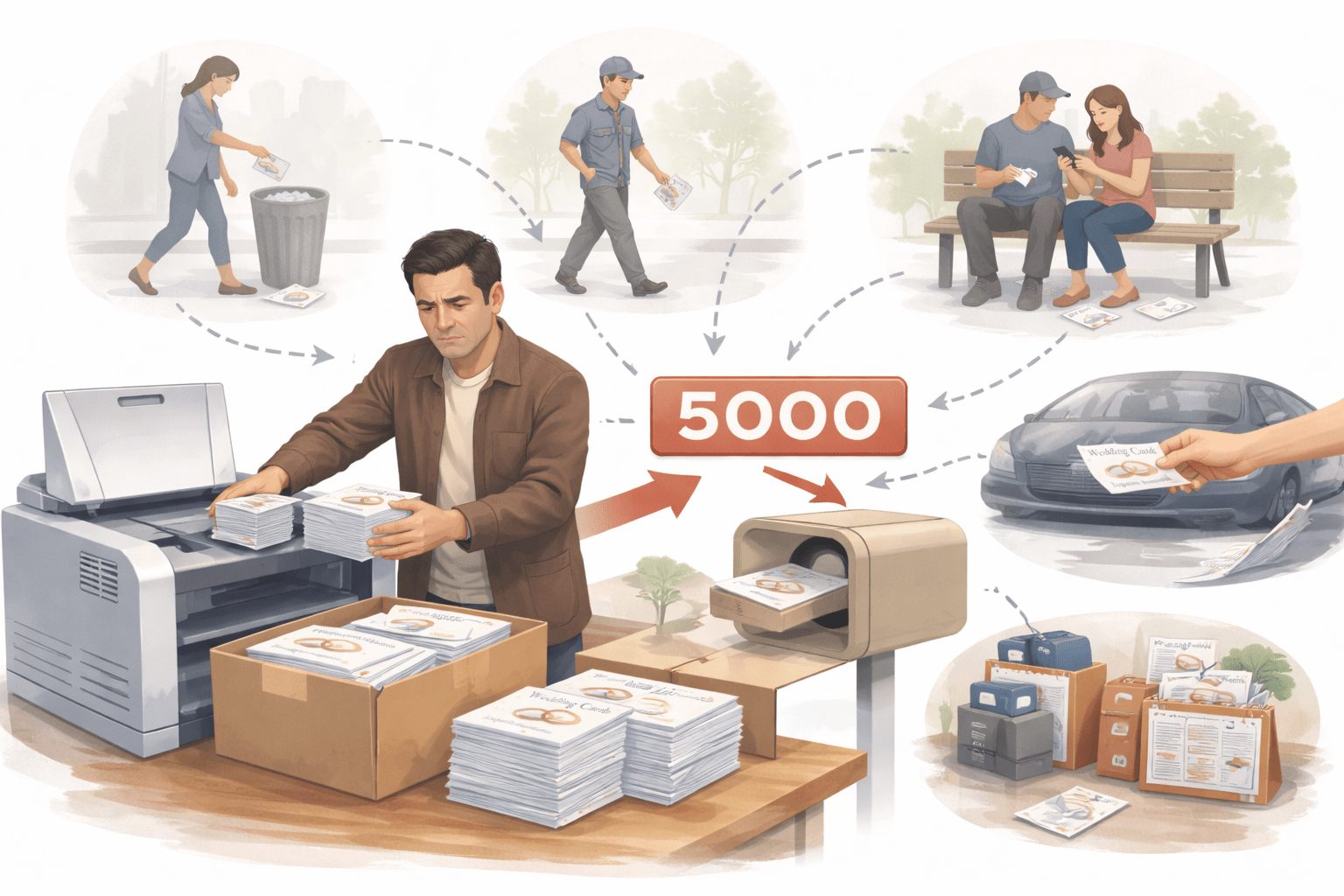
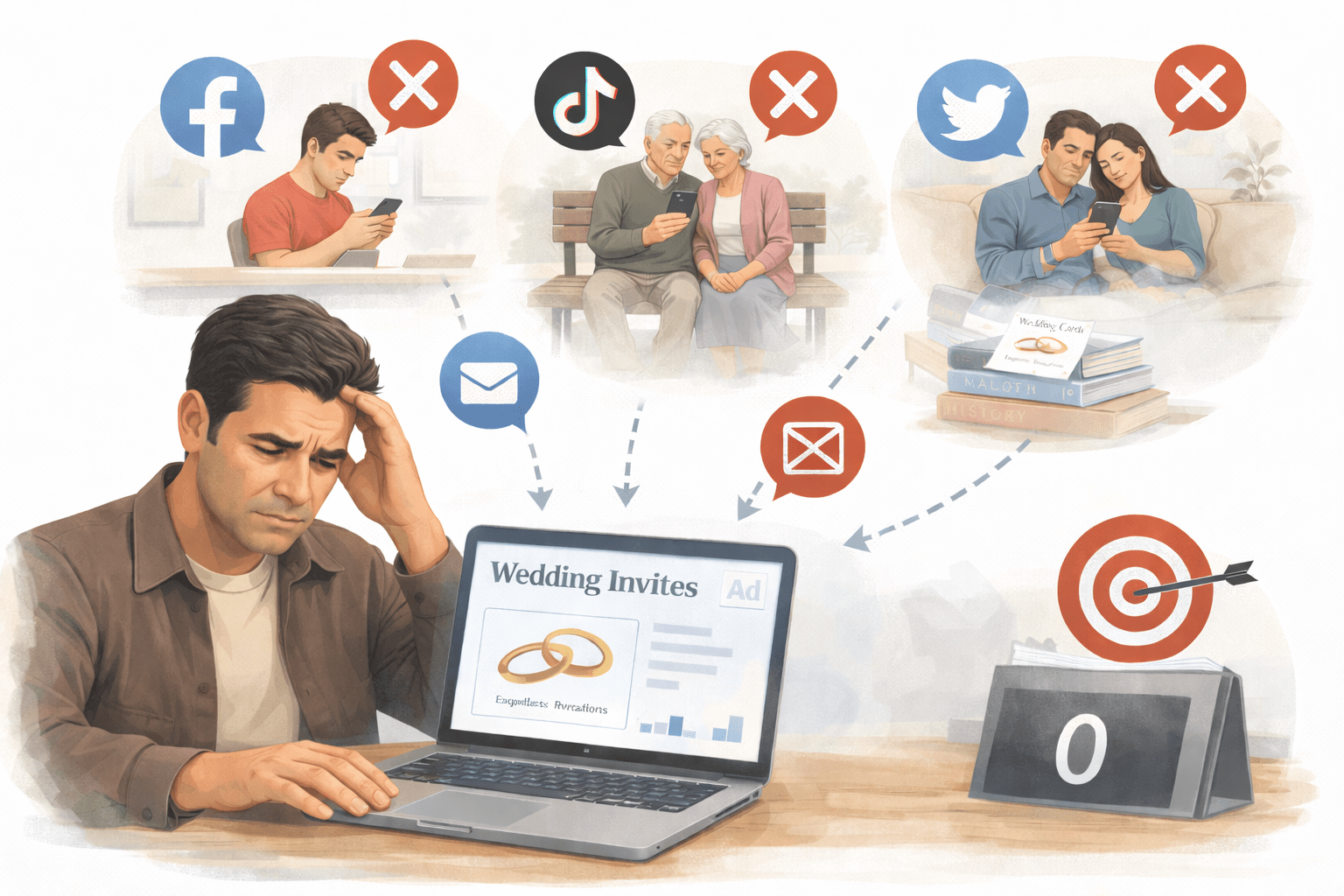
Bhavesh owned a wedding card business
Every year, he printed
5000 flyers and distributed them randomly
Result? Hardly 10 calls
Most people didn’t need wedding cards -
Students
Elderly
Married people
Right People, Right Moment
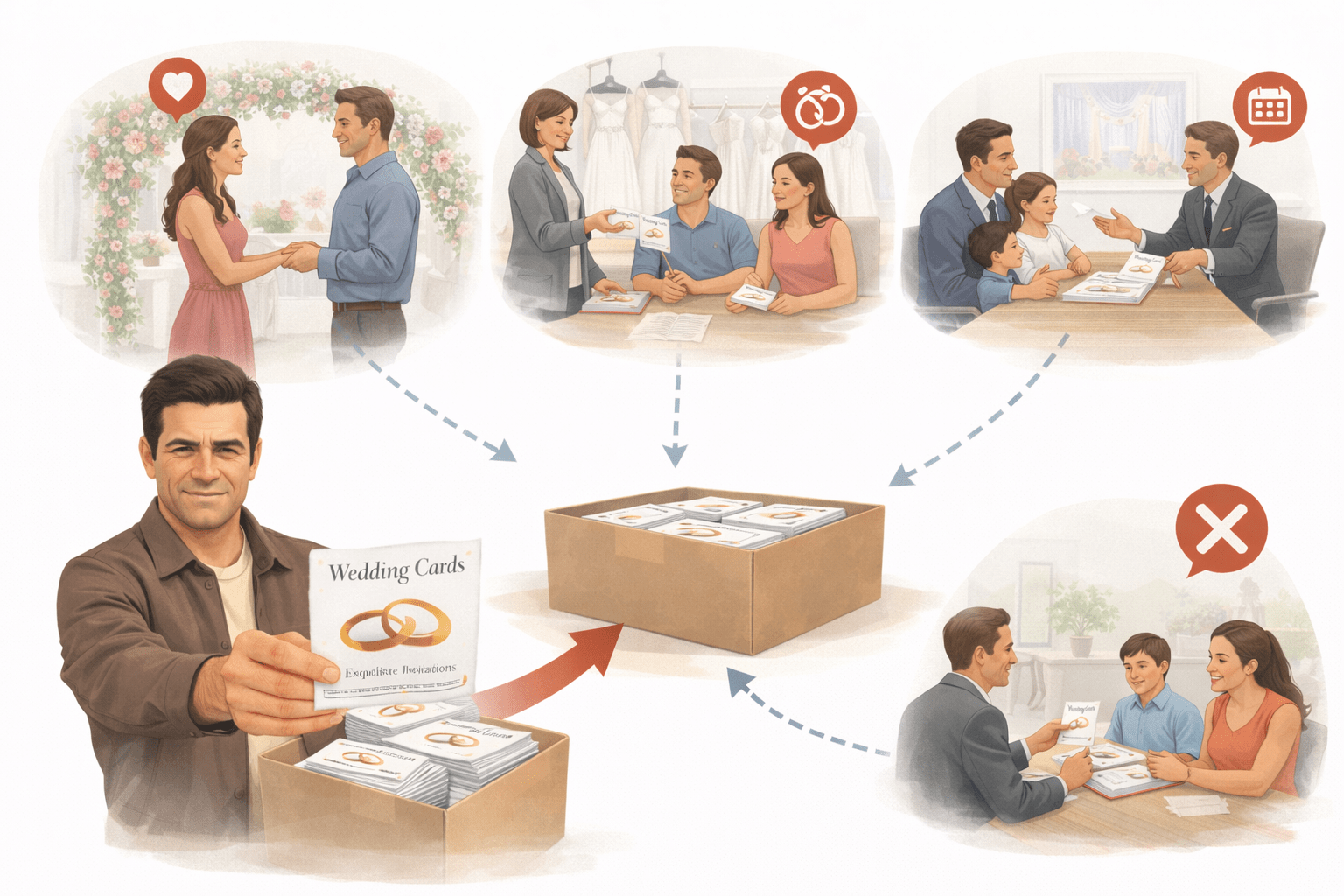
Then his son Mihir changed the approach
Instead of everyone, he focused only on the right people at the right time:
Result?
Just 800 targeted people → 87 confirmed orders.
People at engagement venues
Visitors at bridal shops
Families booking wedding halls
Same budget, same product —
only the audience changed
From Random Reach to Smart Results
Now imagine the same idea in digital ad
A company first showed ads to everyone — just like Bhavesh’s flyers
Results were poor
From Random Reach to Smart Results
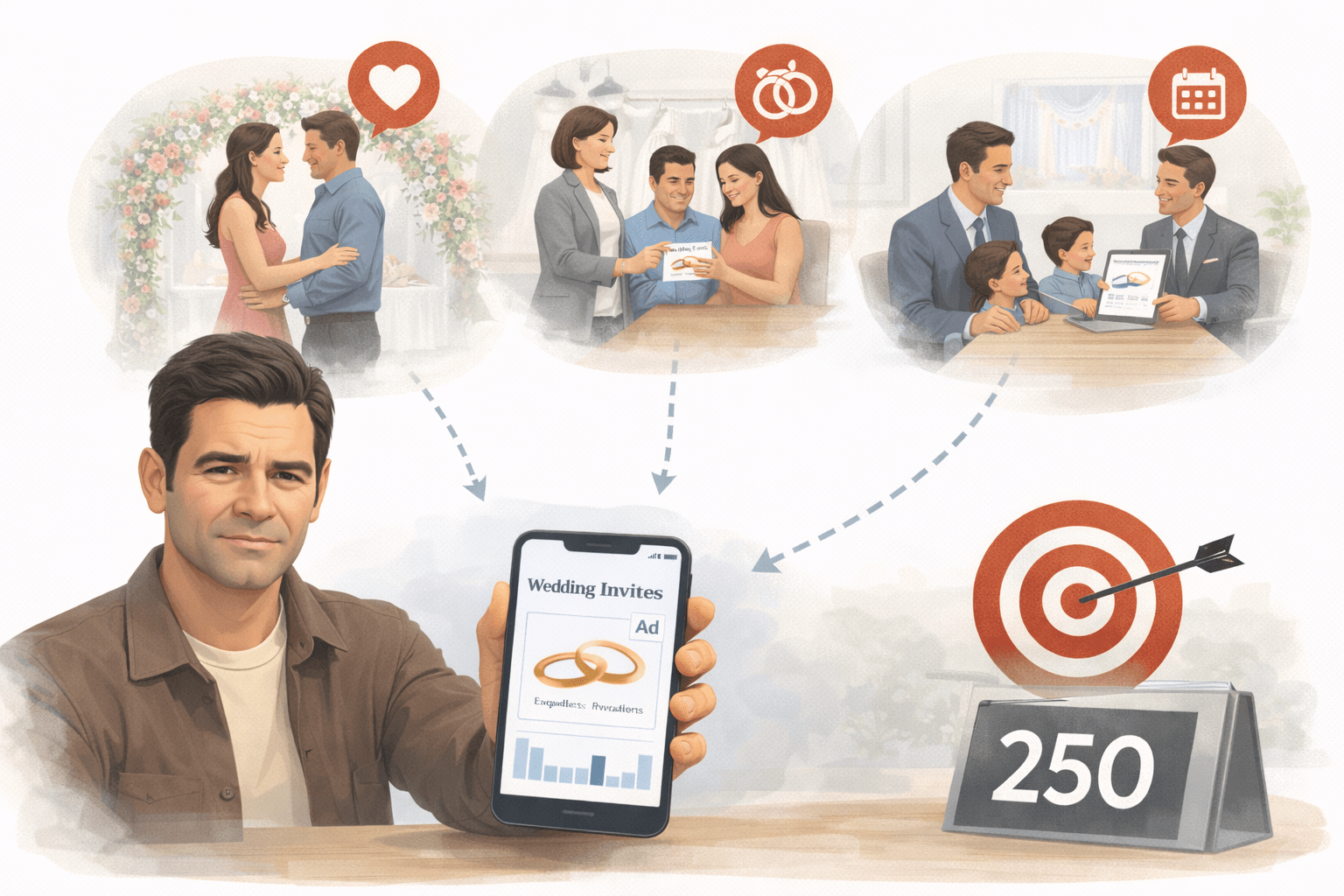
Then they applied Audience Targeting:
Focused on interested users
Targeted people ready to buy
Reached past visitors again
Suddenly, results improved massively — more leads, lower cost
This is exactly what Audience Targeting does —
not shouting to everyone, but reaching the people who actually matter
What is Audience Targeting in Google Display Ads?
Audience targeting means choosing who should see your ads based on:
Interests
Behavior
Intent
What is Audience Targeting in Google Display Ads?
Random People
Show Your Ad to the Right People !
Example:
Target : Fitness Enthusiast
Overview of all Audience Targeting types in Google Display Ads:
Demographic Targeting
Based on age, gender, income
Example:
Gym ad should be shown to fitness interested people, not everyone
Affinity Audiences
People with long-term interests
Example:
Travel lovers & Food lovers
In-Market Audiences
People actively researching products
Example:
Searching “best mobile under 20k”
Overview of all Audience Targeting types in Google Display Ads:
Custom Segments
You create your own audience
Example:Users searching “digital marketing course”
Life Events
People going through important life changes
Example: Furniture brand targeting users who recently moved in new Flats
Customer Match
Target your existing users using their data
Example:Netflix promoting a new plan to existing users
Overview of all Audience Targeting types in Google Display Ads:
Similar Segments
Target new users similar to your existing customers
Example: If your buyers are gym lovers → target similar fitness audience
Remarketing Audiences
Target users who already interacted
Example: Visited website but didn’t buy
Placement Targeting
Choose specific websites/apps
Example:Coding ad on tech blogs
Targeting vs Observation — Key Difference
Example: Ads show to everyone, but you check how “MBA interested users” are performing
Easy Way to Remember
Targeting = Control who sees ads
Observation = Learn who performs better
Example:
Only showing ads to users searching for “MBA courses”
You restrict your ads only to a selected group of people
Summary
5
Targeting vs Observation should be used smartly
4
Remarketing helps convert interested users
3
In-Market = ready buyers, Affinity = interest-based users
2
Different audience types serve different goals
1
Audience targeting helps show ads to the right people
6
Combining targeting improves performance
Quiz
Vikram wants to target users who searched specific keywords and visited competitor sites. Which targeting should he use?
A. Affinity
B. In-Market
C. Life Events
D. Custom Segments
Quiz
Vikram wants to target users who searched specific keywords and visited competitor sites. Which targeting should he use?
A. Affinity
B. In-Market
C. Life Events
D. Custom Segments
By Content ITV