Horizontal Pod Autoscaler & Cluster Autoscaler


Kubernetes Autoscaling


Learning Outcome
5
Understand how both work together during traffic spikes
4
Differentiate between HPA and Cluster Autoscaler
3
Explain what Cluster Autoscaler is
2
Explain what HPA is and how it works
1
Understand Kubernetes autoscaling
Let’s Recall What We Learned
Earlier we have seen:
2
How to create an EKS cluster
3
How to deploy applications
1
What is Amazon Elastic Kubernetes Service (EKS)

Imagine a shopping mall

More customers enter
Open more billing counters
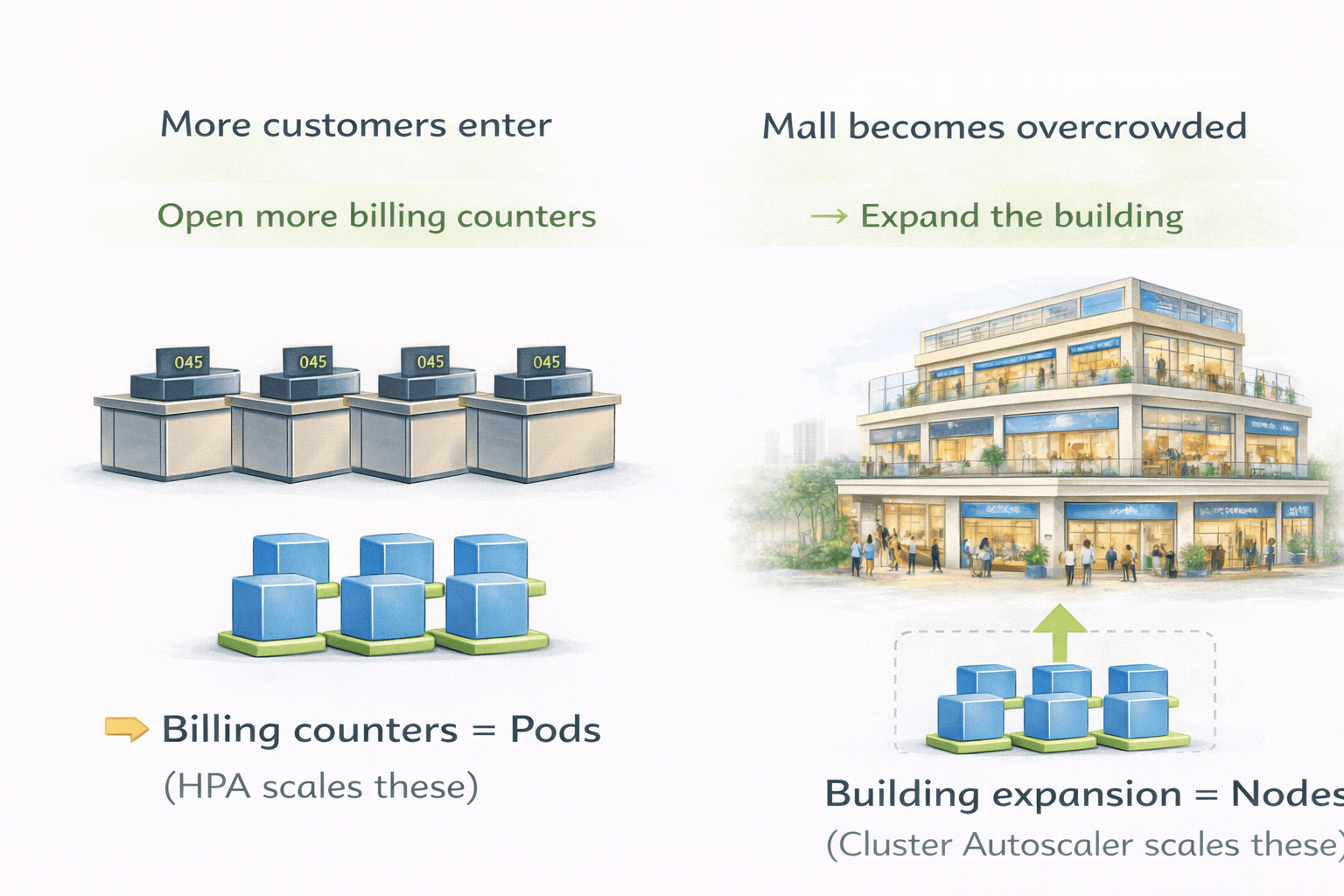
Billing counters = Pods (HPA scales these)
Building expansion = Nodes (Cluster Autoscaler scales these)
Mall becomes overcrowded
Expand the building
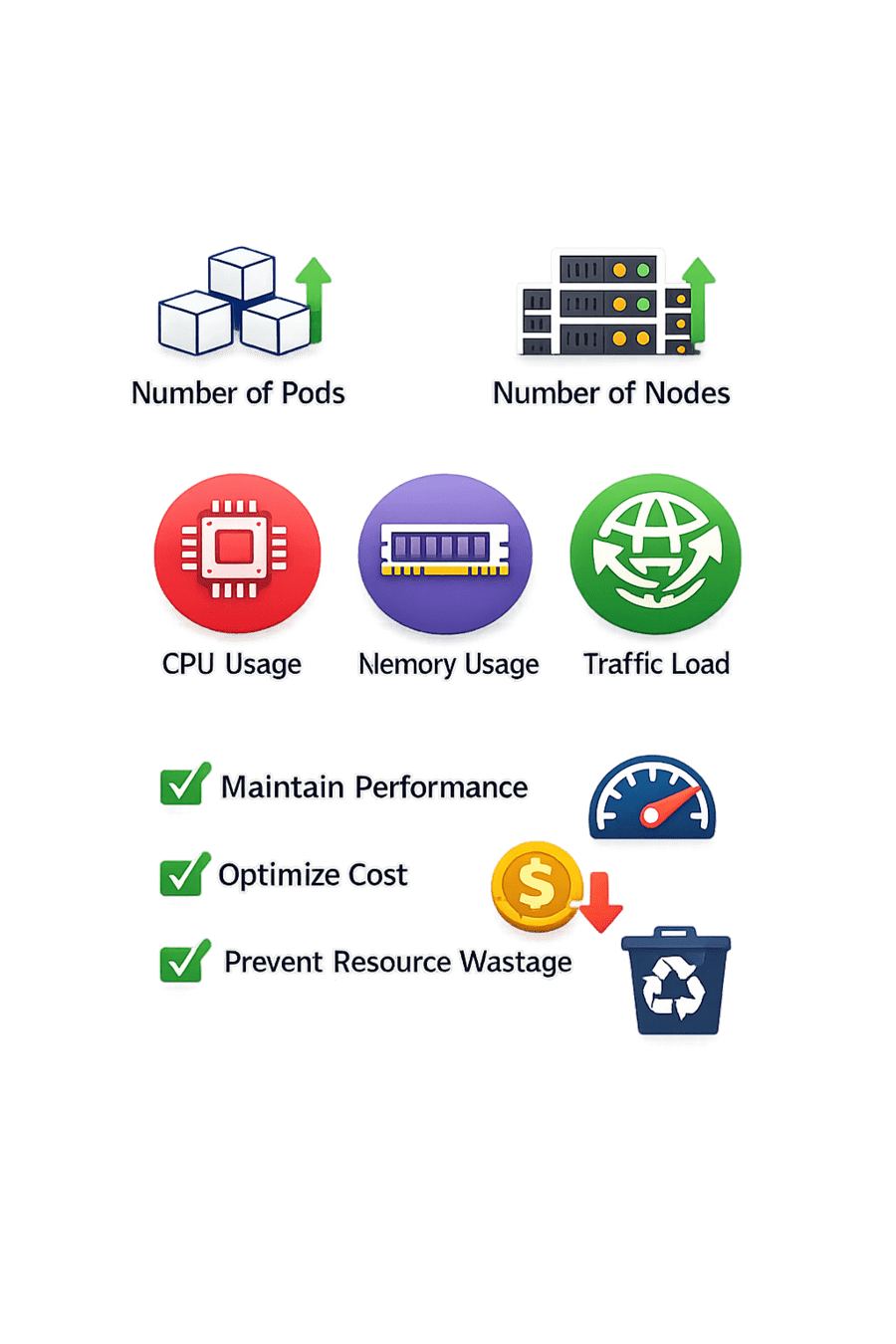
What is Kubernetes Autoscaling?
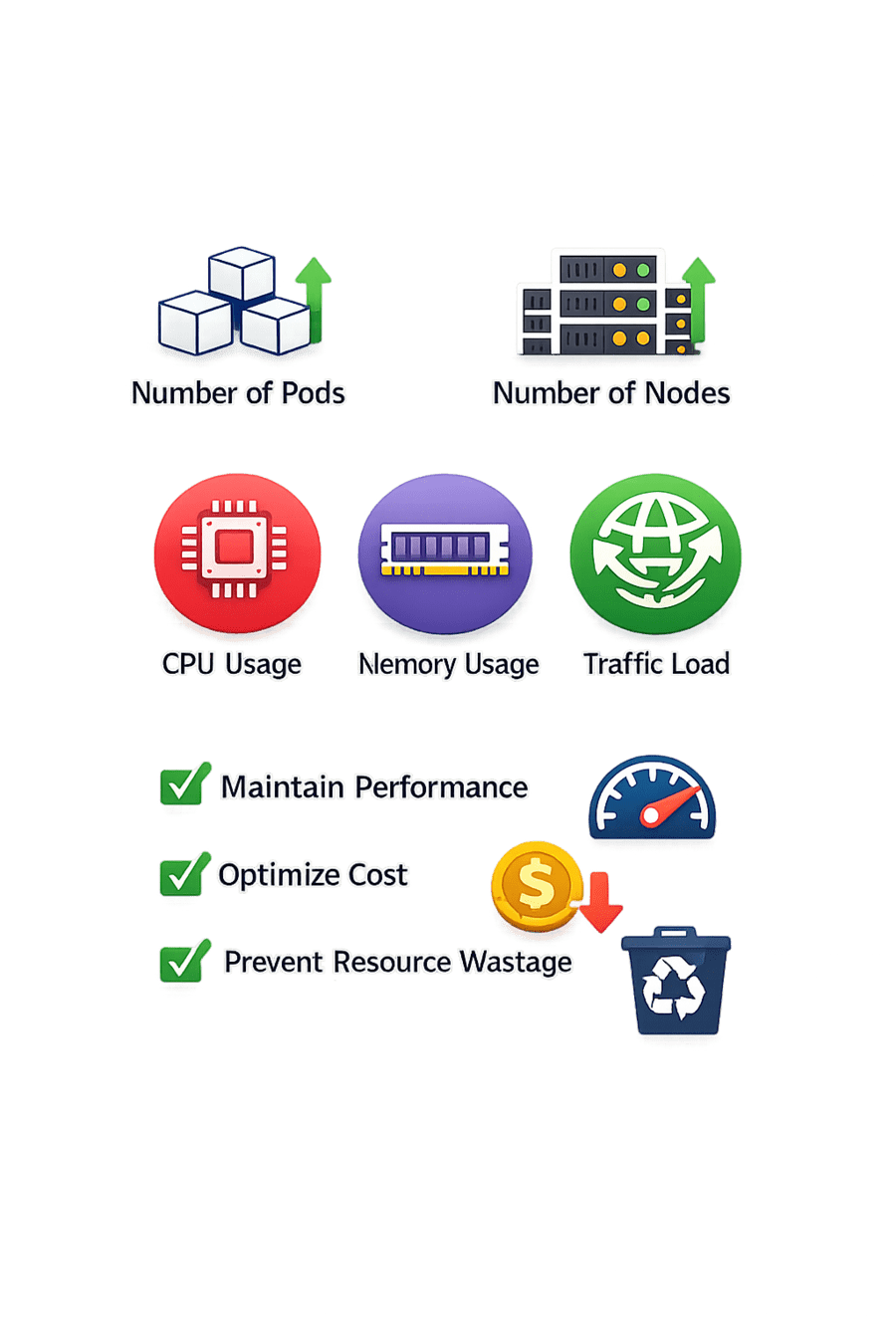
Kubernetes autoscaling automatically adjusts:

Based on:
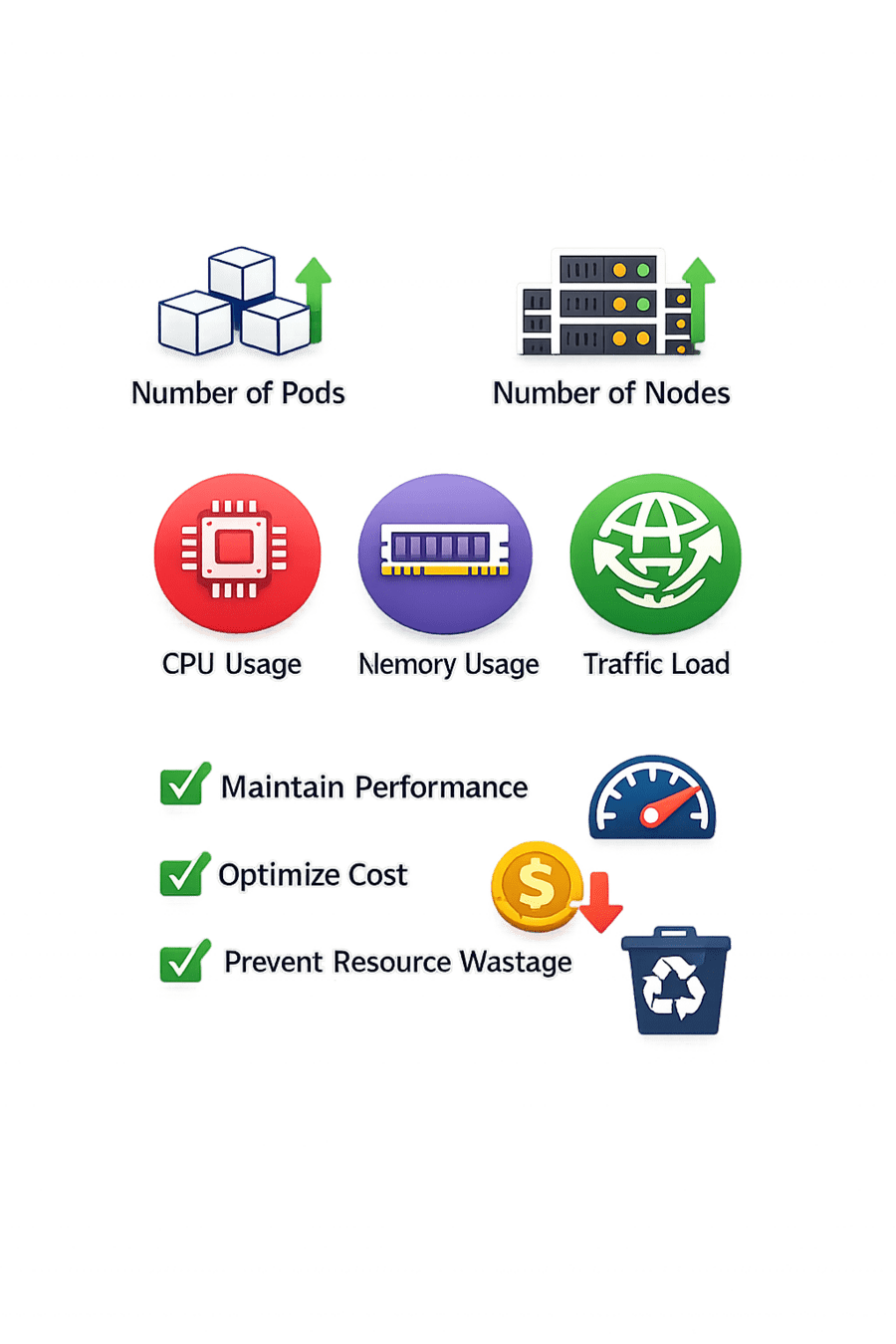
Traffic load
Number of Pods
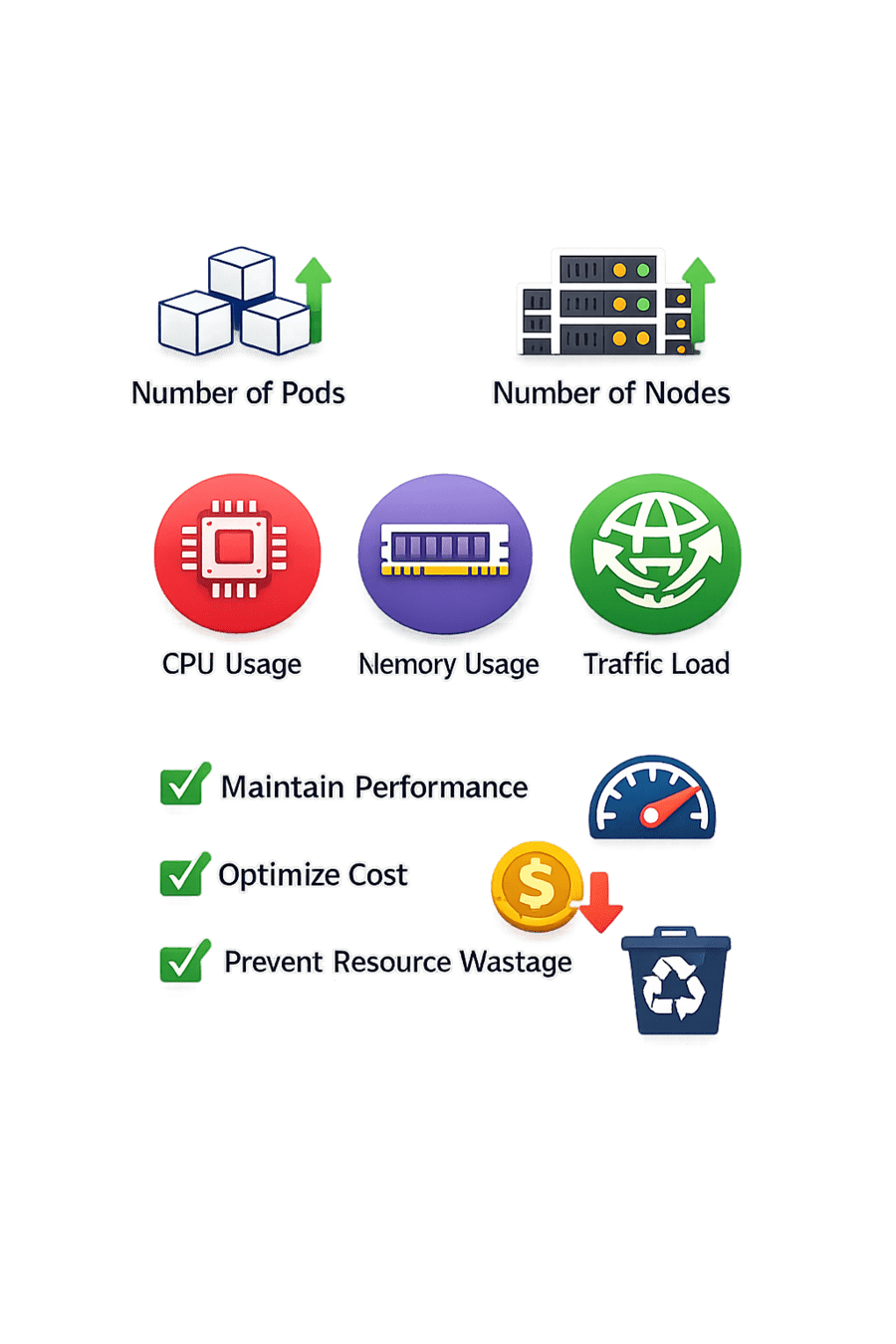
Number of Nodes
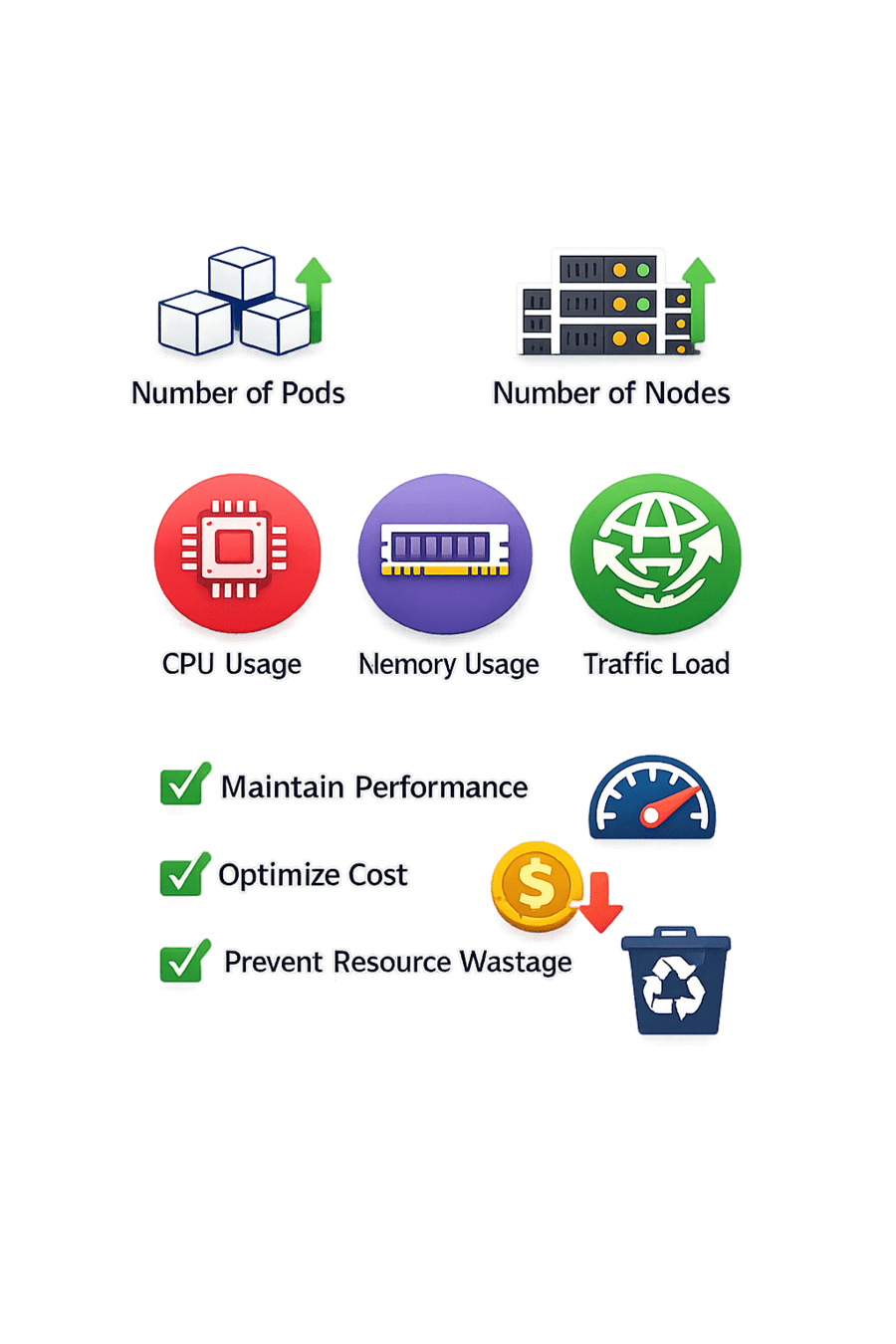
Memory usage
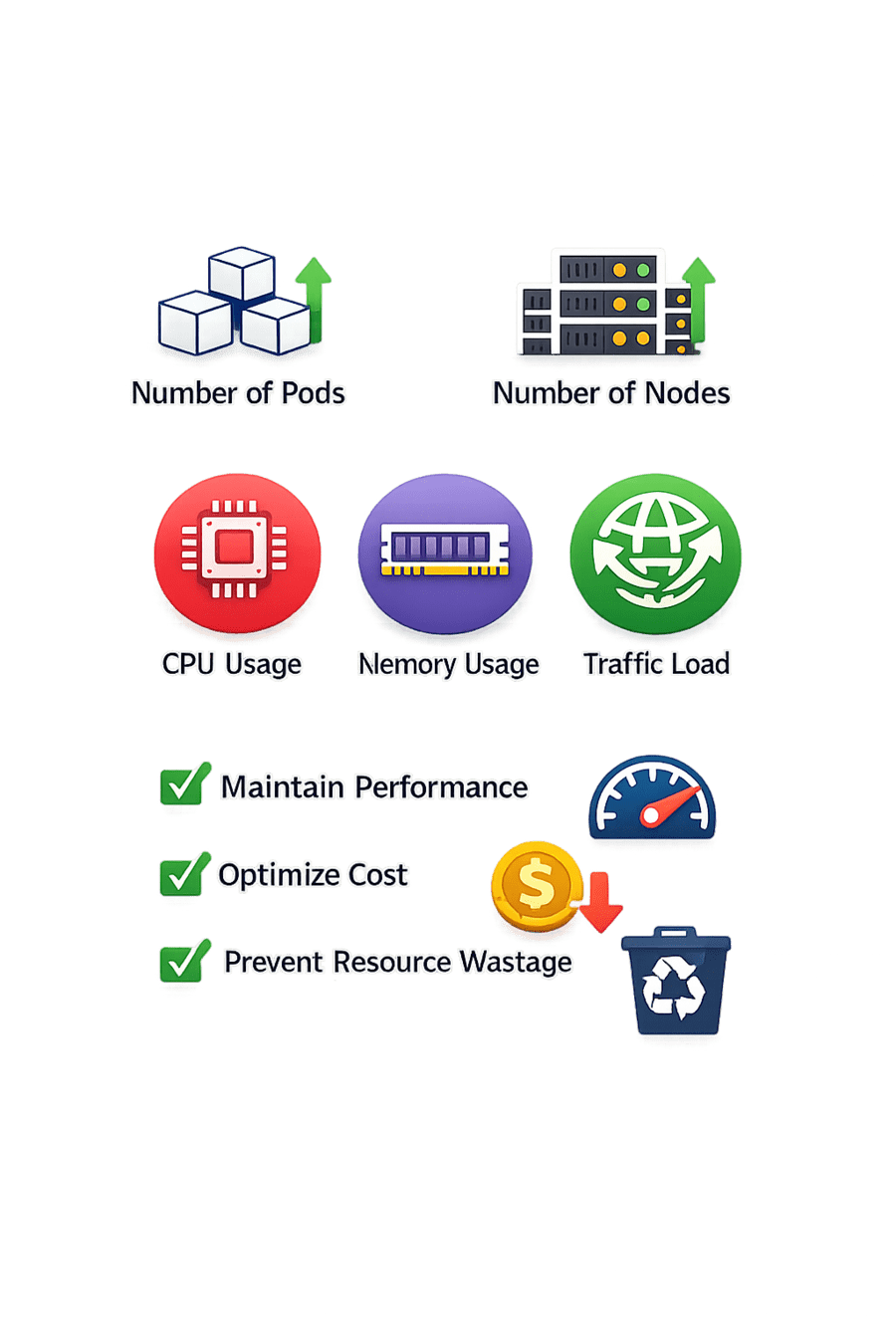
CPU usage
What is Kubernetes Autoscaling?
Goal:
Optimize cost
Prevent resource wastage
Maintain performance
What is HPA?
Horizontal Pod Autoscaler (HPA)
HPA automatically increases or decreases the number of pods in a deployment

Key Points:

Based on CPU / Memory / Custom metrics
Maintains application performance
Scales pod count
Works at pod level
What is HPA?
Example
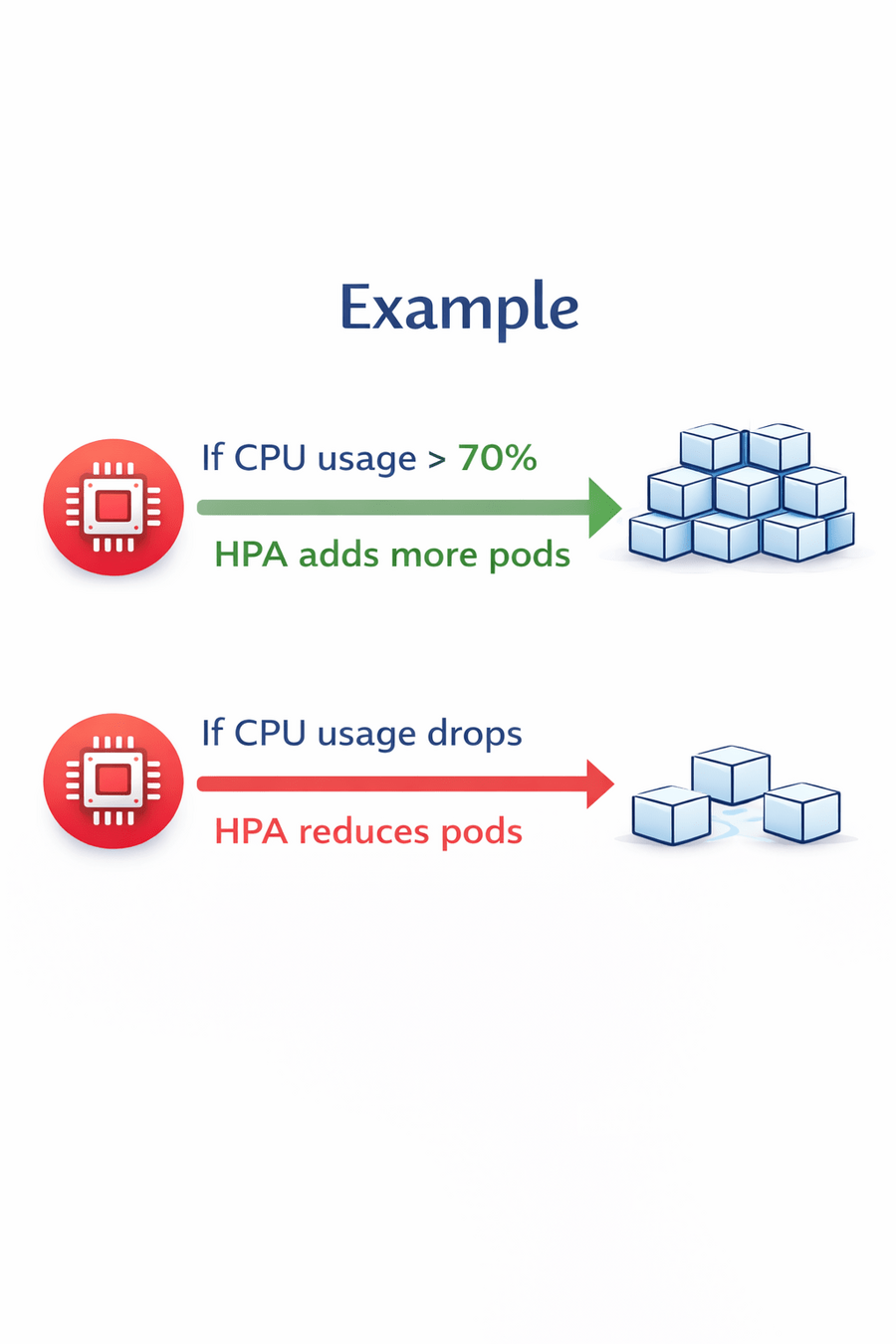
If CPU usage > 70%

→ HPA adds more pods
If CPU usage drops
→ HPA reduces pods
What is Cluster Autoscaler?
Cluster Autoscaler automatically adjusts the number of nodes in a cluster
It works when:
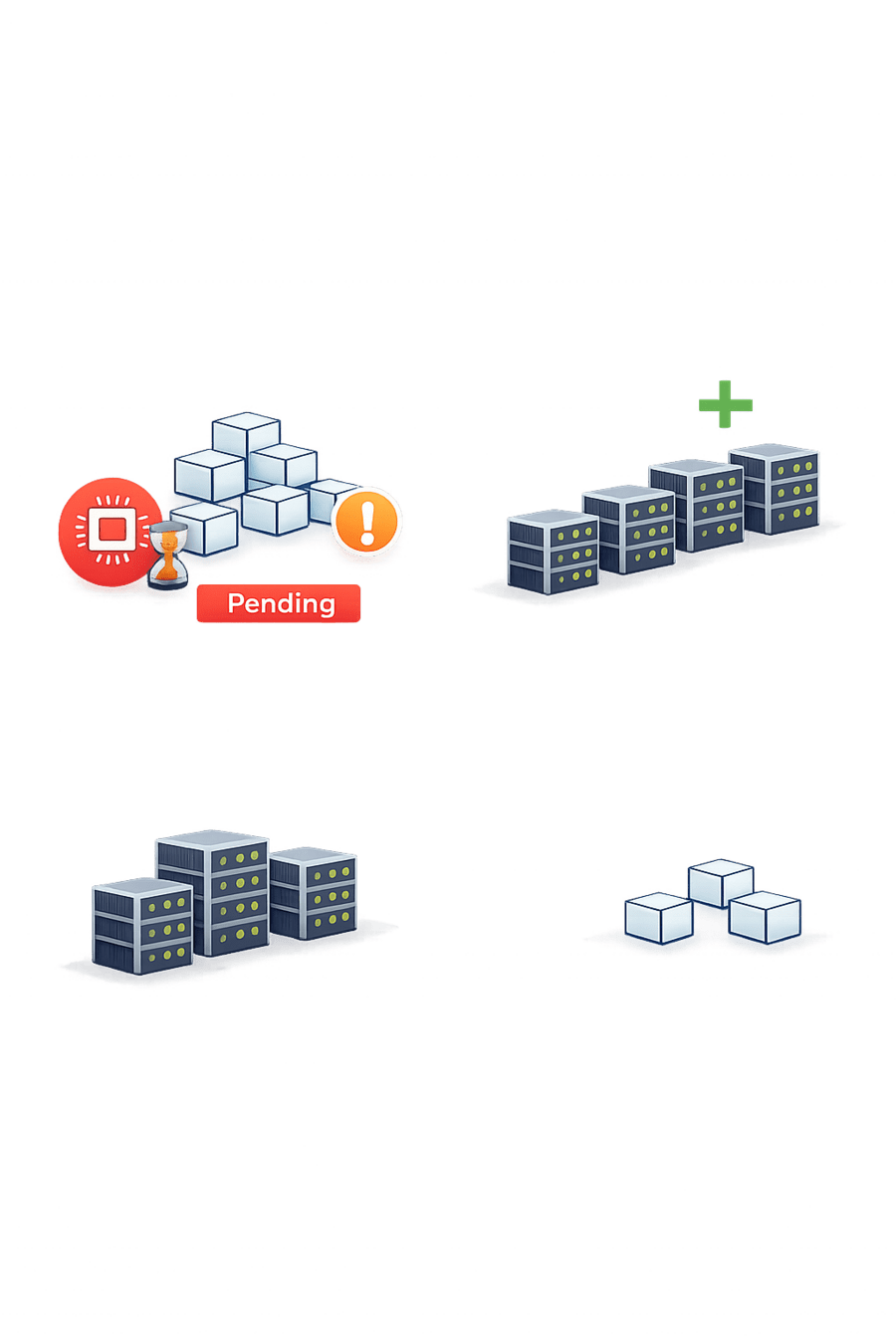
Nodes are underutilized
Remove Nodes
+Add Nodes
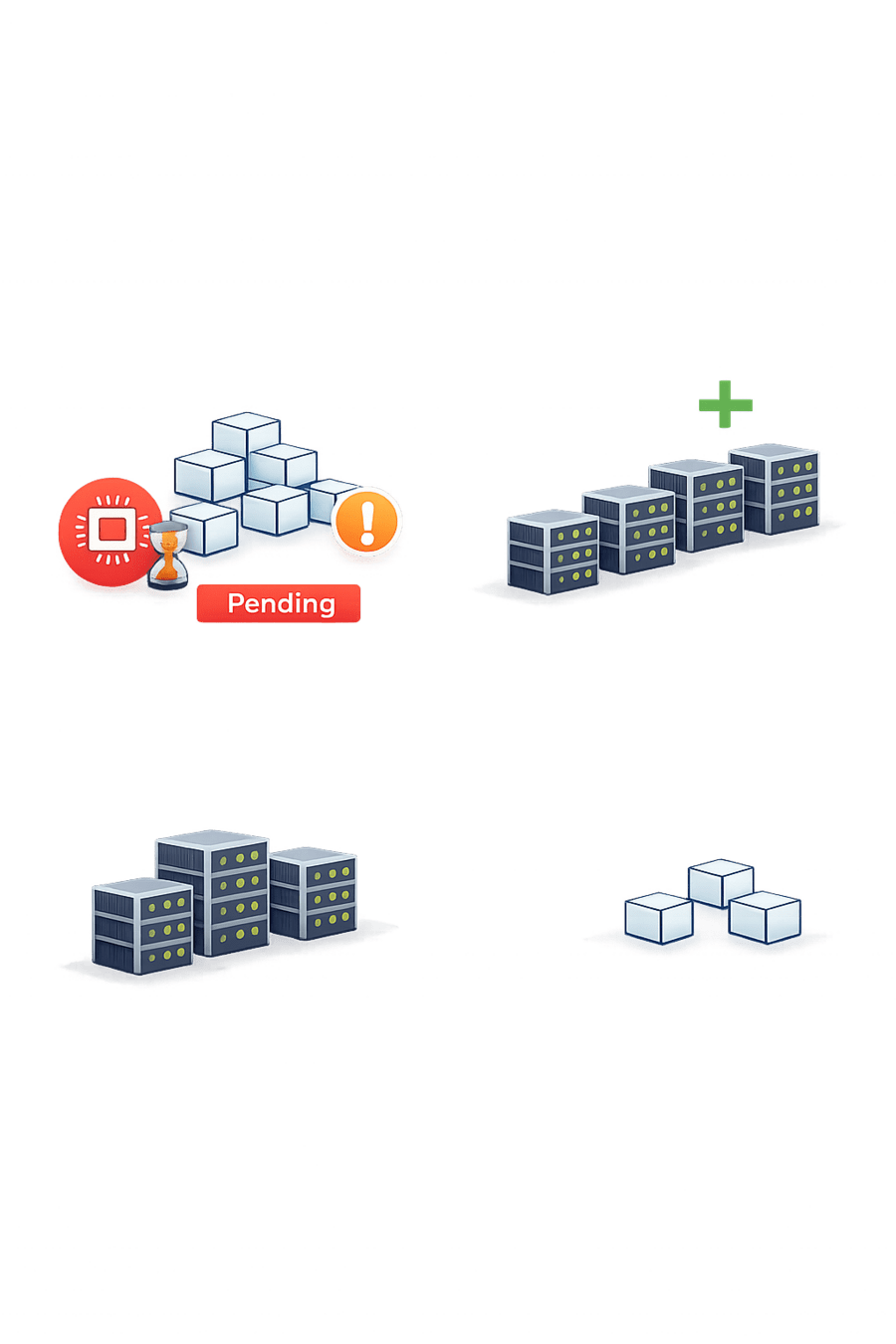
Pods are pending (no resources available)
What is Cluster Autoscaler?
Key Points
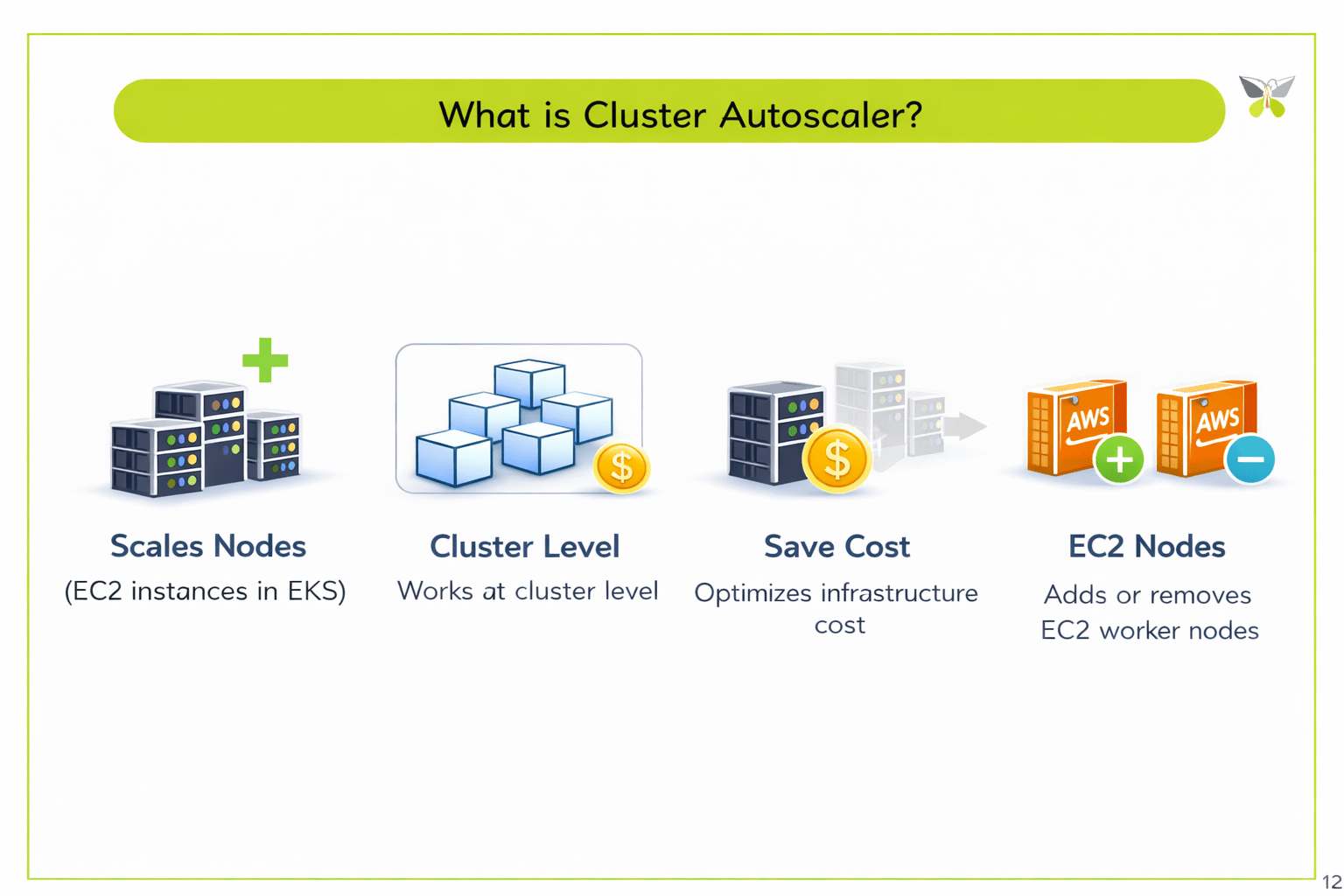
Scales nodes
(EC2 instances in EKS)
01
02
Works at cluster level
03
Optimizes infrastructure cost
In Amazon Elastic Kubernetes Service,
it automatically adds or removes EC2 worker nodes
Difference Between HPA and Cluster Autoscaler
Feature
HPA
Cluster Autoscaler
Scales
Level
Trigger
Purpose
Example
Adds 3 more pods
Application level
Pods
CPU / Memory metrics
Maintain performance
Nodes
Adds 2 more EC2 nodes
Provide resources
Pending pods
Infrastructure level
HPA scales inside nodes
Cluster Autoscaler scales the cluster itself
How They Work Together
Scenario: Traffic Increases

Users increase
CPU usage rises
HPA detects high usage
HPA adds more pods
But

If nodes don't have enough capacity:

Pods remain pending
Pods get scheduled
Application performance stabilizes
Cluster Autoscaler adds new nodes
How They Work Together
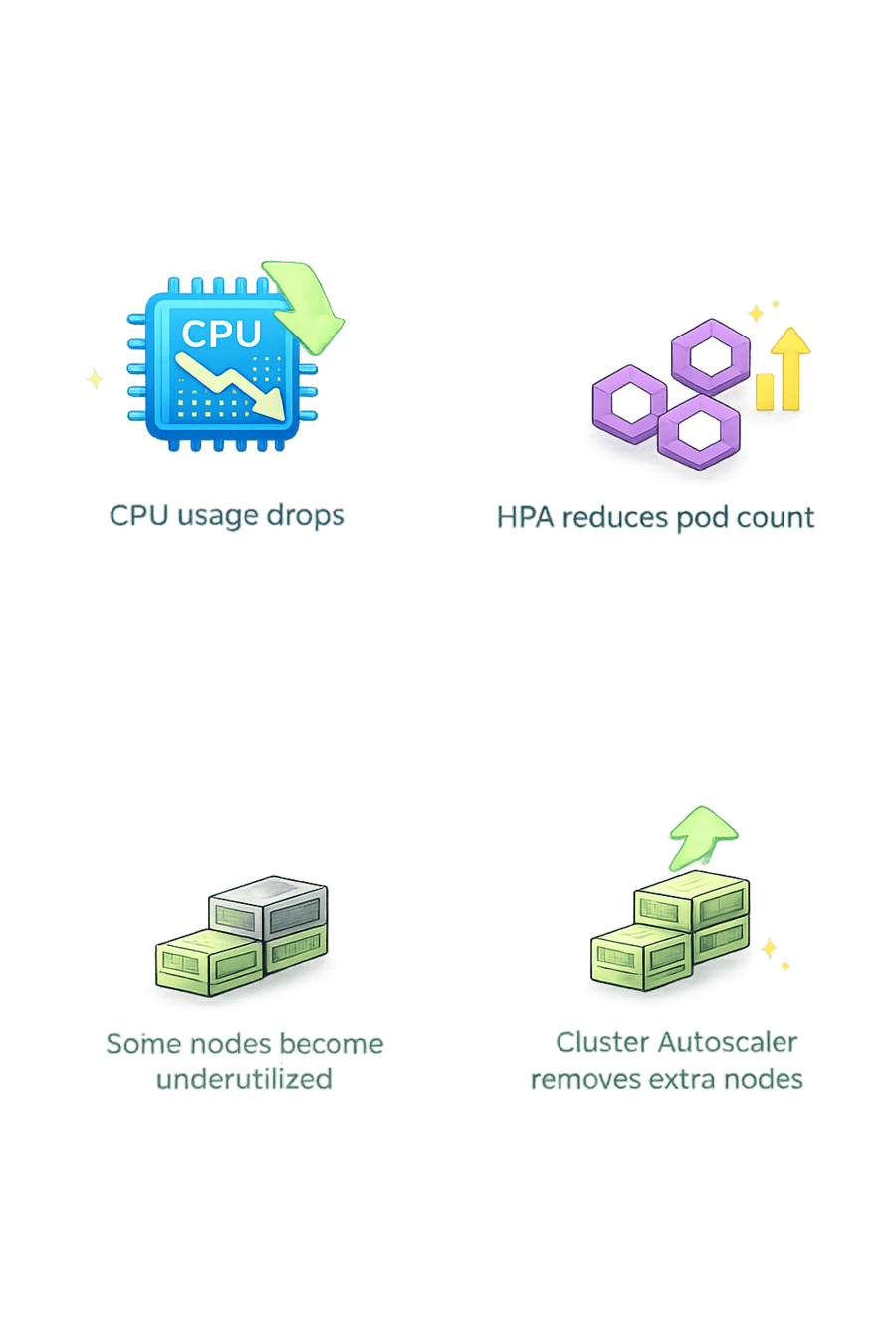
When Traffic Decreases:
Result:
Performance maintained

Resources optimized
Cost controlled
CPU usage drops
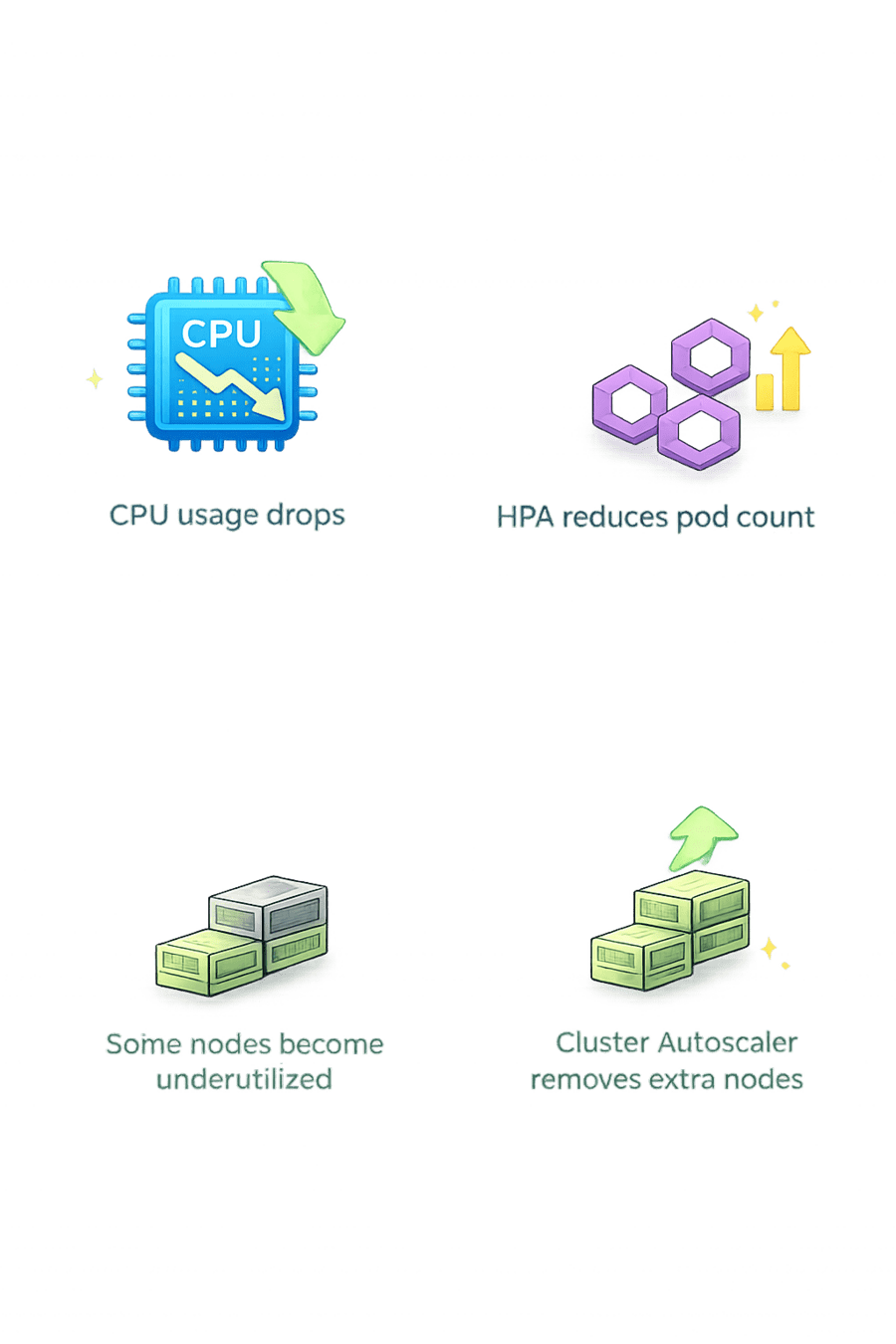
HPA reduces pod count
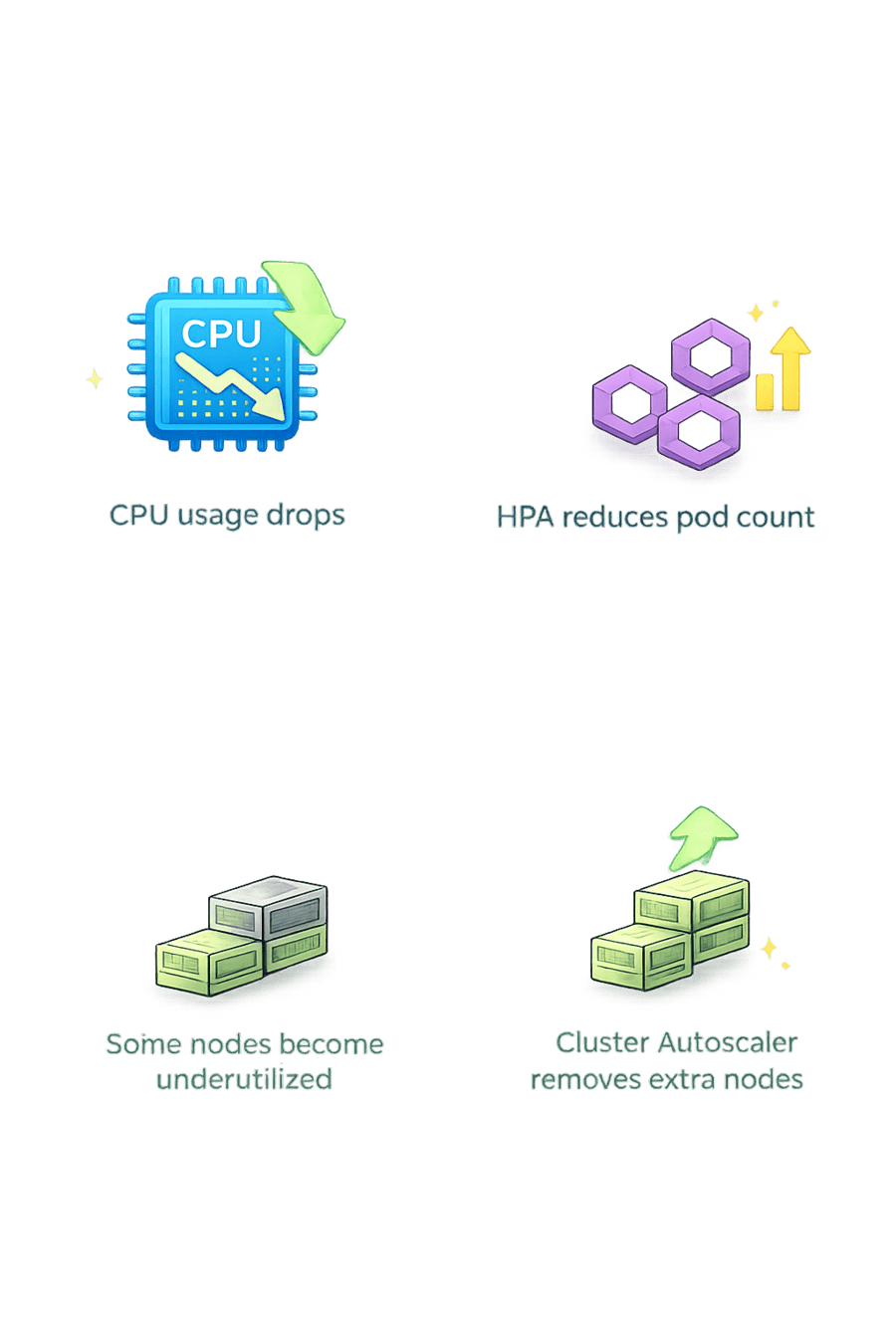
Some nodes become underutilized
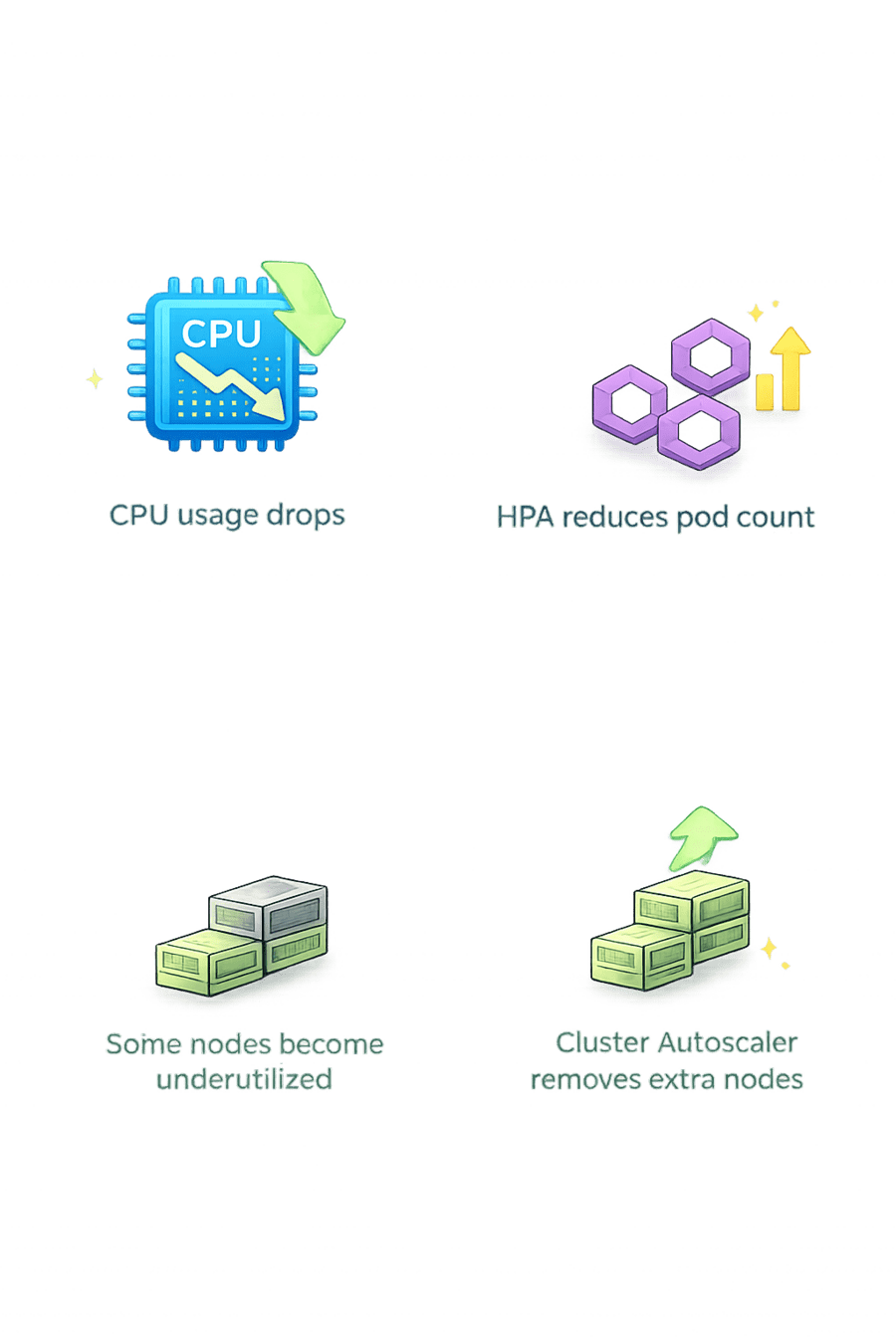
Cluster Autoscaler removes extra nodes
Real Production Example
In Amazon Elastic Kubernetes Service:

HPA scales your application pods
Cluster Autoscaler adds/removes EC2 instances
If using Fargate → infrastructure scaling is managed automatically
Architecture Flow
Traffic Increase
More users start accessing the application, increasing the overall workload on the system
01

HPA Adds Pods
Horizontal Pod Autoscaler automatically creates additional pods when CPU or resource usage increases
02

If No Capacity – Cluster Autoscaler Adds Nodes
If existing nodes cannot run the new pods, Cluster Autoscaler adds new nodes to the cluster
03

Architecture Flow
Pods Scheduled
Kubernetes scheduler places the newly created pods onto available nodes
04

Stable Application
With enough pods and nodes running, the application handles traffic smoothly and remains stable
05

Summary
5
Cluster Autoscaler provides infrastructure
4
HPA maintains performance
3
Cluster Autoscaler scales node count
2
HPA scales pod count
1
Kubernetes Autoscaling ensures high performance
Quiz
Cluster Autoscaler works when:
A. CPU increases
B. Pods are pending due to lack of nodes
C. Docker image changes
D. Namespace is created

Quiz
Cluster Autoscaler works when:
A. CPU increases
B. Pods are pending due to lack of nodes
C. Docker image changes
D. Namespace is created
