








Content ITV PRO
This is Itvedant Content department
Cracking String Secrets |
Learning Outcome
5
4
3
2
1
Understand string creation using different quote types
Apply indexing and slicing for string access
Explain immutability and string modification limitations
Use common string methods for text manipulation
Perform string comparison and search operations
Topic Name-Recall(Slide3)
Hook/Story/Analogy(Slide 4)
Transition from Analogy to Technical Concept(Slide 5)
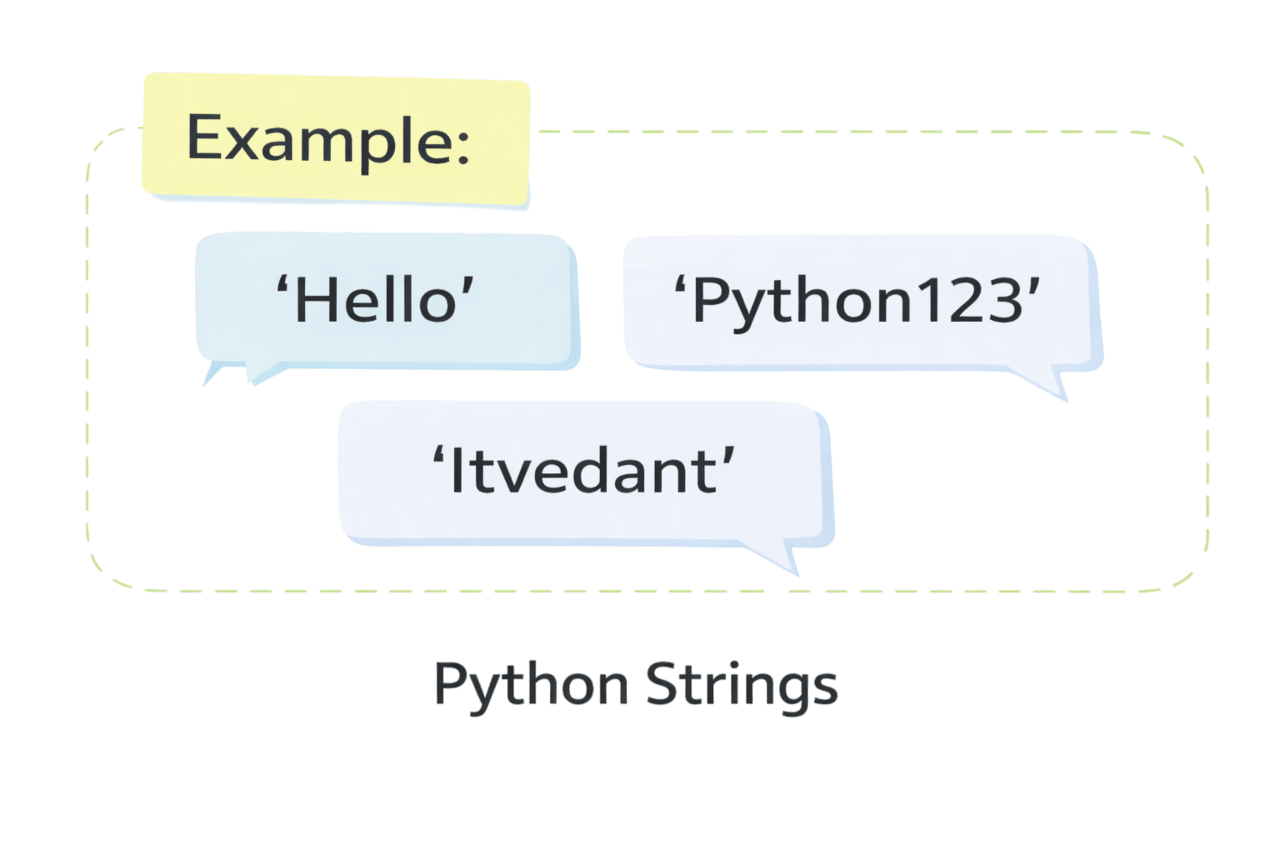
Strings are sequences of characters enclosed within quotes.They can contain letters, numbers, symbols, and spaces.
Characters in a string follow a specific sequence.
A string can contain repeated characters.
You can loop through each character in a string.
Using Triple Quotes (Multi-line Strings)
Using Single and Double Quotes
You can create strings using either single quotes (' ') or double quotes (" ").
✔ Both work the same way
✔ Choice depends on convenience
name = 'Rahul'
city = "Mumbai"
Triple quotes (''' ''' or """ """) are used for multi-line strings.
text = """This is a multi-line
string"""
✔ Useful for paragraphs or long text
✔ Preserves formatting (line breaks)
Once you define a string, python allocate an index value for its each character.
These index values are used to access and manipulate the strings.
1
0
3
2
4
5
7
6
8
9
10
11
12
13
14
15
16
17
The positive index 0 is assigned to the first character and n-1 to the last character, where n is the number of characters in the string.
The negative index assigned from the last character to the first character in reverse order begins with -1.
Example 1: Access specific characters through positive indexing.
text = "Python"
print(text[0])
print(text[2])
P
t
=== Code Execution Successful ===
Example 2: Read characters from the end using negative indices.
n
h
=== Code Execution Successful ===
text = "Python"
print(text[-1])
print(text[-3])
In Python, string slicing is a technique used to extract a specific portion (substring) of a string by specifying a range of indices.
Because strings are immutable, slicing does not modify the original string; instead, it creates a new one.
s = "Python"
print(s[1:4])
print(s[:3])
print(s[3:])
print(s[::-1])
Example: this example demonstrates slicing through range and reversing a string.
yth
Pyt
hon
nohtyP
=== Code Execution Successful ===
String[start:end]
Syntax
Once a String is created, it cannot be modified. Any operation that appears to change a String actually creates a new one.
For Example: Original String Created
name = "Python"name[0] = "J"
Output: TypeError
Output: Jython
name = "J" + name[1:]
print(name)
returns the total number of characters in a string (including spaces and punctuation).
upper() method converts all characters to uppercase whereas, lower() method converts all characters to lowercase.
strip() removes leading and trailing whitespace from the string
replace() replaces all occurrences of a specified substring with another.
text = "  Python Programming  "

print(len(text))
print(text.upper())
print(text.lower())
print(text.strip())
print(text.replace("Python", "Java"))
22
PYTHON PROGRAMMING
python programming
Python Programming
Java Programming
=== Code Execution Successful ===
We can concatenate strings using
operator and repeat them using
+
operator.
*
1. Strings can be combined by using + operator.
Example: Join two words with a space.
s1 = "Hello"
s2 = "World"
print(s1 + " " + s2)
Output : Hello World
2. We can repeat a string multiple times using * operator.
Example: Repeat “Hello” three times.
s = "Hello "
print(s * 3)
Output: Hello Hello Hello
Core Concepts (Slide 7)
Core Concepts (.....Slide N-3)
Summary
5
Comparison and search operations analyze string content
4
Built-in methods simplify string manipulation tasks
3
Indexing and slicing help access string parts
2
Strings are immutable and cannot be modified
1
Strings are sequences of characters within quotes
Quiz
Which of the following statements about Python strings is correct?
A. Strings can be modified after creation
B. Strings are immutable
C. Strings do not support indexing
D. Strings cannot store numbers
Which of the following statements about Python strings is correct?
A. Strings can be modified after creation
B. Strings are immutable
C. Strings do not support indexing
D. Strings cannot store numbers
Quiz-Answer
By Content ITV