Implement Responsive Layout for ChaloChale using Windsurf A

Business Scenario
After completing the Home Page (index.html) of the ChaloChale Travel App, your manager has reviewed the UI and asked you to continue the development.
Now the focus is on:
1)Making the website fully responsive
2)Improving the UI layout using Bootstrap utility classes
3)Creating additional pages like Destinations, Packages, Booking, Contact
4)Using WindSurf AI for auto code suggestions and UI improvements

Pre-Lab Preparation
In this lab, you will perform the following:
1)Convert wireframe pages into Bootstrap layout
2))Create additional HTML pages with reusable Bootstrap structure
3))Use WindSurf AI for auto code generation and UI improvements
Topic : Before starting this lab, revise the following topics
1) Bootstrap Containers (container, container-fluid) and Breakpoints concept (sm, md, lg, xl)
2) Bootstrap Grid System (row, col, col-md-*, col-lg-*)
3) Bootstrap Components (Navbar, Cards, Carousel, Modal)
4) Bootstrap Form classes (form-control, form-label, form-select)
5) Bootstrap spacing utilities (mt-*, mb-*, p-*, py-*)
git pull origin branchName
Git Pull
Task 1: Create Destinations Page (destinations.html)
Copy Navbar + Footer Structure from index.html
1
1
1
1
1
1
1
1
1
1
1
1
1
1
1
1
add href attribute and give path of all pages for navigation
<ul class="navbar-nav ms-auto">
   <li class="nav-item"><a class="nav-link active" href="index.html">Home</a></li>
   <li class="nav-item"><a class="nav-link" href="destinations.html">Destinations</a></li>
   <li class="nav-item"><a class="nav-link" href="packages.html">Packages</a></li>
   <li class="nav-item"><a class="nav-link" href="booking.html">Booking</a></li>
   <li class="nav-item"><a class="nav-link" href="contact.html">Contact</a></li>
</ul>
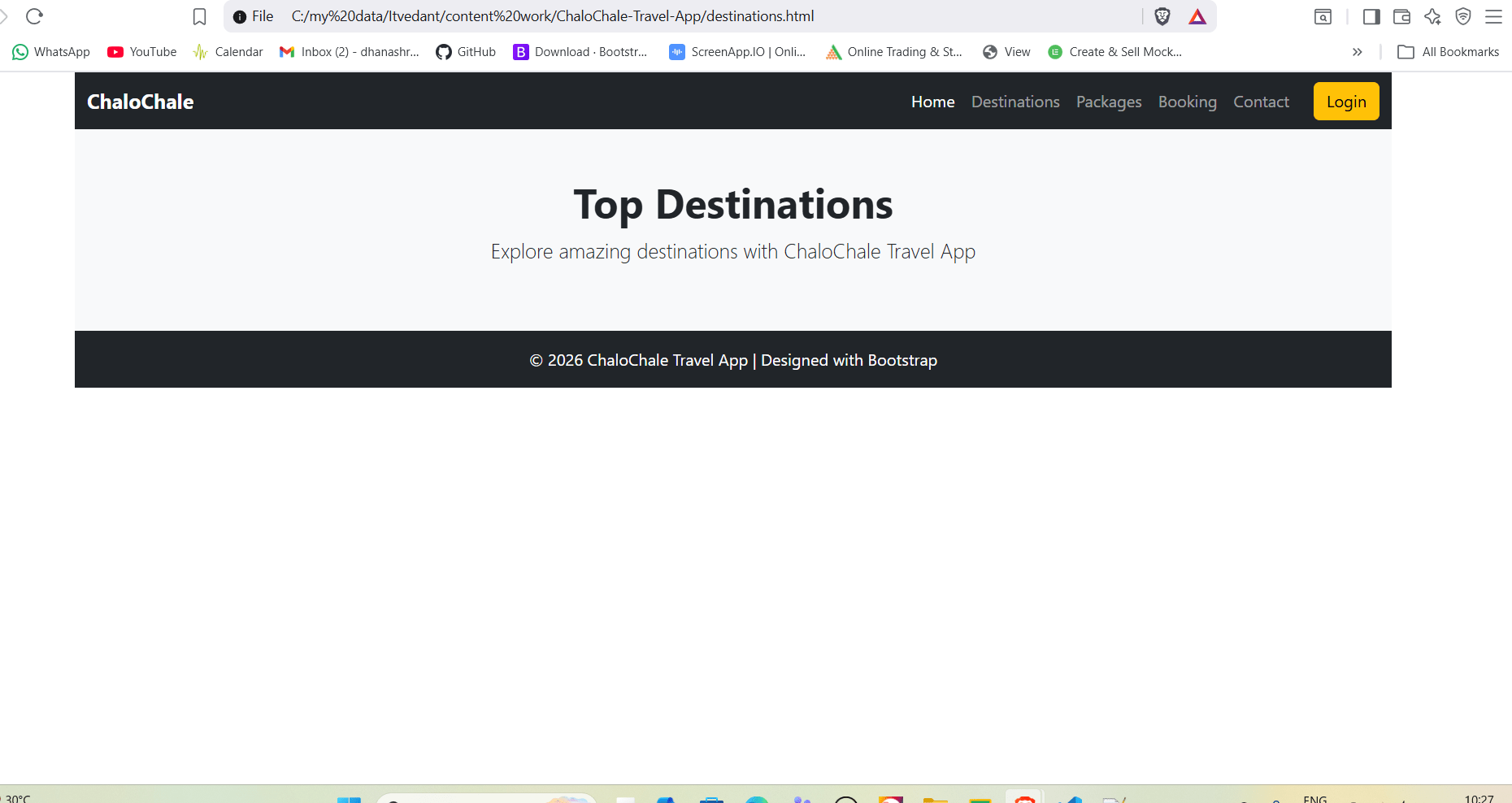
Add Page Heading Section
2
<section class="py-5 bg-light text-center">
  <div class="container">
    <h1 class="fw-bold">Top Destinations</h1>
    <p class="lead">Explore amazing destinations with ChaloChale Travel App</p>
  </div>
</section>
Add Destination Cards Grid Layout
3
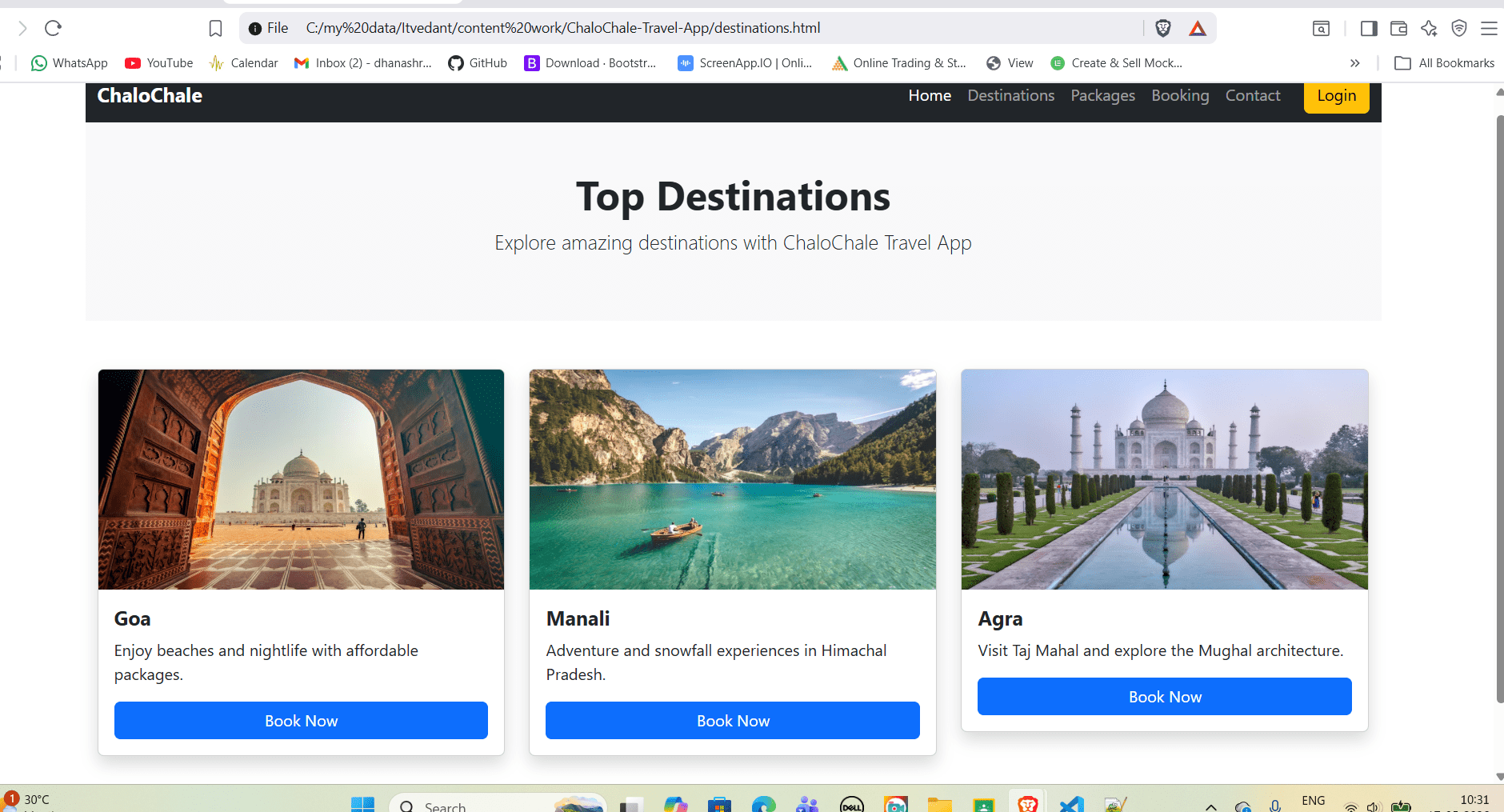
Output
<section class="py-5">
  <div class="container">
    <div class="row g-4">

      <div class="col-12 col-md-6 col-lg-4">
        <div class="card shadow">
          <img src="https://images.unsplash.com/photo-1548013146-72479768bada?auto=format&fit=crop&w=800&q=60"
               class="card-img-top" height="220" alt="Goa">
          <div class="card-body">
            <h5 class="fw-bold">Goa</h5>
            <p>Enjoy beaches and nightlife with affordable packages.</p>
            <a href="booking.html" class="btn btn-primary w-100">Book Now</a>
          </div>
        </div>
      </div>

      <div class="col-12 col-md-6 col-lg-4">
        <div class="card shadow">
          <img src="https://images.unsplash.com/photo-1501785888041-af3ef285b470?auto=format&fit=crop&w=800&q=60"
               class="card-img-top" height="220" alt="Manali">
          <div class="card-body">
            <h5 class="fw-bold">Manali</h5>
            <p>Adventure and snowfall experiences in Himachal Pradesh.</p>
            <a href="booking.html" class="btn btn-primary w-100">Book Now</a>
          </div>
        </div>
      </div>

      <div class="col-12 col-md-6 col-lg-4">
        <div class="card shadow">
          <img src="https://images.unsplash.com/photo-1524492412937-b28074a5d7da?auto=format&fit=crop&w=800&q=60"
               class="card-img-top" height="220" alt="Agra">
          <div class="card-body">
            <h5 class="fw-bold">Agra</h5>
            <p>Visit Taj Mahal and explore the Mughal architecture.</p>
            <a href="booking.html" class="btn btn-primary w-100">Book Now</a>
          </div>
        </div>
      </div>

    </div>
  </div>
</section>
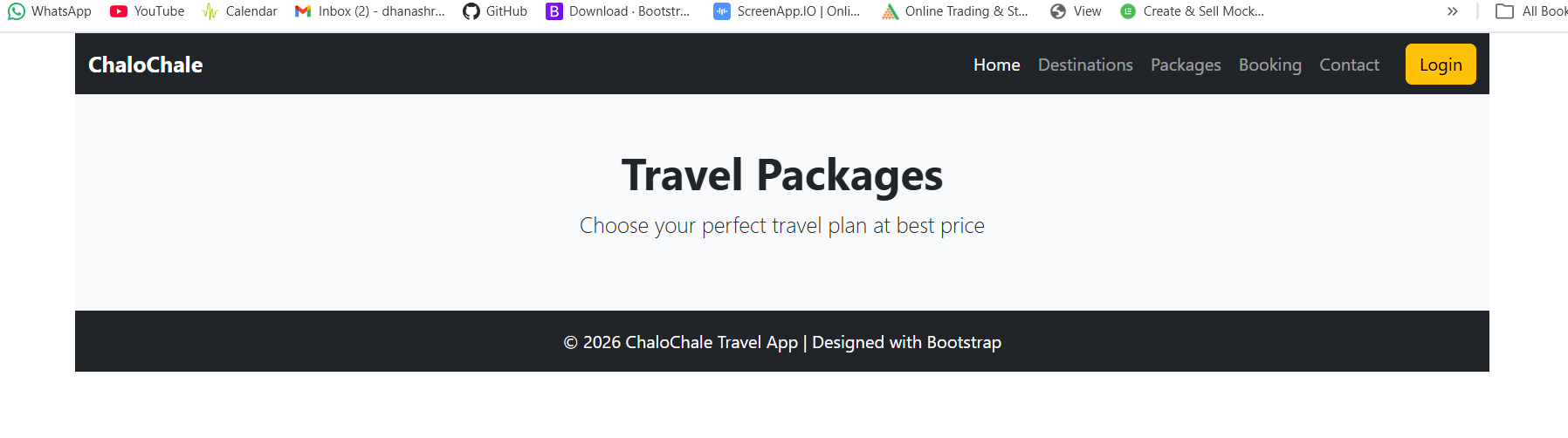
Add Navbar + Footer + Add Packages Heading
1
Output
Task 2: Create Packages Page (packages.html)
<section class="py-5 bg-light text-center">
  <div class="container">
    <h1 class="fw-bold">Travel Packages</h1>
    <p class="lead">Choose your perfect travel plan at best price</p>
  </div>
</section>
Output
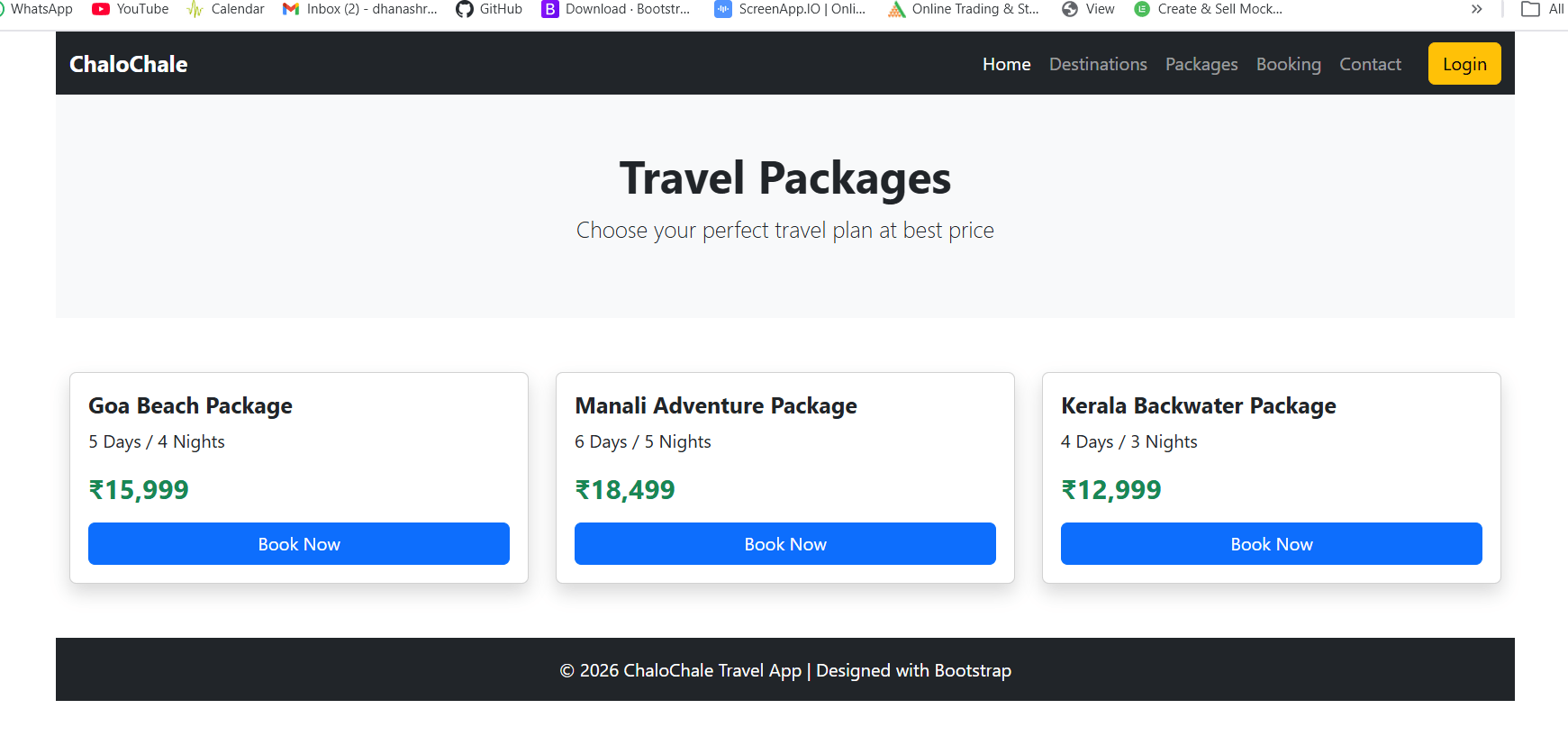
Add Package Cards with Price
2
<section class="py-5">
  <div class="container">
    <div class="row g-4">

      <div class="col-12 col-md-6 col-lg-4">
        <div class="card shadow p-3">
          <h5 class="fw-bold">Goa Beach Package</h5>
          <p>5 Days / 4 Nights</p>
          <h4 class="text-success fw-bold">₹15,999</h4>
          <button class="btn btn-primary w-100 mt-2">Book Now</button>
        </div>
      </div>

      <div class="col-12 col-md-6 col-lg-4">
        <div class="card shadow p-3">
          <h5 class="fw-bold">Manali Adventure Package</h5>
          <p>6 Days / 5 Nights</p>
          <h4 class="text-success fw-bold">₹18,499</h4>
          <button class="btn btn-primary w-100 mt-2">Book Now</button>
        </div>
      </div>

      <div class="col-12 col-md-6 col-lg-4">
        <div class="card shadow p-3">
          <h5 class="fw-bold">Kerala Backwater Package</h5>
          <p>4 Days / 3 Nights</p>
          <h4 class="text-success fw-bold">₹12,999</h4>
          <button class="btn btn-primary w-100 mt-2">Book Now</button>
        </div>
      </div>

    </div>
  </div>
</section>
Output
click on download and then complete installation
2
Task 3: Use WindSurf AI for Auto Code Suggestions
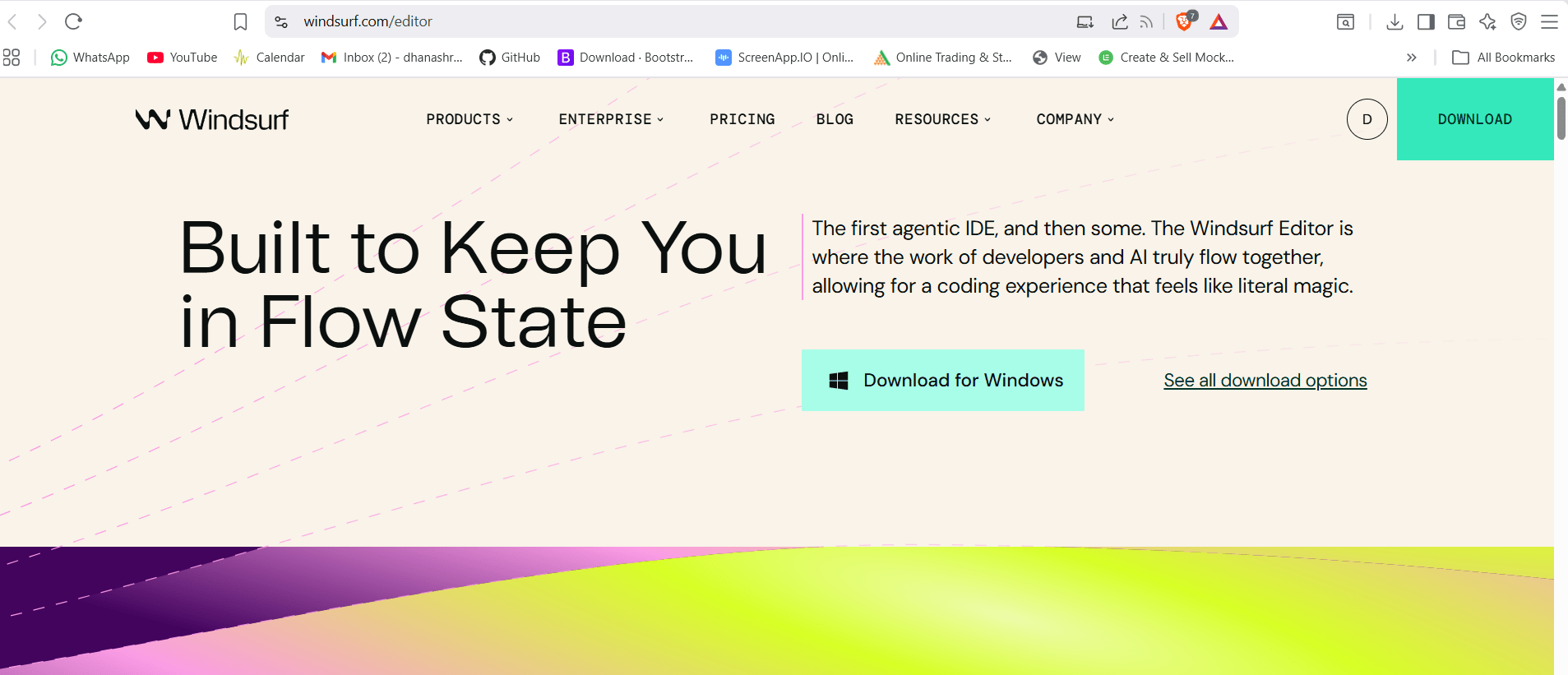
Download WindSurf AI (Official Way)
1
official WindSurf website : windsurf.com
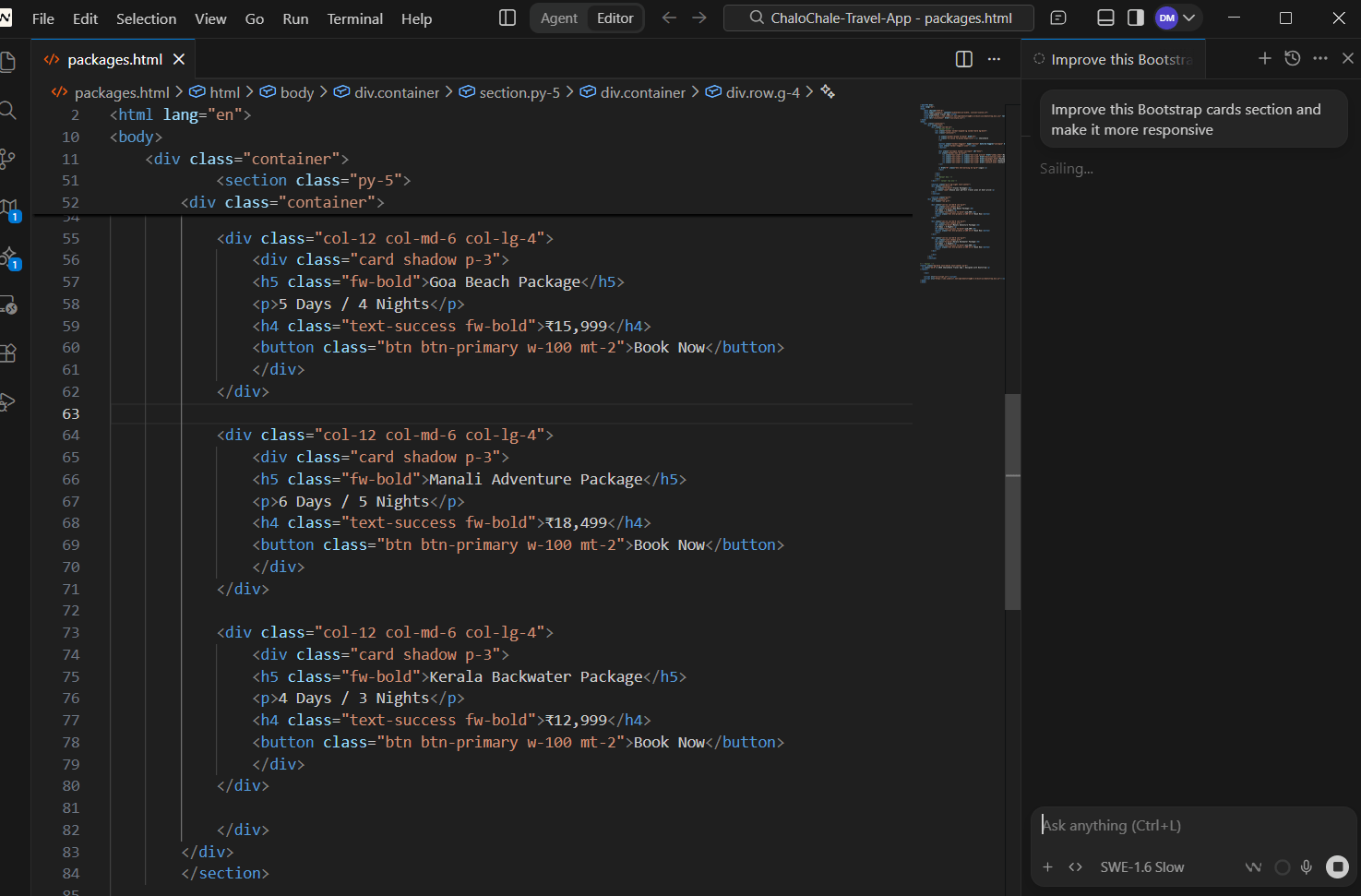
Open your project in WindSurf AI
3
Where to Ask WindSurf AI for Suggestions?
4
1) Open Chat Panel
2) Select Your File
3) Ask AI Suggestion using prompt like - Improve this Bootstrap cards section and make it more responsive.
4)apply suggested code
click on - Accept All or Accept file
Use Chat Panel (Recommended)
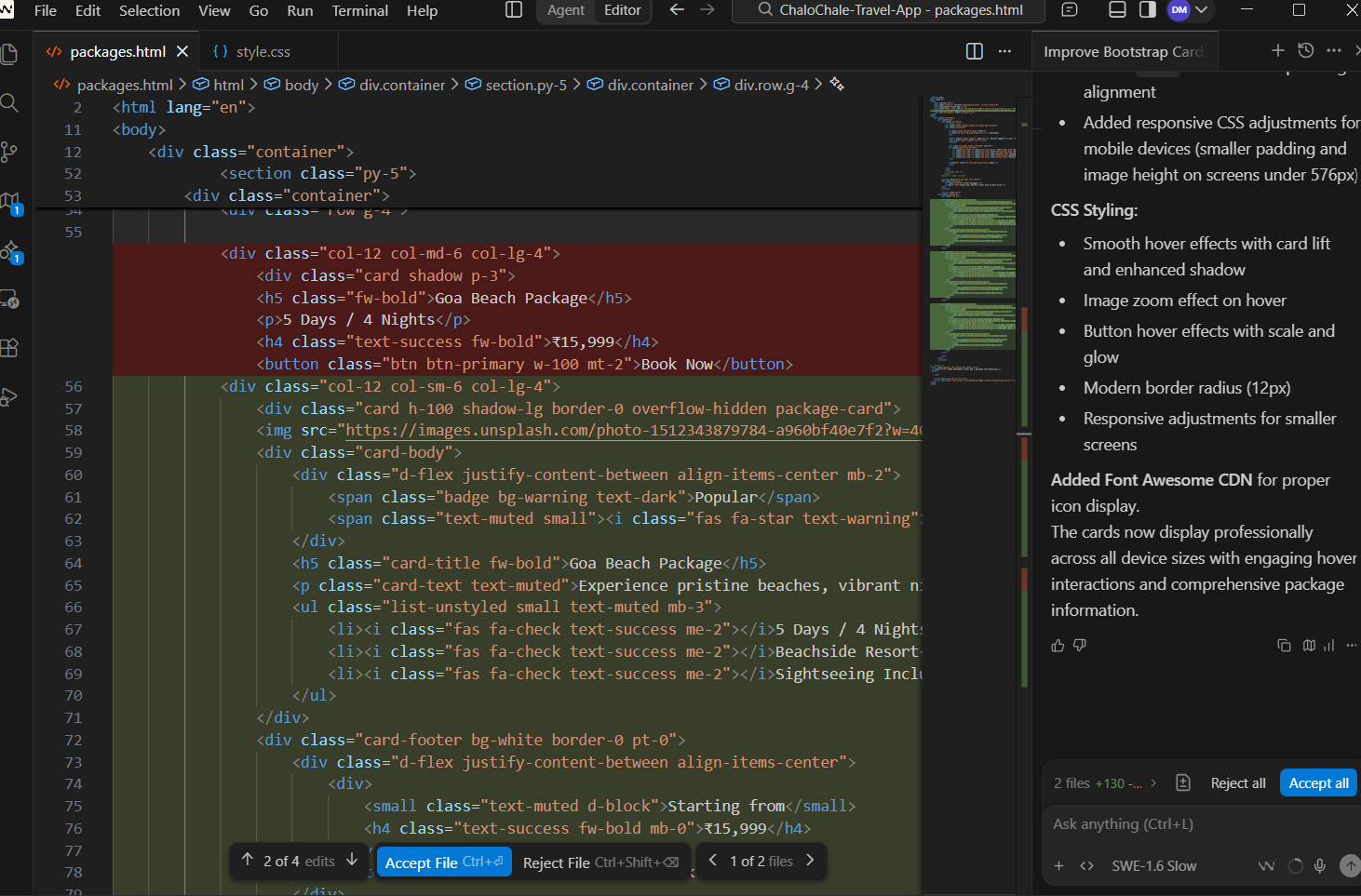
5) check the css properties added in style.css file after clicking on accept file
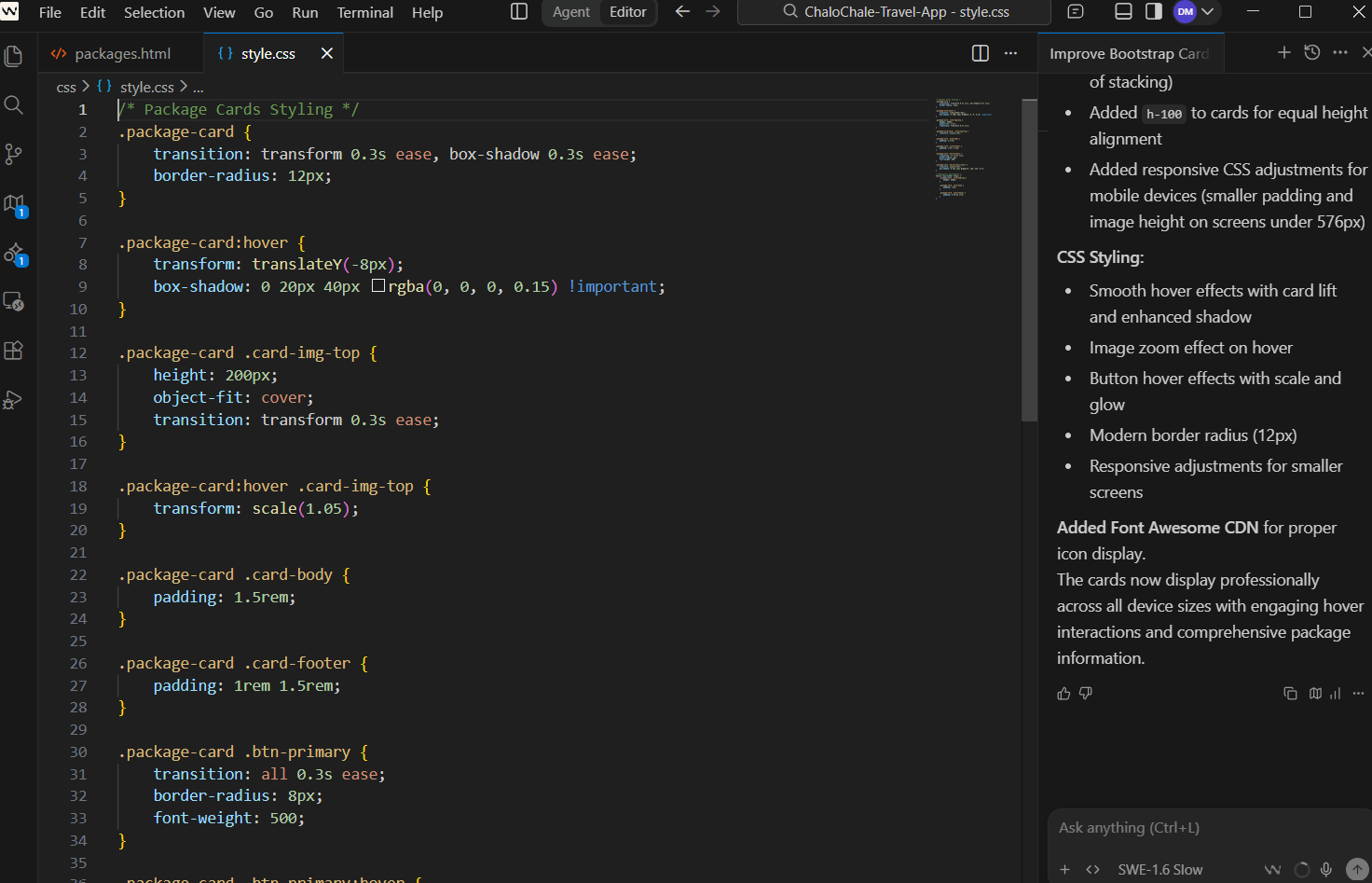
Output
After applying WindSurf AI Suggestions)
1)The layout looks more clean and professional.
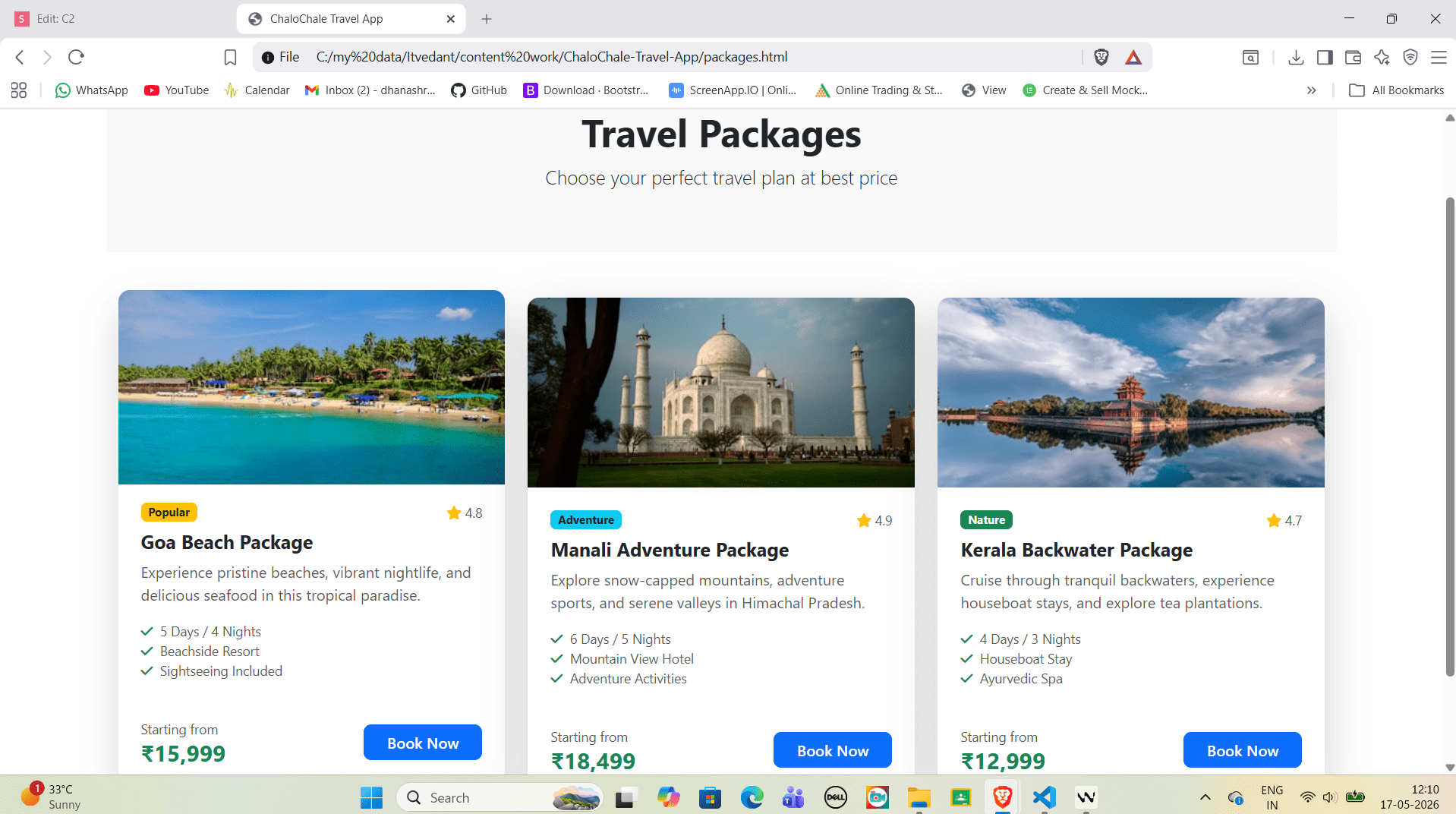
2)Cards have better spacing between and appear with rounded corners using rounded-3)Shadow effect becomes more attractive using shadow-lg,Buttons look more modern with better alignment and full width using w-100.
4))On mobile screen, cards automatically shift into single column layout, On tablet screen, cards align into two columns, On desktop screen, cards align into three columns.
Great job!
You have successfully completed the responsive layout implementation for ChaloChale Travel App.
In this lab, you have:
1)Created Destinations page using responsive cards
2)Created Packages page using Bootstrap grid layout
3)Used WindSurf AI to enhance UI design and layout suggestions
4)Practiced Bootstrap responsive classes for multiple screen sizes
You are now ready to build the Booking page and Contact page with interactive forms and validation.
Checkpoint
Git Push
git push origin branchName