
Content ITV PRO
This is Itvedant Content department
Developing a Food Menu Page with Cards and Filter
Business Scenario
Welcome Back, Developer!
In the previous lab, you enhanced your website by adding visual sections, media elements, and an engaging layout.
But now, your website needs something more important…
When users visit a food website, they don’t just explore…
Now it’s time to build the heart of your website…
The Menu Section
Pre-Lab Preparation
Working with a Text and List in HTML
1] Power of HTML text tags
2] Customizing your style with CSS
3] HTML Link up , attributes of tag, block vs inline elements
git pull origin branchNameGit Pull
Task 1: Design Menu
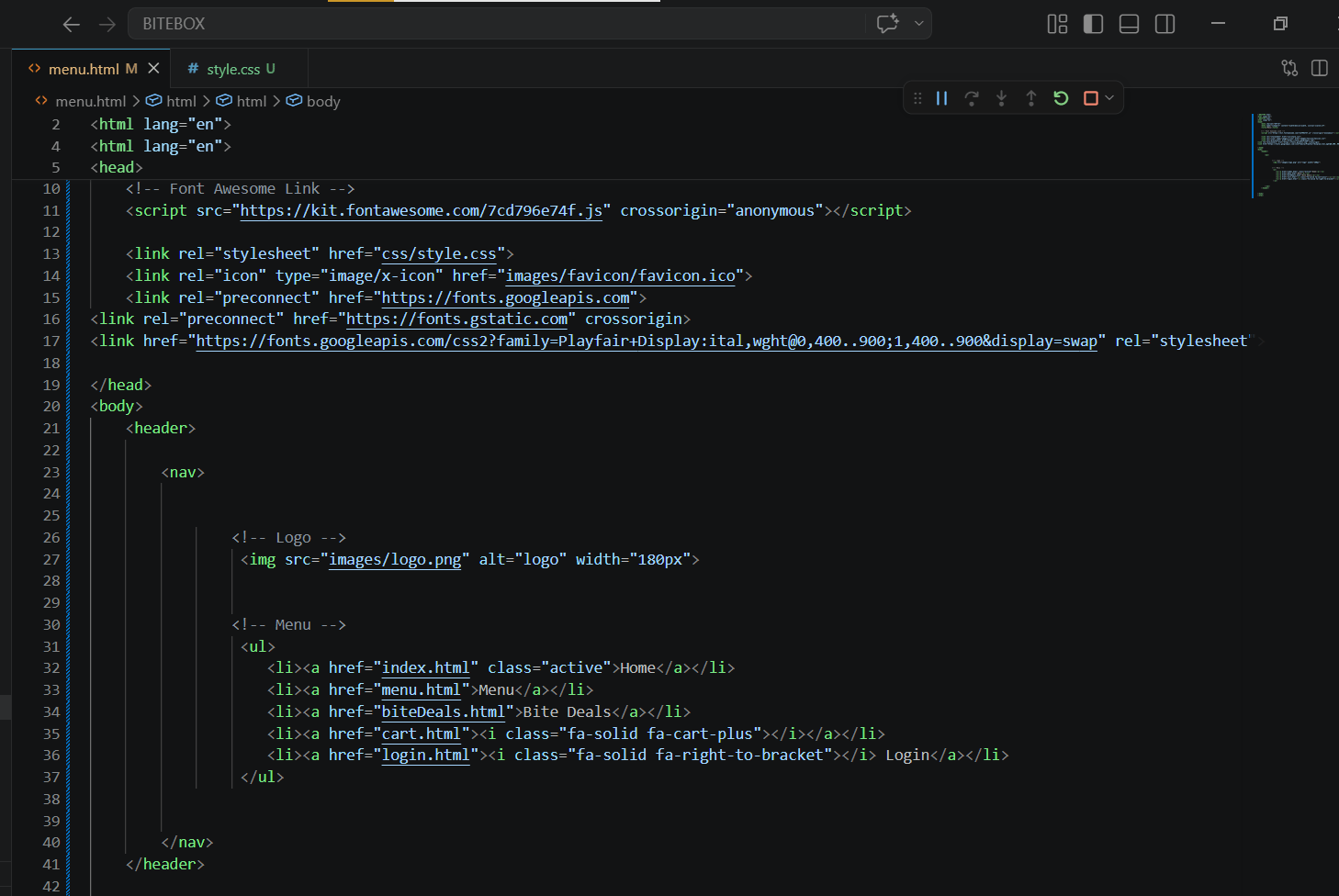
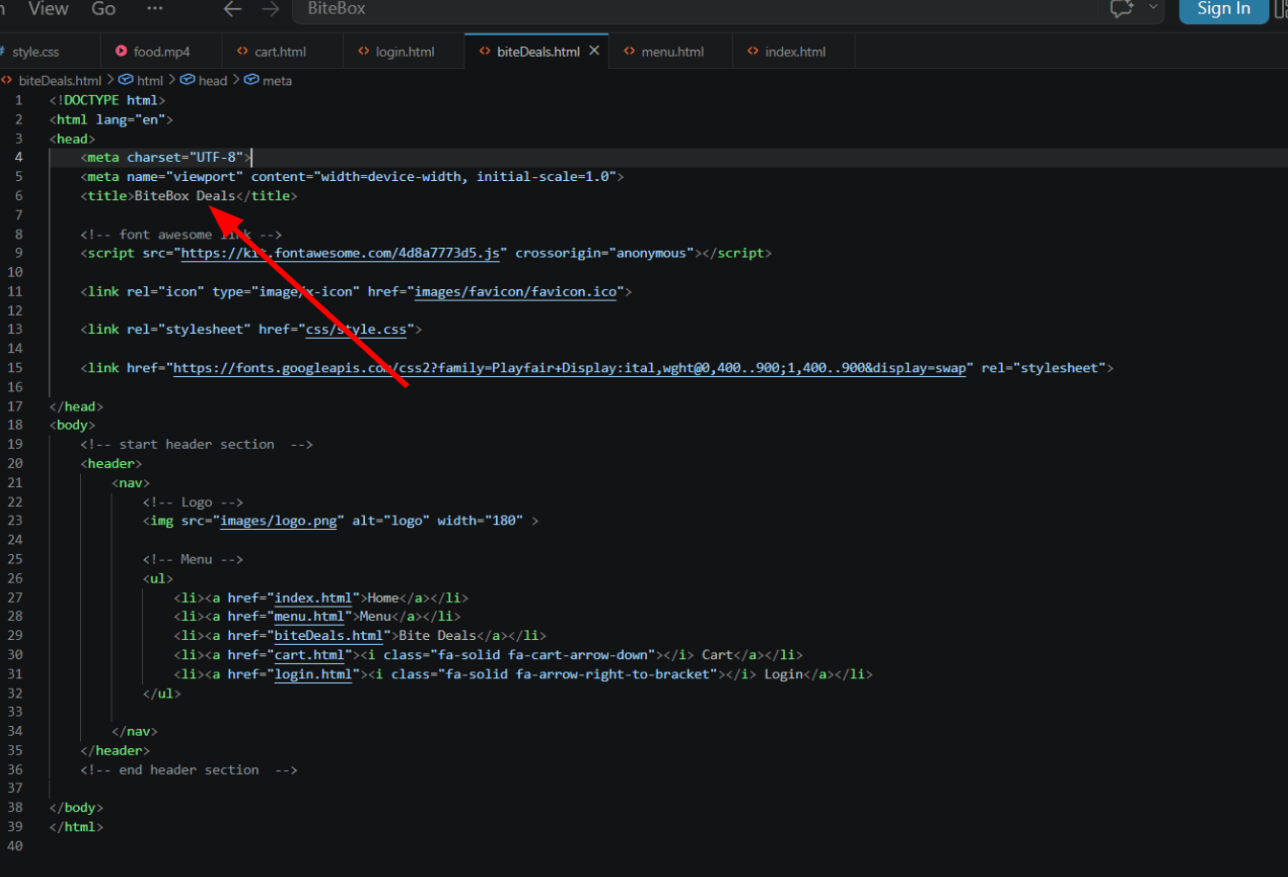
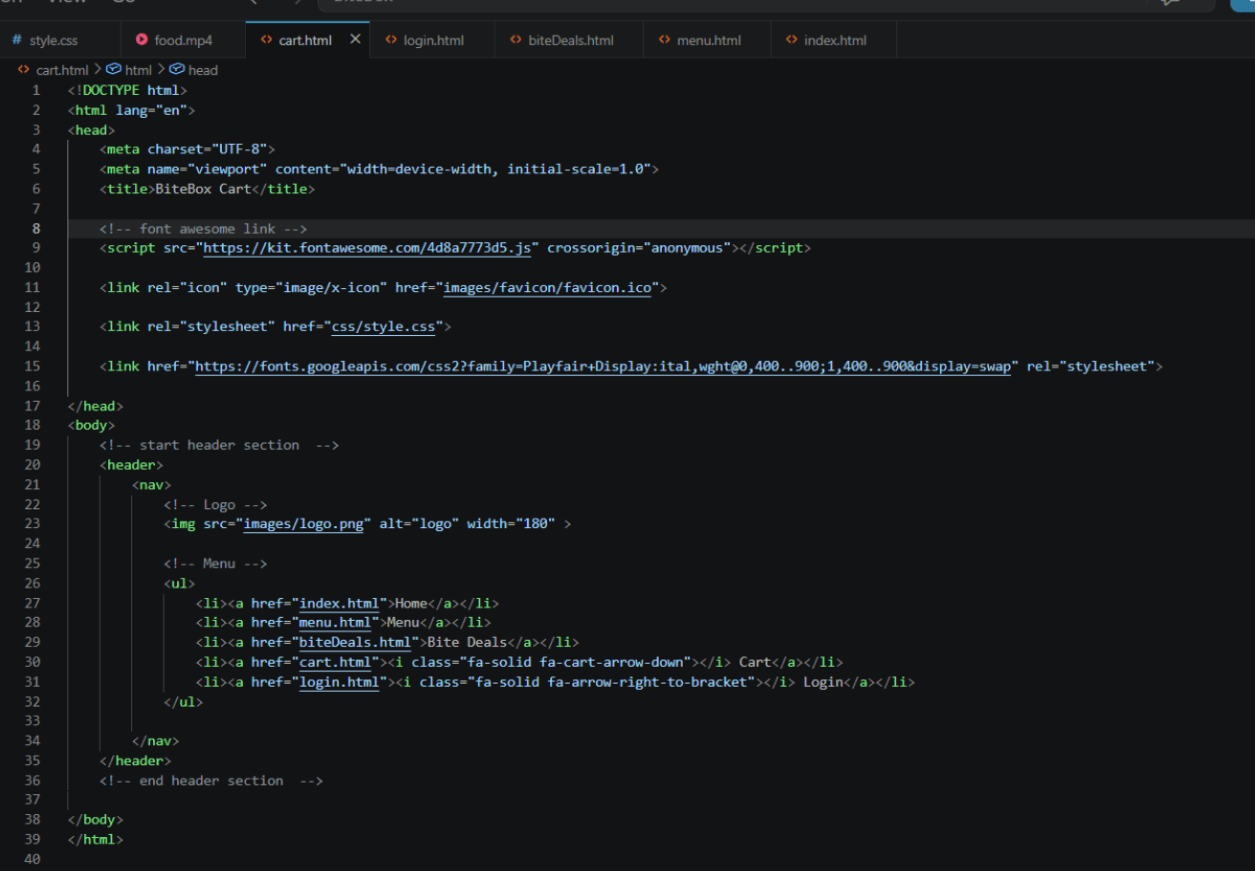
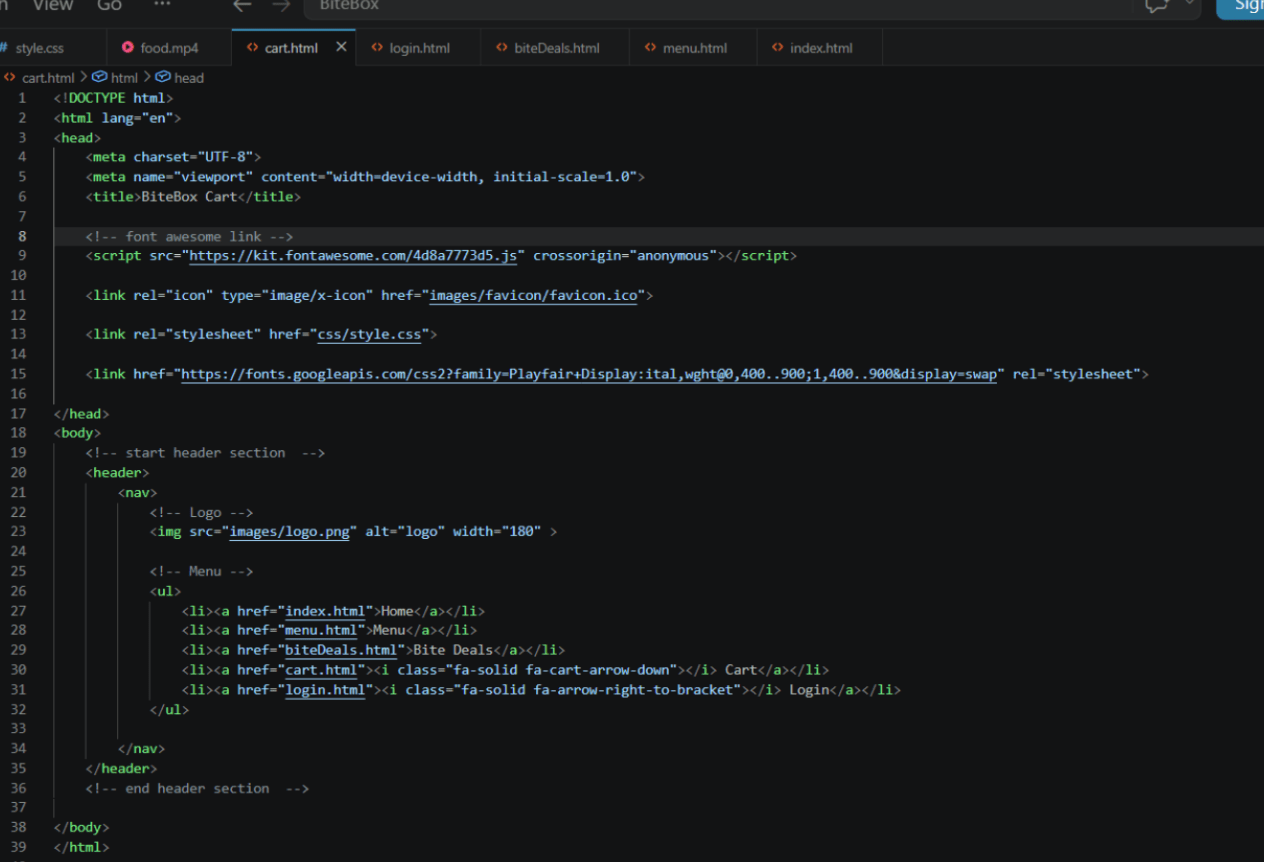
Open menu.html and copy entire head section from index.html keep body section empty and change the title of page
1
Copy entire header section and paste into menu.html as well and all page keep same
2
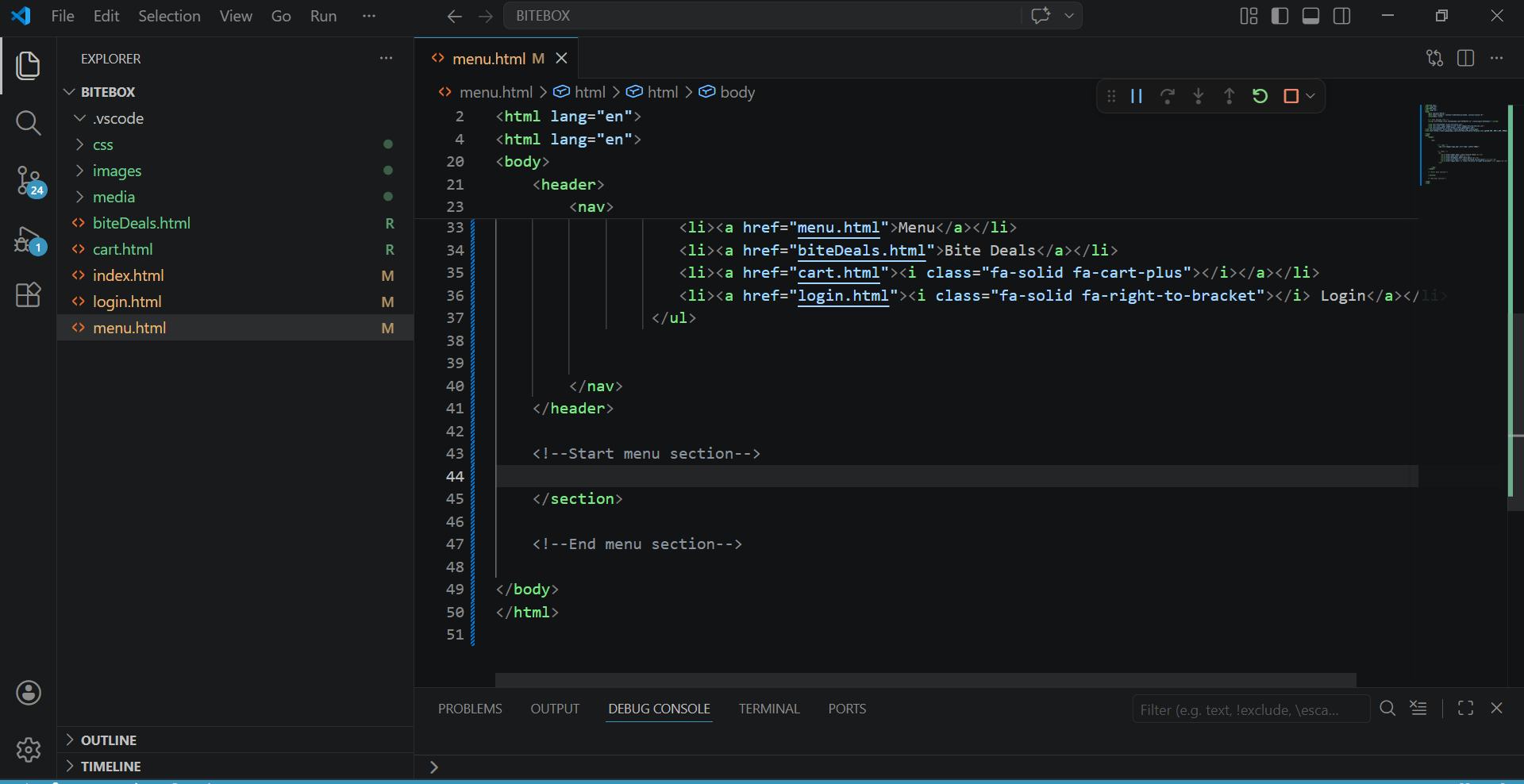
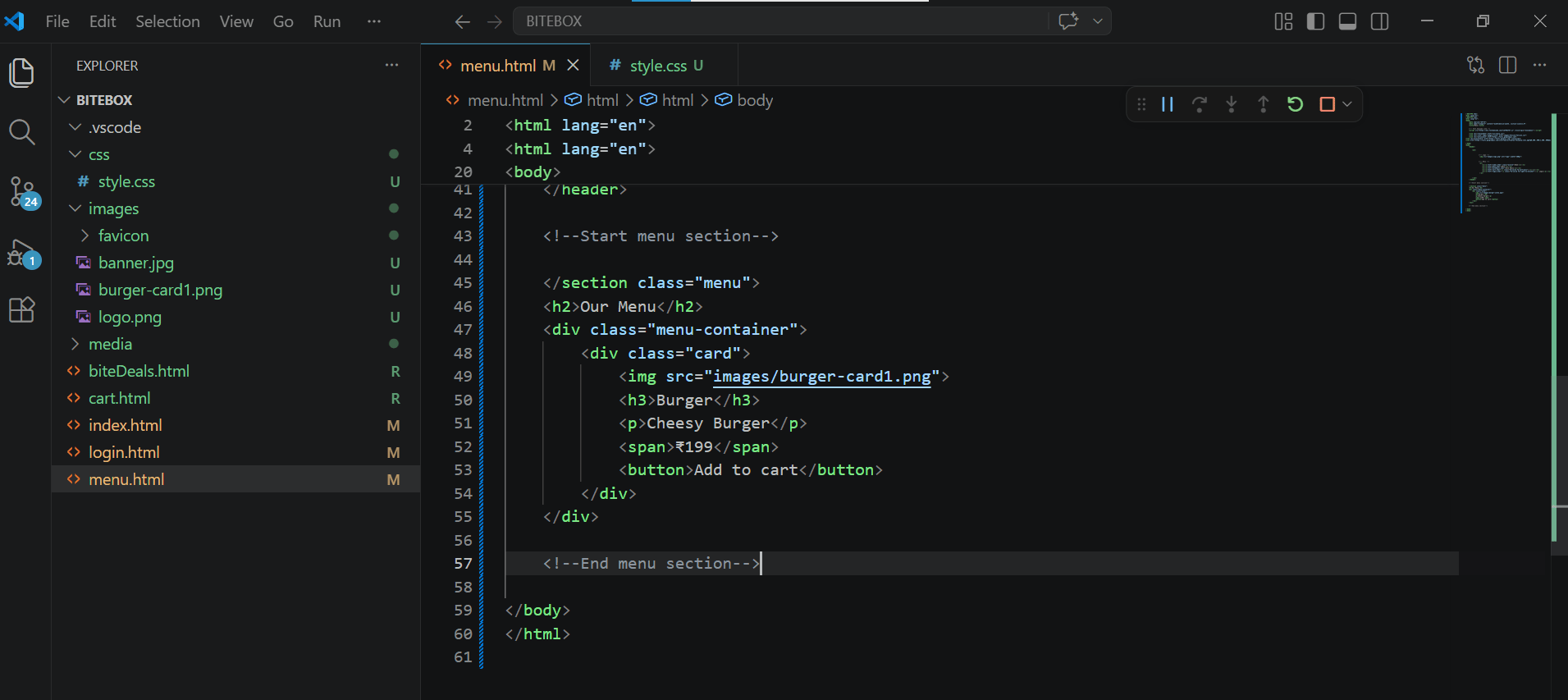
Create menu section inside menu.html below header section
3
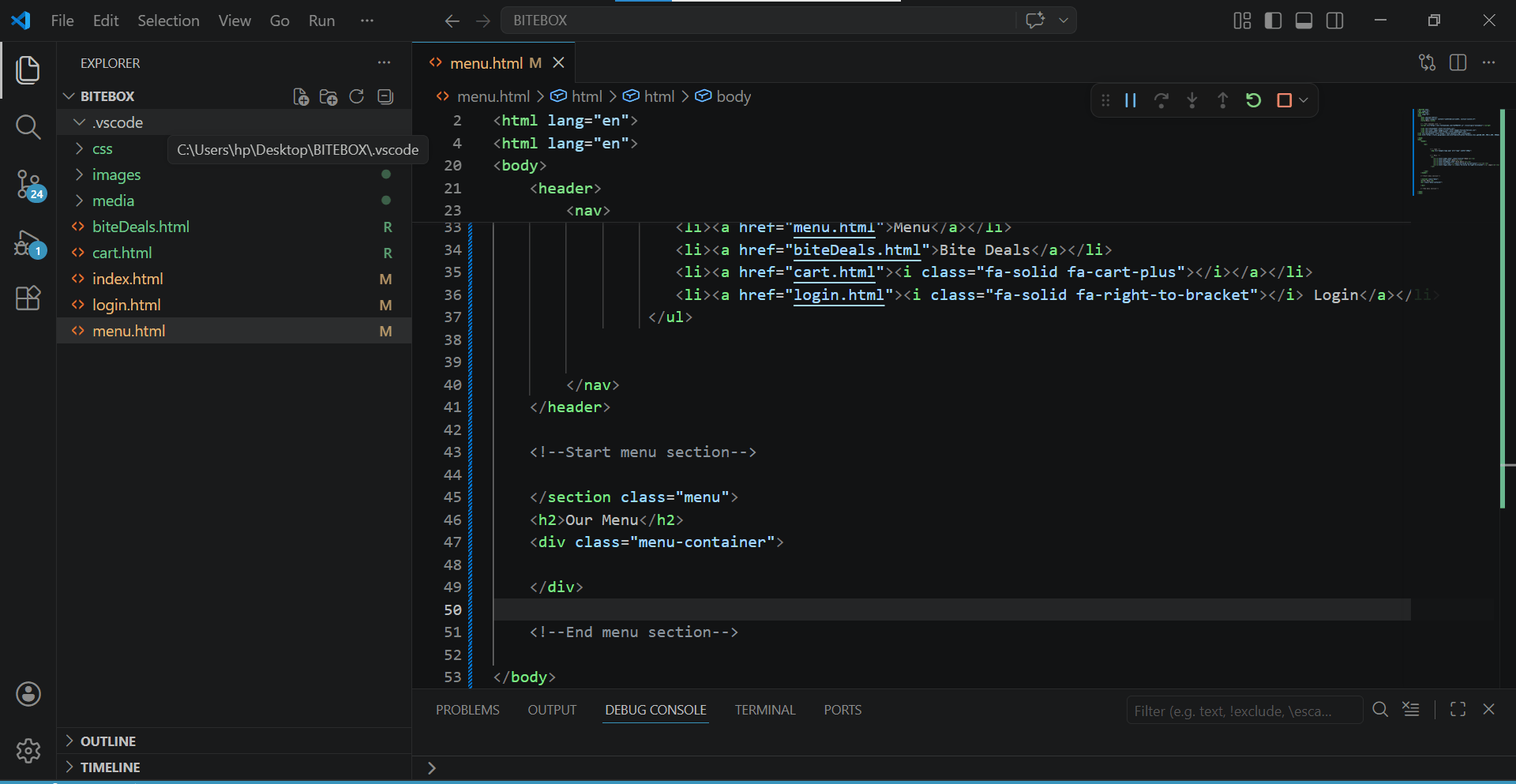
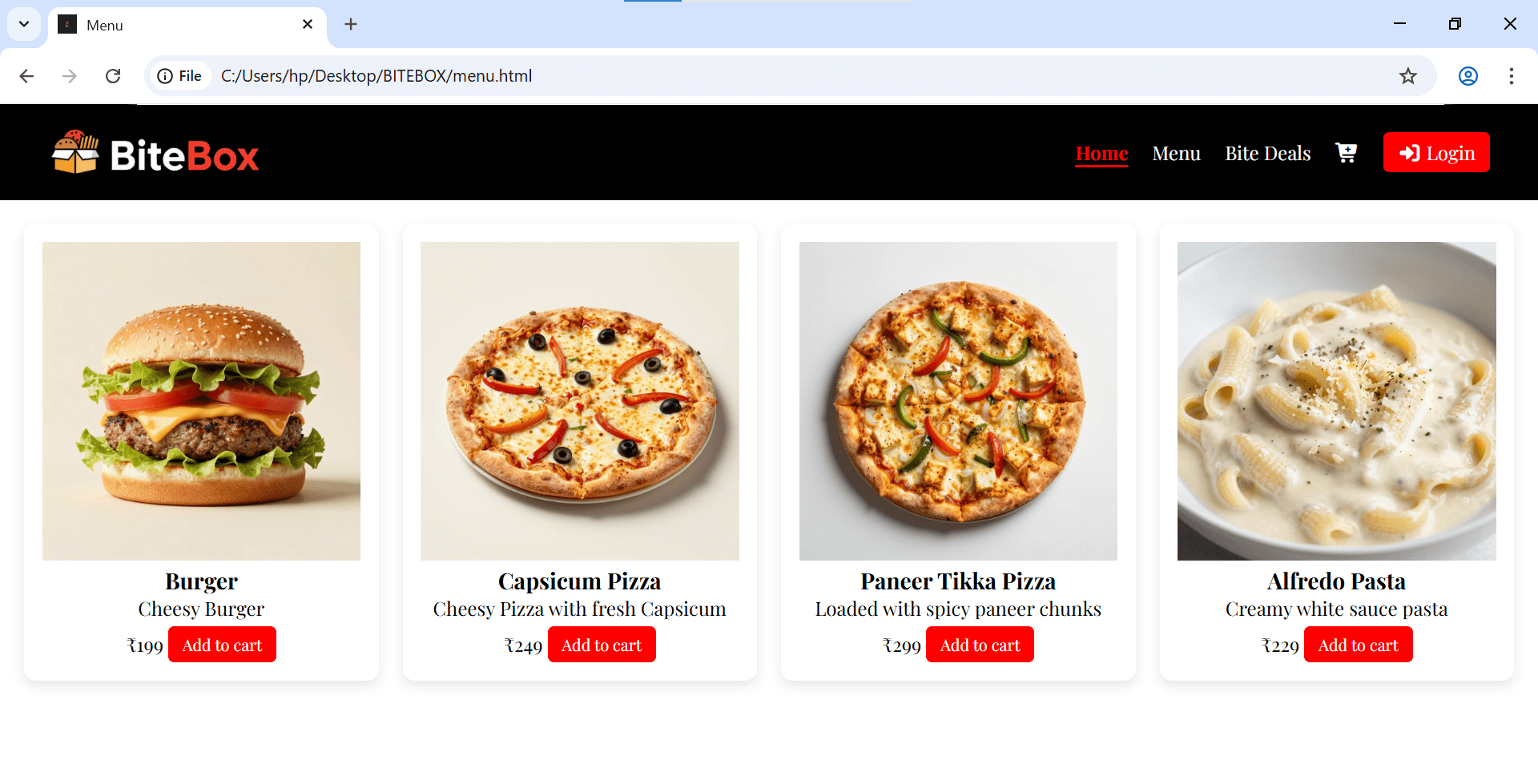
Add heading and a division for card holder
4
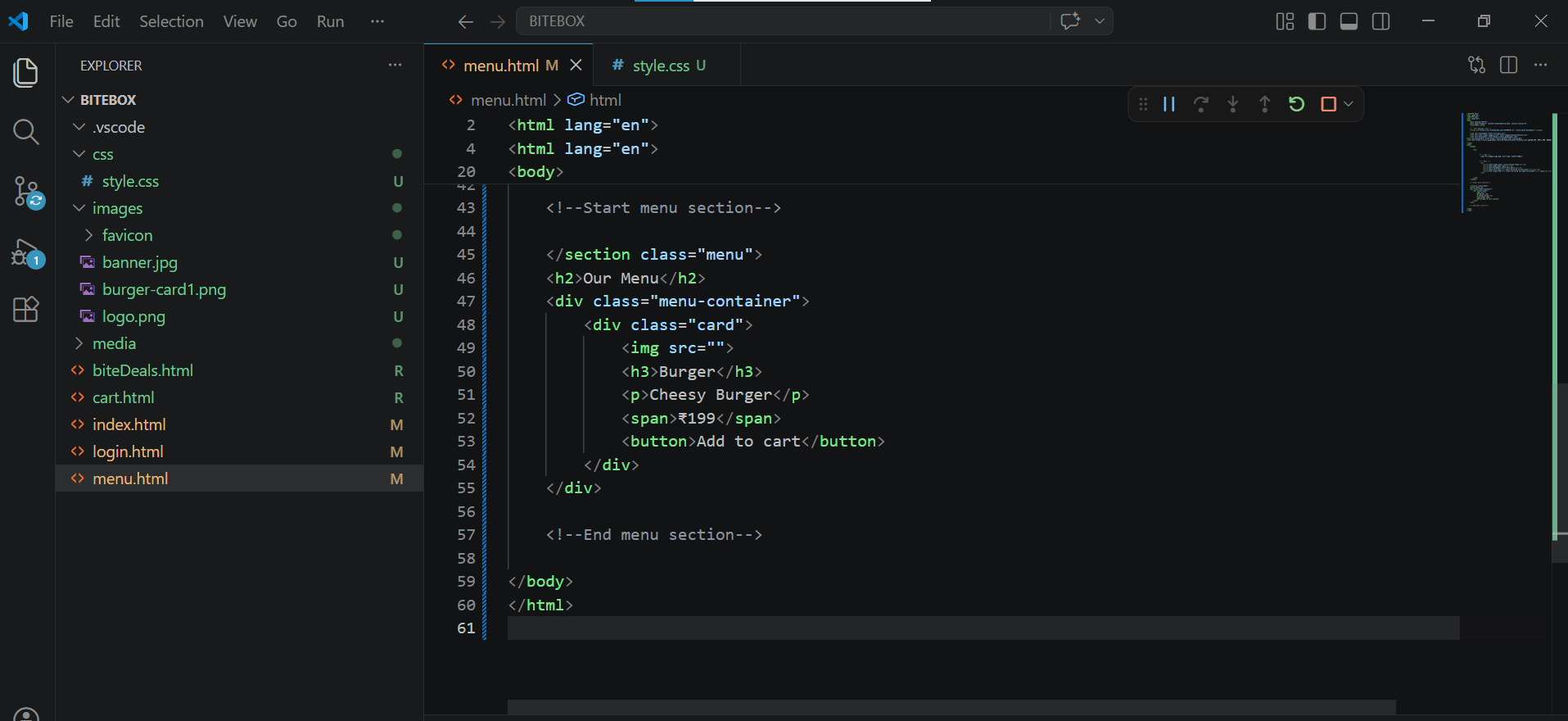
Create a card inside container
5
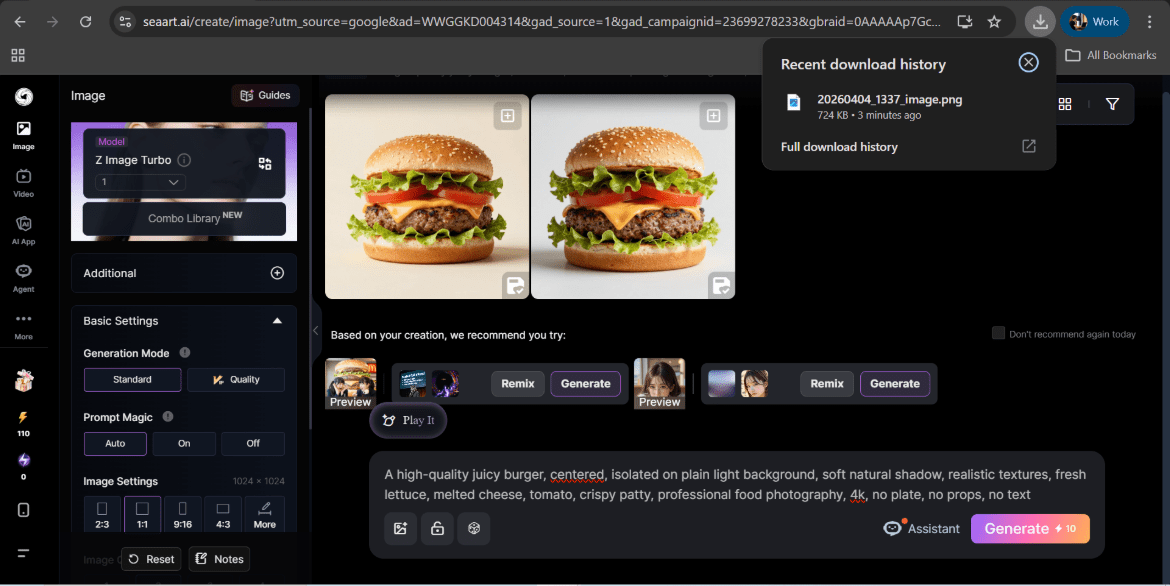
Generate image from any free ai and add in images folder and card item
6
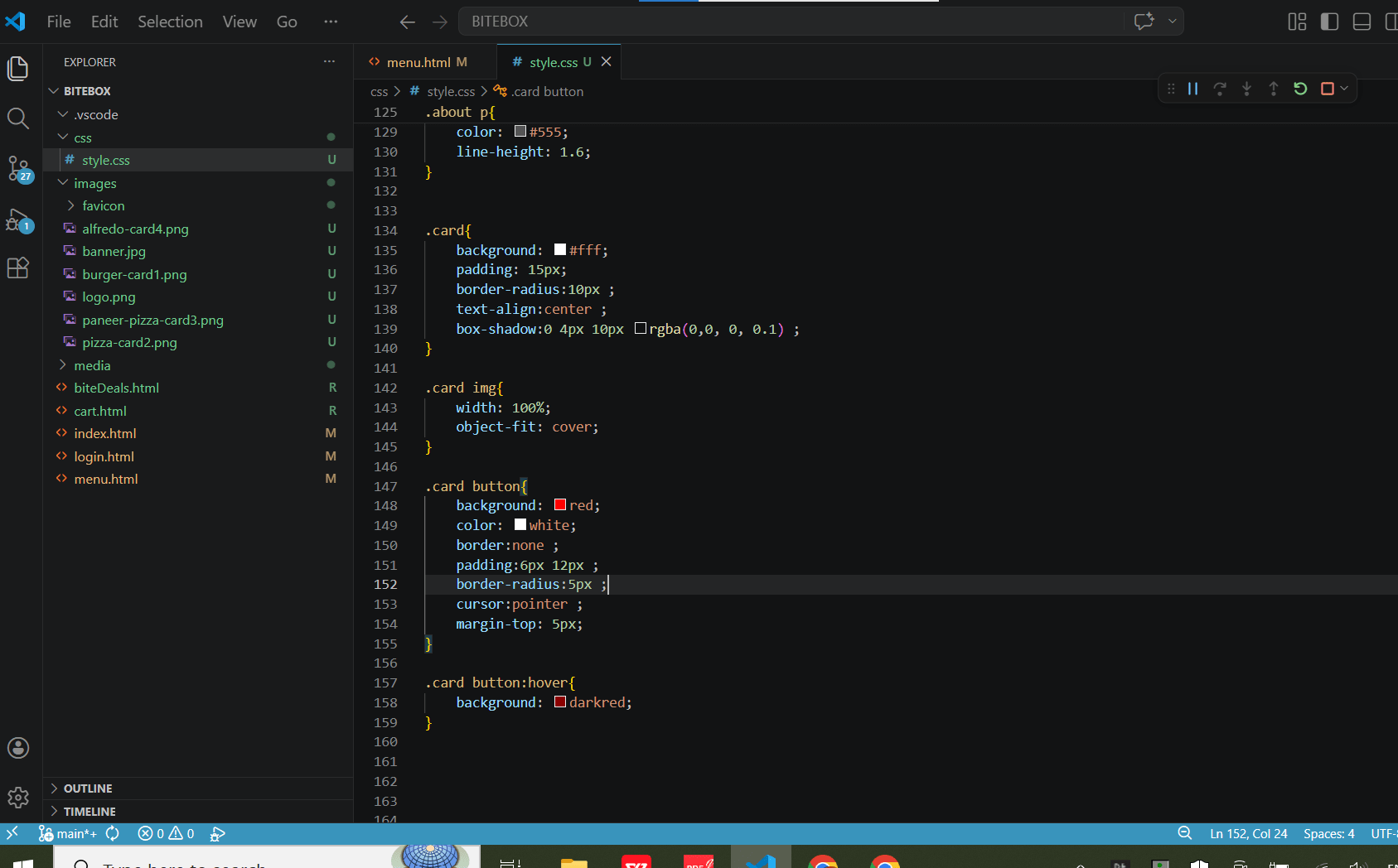
Style card
7
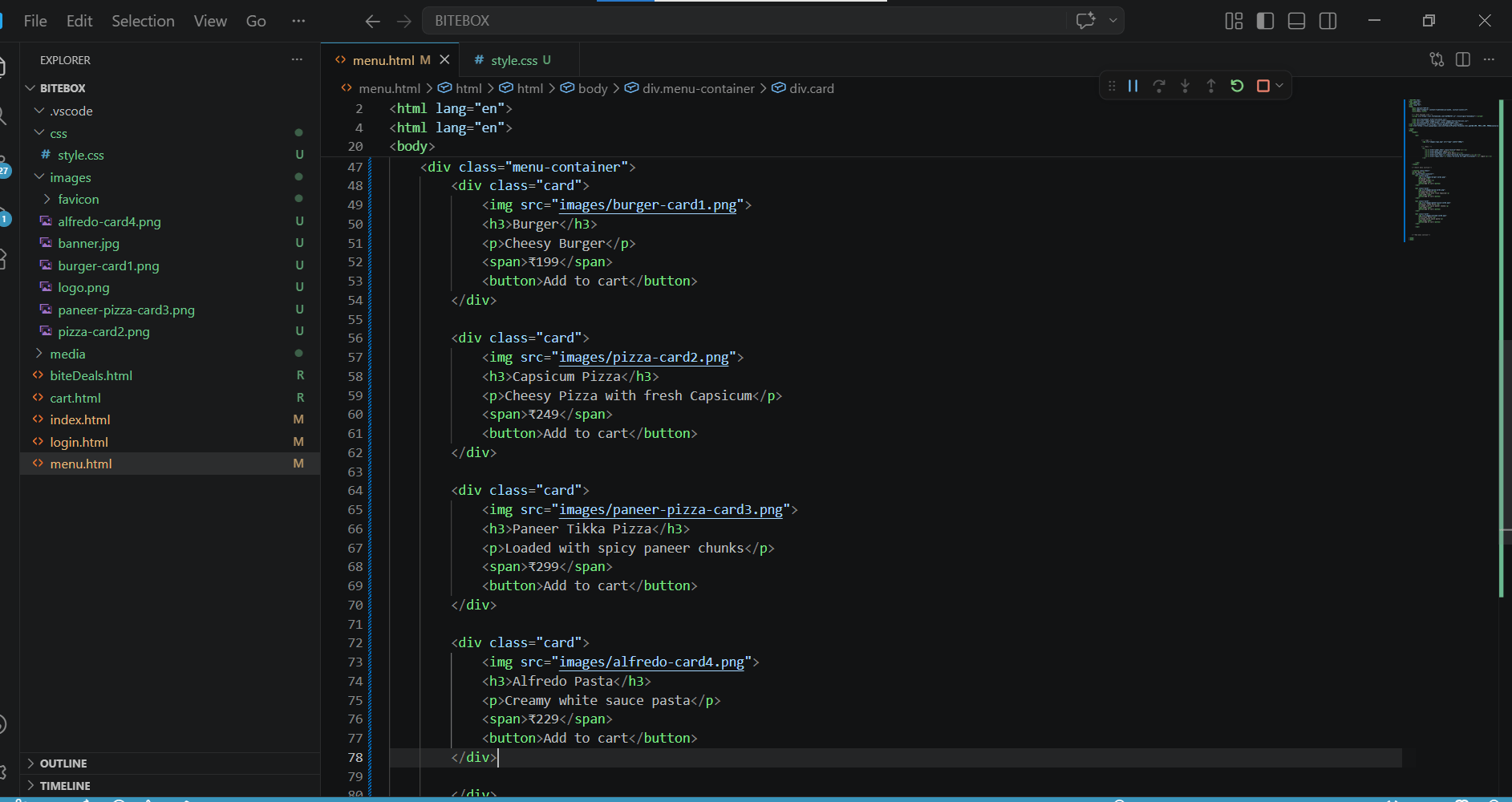
Add more cards
8
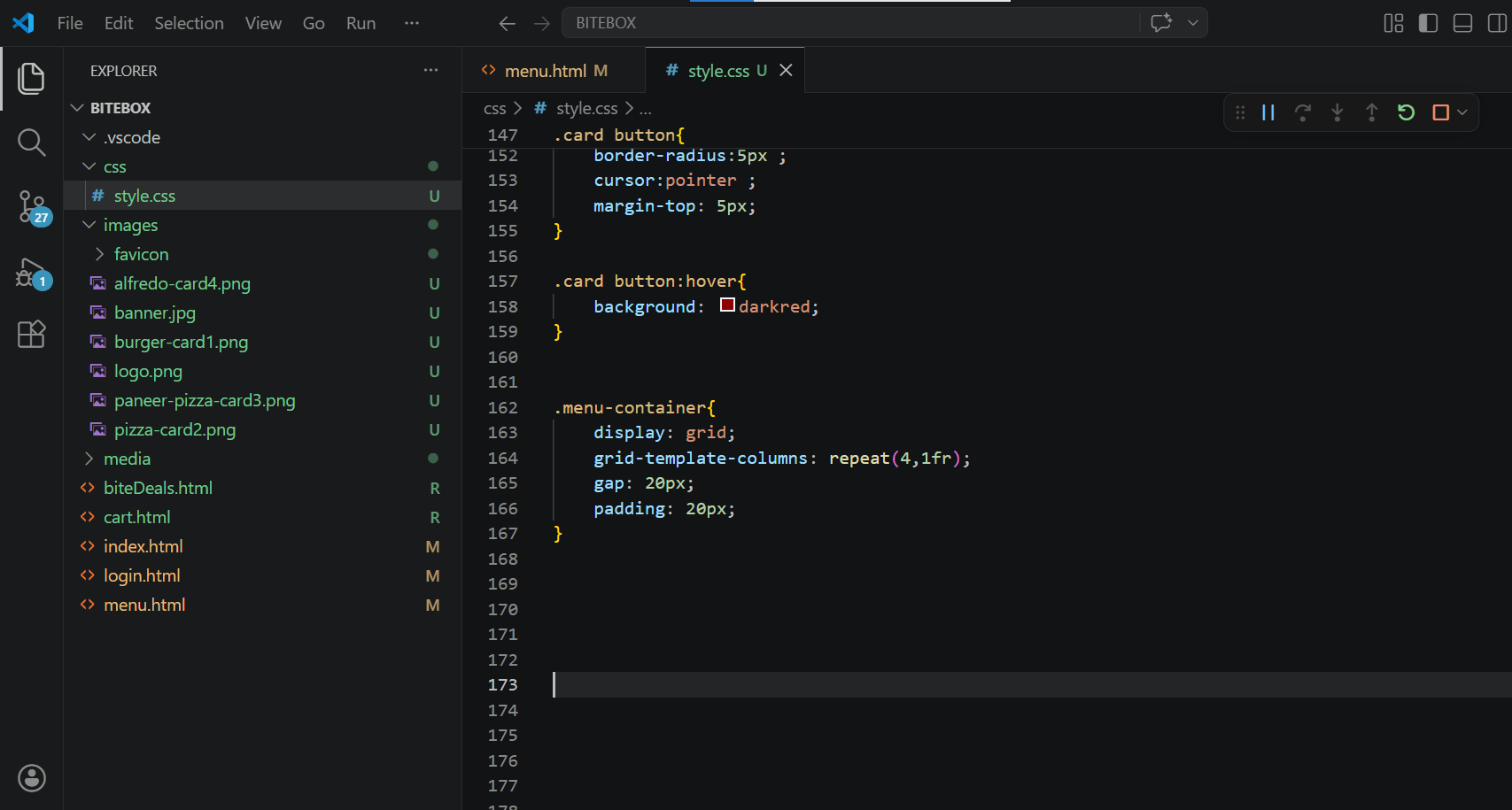
Align card using grid
9
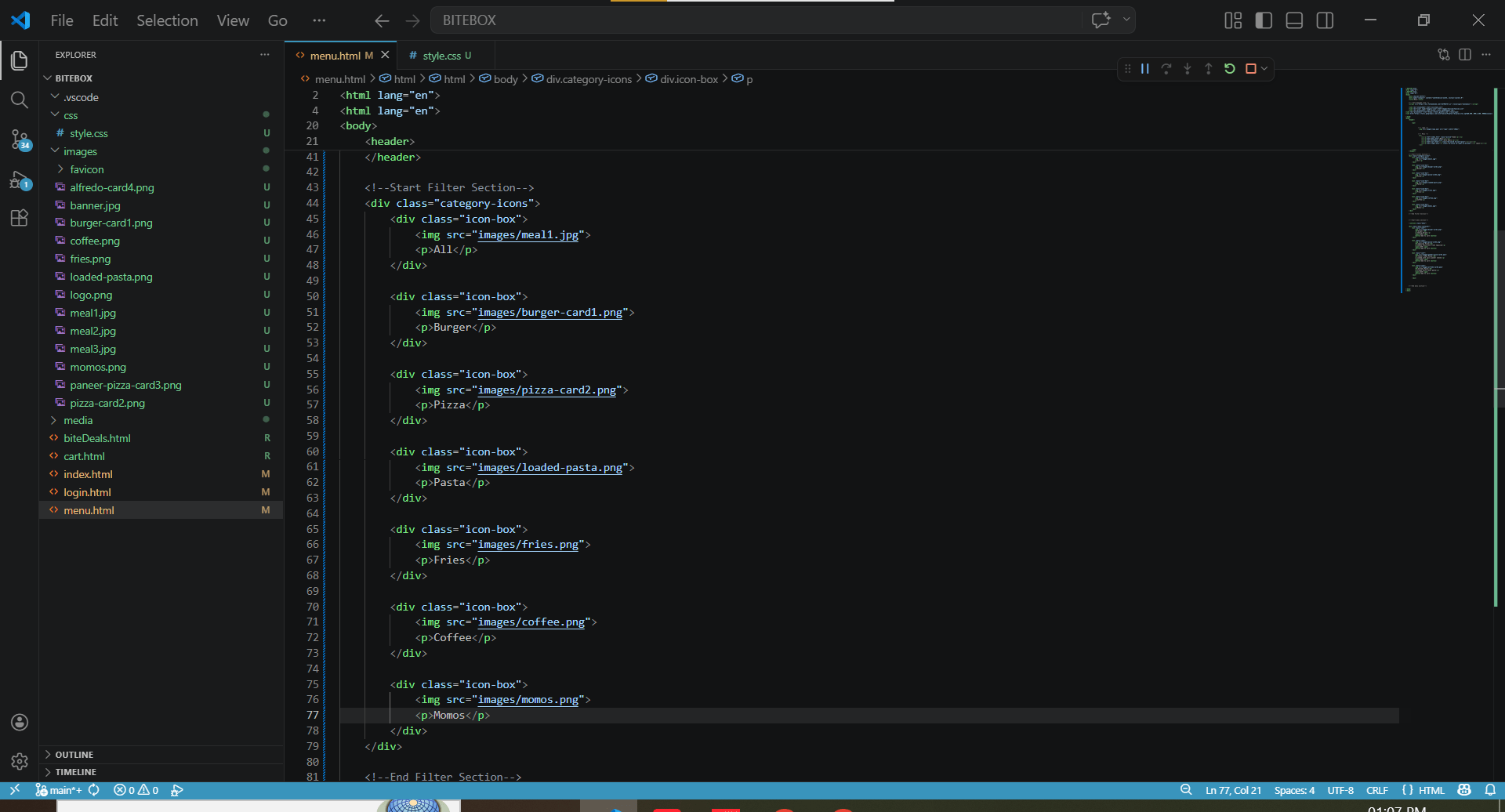
Add filter section above menu section in menu.html and add filters
10
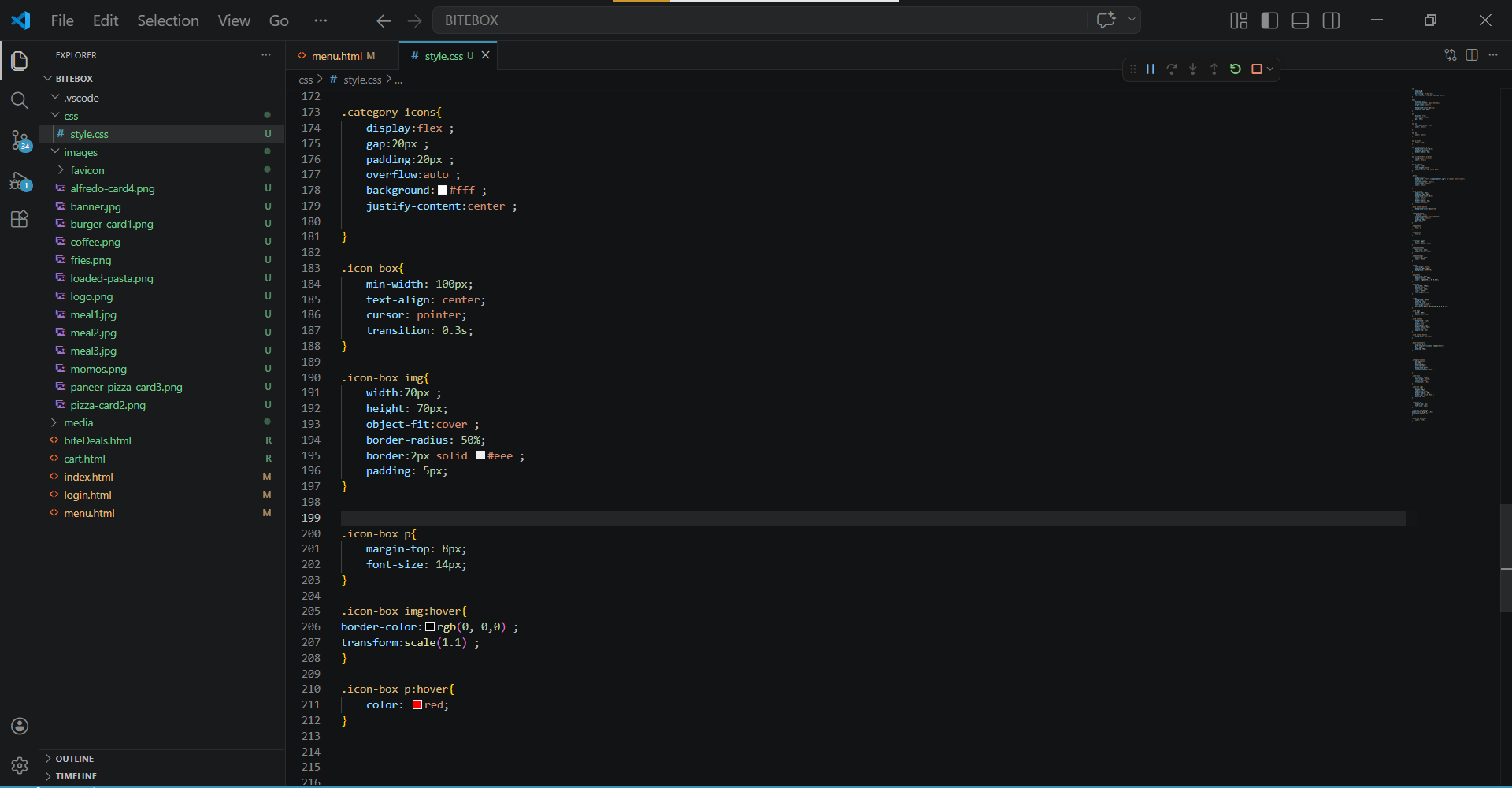
Add styles for filters
11
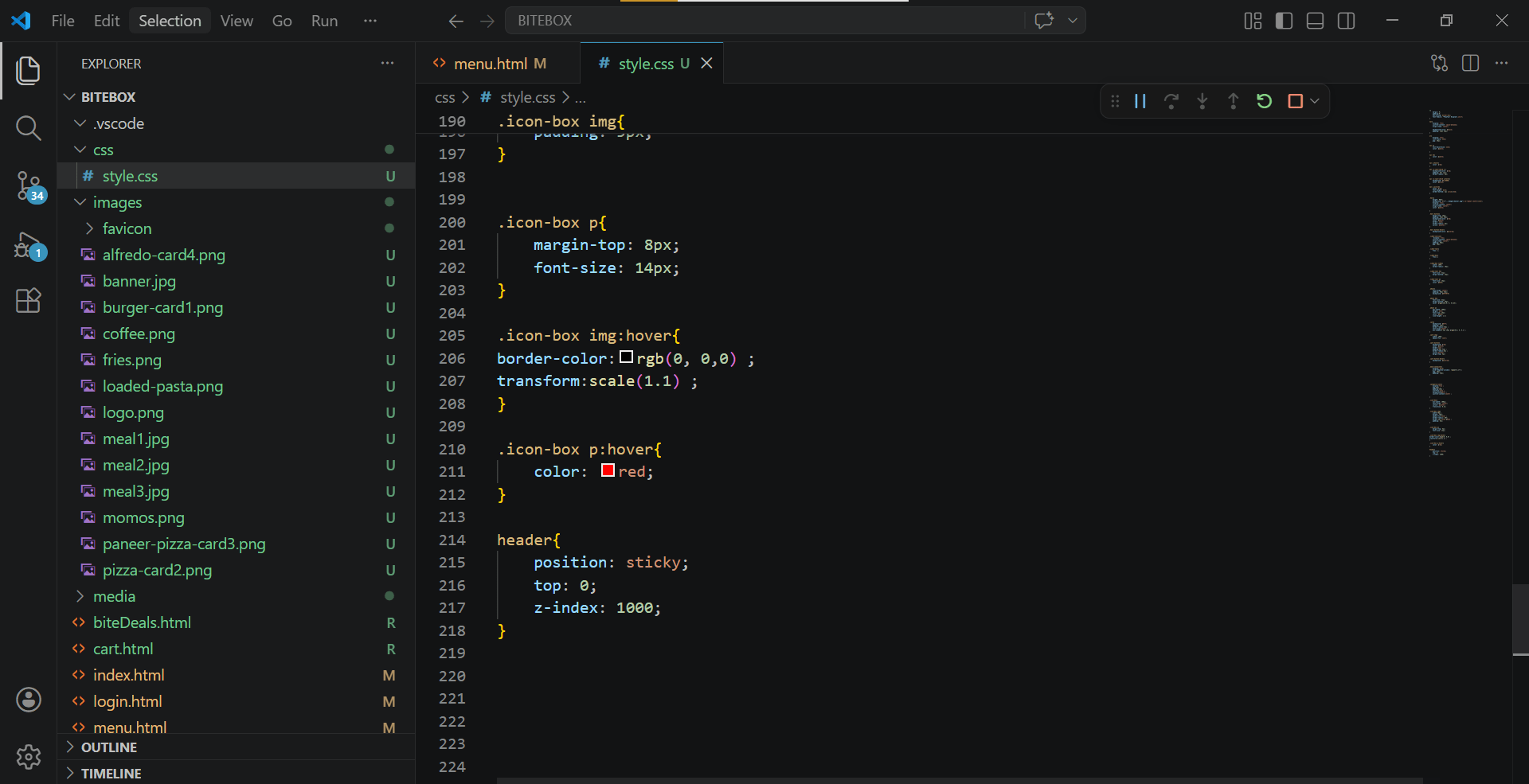
Make Header section to sticky
12
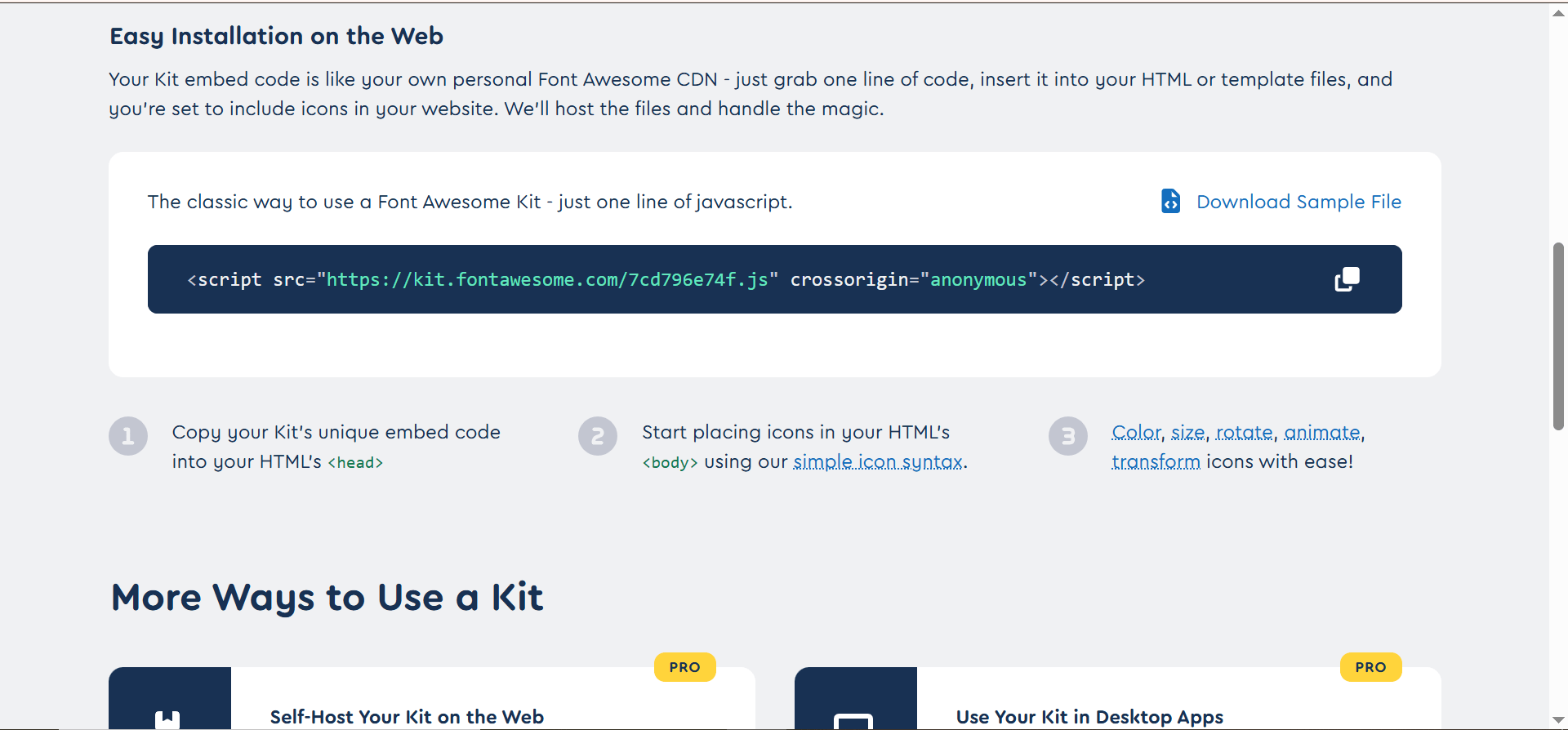
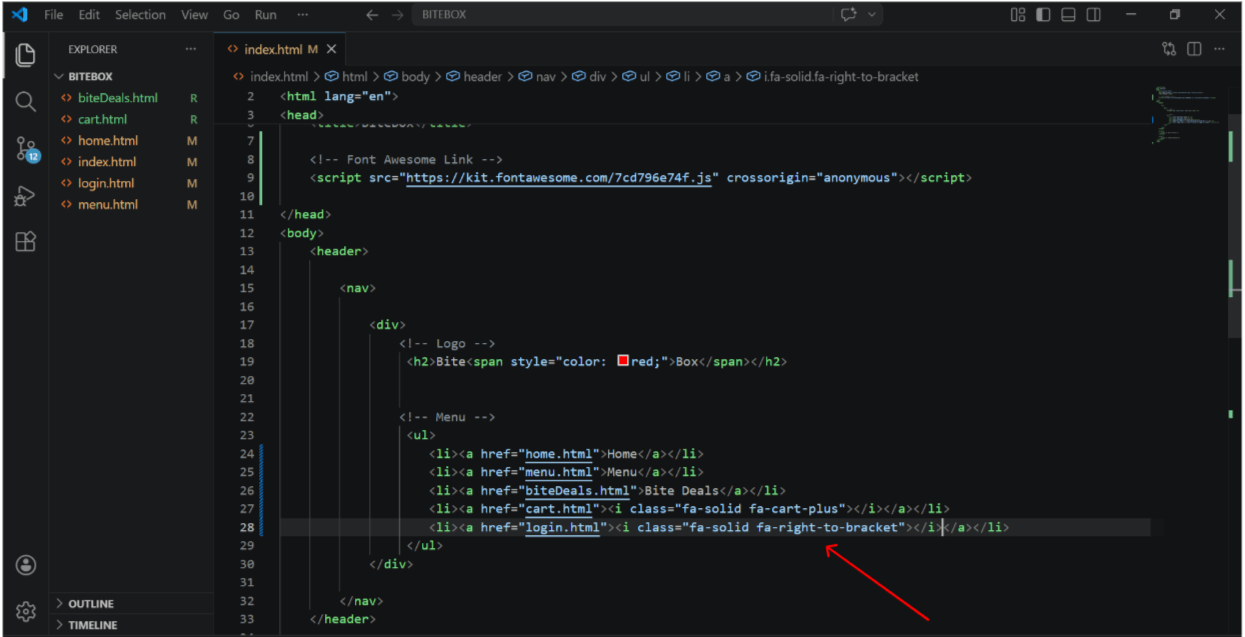
Copy your Kit's unique embed code
13
Paste in head section of index.html file
14
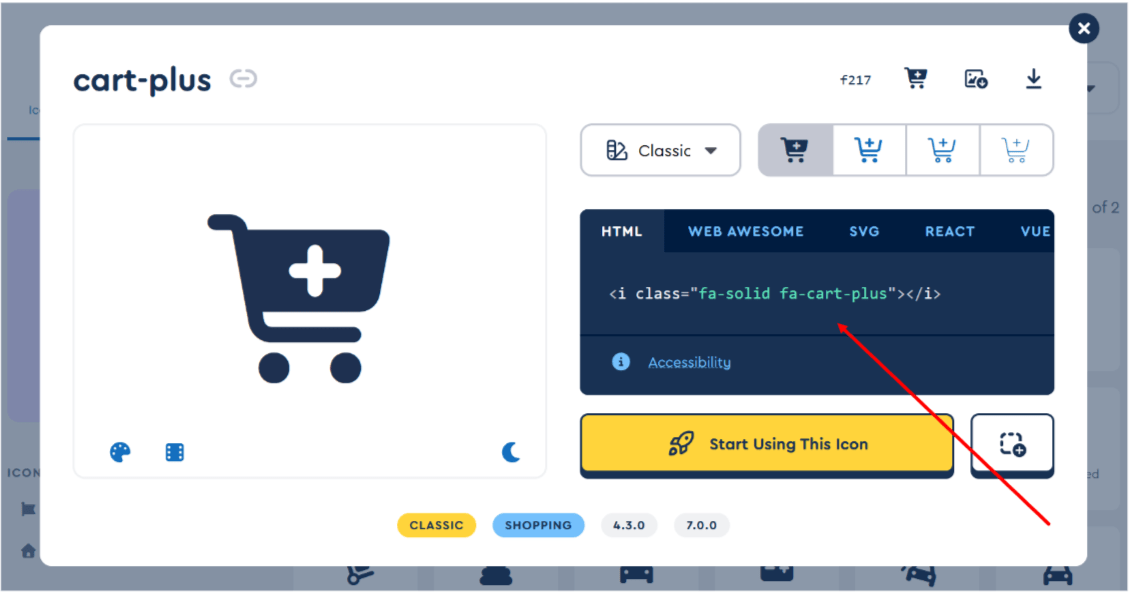
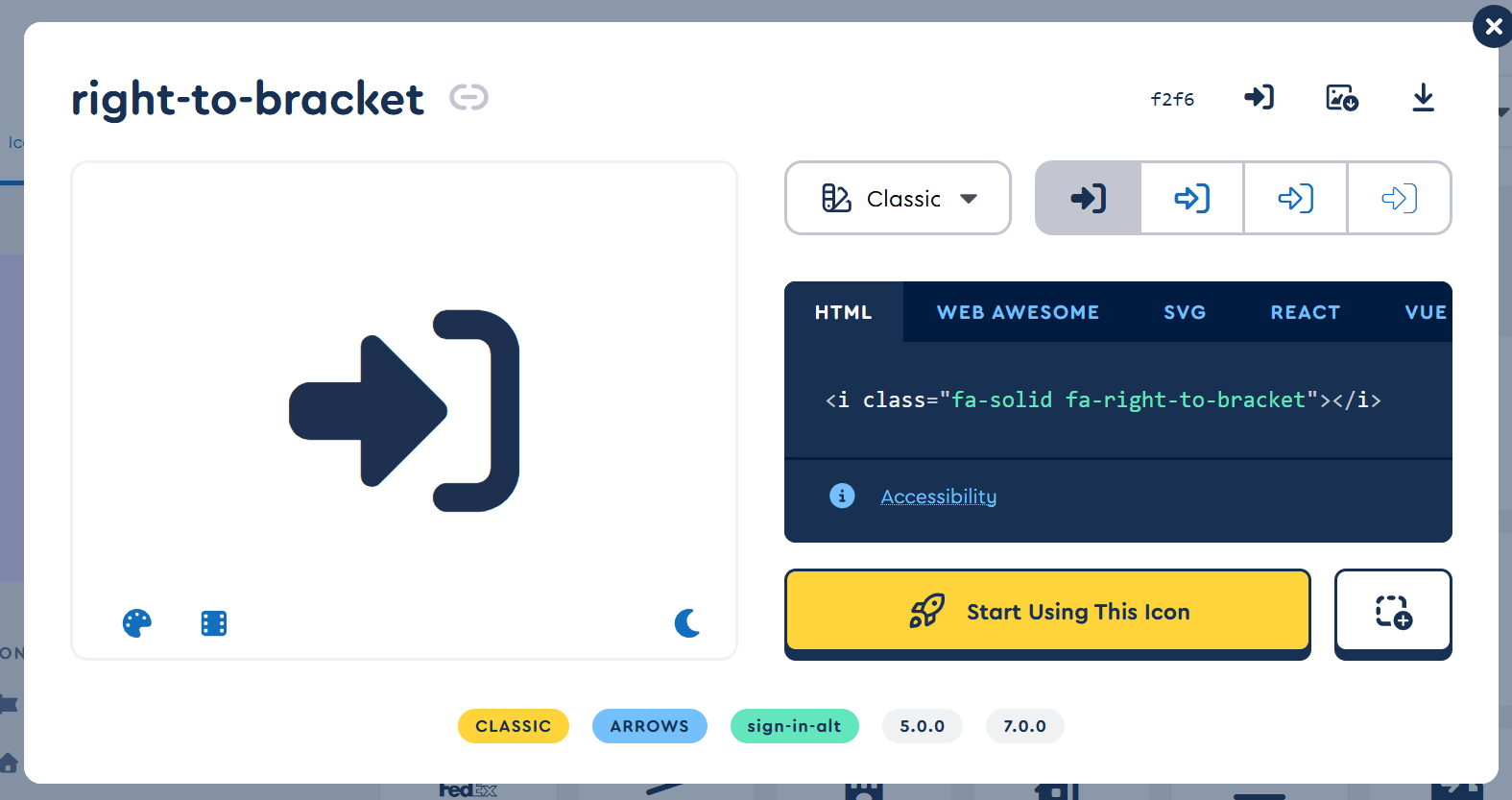
Now , Select icon and copy i tag for cart and login.
15
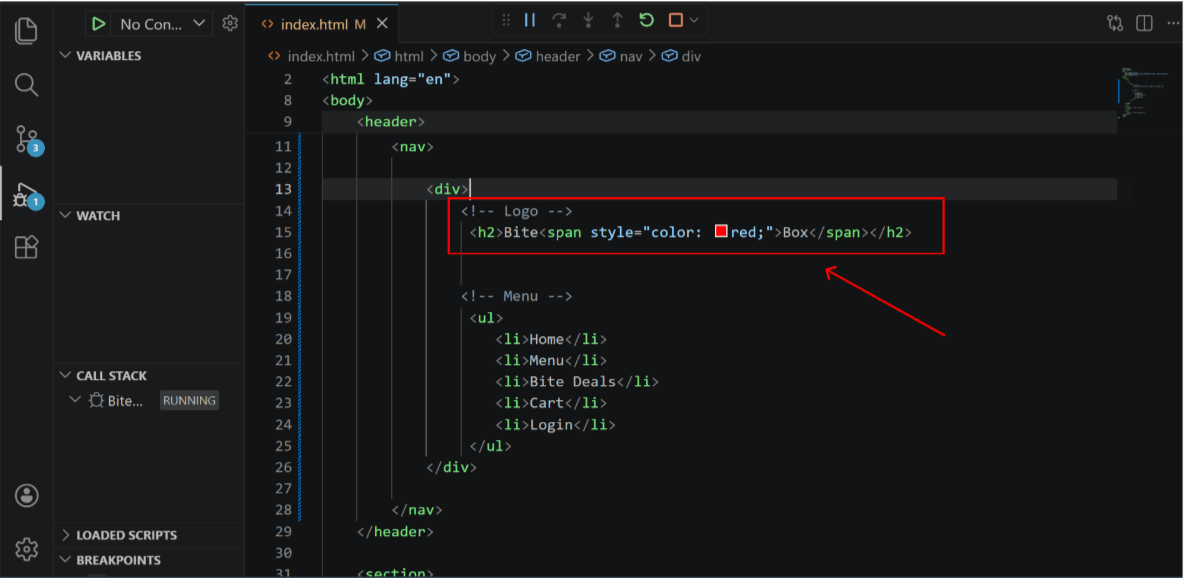
Inside index.html file , paste i tag in place of text
16
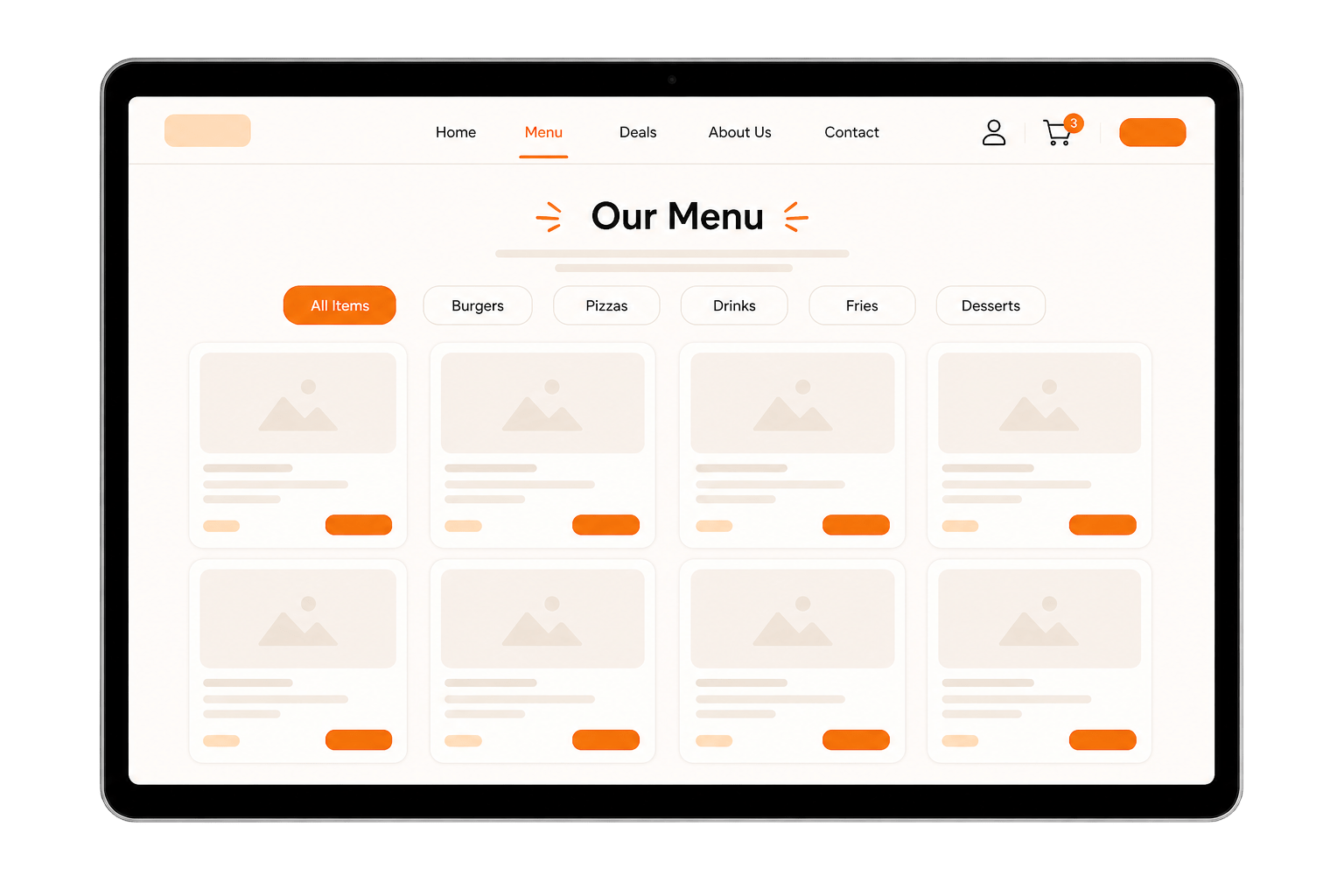
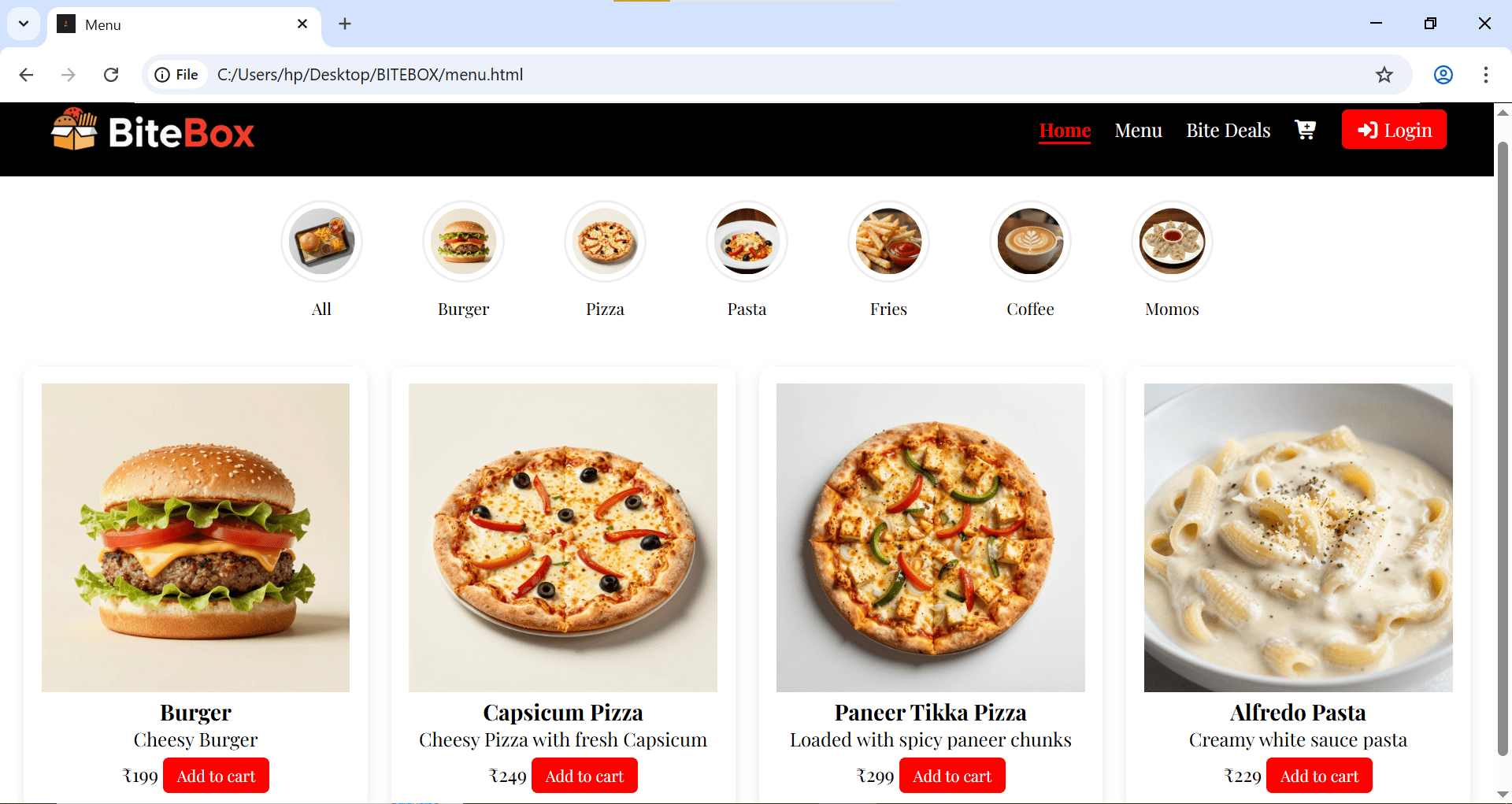
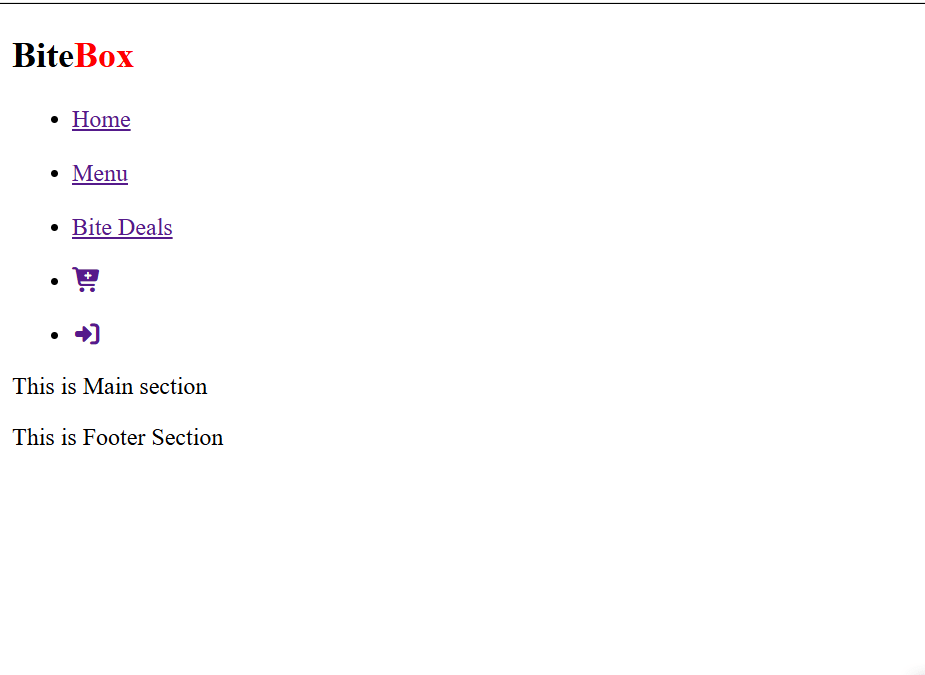
Output
Great work!
You can now navigate between different pages of your website.
Checkpoint
Next-Lab Preparation
Git Push
git push origin branchNameBefore starting the next lab, make sure you revise the following topics:
External css , css selectors (class ,id , element , Descendant selector , Pseudo-classes,Pseudo-elements,universal,image tag
By Content ITV