Validation Using Javascript

Business Scenario
Welcome back Developers!
So far, we have successfully created and designed Login and Registration forms for our website.

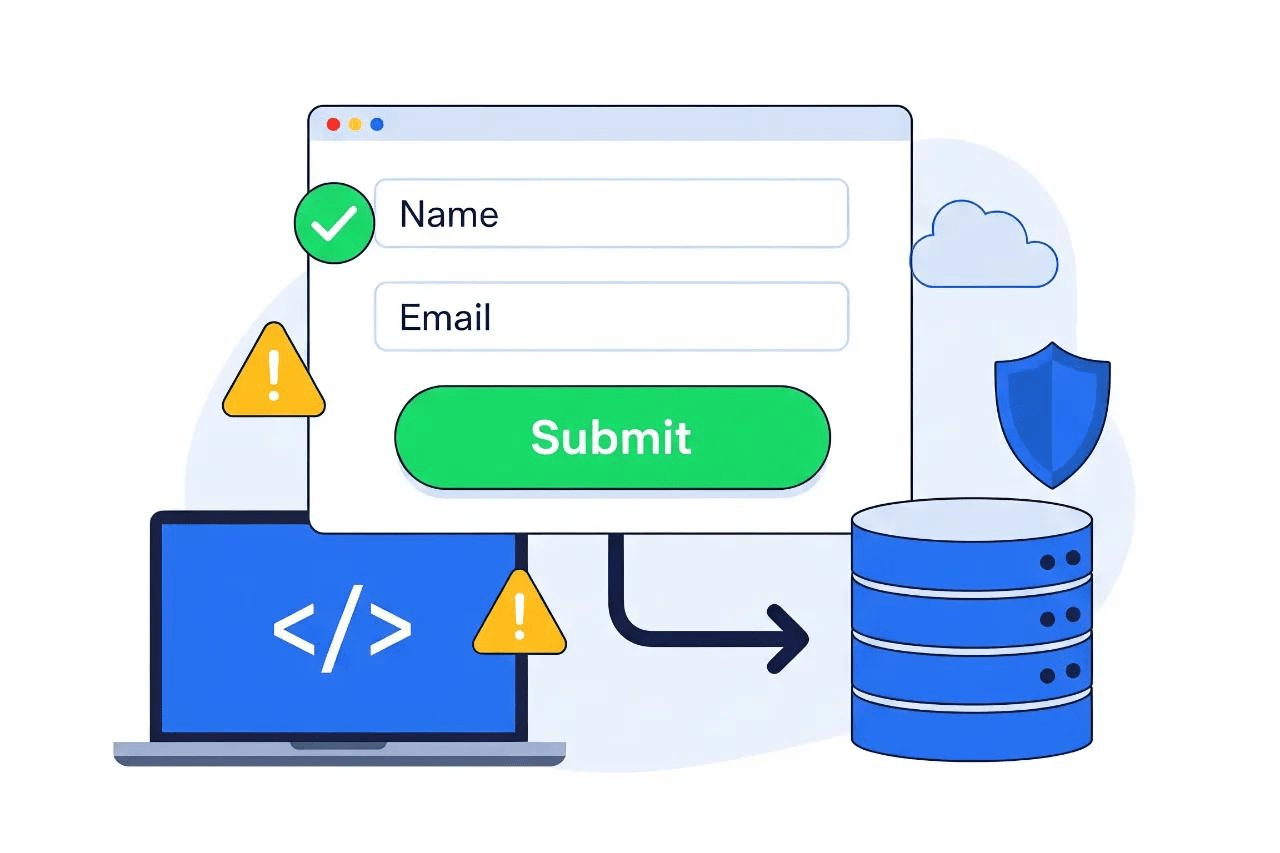
But creating forms is not enough...

Imagine a user entering an invalid email, leaving fields empty —
The system should handle these issues appropriately.
In this lab, we will make our forms smarter and more interactive by adding validations using JavaScript, creating a secure and user-friendly experience.

Pre-Lab Preparation
Topic : Before starting this lab, revise the following topics
1) JavaScript basics and DOM manipulation
2) getElementById() and event handling
3) HTML form elements and attributes (id ,type, placeholder)
4) JavaScript validation using conditions(if-else)
5) Font Awesome icons usage in HTML
git pull origin branchName
Git Pull
Add Javascripts file inside js folder as scripts.js
1
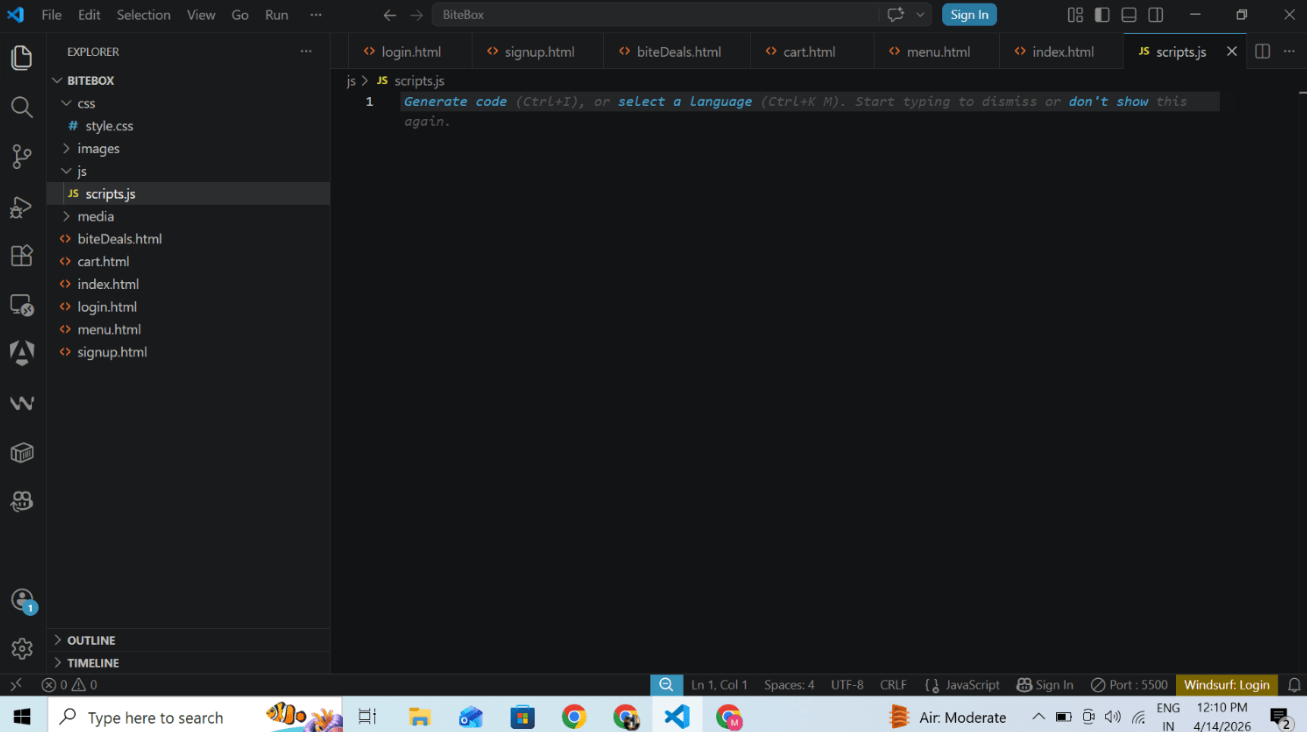
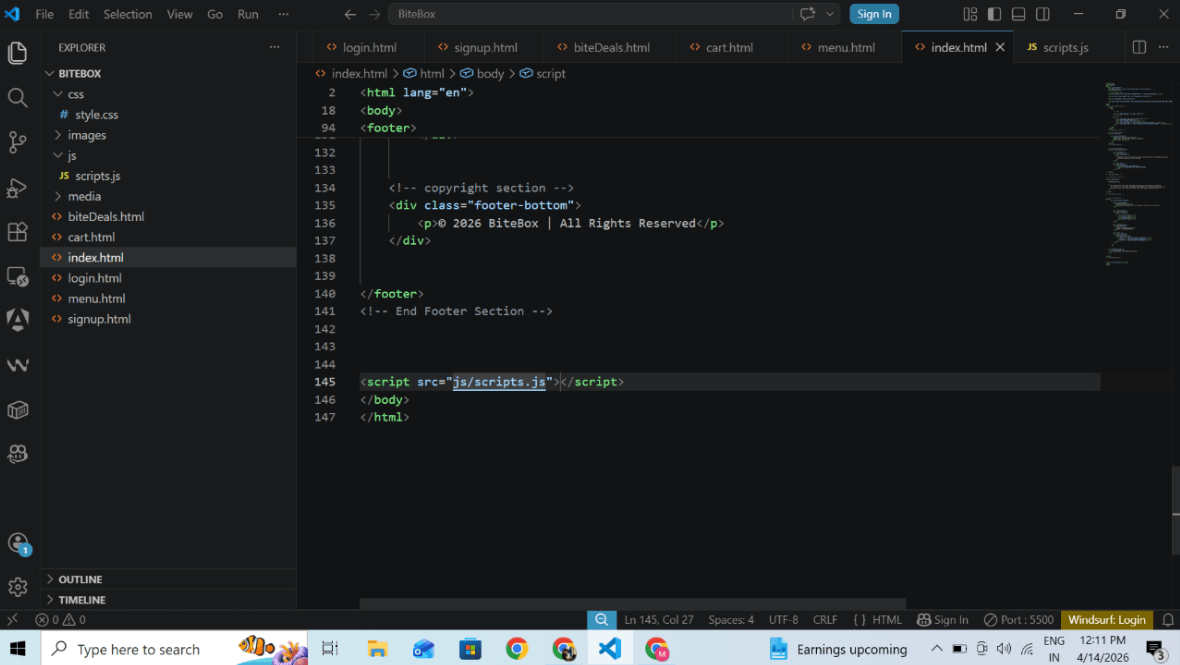
add scripts url inside all html page just above </body> closing tag where we want to add js functionality
2
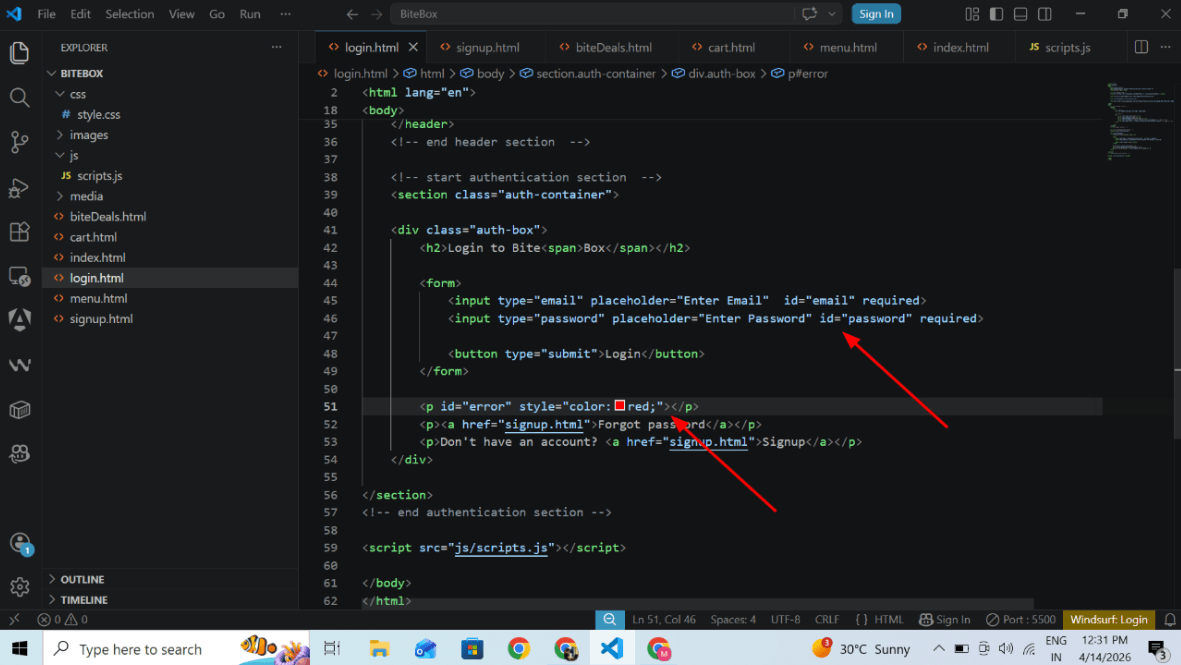
Open Login page and give id attribute with unique name to every input and add scripts file
3
add error paragraph to handle error handling
4
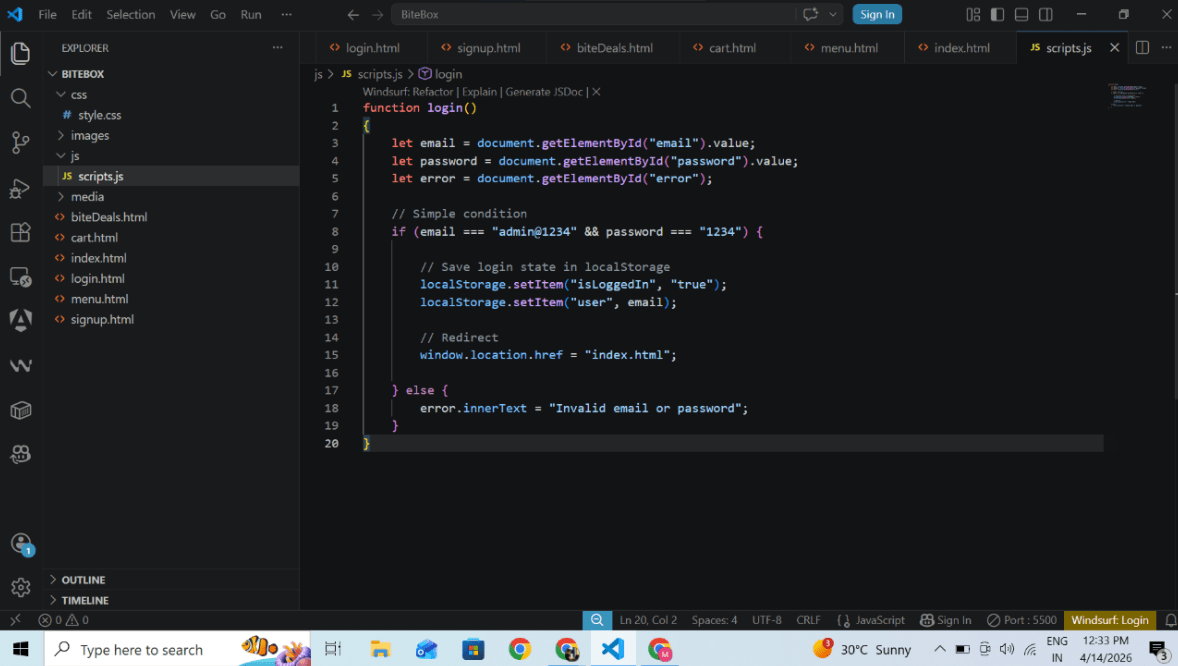
Add Login functionality in js file
5
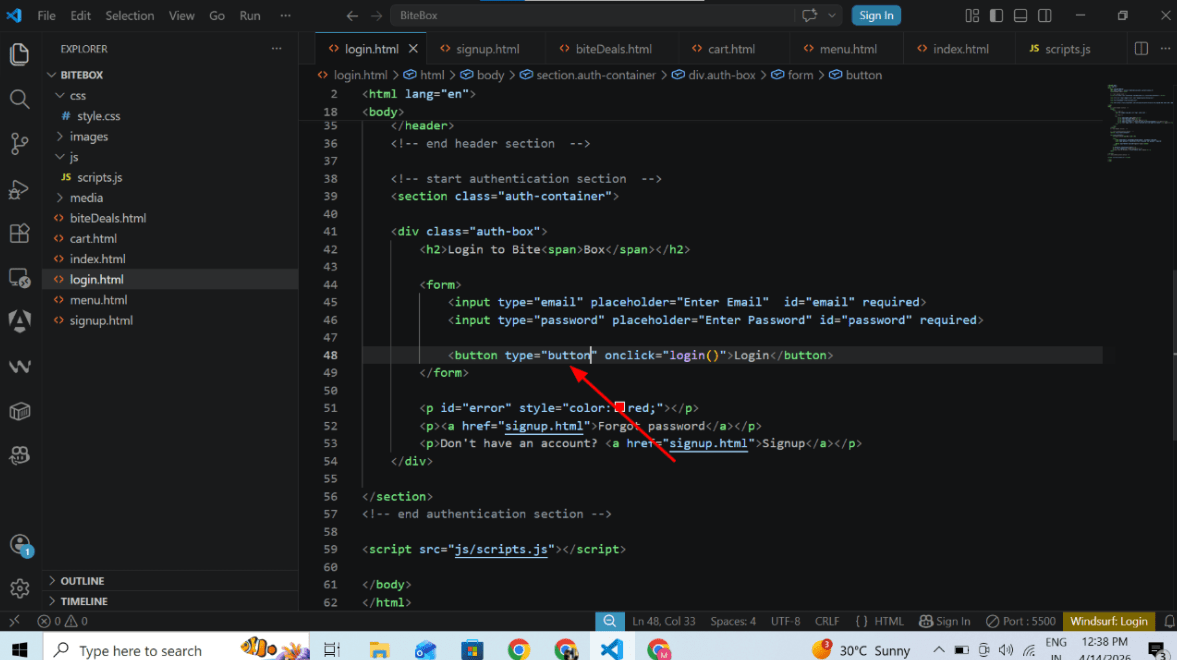
Temporary change button type submit to button to prevent page reload functionality
6
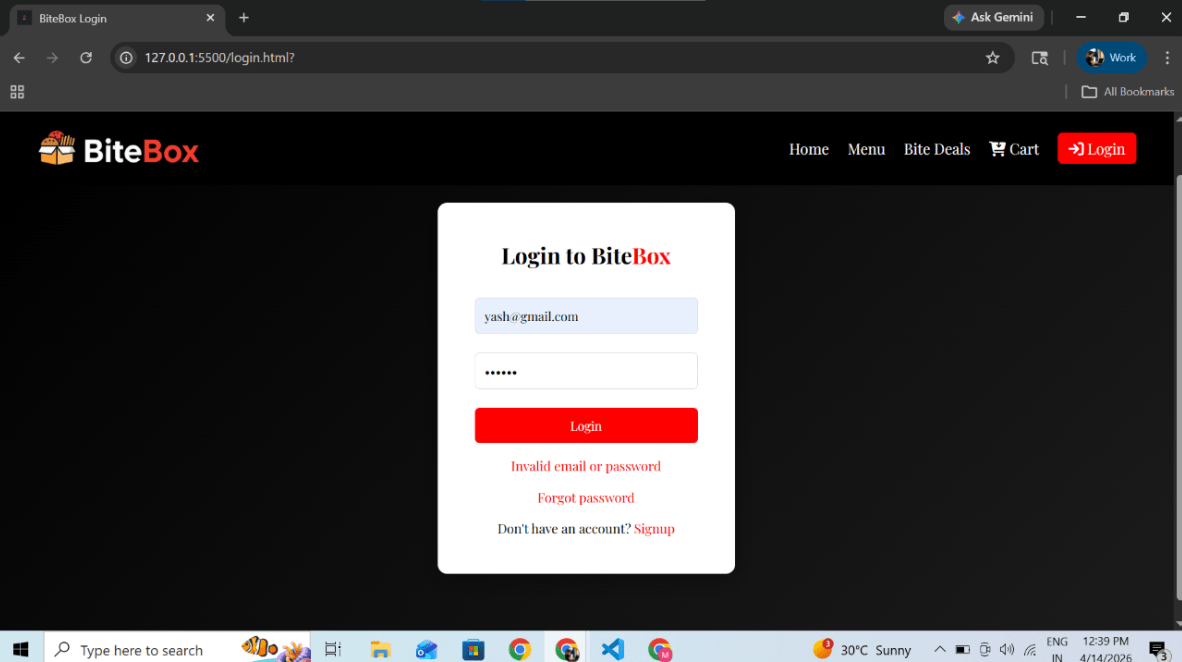
Invalid email and password will raise error
7
Great job!
In this lab, you have successfully implemented login validation using JavaScript and have also implemented error handling
Checkpoint
Next-Lab Preparation
Git Push
git push origin branchNameBefore starting the next lab, make sure you revise the following topics:
1) JavaScript DOM methods (getElementById, querySelector)
2) Event handling (onclick, addEventListener)
3) Font Awesome icons integration